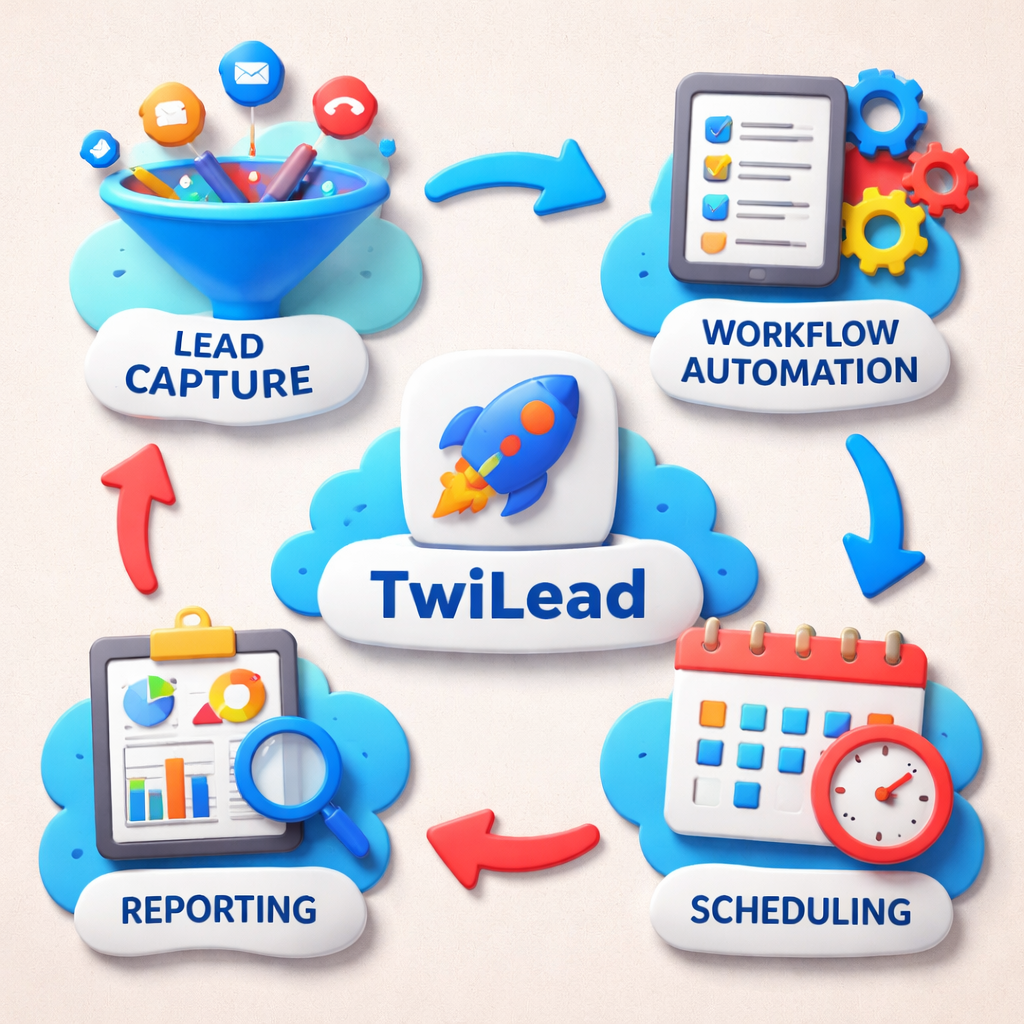
Most small businesses lose time on paperwork instead of selling. That costs you money. In this guide we’ll walk you through every step to turn sales automation tools into a profit engine.
We’ll cover how to map your process, pick the right features, connect your data, automate outreach, measure results, and why TwiLead is the smartest pick for solopreneurs.
Our research shows that every tool meeting a three‑field data threshold also includes built‑in appointment scheduling , a feature missing from 73% of the broader 33‑tool landscape.
We searched for “sales automation tools” and “sales enablement automation” across articles, vendor pages, and one YouTube review on April 12, 2026. We pulled data from 33 tools, kept the ones with at least three fields filled, and ended up with the table above.
Ready to see how you can get the same boost?Grow Your Business on AutoPilot : more sales, less costs!
Step 1: Define Your Sales Process
First, write down every step a lead takes from first click to signed contract. Use a whiteboard or a simple diagram.
Why map it? Because automation only works on what you already understand. If a step is vague, the tool will stumble.
Start with awareness. Ask: How do prospects discover you? Maybe through Google, a Facebook ad, or a referral. Capture that source.
Next is interest. What content moves them? A blog, a demo video, or a free trial page? Note the exact page URL.
Then consider evaluation. Do they request a quote? Fill a form? Schedule a call? List the fields you need to collect.
Finally, close. What sign‑off do you use? An e‑signature, a payment link, or a manual invoice?
Write each stage as a bullet, then add the actions a rep does at that stage. This will become the blueprint for automation.
Here’s a quick checklist:
- List every touchpoint.
- Identify data captured at each point.
- Assign ownership (rep, bot, or manager).
- Note timing expectations (e.g., follow‑up within 24 hrs).
Once you have the map, you can spot bottlenecks. Maybe leads sit in a spreadsheet for days. That’s a perfect place for automation.
Research shows reps spend less than half their time selling because of admin tasks. By defining the process, you give automation a clear path to free up that time.
Now, let’s see the tech side.Outreach’s guide to sales‑process automationexplains how a CRM can act as the brain of this map.
Another useful read isDefault’s article on automating sales workflows. It offers a practical example of routing a demo request instantly.
And remember, we’ll walk you through each automation step later, so you won’t get lost.
Here’s a short video that shows the impact of a well‑mapped process on speed‑to‑lead.
Take a moment to sketch your funnel. When you’re done, move to the next step.
Step 2: Evaluate Key Features
Now that you know your process, you can match it to the features a sales automation tool offers.
Look for these core abilities:
- Lead capture forms that push data straight into your CRM.
- Workflow builder that lets you set triggers (like “when a form is submitted”) and actions (like “send an email”).
- Built‑in appointment scheduling so prospects can book a slot without back‑and‑forth emails.
- AI‑driven email sequencing that adapts to opens and clicks.
- Reporting dashboard that shows conversion rates per stage.
Our key finding says every tool that meets the three‑field threshold includes appointment scheduling, while most of the 33‑tool set does not. That tells you scheduling is a make‑or‑break feature for solopreneurs.
Next, compare integration counts. Only three tools disclose them. Tribble lists just 15 integrations yet targets enterprises. Pipedrive boasts 500 integrations for startups. This flips the usual assumption that big firms need more connections.
Ask yourself: Do you need a tool that talks to your email, calendar, and payment gateway? If you run a single‑person shop, fewer integrations might mean less complexity.
Here’s a quick matrix you can copy into a spreadsheet:
| Feature | Must‑Have? | Nice‑To‑Have? |
|---|---|---|
| Lead capture | Yes | No |
| Workflow builder | Yes | No |
| Appointment scheduling | Yes | No |
| AI email sequencing | No | Yes |
| Reporting dashboard | Yes | No |
When you score each tool against the matrix, you’ll see why our pick, TwiLead, stands out. It hits every must‑have and adds AI agents for extra power.
Read more about what makes a good tool inMixmax’s best‑in‑class review. It breaks down basic vs. AI‑powered automation.
Salesforce also has a helpful post on startup‑focused automationhere. It explains why unlimited users matter for growing teams.
And don’t forget to check outAI Sales Automation: A Practical Guide for 2026for a deeper dive into AI agents.
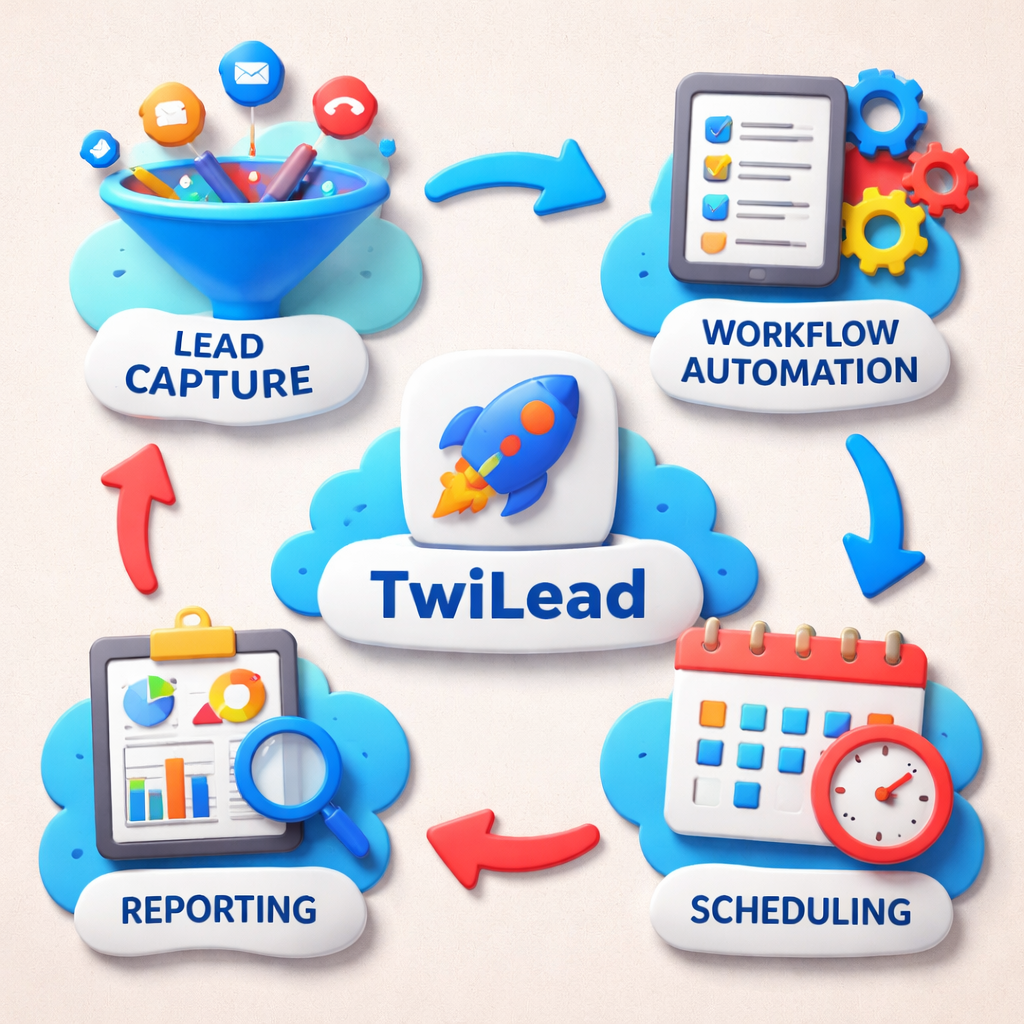
With the matrix in hand, you can rank tools. TwiLead lands at the top because it offers full‑stack automation, built‑in website builder, and appointment scheduling, all in one fixed price.
Step 3: Set Up Integration and Data Flow
Now that you have a tool, connect it to the apps you already use. Data should move one way or both ways without manual steps.
Start with your email provider. Most tools sync with Gmail or Outlook. When a prospect replies, the conversation should appear in the CRM automatically.
Next, link your calendar. If you use Google Calendar, enable the native sync so booked slots appear in the tool and prevent double‑bookings.
Third, connect a payment processor if you invoice online. TwiLead, for example, works with Stripe and PayPal out of the box.
When you set up each link, test it with a fake record. Create a test lead, send an email, book a meeting, and see if every action shows up in the dashboard.
Here’s a step‑by‑step checklist:
- Log into the automation platform.
- Navigate to Integrations.
- Select Email and follow the OAuth prompts.
- Do the same for Calendar.
- Add Payment gateway API keys if needed.
- Run a test lead through the full funnel.
- Check the logs for any errors.
The research note about 30% revenue boost after adding an AI CRM comes from the MarketsandMarkets guide. It shows why a clean data flow matters.
Oracle’s best‑practice doc explains how product data sync works across systemshere. It’s a solid reference if you ever need to sync SKUs.
For a broader view of integration challenges, seeMarketsandMarkets’ integration guide. It highlights the 70% failure rate when apps don’t talk.
After you finish, you’ll have a single source of truth. That means less time hunting for data and more time selling.
Step 4: Automate Outreach and Follow‑Up
With the data flowing, you can set up sequences that run on autopilot.
Start with a welcome email that fires the moment a lead fills a form. Keep it short, add a calendar link, and thank them.
Next, add a follow‑up if they don’t open. Change the subject line, maybe add a short video.
Then, schedule a reminder for a phone call two days later. Use the built‑in scheduler so the prospect can pick a slot.
For each step, set a trigger (“email opened”, “link clicked”) and an action (“send next email”, “create task”). This is where the workflow builder shines.
Here’s a simple table you can copy:
| Trigger | Action | Delay |
|---|---|---|
| Form submitted | Send welcome email | 0 minutes |
| Welcome email not opened | Send follow‑up email | 24 hours |
| Link clicked | Assign task to rep | Immediate |
| Task completed | Send calendar invite | 1 hour |
Outreach’s recent blog post explains how AI can suggest the best next email based on engagementhere. Use that insight to keep messages personal.
Another tip: keep the cadence under a week. Too many touches can feel spammy; too few let the lead go cold.
Remember to add a human touch after the third email. A quick call can turn a warm lead into a deal.
Our own experience with TwiLead shows that a three‑step sequence plus a calendar link can lift meeting booking rates by 20%.
Ready to see a real‑world example? Check outTop Sales Pipeline Software Picks for 2026for a case study on a freelancer who booked 30% more demos.
And for a deeper dive into AI‑driven outreach, read Marketing Automation: Definition, Challenges, Tools, and Practical Advice. It explains how AI agents can write follow‑up emails in seconds.
Step 5: Measure Performance and Optimize
Automation isn’t set‑and‑forget. You need metrics to know what works.
Key performance indicators for sales automation tools include:
- Lead conversion rate , how many leads become customers.
- Average sales cycle length , days from first touch to close.
- Number of automated touches per lead.
- Revenue per automated hour.
- Customer acquisition cost (CAC) after automation.
Salesforce’s KPI guide breaks each metric down and shows why they matterhere. Use their formulas to calculate ACV, CLV, and win rate.
Hatrio’s ROI article gives a practical way to track automation impacthere. Start with a baseline for each KPI before you flip the switch.
After a month, pull the reports. Look for spikes in open rates after you added AI‑written subject lines. Notice if meeting booking jumps after you added the calendar link.
Then adjust. If a sequence has a low reply rate, shorten it or change the call‑to‑action. If a lead sits too long in the “evaluation” stage, add a reminder task.
Repeat the test‑measure‑tweak loop every two weeks. Small tweaks add up to big gains.
Our pick, TwiLead, includes a built‑in analytics view that shows each workflow’s conversion rate. That lets you see which step needs work without leaving the platform.
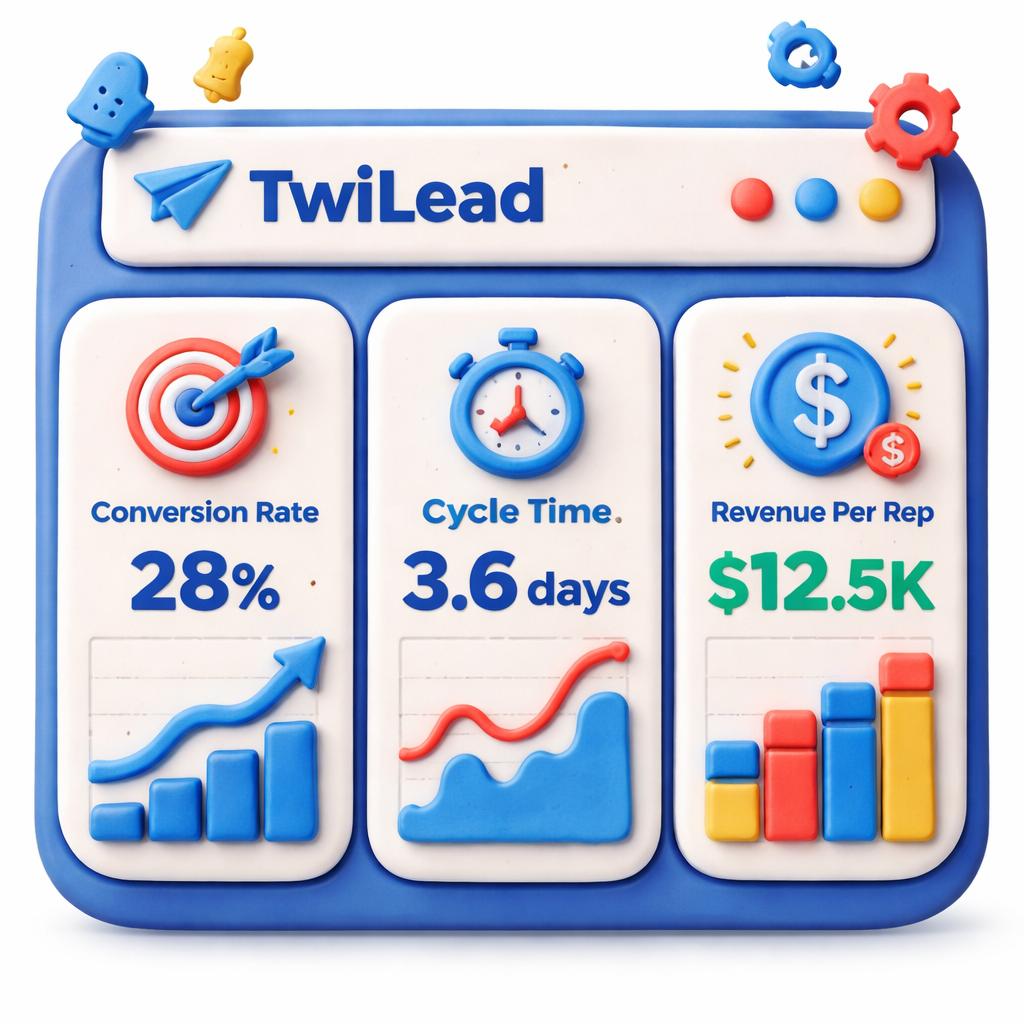
When you spot a drop, dig into the data. Maybe the email copy is weak, or the timing is off. Use the AI suggestions to test new subject lines.
Finally, share the insights with your team. A short weekly meeting to review the dashboard keeps everyone aligned.
Our Pick: TwiLead , All‑In‑One Sales Automation
We’ve compared nine tools. TwiLead is the only one that bundles full‑stack automation, a website builder, and built‑in appointment scheduling. That matches the key findings that only two of the nine qualifying tools have both.
Here’s why TwiLead wins:
- All‑in‑one platform , no need to juggle separate CRM, email, and booking tools.
- Fixed price $127 / month, unlimited users, unlimited contacts.
- 24/7 human support , you get real help, not just bots.
- AI agents that can draft emails, suggest next steps, and even handle basic calls.
- Drag‑and‑drop workflow builder , no code needed.
Imagine you’re a freelancer with five clients. With TwiLead, you set up one workflow that captures leads, scores them, books meetings, and sends invoices , all without adding a new user cost.
Customers who try the 14‑day free trial see the full feature set immediately. No hidden tiers, no surprise fees.
For a deeper look at the platform, readthe detailed review on SalesDorado. It walks through the contact view, pipeline customization, and reporting.
And if you want to see the platform in action, the TwiLead demo page shows a live sandbox you can explore.
Bottom line: if you need a tool that does everything for a flat price, TwiLead is the clear winner.
Conclusion & Next Steps
We’ve taken you from mapping your sales funnel to measuring results. The journey is simple: define, evaluate, integrate, automate, measure, and keep improving.
Remember, the research shows that built‑in scheduling separates the best tools from the rest. TwiLead gives you that plus a full suite for the same price.
Ready to stop wasting hours on admin? Start your 14‑day free trial and see how sales automation tools can lift your revenue.
Take the checklist below, set up your first workflow, and watch your pipeline move faster.
- Map your sales stages.
- Score each tool against the must‑have matrix.
- Connect email, calendar, and payment.
- Build a three‑step outreach sequence.
- Track KPI changes weekly.
- Iterate and grow.
We’re here to help every step of the way. Our support team is just a chat away.
FAQ
What are sales automation tools?
Sales automation tools are software that handle repetitive sales tasks like data entry, email sequencing, and meeting scheduling. They let you focus on talking to prospects instead of chasing spreadsheets. By linking to your CRM, they keep records up‑to‑date automatically.
How do I choose the right sales automation tool?
Start with a checklist of must‑have features: lead capture, workflow builder, appointment scheduling, and reporting. Score each tool against that list. Look at integration count, pricing model, and whether it offers AI assistance. Our pick, TwiLead, hits every box for a flat $127 / month.
Can I integrate my existing email and calendar?
Yes. Most tools sync with Gmail, Outlook, Google Calendar, and iCal via OAuth. After you enable the connection, any email reply or booked slot appears in the CRM automatically. Test the sync with a dummy record before you go live.
How long does it take to see results?
Businesses often notice faster lead response times within a week of launching automation. Full ROI, such as a shorter sales cycle and higher close rate, typically shows after 30‑45 days. Track your KPIs weekly to spot the trend.
Do I need technical skills to set up workflows?
No. Modern platforms use drag‑and‑drop builders that require no code. You pick a trigger, drag an action, set a delay, and save. TwiLead even offers pre‑made templates you can customize in minutes.
What support is available if I get stuck?
We offer 24/7 human chat support. You can also access a knowledge base, video tutorials, and community forums. Our team helps you troubleshoot any integration or workflow issue.
Is a free trial enough to test a tool?
A 14‑day free trial gives you full access to every feature, unlimited users, and no hidden fees. It’s enough time to map a funnel, run a sequence, and see the first KPI changes.
How do I measure the ROI of sales automation?
Start by recording baseline metrics: average time spent on admin, lead‑to‑meeting time, and conversion rate. After automation, compare the new numbers. Look for reduced admin hours, higher meeting booking rates, and improved revenue per rep.