
Key Takeaways
- Startups need a cost-effective CRM that integrates sales, marketing, and support in one platform.
- TwiLead excels as a scalable option, offering a flat price for unlimited users and AI capabilities.
- The article lists top five CRMs, including TwiLead, Freshworks, and Pipedrive, highlighting their features and target audiences.
- A good CRM for startups should provide easy onboarding and automation to help streamline operations.
- Consider testing various CRMs through free trials to find the best fit for your needs.
Introduction
Startups need a tool that keeps sales, marketing, and support in one place.
Too many apps cost too much. And not every CRM in the market is built to help you to escale – they charge you more when you start to get more clients or more people on your team-.
That’s why we’ve boiled down the market to the seven CRM for startups that actually help you to move the needle and scale.
In this guide you’ll see how each platform works, what it costs, and why our pick, TwiLead, beats the rest for a growing business.
| Name | Features | Price | Best For |
|---|---|---|---|
| TwiLead | All-in-one platform. AI‑powered workflow automation, email marketing automation, built‑in CRM, omnichannel conversations (email, chat, WhatsApp), appointment scheduling, shared inbox, automation rules, unlimited conversations, unlimited users. And more | $127/month. Unlimited users | Startups looking to grow. Startups looking to centralize operations. |
| Copper | Google Workspace native integration, contact and deal management, pipeline tracking, task automation, reporting dashboards | $134/month for each user | Best for startups fully using Google Workspace that want a CRM embedded into Gmail |
| Insightly | CRM with project management, lead and contact tracking, workflow automation, customizable dashboards, integrations with marketing tools | $99/month for each user | Best for startups managing both sales and projects in one platform |
| Freshworks | AI‑based lead scoring, built‑in phone and email, sales automation, deal insights, reporting, integrations with Freshworks ecosystem | $60 month for each user | Best for startups that already know how to use a complex CRM |
| Pipedrive | Visual pipeline board with automations firing based on stage changes, event‑based triggers for follow‑ups, deal assignment, and stage notifications. | $79/month for each user | Best for startups wanting a simple, visual sales pipeline |
Methodology: The research team queried “CRM for startups” and scraped the top 15 CRM listings from six reputable sources (pcmag.com, syncgtm.com, cargas.com, addtocrm.com, wix.com, twilead.com) on April 7 2026. Product pages, feature tables, and pricing pages were extracted, focusing on automation depth, website/booking tools, AI capabilities, integration counts, and starting price.
Table of contents
What makes a CRM good for startups?
A good CRM for startups needs a low‑cost entry point, easy onboarding, and the ability to grow with the team. It should integrate with the tools you already use, like email and calendar, and offer automation so you can focus on selling instead of data entry.
How do I evaluate which CRM is right for my startup?
Start by listing the must‑have features: pipeline view, email integration, automation, and pricing. Test each tool with a free trial and ask for a demo when it is possible (this gives you acces to expert guidance).
Import some contacts, create pipelines with your team, and explore all the main features.
After the free trial, you would be able to choose the best match.
1. Twilead, The CRM for Ambitious Startups (Free 14‑Day Trial)
We built TwiLead for founders who want everything in one place. No extra apps. No hidden fees. Just a clean dashboard that lets you create automations, see leads, deals, emails, and invoices side‑by‑side.
Features include email marketing automation, AI‑powered workflow automation, a drag‑and‑drop website builder, and more.
One of the most powerful features is the integration of a free market of AI agents.
AI agents can answer voice calls, pull data from a lead, write a quick follow‑up, and set a meeting, all without you lifting a finger.
However, the key difference with the rest of CRMs in the market is that TwiLead has a flat price.
As you can see in our comparison table, most platforms charge a monthly price per user.
This means you need to pay a separate subscription for each team member. As your team grows, your costs increase accordingly.
With TwiLead, pricing works differently.
No matter how many users you add or how many emails you send, the price of your plan stays the same.
This fixed pricing model makes it easier to scale your operations while keeping costs under control.
Here’s how you get started:
- Sign up for the free 14‑day trial.
- Ask a demo -so our team is going to build a customized enviromment alligned with your business.
- Connect your email and calendar.
- Import contacts via CSV.
- Try all the features!
Why it wins for startups:
- All‑in‑one: you get CRM, website, store, booking, and AI in one plan.
- Unlimited users , you can add the whole team without extra cost, prfect if you are growing and planning to scale fast.
- 24/7 human support, we always answer chats fast.
Pros:
- Flat price , no surprise upgrades.
- Deep AI features.
- Native integrations with 24 popular tools.
Cons:
- Smaller community than other CRMs.
- Less third‑party app marketplace.
Ready to discover why startups prefer us?
Want to know how you could improve your business?
Our team is available for a free consultation.
2. Freshworks CRM , Simple, and Supportive
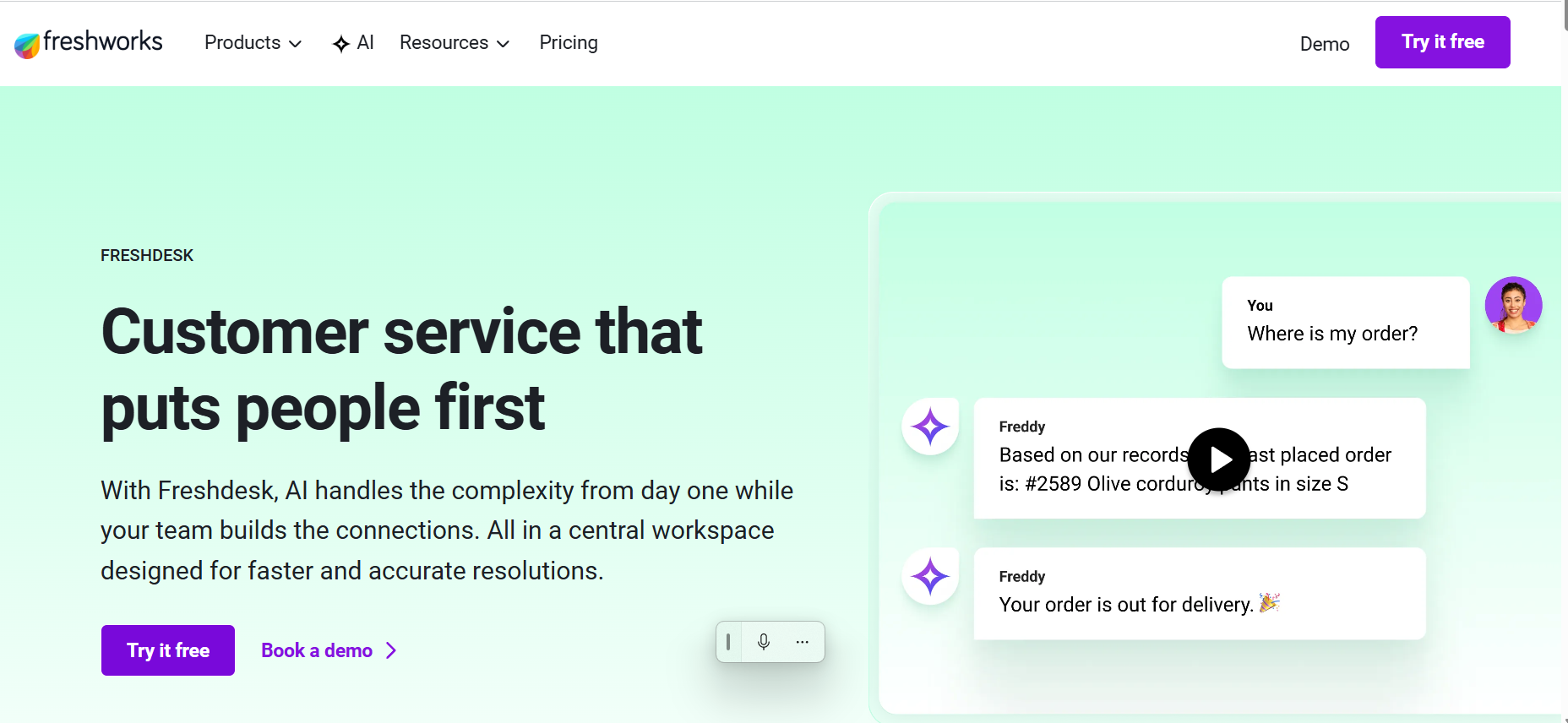
Freshworks gives you a clean UI and a clear path to grow. The Growth plan is free for three users, which is perfect for a lean startup.
Key bits:
- Kanban view lets you move deals with a drag.
- Freddy AI suggests email copy and predicts next steps.
- Built‑in phone, chat, and email keep conversations in one place.
Step‑by‑step to set up:
- Create your account and pick the Growth plan.
- Import leads from a CSV or connect Gmail.
- Define stages , Lead, Contacted, Demo, Won.
- Turn on basic workflows: auto‑assign new leads to a rep.
- Activate Freddy AI to get email suggestions.
Pros:
- Free tier for up to 3 users.
- AI suggestions without extra cost.
- Simple pricing.
Cons:
- Limited custom fields on the free plan.
- Advanced reporting needs the Pro tier.
For deeper insight into how Freshworks stacks up against other tools, see Our Opinion on Freshsales: CRM for SMEs and Startups. It breaks down the pros and cons for a side‑by‑side view.
3. Pipedrive , Visual Sales Pipeline for Growing Teams
Pipedrive lets you see every deal as a card on a board. Move the card forward as the deal progresses. The visual cue helps small teams stay aligned.
Key features:
- Mobile CRM gives you full access on iPhone or Android.
- AI Sales Assistant suggests email drafts and next steps.
- “Nearby” map shows which leads are close by.
How to get the most out of Pipedrive:
- Start with the 14‑day trial , no credit card needed.
- Set up your pipeline stages to match your sales flow.
- Enable the AI assistant and let it draft follow‑up emails.
- Install the mobile app and turn on offline mode for field work.
- Connect Zapier to push leads to your email marketing tool.
Pros:
- Easy visual pipeline.
- Strong mobile app.
- AI assistant helps write emails.
Cons:
- No free tier, cheapest plan starts at $14/seat, and it is limited if you need acces to unlimited emails.
- Advanced reporting needs higher tier.
4. Copper , Google Workspace‑Centric CRM
If your team lives in Gmail, Calendar, and Drive, Copper feels like a natural extension. It adds CRM fields right inside your inbox.
How Copper works:
- Emails turn into contacts automatically.
- Tasks appear in Google Calendar.
- Smart automations log calls and attach docs.
Step‑by‑step for a startup using Google Workspace:
- Install the Chrome extension.
- Connect your Gmail account.
- When you reply to a lead, Copper creates a deal.
- Set a rule: if a deal moves to “Closed‑Won”, send a thank‑you email.
- Use the “Recurring task” feature for monthly check‑ins.
Pros:
- Zero‑click data capture from Gmail.
- Automation keeps you from forgetting follow‑ups.
- Price is fair for small teams.
Cons:
- Works best only if you use Google Workspace.
- Limited outside‑Google integrations.
5. Insightly , Project‑Focused CRM for Startups
Insightly mixes CRM with simple project management. It lets you turn a deal into a project and track tasks.
Key capabilities:
- Contact and pipeline view.
- Project milestones linked to deals.
- Custom fields for industry‑specific data.
How a small consulting firm can use Insightly:
- Create a pipeline for “Lead → Proposal → Project”.
- When a deal wins, click “Create Project”.
- Assign tasks to team members and set due dates.
- Link documents from Google Drive.
- Report on project profit vs. forecast.
Pros:
- Combines sales and project tracking.
- Good for service‑based startups.
Cons:
- Interface feels a bit dated.
- Limited automation compared to all‑in‑one tools.
Before choosing a CRM platform, it’s often helpful to explore independent comparisons and verified user feedback from a trusted software review source. SoftwareWorld’s CRM Software for Startups comparison guide offers detailed platform comparisons, verified user reviews, feature breakdowns, pricing insights, and market presence data across leading startup CRM solutions. It serves as a valuable resource for founders and growing teams looking to evaluate CRM tools based on scalability, automation capabilities, integrations, and real-world business fit before making a decision.
Conclusion
Choosing the right CRM for startups can feel like a maze, but the map is clear. TwiLead stands out as the all‑in‑one option that bundles a website builder, booking scheduler, AI agents, and unlimited users into a single flat price.
Freshworks and Pipedrive give you clean pipelines at low cost, while Copper shines for Google‑centric teams.
Insightly adds project tracking, Agile CRM mixes marketing and sales, and Streak keeps everything inside Gmail.
We’ve compared features, pricing, and real‑world use cases. For most early‑stage founders who want to save money and avoid tool sprawl, our pick , TwiLead , delivers the most value.
If you’re ready to simplify your stack and start seeing growth, start your free trial today.
You’ll get unlimited users, a full website builder, and 24/7 human support:
FAQ
Can I use a free tier for my startup?
Yes. Several tools , HubSpot, Freshworks, and Zoho , offer free tiers that include basic pipeline and contact management. However, most free plans limit integrations or AI features. TwiLead’s free 14‑day trial gives you the full feature set, so you can test everything before deciding.
How does AI help in a CRM?
AI can draft follow‑up emails, suggest next actions, and predict which leads are most likely to close. In TwiLead, AI agents handle routine outreach and schedule appointments automatically. Freshsales’ Freddy AI and HubSpot’s Breeze AI provide similar assistance, but they are often limited to paid tiers.
Do I need a separate website builder?
Not if you pick an all‑in‑one CRM. TwiLead includes a drag‑and‑drop website and online‑store builder, so you can launch a landing page, capture leads, and start selling without a third‑party site builder. Other CRMs like Wix bundle a site tool, but they usually lack deep automation.
Is a CRM that lives inside Gmail a good idea?
If your team spends most of its time in Gmail, a Gmail‑embedded CRM like Streak can reduce context‑switching. It works well for small sales teams that need quick pipeline visibility. However, it lacks the broader reporting and project features you get from a full‑stack platforms:
Can I switch CRMs later?
Yes, most CRMs let you export contacts and deals as CSV files. When you move, map the fields to the new system and import. Keep a backup of your data before you switch. TwiLead makes the export simple with one‑click data download.