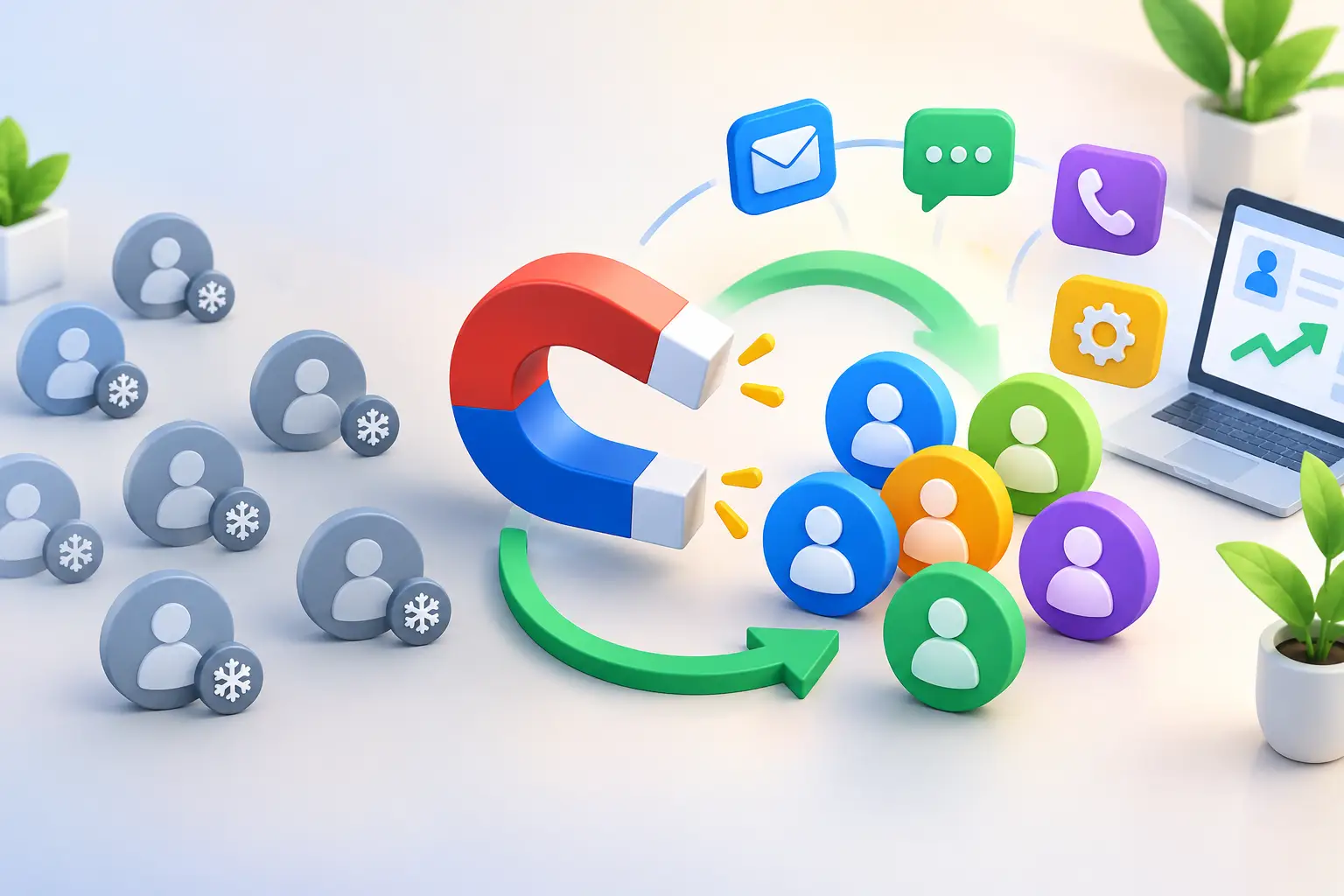
A new lead calls while you are with a customer. Another fills out a website form after hours. A third books an appointment but never gets a reminder. An all in one CRM comparison matters because these small gaps are where growing businesses lose real revenue.
The right platform should not simply store contacts. It should help you capture inquiries, respond quickly, move opportunities forward, keep customers engaged, and reduce the pile of monthly software subscriptions. For a small business, the best choice is rarely the system with the longest feature list. It is the one that makes follow-up and growth easier every day.
What an All in One CRM Should Actually Replace
Many businesses start with one tool for contacts, then add email marketing, scheduling, a website builder, invoicing, texting, and automation as needs grow. Each purchase feels reasonable on its own. The problem shows up later: leads live in different places, staff switch between tabs, data gets entered twice, and nobody is sure which campaign produced a sale.
An all-in-one CRM brings those activities into one customer journey. A prospect can find your business, submit a form, receive a fast response, book a call, get reminders, enter your pipeline, and receive follow-up after the sale without being passed across disconnected systems.
That does not mean every business needs every capability on day one. A solo consultant may care most about lead capture, appointment booking, and follow-up. A home service company may prioritize texting, estimates, reviews, and missed-call follow-up. An agency may need pipelines, client communication, and campaign automation. The point is to choose a platform that supports the next stage of your growth without forcing you to rebuild your process six months later.
All in One CRM Comparison: What to Evaluate
A useful comparison starts with outcomes, not logos or feature checklists. Ask where leads slow down, where sales conversations disappear, and which subscriptions do work that could happen in one place.
Lead capture and response speed
The first test is simple: when someone raises their hand, can your business respond immediately? Website forms, chat, text messages, social inquiries, calls, and booking requests should flow into one contact record.
Speed matters because interested buyers rarely wait. A platform that automatically sends a helpful first response, alerts the right person, and creates a follow-up task can protect leads that would otherwise go cold. Look for tools that make it easy to see the source of every inquiry, so you can invest more in marketing that creates qualified opportunities.
Pipeline visibility and sales follow-up
A contact list is not a sales system. You need a clear view of where each prospect stands: new inquiry, contacted, appointment booked, proposal sent, won, or lost. The labels can match your business, but the process must be visible and consistent.
Compare how each CRM handles follow-up. Can it prompt your team when a lead has not been contacted? Can it send a text after a missed call, a reminder before an appointment, or a message after a proposal sits unanswered? The goal is not more automation for its own sake. It is fewer missed opportunities and faster movement from inquiry to sale.
Marketing that uses customer data
Email and SMS marketing work best when they are connected to the CRM. When your marketing tool is separate, lists become outdated and customers may receive messages that do not fit their situation.
An integrated system lets you segment people based on what they did: requested a quote, attended a consultation, purchased a service, or have not returned in six months. That makes campaigns more useful and more likely to generate a response. For local businesses, this can mean appointment reminders, seasonal offers, review requests, and reactivation messages that bring past customers back.
Booking, payments, and customer experience
Small details shape whether a prospect becomes a customer. Online booking reduces phone tag. Automated reminders reduce no-shows. Simple invoices and payment options reduce delays after the work is complete.
Not every CRM includes these tools, and that is where comparisons often become misleading. A lower-priced CRM may appear affordable until you add a scheduling tool, payment system, website software, automation connector, and separate email platform. Compare the complete workflow, not the entry-level price of one product.
Automation that removes repetitive work
Good automation handles predictable tasks while keeping your team focused on conversations that need a human touch. For example, a new web lead can receive an immediate acknowledgment, enter the right pipeline stage, get assigned to an owner, and receive a booking link. If they do not respond, the system can send a timely follow-up.
When comparing platforms, look for automation that feels usable by a business owner, not just a technical specialist. If building a basic workflow requires outside help, it may save less time than promised. The best system makes everyday processes repeatable without making your business feel robotic.
Cost, users, and growth limits
Software pricing is often more complicated than it first appears. Some platforms charge per user. Others reserve automation, texting, reporting, or advanced pipelines for higher plans. A growing team can face an unexpected increase just to access tools it assumed were included.
Calculate your real monthly stack. Include your CRM, email tool, texting tool, scheduler, website, automation service, chat widget, and any upgrades required for additional staff. Then consider the cost of manual work and missed follow-up. A platform with a clear, predictable price can be less expensive even when its starting price is not the lowest.
How Common CRM Approaches Compare
Traditional CRM platforms can be strong for businesses with dedicated administrators, long sales cycles, or highly specialized reporting needs. But they often require add-ons, consulting, and more setup than a typical small business wants to manage. If your team needs a simple process it can run without a technical department, complexity becomes a cost.
Marketing-first platforms can be useful for newsletters and campaign management, but they may leave sales pipeline management, booking, texting, and customer communication in separate tools. That creates handoffs between marketing and sales at the exact moment a lead needs fast attention.
Sales-focused CRMs may give you a clean pipeline but require separate products for your website, lead capture, appointment scheduling, and automated customer nurture. This can work if your business already has a reliable stack and someone responsible for maintaining it. It is less attractive when you are trying to simplify operations.
An all-in-one growth platform is usually the better fit when you want one place to manage lead generation, sales follow-up, marketing, customer communication, and routine automation. The trade-off is that a single platform may not offer every niche customization available in a specialized tool. For most small businesses, that trade-off is worthwhile when it reduces friction and makes the core revenue process easier to run.
A Practical Way to Make Your Decision
Before booking demos, map one real customer journey from start to finish. Choose a common example, such as a homeowner requesting an estimate or a coaching prospect booking a discovery call. Write down every tool and handoff involved from first inquiry through payment and follow-up.
Then ask each provider to show that journey, not a polished tour of unrelated features. Can the system capture the lead, notify you, send the right response, schedule the next step, track the sale, and continue customer communication afterward? If the answer requires several integrations or manual exports, the platform may add complexity instead of removing it.
Also involve the people who will use it. A CRM only creates results when your team updates opportunities, follows the process, and trusts the information inside it. Choose software that feels clear enough to use during a busy workday, not just impressive during a demo.
For businesses looking to replace a fragmented stack, TwiLead takes the all-in-one approach further with CRM, lead generation, marketing, automation, booking, websites, communication, invoicing, and payments under one predictable $127 monthly price with unlimited users. The practical value is not having more tools. It is having fewer places for a lead to get lost.
The best CRM decision should leave you with a simpler question each morning: who needs a response, and what is the next step to win or retain that customer? When your system answers that clearly, it becomes a growth engine rather than another subscription to manage.