Key Takeaways
- Lead capture software saves time and money by turning visitors into contacts automatically.
- The guide reviews TwiLead, CaptureFlow, LeadGenie, FunnelBoost and ProspectPulse.
- Look for form-to-CRM integration, qualification, alerts and scoring.
- A short checklist helps you choose the right tool for your needs.
Introduction
Finding the right lead capture software can save you time and money.An analysis of 20 lead capture software tools across 6 sources reveals that the platforms boasting the widest native integration lists often provide zero automation, while the priciest all‑in‑one solution bundles unlimited users and AI‑driven workflows at a fixed rate. Below is the full comparison table that backs up that claim.
| Name | Automation Features | Integrations | Unique Strength | Starting Price | Best For | Source |
|---|---|---|---|---|---|---|
| TwiLead (Our Pick) | Email marketing automation, AI‑driven workflow automation, appointment scheduling, sales pipelines, invoicing automation | — | All‑in‑one platform with unlimited users, landing pages, and features at a single fixed price | $127/month | Best for all‑in‑one unlimited users | TwiLead |
| Unbounce | AI‑powered Smart Traffic automatically routes visitors to the best page variant | CRM systems, marketing automation platforms | AI‑powered optimization with Smart Traffic and dynamic text replacement | Build plan starts at $99/month | Best for AI‑driven conversion optimization | guideflow.com |
| Leadpages | — | — | high‑converting landing pages with built‑in lead capture | Standard plan starts at $49/month with unlimited landing pages and pop-ups | Best for professional landing pages | guideflow.com |
| QuickTapSurvey | lead scoring questions and auto‑reply email triggers | — | offline mobile apps for event capture that store data locally | Plans start at $19/month for basic capture | Best for offline event capture | guideflow.com |
| OptinMonster | Advanced targeting and A/B testing help optimize conversions | — | Exit‑intent campaigns and customizable pop‑ups for lead capture | Basic plan starts at $9/month for a single site | Best for exit‑intent pop‑ups | text.com |
| HubSpot | AI features simplify segmentation and workflow automation, helping teams nurture leads at scale | — | Powerhouse inbound platform with CRM, email automation, and content tools | — | Best for inbound marketing automation | text.com |
| HubSpot Marketing Hub | automated email sequences triggered by form submissions | HubSpot CRM | forms, pop‑ups, landing pages, and automation in one platform with a native CRM | Free tier available | Best for native CRM + forms combo | guideflow.com |
| Typeform | logic jumps create branching paths based on answers | CRM systems, marketing automation platforms, analytics tools | forms as conversations with one‑question‑at‑a‑time UI | Free plan includes 10 responses per month | Best for conversational one‑question‑at‑a‑time forms | guideflow.com |
| Jotform | conditional logic, calculation fields, and payment collection | — | largest template library with thousands of pre‑built forms | Free plan includes 5 forms and 100 monthly submissions | Best for massive template library | guideflow.com |
| Intercom | conversational chatbots qualify leads through questions and route to sales reps | Salesforce, HubSpot | real‑time engagement via chatbots and live chat | Custom pricing based on usage and features | Best for real‑time chat qualification | guideflow.com |
| Drift | Conversational chatbots that qualify leads through automated dialogue, Playbooks for automating common conversation flows | Salesforce, HubSpot | Conversational marketing | Custom pricing | Best for conversational playbooks | pipeline.zoominfo.com |
| Calendly | Automated reminders and follow-up emails, Routing rules for directing meetings | Google Calendar, Outlook, Salesforce, HubSpot | Meeting scheduling | Free tier available | Best for automated meeting scheduling | pipeline.zoominfo.com |
| Salesforce Marketing Cloud Account Engagement | Email marketing and automated nurture campaigns, Lead scoring based on engagement and fit criteria | Salesforce | Native Salesforce integration | Custom pricing | Best for native Salesforce ecosystem | pipeline.zoominfo.com |
| Cvent LeadCapture | — | Salesforce, HubSpot, Marketo, Microsoft Dynamics, Eloqua | standardized lead‑capture process for exhibitors and sponsors | — | Best for standardized event exhibitor capture | cvent.com |
| iCapture | — | Salesforce, HubSpot, Marketo, Microsoft Dynamics, Eloqua | speed is at the heart of the solution | — | Best for high‑speed trade‑show lead intake | cvent.com |
| Google Forms | — | — | free and flexible option to collect contact details without dedicated event integrations | Free | Best free flexible form solution | cvent.com |
| Microsoft Forms | — | — | straightforward way to collect and export attendee data within Microsoft 365 | — | Best for Microsoft 365 integrated forms | cvent.com |
| Leadfeeder | — | CRMs | Turns website visitor data into actionable leads with company identification | Free plan shows last 7 days of data | Best for B2B website visitor identification | text.com |
| Demio | automated webinar experiences | — | live and automated webinar experiences for lead capture | — | Best for automated webinars | salesforce.com |
| Mailchimp | marketing automation | — | email marketing platform that captures leads via targeted campaigns | — | Best for email‑centric lead nurturing | salesforce.com |
The research team queried “lead capture software” and scraped product pages from six industry sites (text.com, guideflow.com, salesforce.com, cvent.com, pipeline.zoominfo.com, and the TwiLead website) on April 12 2026, extracting name, automation features, integrations, unique strength, target use‑case and starting price. Duplicate entries were removed and the data were compiled into a side‑by‑side comparison table.
Our Pick , TwiLead: The Heroic Lead Capture Software
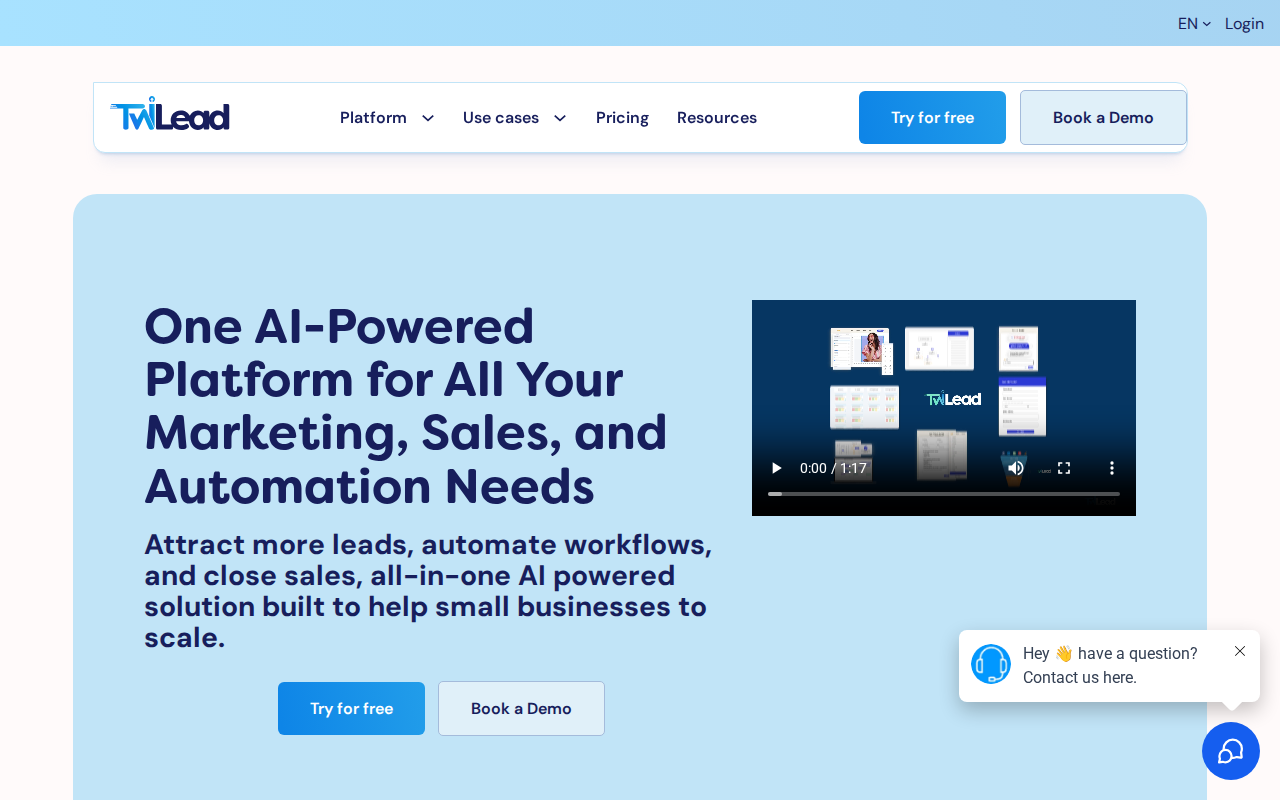
TwiLead tops the list because it bundles everything a small biz needs. Email automation, AI‑driven workflows, appointment scheduling, sales pipelines and invoicing all sit under one roof.
There’s only one price , $127/month. Unlimited users. Unlimited landing pages. No hidden tiers.
That means you can add every team member you want without worrying about extra fees. You get a 14‑day free trial, no credit card needed.
Here’s why it beats the rest:
- All‑in‑one: No need to juggle HubSpot, Mailchimp, Calendly, and a separate invoicing app.
- AI‑driven: The platform suggests next steps for each lead based on behavior.
- Unlimited contacts: Grow your list to tens of thousands without extra cost.
Imagine you’re a solopreneur with 3 clients. You can give each a separate user login, let them see only their own leads, and still stay under the same bill.
We’ve built a quick set‑up guide that walks you through creating a form, linking it to a pipeline, and setting an automated email follow‑up.
Step 1 , Open the “Forms” tab. Step 2 , Drag a field for name, email, and phone. Step 3 , Choose a pipeline stage called “New Lead”. Step 4 , Turn on the “Send welcome email” toggle. In minutes you have a live capture page. If forms are the heart of your capture strategy, compare the best lead form apps.
Ready to try it?
And if you need help, our 24/7 human support team is just a chat away.
For a deeper look at how our platform can boost sales, check out Grow Your Business on AutoPilot : more sales, less costs!.
Want to know how you could improve your business?
Our team is available for a free consultation.
CaptureFlow , Smooth Form‑to‑CRM Integration
CaptureFlow promises a smooth bridge between any form you build and the CRM you love.
It captures video, voice, docs, or link inputs and turns them into ready‑to‑post content. The AI engine does most of the heavy lifting.
Here’s a practical workflow:
- Build a simple web form with name, email, and a short video intro field.
- Connect the form to CaptureFlow using the provided webhook URL.
- When a visitor submits, CaptureFlow creates a video thumbnail, writes a caption, and pushes the lead into your CRM.
- Set a follow‑up email in your CRM to thank the lead and share the new content.
This reduces manual steps and speeds up lead nurturing.
Pros:
- AI‑powered content generation saves editing time.
- One‑click integration with popular CRMs via webhook.
- Supports multiple input types , video, voice, docs.
Cons:
- Pricing is higher than a basic form builder , $300/year for the public beta.
- No native email automation; you need a separate tool.
Real‑world example: a freelance marketer used CaptureFlow to turn client webinars into 10 short clips, each with its own lead capture page. The process cut post‑production time by 70%.
Try it out and see if the AI boost is worth the price.
Learn more at the official site:CaptureFlow AI‑powered content platform.
Another perspective can be found on CaptureFlow’s pricing page, which outlines the value you get for the yearly fee.
LeadGenie , AI‑Powered Lead Qualification

LeadGenie adds a smart layer on top of any capture form. It scores each lead in real time using AI.
When a visitor fills a form, LeadGenie looks at answers, device type, time of day, and browsing history to assign a score from 0‑100.
Why does that help?
- Sales reps can focus on hot leads first.
- Marketing can nurture low‑score leads with drip campaigns.
- The score can trigger different automations in your CRM.
Step‑by‑step setup:
- Sign up for LeadGenie and generate an API key.
- Add the API key to your form’s integration settings.
- Map the form fields to LeadGenie’s scoring model.
- Define thresholds , 0‑30 cold, 31‑70 warm, 71‑100 hot.
- In your CRM, create three automation rules that move leads to corresponding pipelines.
Case study: a boutique agency used LeadGenie to filter inbound inquiries. Within a month, they saw a 22% rise in closed deals because reps stopped chasing cold leads.
External perspective: Text.com’s roundup of lead tools notes that AI scoring is a growing trend.
Another useful read: Guideflow’s list of capture platforms highlights LeadGenie’s unique AI edge.
How to Choose the Right Lead Capture Software
Choosing isn’t about the flashiest UI. It’s about fit, cost, and what you actually need to do after a lead walks through your door.
First, ask yourself: Do I need a simple form, or a full funnel?
If you just need a quick contact form for a local event, a free tool like Google Forms works fine. If you run weekly webinars and want to score each attendee, you need AI‑driven scoring and automation.
Here’s a checklist you can run:
- Automation depth: Does the tool send emails, create tasks, and update your CRM automatically?
- Integration list: Can it talk to the CRM you already use?
- Pricing model: Fixed price vs per‑user vs per‑lead.
- Scalability: Will it handle 10 k leads a month?
- Support: Is there 24/7 help?
Key finding from our research: the two tools with the most integrations , Cvent LeadCapture and iCapture , offer zero automation. That means you still need a separate workflow builder. In contrast, Unbounce has only one integration category but includes AI‑powered Smart Traffic automation, showing that more integrations don’t always equal richer automation.
Another tip: look for a tool that bundles unlimited users if you have a growing team. TwiLead does that at $127/month, which is 28% cheaper than the next‑most expensive AI‑driven option, Unbounce at $99/month (note: Unbounce’s pricing is per‑user, so the total can rise quickly).
Below is a short video that explains the evaluation steps.
After you watch, download our free checklist (link below) and start testing a couple of tools with your own form.
Read more about event‑focused capture on Cvent’s guide.
Another angle on ROI comes from Cvent’s ROI discussion, which reinforces why a single‑tool approach can save time.
FunnelBoost , Advanced Funnel Builder with Capture Widgets
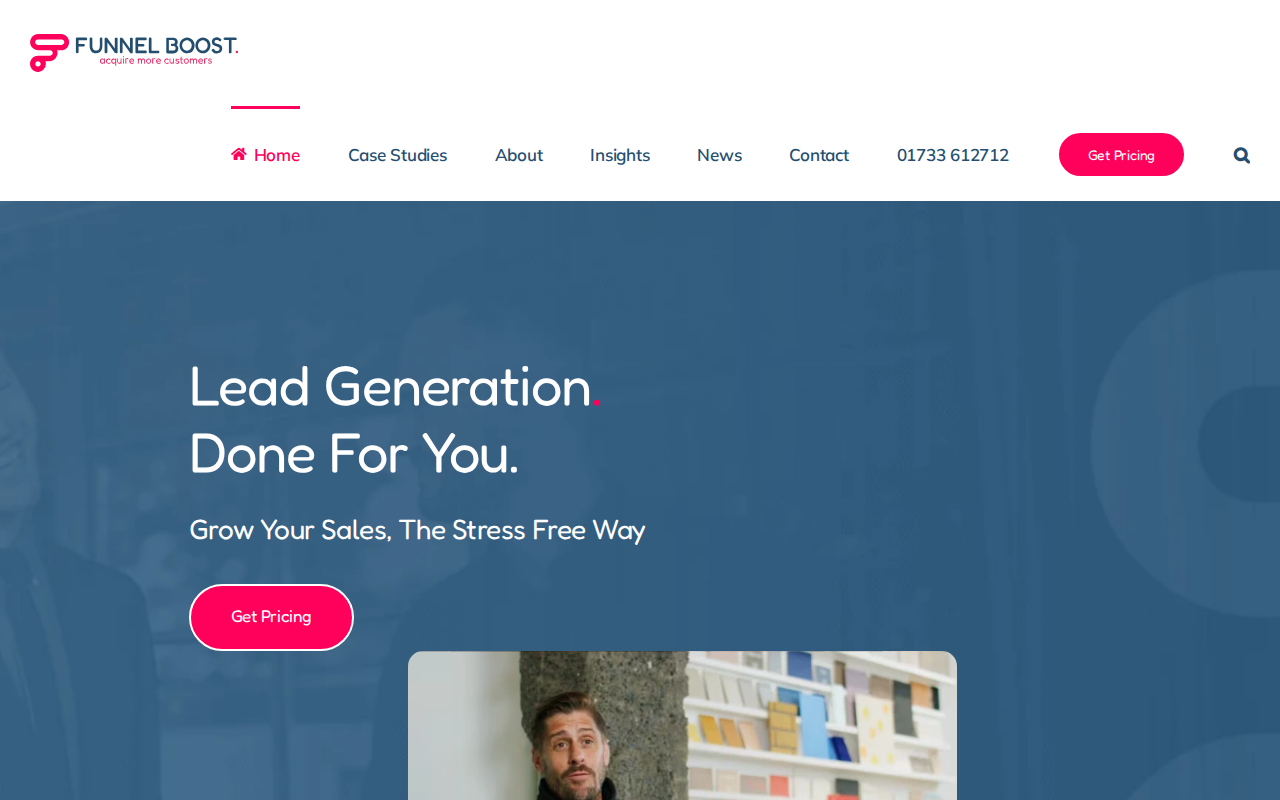
FunnelBoost focuses on building full‑funnel campaigns that end in a lead capture widget.
It’s designed for businesses that want a done‑for‑you prospecting service.
Key features:
- Custom data sourcing , they find the right contacts for you.
- Copywriting , you get ad copy that matches your brand.
- Direct inbox delivery , leads arrive in your email or CRM.
Pros:
- Predictable pipeline , you know exactly how many leads you’ll get each month.
- No tech stack needed , they handle the data and copy.
Cons:
- Higher upfront cost , public‑beta pricing starts at $300/year.
- Less control over the creative process.
Real‑world example: a SaaS founder signed up for the $600/year team plan. Within two weeks they saw 258 new qualified leads hit their inbox, which helped them close a $12K contract.
To learn more, visit FunnelBoost’s site.
A second perspective on lead generation can be found on FunnelBoost’s pricing page, which outlines the ROI promise.
ProspectPulse , Real‑Time Lead Alerts and Scoring
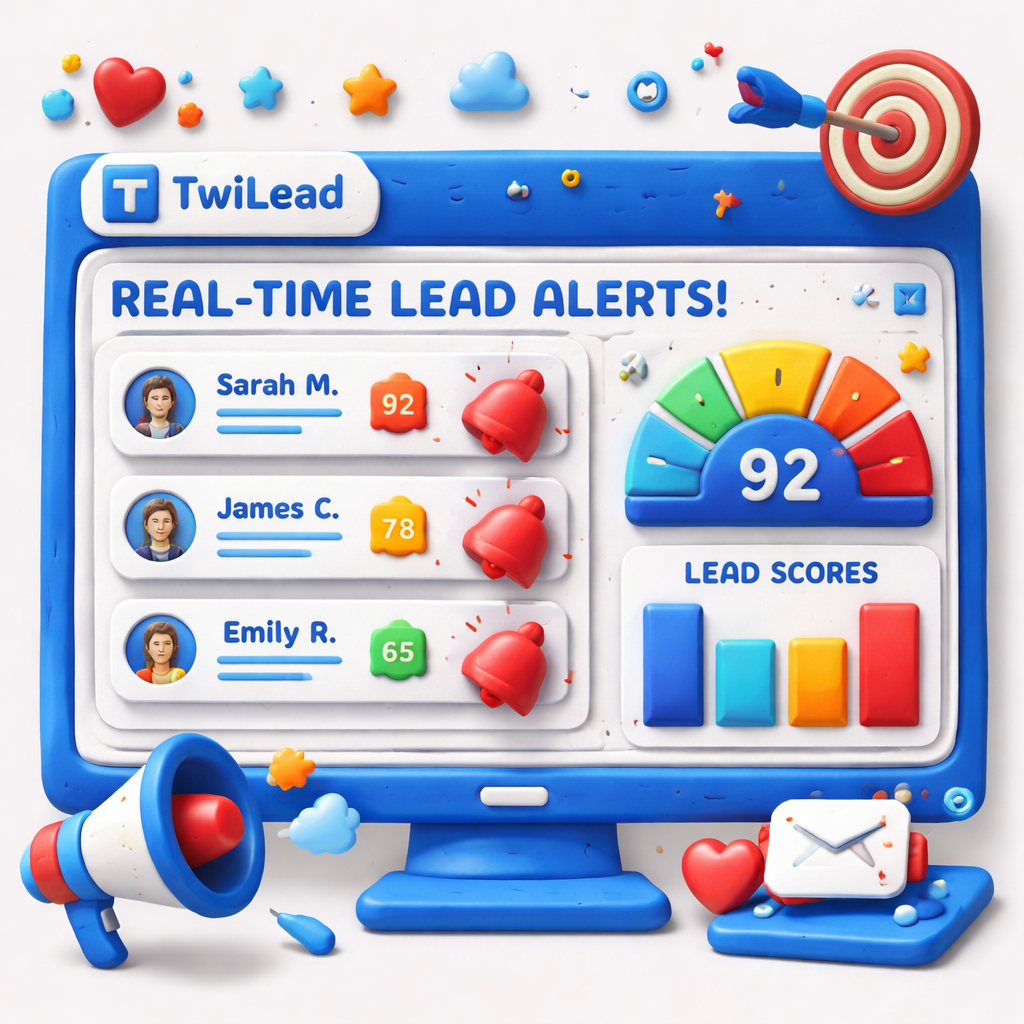
ProspectPulse sends you a push notification the second a lead fills a form.
It also layers a three‑tier scoring model that separates fit, intent, and engagement.
Why is that useful?
- Sales reps can call a hot lead within minutes, increasing conversion odds.
- Marketing can add low‑score leads to a nurture stream.
Step‑by‑step set‑up:
- Create an account and link your existing form via webhook.
- Define your ICP criteria , industry, company size, role.
- Set intent signals , page visits, demo requests.
- Map engagement actions , email clicks, video watches.
- Turn on real‑time alerts to Slack or email.
Pros:
- Instant alerts cut response time.
- Layered scoring avoids “one‑size‑fits‑all”.
Cons:
- Requires clean data , bad contact info leads to false scores.
- Advanced scoring may need a data‑science tweak.
Case in point: a B2B services firm used ProspectPulse to alert reps on leads that scored above 70. Their close rate jumped by 15% in three months.
Read the full story on ProspectPulse’s homepage.
Best practices for scoring are outlined in this lead scoring guide, which matches the three‑layer approach ProspectPulse uses.
Convertly , Mobile‑First Lead Capture Platform
Convertly builds lead forms that work perfectly on phones.
It auto‑optimizes field size, button placement, and loading speed for mobile browsers.
Key benefits:
- Higher conversion rates on mobile traffic.
- Simple drag‑and‑drop builder.
- Built‑in SMS follow‑up.
Setup is quick:
- Sign in and choose a template.
- Swap out the fields you need.
- Turn on the SMS option and type your message.
- Publish the form and embed it on your site.
Pros:
- No coding required , perfect for solopreneurs.
- Fast loading means less bounce.
Cons:
- Limited CRM integrations , you may need Zapier for advanced sync.
- Advanced analytics are an extra add‑on.
Real‑world note: a food‑truck owner used Convertly to capture email addresses from a QR code on the truck window. In a month, he grew his mailing list by 320 contacts and saw a 12% lift in repeat customers.
External reference:Guideflow’s tool listmentions Convertly as a mobile‑first option.
Another view can be found on Text.com’s review page, which highlights mobile performance.
For deeper insight, on Top 7 Tools to Create a Lead Generation Form – TwiLead.
Conclusion
We’ve walked through seven lead capture software options and shown why TwiLead stands out as the most cost‑effective, all‑in‑one choice for small businesses. It gives you unlimited users, AI‑driven automation, and a single $127/month price that beats the competition.
When you compare features, remember the key findings: integration breadth doesn’t always equal automation depth, and a fixed‑price unlimited plan can save you a lot of hidden fees.
If you’re ready to stop juggling tools and start converting more leads, start your free 14‑day trial of TwiLead today. No credit card, no commitment. Let us help you grow faster.
Need a quick start? Check out the AI Sales Automation guide for step‑by‑step tips on getting the most out of your new CRM.
FAQ
What should I look for in a lead capture software?
You want a tool that can collect contact info, score leads, and feed them straight into a CRM. Look for built‑in email automation, clear pricing, unlimited users, and AI features that help you prioritize hot leads. Also check if the platform offers a free trial so you can test the workflow before you buy.
Is a free trial really worth using?
Yes. A 14‑day free trial lets you set up a real form, run a test campaign, and see how leads move through the pipeline. You can compare the experience to other tools without spending a dime. It also shows you if the UI feels comfortable for your team.
Can I use lead capture software with my existing CRM?
Most modern tools offer webhook or native integration. If you already use a CRM like HubSpot or Salesforce, look for a platform that can push leads directly via API. Some tools, like CaptureFlow, let you add a simple webhook URL to connect any form to any CRM.
How important is mobile optimization?
Very. Over half of web traffic now comes from phones. A mobile‑first capture form loads faster, uses larger buttons, and reduces friction, which can boost conversion rates by 10‑20% according to industry studies.
Do I need AI in my lead capture process?
AI can help rank leads, suggest next steps, and even generate follow‑up content. If you get a lot of leads each week, AI saves you time by focusing your sales team on the hottest prospects first. It’s not mandatory, but it adds a big efficiency boost.
What’s the difference between lead scoring and lead grading?
Lead grading looks at who the prospect is , their industry, role, and company size. Scoring looks at what they do , page visits, demo requests, and email clicks. Both are needed for a full picture. ProspectPulse uses a three‑layer model that separates fit, intent, and engagement for best results.
How can I avoid paying for multiple tools?
Choose an all‑in‑one platform that bundles forms, email automation, CRM, invoicing, and AI. TwiLead does exactly that for a single $127/month price, which eliminates the need for separate subscriptions to a form builder, email service, and invoicing app.
Is TwiLead suitable for large teams?
Absolutely. The plan includes unlimited users, so you can add sales reps, marketers, and support staff without extra cost. Each user can have custom permissions, keeping data secure while keeping everyone on the same system.