Business Automation Solutions
Whatever you want to automate, TwiLead makes it possible. Try it for free and discover the most powerful business automation solutions.
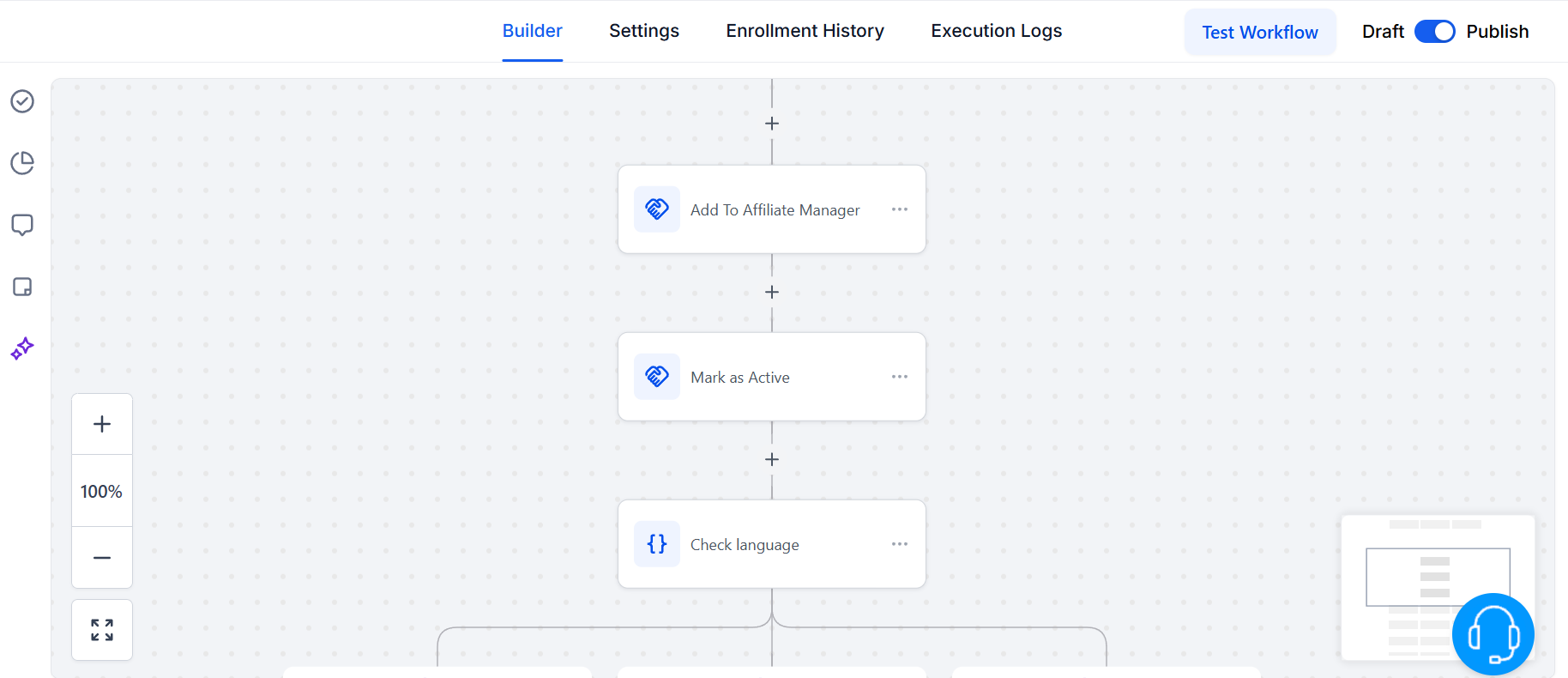
Automate Your Entire Workflow
From product management to invoicing. Our business automation solutions helps you to streamline every step with smart automations that save time and reduce complexity.
Nurture Leads on Autopilot
Send timely, targeted emails and SMS automatically and engage your audience with automated messages that feel personal.
Proposals, Payments, and Invoicing
With our small business marketing automation software, you can automate proposals, payments, and invoicing to speed up your cash flow.
Create Trigger Links
Turn clicks into actions. Use our marketing automation tools for small businesses and trigger workflows based on user behavior.
Automate your team’s work
Simplify collaboration and boost productivity. Automatically assign tasks, schedule appointments, and manage notes, all in one platform.
Automation for Businesses, Made Easy
Save time, cut costs, and simplify every process.
24/7 Support
Get instant answers with an AI-powered chatbot and solve complex issues with real human experts.
Monthly updates
Receive updates and new features every month.
Mobile app
Keep control of your business wherever you are.
TwiLead completely replaces:






Why Use Business Automation Solutions?
While you’re still wondering if you’re ready to automate, your competitors are already leveraging AI-powered automations. Stop being behind. Take the lead, scale faster, and free your time with the best automation software for businesses.
Automate Social Media Review Requests
Keep a strong online presence and improve your e-reputation.
Send auto reminders
Ensure clients and staff stay updated with automated reminders for payments, meetings, and approvals.
Scale Without Hiring More Staff
Handle more clients and operations without increasing payroll costs.
Better Customer Experience
Deliver fast responses, personalized follow-ups, and consistent communication without extra effort.
Marketing, Sales and AI automations,
all in one place
Ready to scale your business without breaking the bank?
Try TwiLead free for 14 days, no commitment:
Explore all the features and start growing your business with ease.
Discover More Features
We are more than just a complete automated system. We are a platform that helps your business grow
Automate all actions at each stage of the customer´s journey and find new opportunities to grow.
Surveys & Forms
Automatically collect leads via ready-to-use forms.
Sales Pipeline
Unlimited automated Pipelines and Stages to better manage your leads.
Try TwiLead for free
Join us today and transform the way you manage your business!
Other Features
Check Our Blog!

How to Create a Booking Calendar in TwiLead (Updated Steps)
If you’re looking to streamline your appointment scheduling, automate your bookings, and offer a smooth experience to your clients, learning how to create a booking calendar in TwiLead is essential. In this guide, you’ll walk through every step, from accessing the calendar dashboard to customizing availability, notifications, and embedding your calendar on your site. Let’s…

How to Build High‑Converting Funnels on TwiLead: Step‑by‑Step
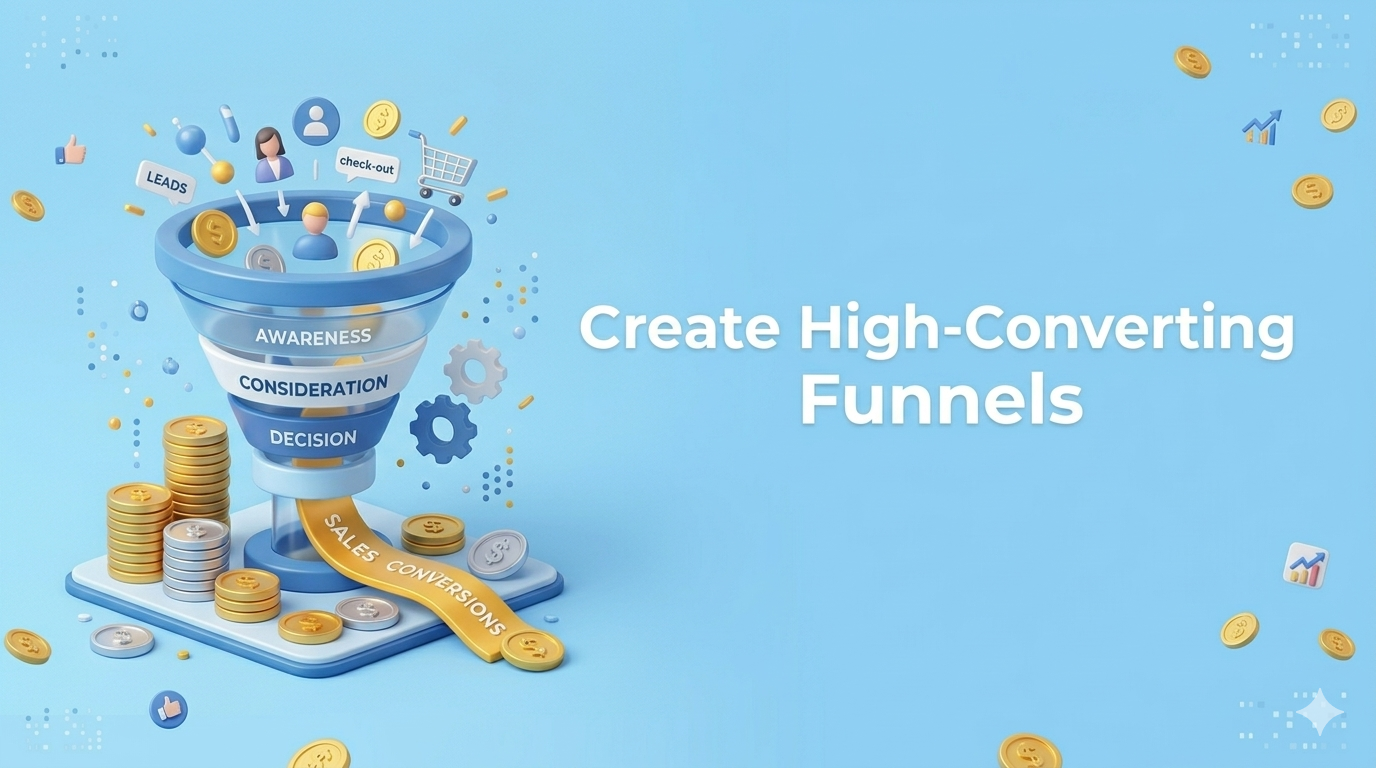
If you’ve made it this far,… you’re THIS 🤏 close to having your own marketing and sales machine running In this guide, you´ll learn how to create a funnel inside TwiLead, from your landing page to capturing leads, so you can start turning visitors into clients. Let’s get into it. What Is a Funnel (and…
How to Create Chatbots from Scratch (No-Code-Needed)
Creating your own AI chatbot is no longer a complicated, technical task. With today’s AI tools, you can build a fully functional, 24/7 virtual assistant or sales person in just a few minutes—no coding, no engineering background, no technical setup required-. In this guide, you’ll learn how to create chatbots from scratch, train them with…