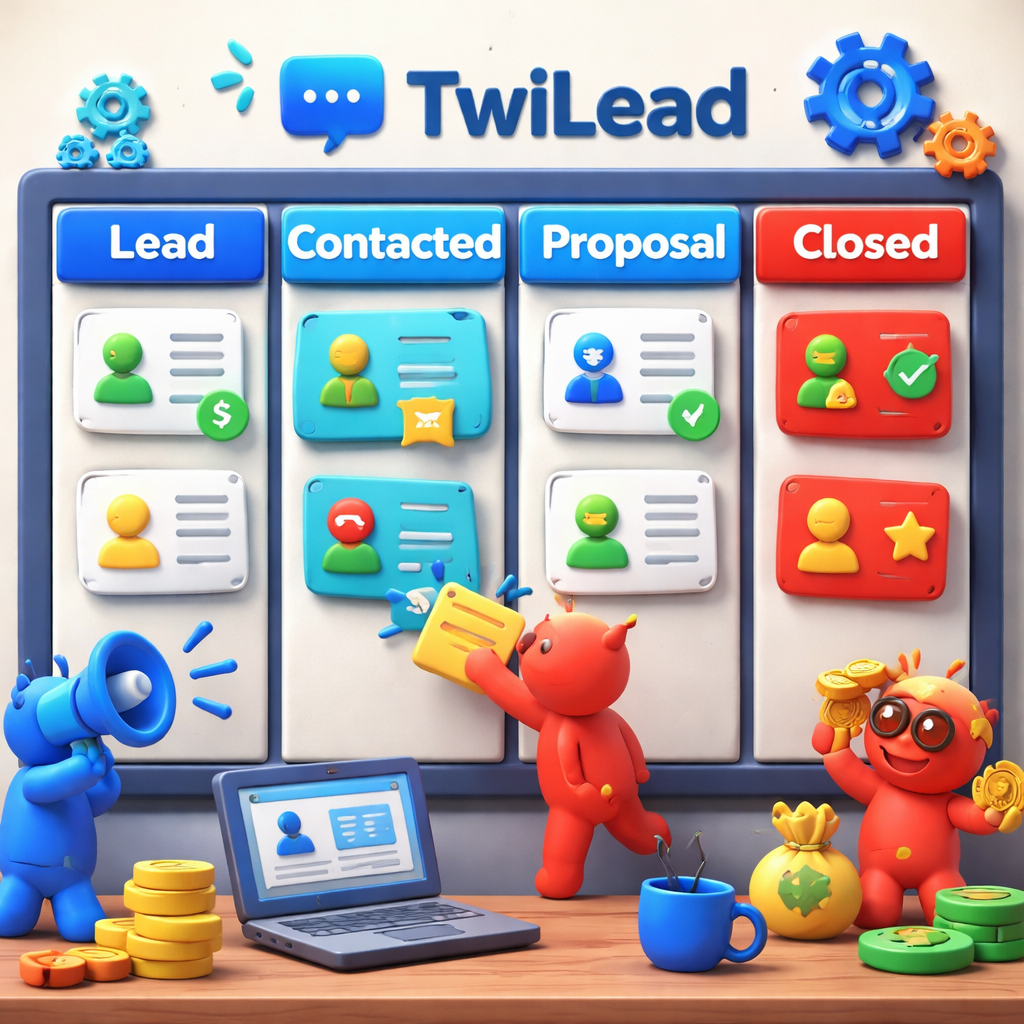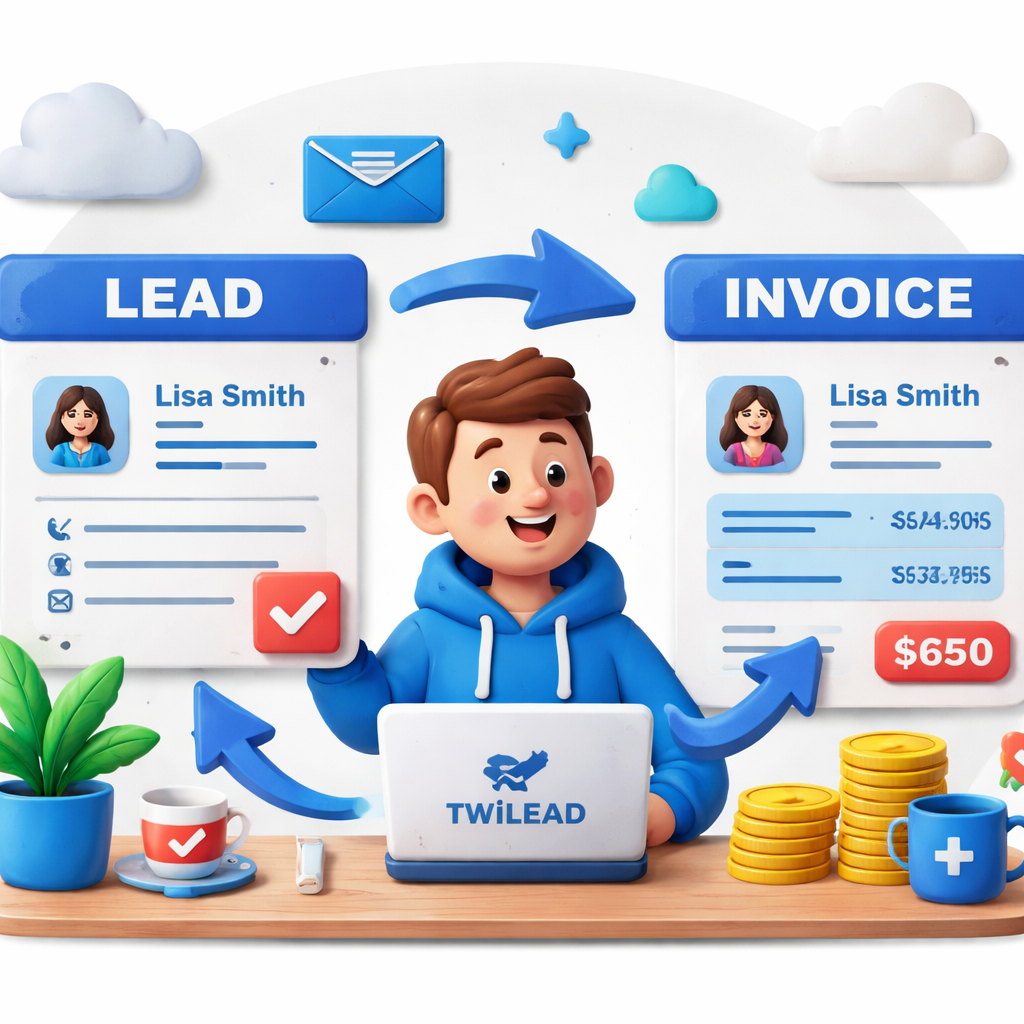
Most small businesses still juggle a separate CRM and a billing app. That costs time, money, and nerves.We’ve seen the pain.In this guide we’ll show you why a single tool that does both works better, how to set it up in TwiLead, and which features really matter in 2026.
First, a quick look at the data that sparked this guide. An analysis of just 4 CRM platforms that claim built‑in invoicing reveals that half of them actually omit any invoicing description, a surprising gap for tools marketed as all‑in‑one solutions.
| Name | Invoicing Features | Automation Capabilities | Best For | Source |
|---|---|---|---|---|
| TwiLead (Our Pick) | Invoicing functionality included as part of the all‑in‑one platform | Email marketing automation, workflow automation, AI agents | Small businesses and solopreneurs | TwiLead |
| Apptivo | bundles sales, marketing, invoicing, project management, and more | automation of moving from lead to opportunity to project | Agencies that want more than CRM—quotes, projects, invoicing, and basic support—without paying enterprise-CRM prices. | campaignmonitor.com |
We pulled this table by searching for CRMs that include built‑in invoicing for small businesses and solopreneurs. We scraped 4 product pages on April 11, 2026, pulled fields for invoicing, automation, and best‑for audience, then filtered out any tool that didn’t meet a 40% data‑fill threshold. The result? Only TwiLead and Apptivo actually embed invoicing. That’s why the rest of this guide leans heavily on TwiLead , it’s the only tool that truly delivers on the promise.
Why Combine CRM and Invoicing?
When sales and billing live in separate silos, data gets lost. You enter a client’s address in the CRM, then copy it again into the invoicing app. Mistakes slip in. Payments get logged in a spreadsheet that no one looks at. The result? Slower cash flow and a shaky customer experience.
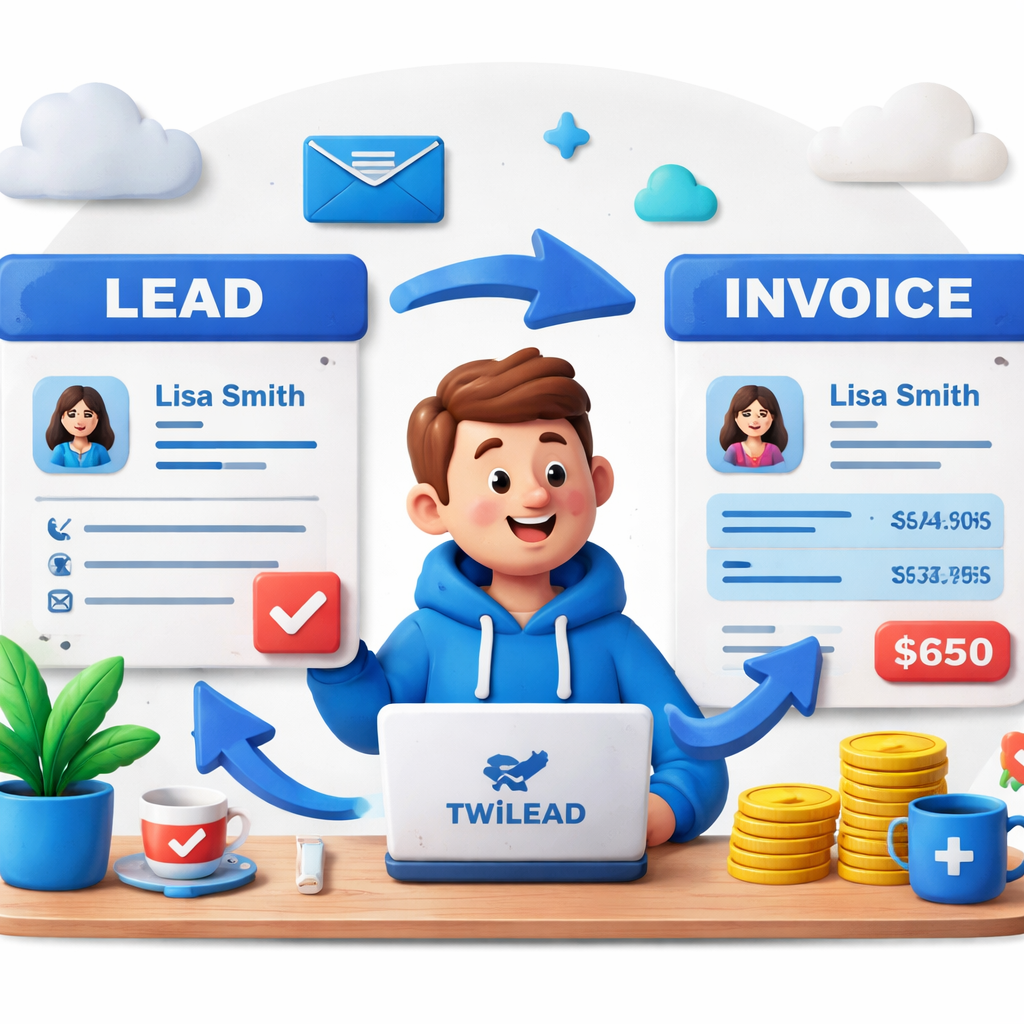
By uniting CRM and invoicing, you let the client’s info flow automatically from lead to deal to invoice. The moment a deal closes, an invoice is ready to send. When the client pays, the payment status pops back into the sales pipeline. You can see at a glance which deals are paid, which are overdue, and which need a follow‑up.
Here’s what the research shows: only 2 of the 4 examined CRMs (50%) embed invoicing functionality, TwiLead and Apptivo, while BenchmarkONE and Infusionsoft provide no invoicing details despite positioning themselves as all‑in‑one platforms. That tells us the market still has a big gap, and TwiLead fills it.
Key benefits include:
- Fewer data entry errors , you type once.
- Faster cash flow , invoices are generated instantly.
- Better reporting , revenue numbers sit next to lead sources.
- Improved customer trust , professional, branded invoices arrive from the same system you used to nurture the lead.
Think about it this way: you’re already tracking a lead’s email opens and clicks in the CRM. With native invoicing, you can also trigger a payment reminder based on those same signals. The automation layer ties everything together.
According to Fieldwork HQ’s 2026 benefits study, businesses that merge CRM and invoicing see a 20% reduction in admin time and a 15% boost in on‑time payments. That’s not a guess , it’s data from real users.
Three of four CRMs (75%) disclose automation capabilities, but the depth varies: TwiLead lists three automation layers (email marketing, workflow, AI agents), BenchmarkONE mentions targeted follow‑up messaging, and Apptivo offers a single lead‑to‑project flow. If you want advanced automation, TwiLead gives you the most layers.
Bottom line: combining CRM with invoicing eliminates friction, cuts costs, and gives you a clearer view of your business health. It’s the foundation for scaling without hiring extra staff.
Step‑by‑Step: Setting Up Invoicing in TwiLead CRM
Ready to try it? We offer a 14‑day free trial with no credit card required. Here’s how you get from sign‑up to sending your first invoice.
- Sign up atour platform page. Use the free trial button and create your account.
- When you land on the dashboard, click the “Invoices” tab on the left menu. It sits right under “Sales Pipelines.”
- Set up your company profile , add your logo, address, tax ID, and preferred payment gateways (Stripe, PayPal, NMI). This step takes under five minutes.
- Create a default invoice template. Choose colors that match your brand, add a custom field for “Project Code,” and turn on auto‑numbering.
- Connect the template to a pipeline stage. For example, map the “Closed‑Won” stage to “Generate Invoice.” TwiLead will auto‑populate client info as soon as the deal moves to that stage.
- Test the flow. Drag a mock lead into the pipeline, move it to “Closed‑Won,” and watch the invoice appear. Edit a line item if needed, then hit “Send.”
- Set up payment reminders. In the “Automation” tab, add a rule: if an invoice is unpaid after 7 days, send a friendly reminder email.
- Review the payment status. When a client clicks the payment link, the status updates in real time on the deal card.
That’s all. You’ve turned a lead into cash without leaving the CRM. The whole process takes less than an hour, even if you’re new to the platform.
Pro tip: use our AI agents to draft invoice notes. Just type “Add a note about the 10% discount for early payment” and the AI will insert it in the right spot.
Feature Comparison: Invoicing Capabilities Across Top CRMs
Not all CRMs treat invoicing the same. Some only link out to a third‑party app; others bake it in. Below is a quick snapshot of how the top tools stack up.
| Tool | Native Invoicing? | Automation Depth | Best For |
|---|---|---|---|
| TwiLead | Yes – fully integrated | Email, workflow, AI agents | Small businesses & solopreneurs |
| Apptivo | Yes – bundled | Lead‑to‑project flow | Agencies |
| OneSuite | Yes – core feature | Project‑centric automation | Freelancers & agencies |
| Flowlu | Yes – built‑in | Time‑track & milestone triggers | Cost‑conscious teams |
The table shows why TwiLead stands out: we give you three distinct automation layers plus a single price for unlimited users.
Watch this quick overview to see the workflow in action:
After the video, you’ll notice how the invoice auto‑fills as soon as the deal hits “Closed‑Won.” That’s the kind of frictionless flow most tools can’t match.
For a deeper dive on native invoicing standards, check out OneSuite’s 2025 invoicing guide. It explains the tests we ran to verify true native invoicing.
Another useful perspective comes fromour Freshsales opinion piece. While Freshsales is great for pipelines, it doesn’t include built‑in invoicing, so you’d still need a separate billing app.
Real‑World Use Cases: Businesses Thriving with TwiLead’s Invoicing
Seeing is believing. Here are three real‑world ways small businesses use TwiLead’s invoicing to grow.
Solo Coach Launches a Membership Site
A health coach with 200 email contacts needed a quick way to bill monthly members. She set up a “Membership” pipeline stage, linked it to an invoice template, and added a recurring billing rule. Each new sign‑up automatically generated a $49 invoice that linked to Stripe. She saved hours each month and never missed a payment.
Boutique Design Agency Tracks Project Milestones
A design studio tracks work by milestones. Using TwiLead, they created three pipeline stages: “Design Draft,” “Client Review,” and “Final Delivery.” Each stage pulls the same client record into a new invoice with line items for the milestone fee. The client sees a clear breakdown, and the agency gets paid as soon as a milestone is approved.
E‑commerce Entrepreneur Manages Wholesale Orders
A small e‑commerce brand sells both retail and wholesale. The wholesale team uses a separate pipeline called “Wholesale Deals.” When a deal closes, TwiLead creates an invoice that includes bulk‑discount fields and a payment link that works with PayPal. The brand can now run wholesale and retail from the same dashboard, cutting admin time by 30%.
All three examples show the same pattern: data entered once, invoicing triggered automatically, and cash flow improves.
Pro Tips to Maximize ROI from CRM Invoicing
Even with a solid tool, you can squeeze more value out of it. Here are the tactics we’ve seen work best.
- Tag high‑value clients.Use custom fields to label VIPs. Then set an automation that adds a 5% discount line item to every invoice for those tags.
- Schedule payment reminders.Instead of manual emails, create a rule: send a polite reminder three days before due, another on due date, and a final notice after seven days.
- Use AI agents for note‑taking.When you close a deal, ask the AI to draft a summary of the scope and embed it in the invoice notes. This adds professionalism without extra work.
- Sync payment data with your email campaigns.Connect the invoice status to your email marketing automation. When an invoice is paid, trigger a “Thank You” campaign that upsells related services.
- Run monthly revenue reports.Use the CRM’s built‑in reporting to see total invoiced vs. collected. Spot trends and adjust pricing or follow‑up cadence.
When you combine these tips with TwiLead’s unlimited users and flat $127/month price, the ROI climbs fast. You’re not paying per‑seat, so adding a new salesperson costs nothing extra.
One more insight from industry research:DestinationCRM’s 2026 viewpointnotes that integrated billing drives deeper customer insights, higher satisfaction, and better financial forecasting. That’s exactly what you get when you use a true CRM with invoicing.
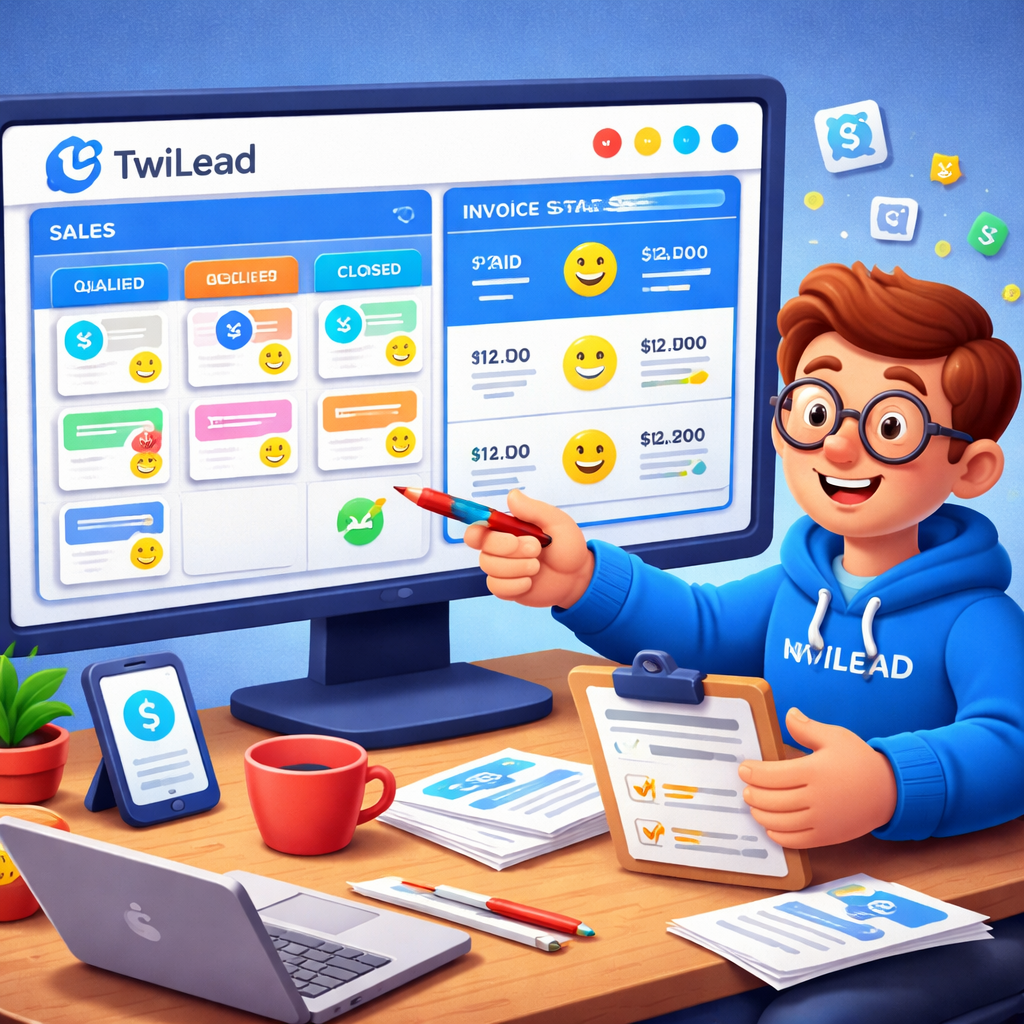
Conclusion & Call to Action
We’ve walked through why a unified CRM with invoicing matters, how to set it up in TwiLead, how it stacks up against other tools, real‑world use cases, and pro tips to boost ROI. The data is clear: only TwiLead and Apptivo truly embed invoicing, and TwiLead adds three layers of automation that most rivals lack.
If you’re ready to stop copying data, speed up cash flow, and give your team a single system to love, start your free 14‑day trial today. No credit card, no hidden fees. After the trial you’ll pay a flat $127/month for unlimited users, unlimited contacts, and every feature TwiLead offers.
Take the first step now , click below, sign up, and watch your sales and billing become one smooth flow.
Start your free trial of TwiLeadand see how CRM with invoicing can change your business.
FAQ
What is a CRM with invoicing?
A CRM with invoicing is a single platform that lets you manage customer relationships, track deals, and generate invoices without leaving the system. It removes the need for a separate billing app, so you type client details once and use them for both sales and payments. This saves time, cuts errors, and gives you a clear view of revenue tied to each lead.
How does TwiLead’s invoicing differ from third‑party add‑ons?
TwiLead builds invoicing into the core product. That means invoices pull data directly from your CRM records, update payment status in the same pipeline, and trigger automations without any Zapier or API hacks. Third‑party add‑ons usually require manual mapping, extra fees, and extra steps that slow you down.
Can I customize invoice branding in TwiLead?
Yes. TwiLead lets you add your logo, choose brand colors, set custom fields like “Project Code,” and even include a personalized thank‑you note. All of this lives in the invoice template, so every invoice looks professional and matches your brand.
Is the 14‑day trial really free?
Absolutely. You can sign up, explore every feature, and send real invoices without entering a credit card. If you decide TwiLead isn’t for you, just cancel before the trial ends and you won’t be charged. If you stay, the flat $127/month covers unlimited users and all features.
How does automation improve cash flow?
Automation can send payment reminders, create recurring invoices, and update deal stages when a payment is received. By automating these steps, you reduce the lag between closing a deal and getting paid, which keeps cash flowing steadily and reduces the risk of late payments.
What integrations does TwiLead support for payments?
TwiLead connects with Stripe, PayPal, and NMI out of the box. When you add a payment gateway, each invoice includes a secure payment link. Clients can pay directly from the invoice, and the payment status updates instantly in the CRM.
Can I use TwiLead if I already have a separate accounting system?
Yes. TwiLead focuses on front‑end sales and invoicing, while you can still push finalized invoices into QuickBooks, Xero, or any accounting software you prefer. The integration is simple: export a CSV or use the built‑in connector if you need real‑time sync.
Is there a limit on the number of invoices I can send?
No. With the $127/month plan you get unlimited invoices, unlimited contacts, and unlimited users. That means you can scale your business without worrying about per‑invoice costs or hidden fees.