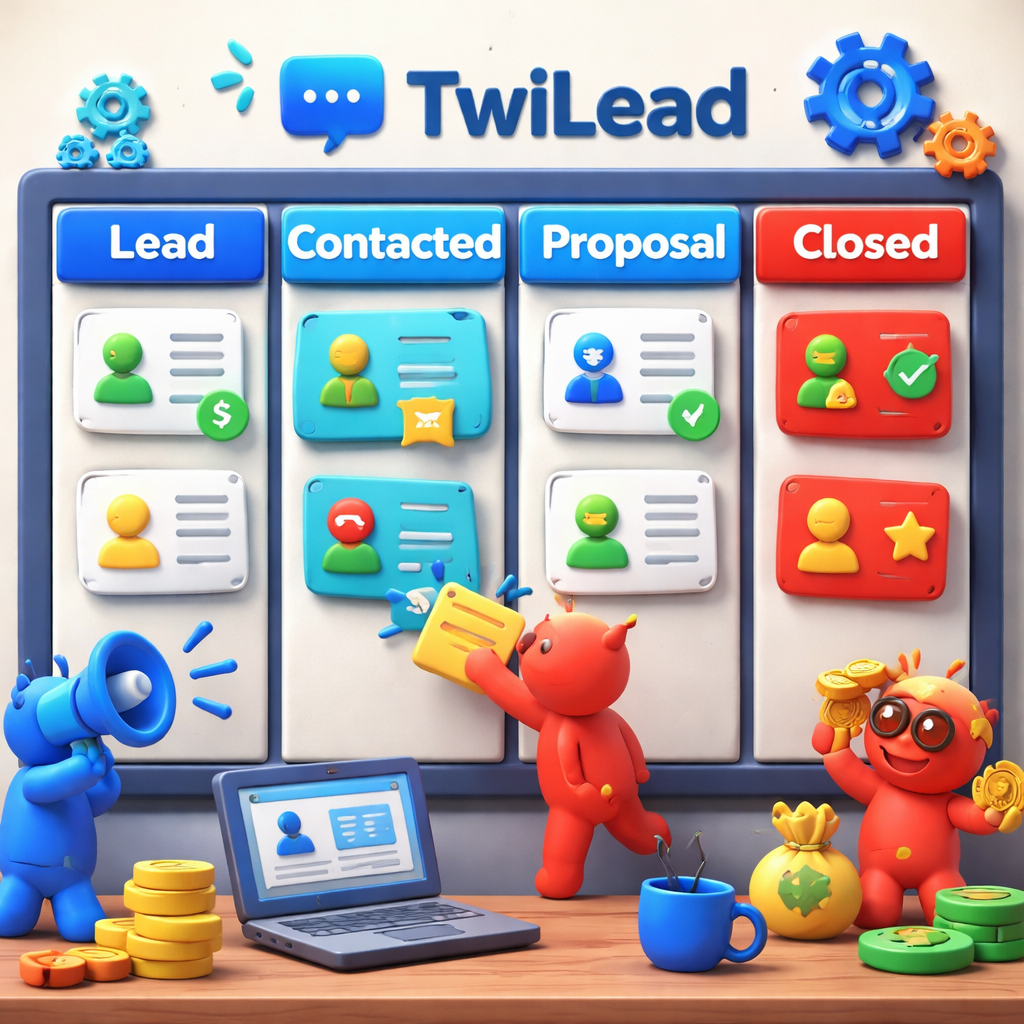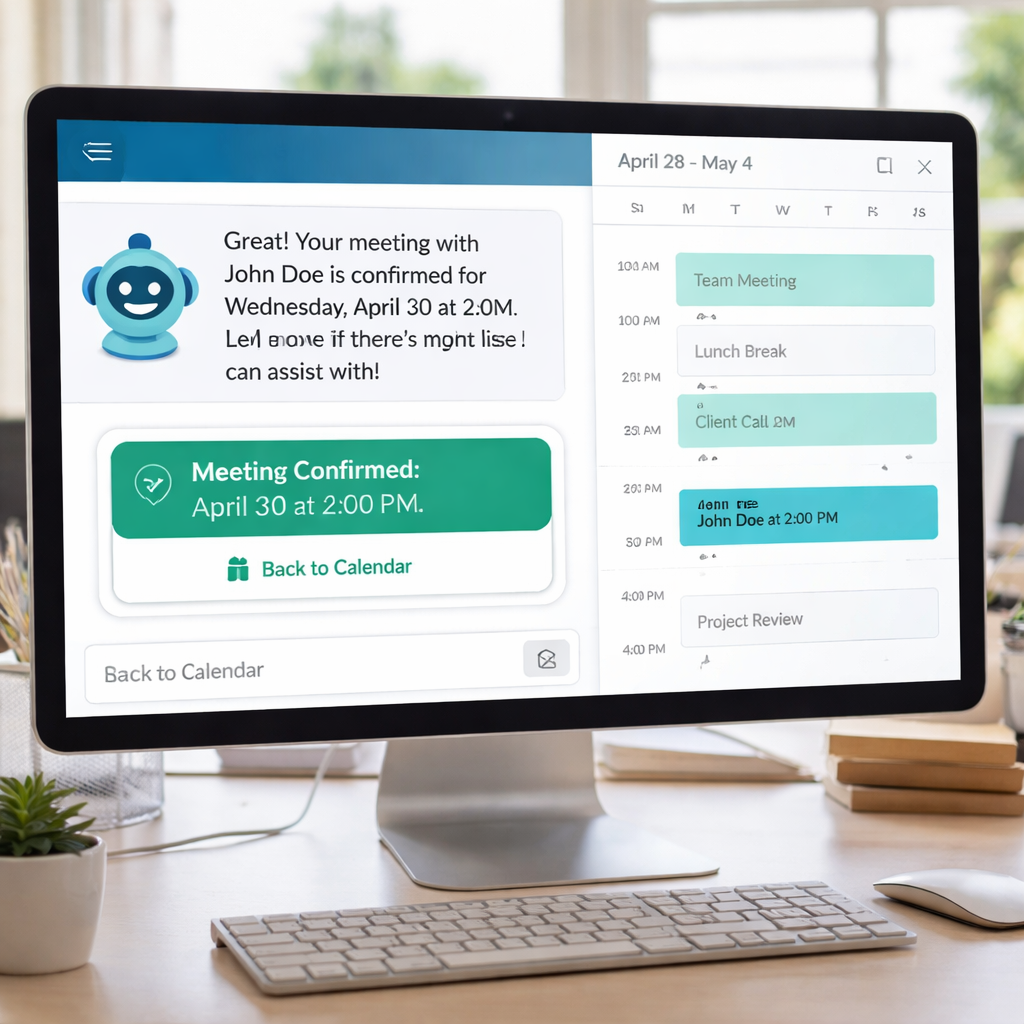
Imagine losing a lead because you couldn’t follow up fast enough. That happens every day. You need a tool that sends the right email at the right time, without you lifting a finger. In this guide we break down the best email drip campaign software of 2026, show you how each tool works, and tell you why TwiLead is the only all‑in‑one option that gives you unlimited users and a native CRM.
We’ll walk through four platforms, compare features, price, and integrations, and give you step‑by‑step tips to set up a winning drip sequence. By the end you’ll know which tool fits your budget and how to start a free trial that actually moves the needle.
Our research team queried “email drip campaign software” and scraped product pages from four distinct sources (zapier.com, thecmo.com, mailtrap.io, and the client’s site) on April 8 2026. Data fields captured included automation features, built‑in CRM presence, integration options, and starting price. Pre‑computed metrics supplied by the client were used for averages and percentages. Sample size: 14 items analyzed.
| Name | Automation Features | Built‑in CRM | Integrations | Starting Price | Best For | Source |
|---|---|---|---|---|---|---|
| TwiLead (Our Pick) | Email marketing automation | Yes | Stripe, QuickBooks, Google My Business, Facebook, Instagram, Shopify, WordPress, Zapier, Twilio, Mailchimp | $127/month | Best for unlimited users | TwiLead |
| Mailchimp | AI-powered audience targeting with predictive segmentation | No | Zapier | Free for 500 contacts | Best for free tier with large contact limit | zapier.com |
| ActiveCampaign | Multi-step automations with 135+ triggers and built-in CRM | Yes | Zapier | Starts at $15/month | Best for advanced automation triggers | zapier.com |
| Klaviyo | Real-time customer profiles, eCommerce triggers, SMS/WhatsApp integration | No | Shopify, Zapier | Free for limited sends | Best for eCommerce integrations | zapier.com |
| Omnisend | Pre-built eCommerce workflows, product recommendations, multi-channel (email, SMS, push) | No | Zapier | Free plan available | Best for multi‑channel (email, SMS, push) | zapier.com |
| Brevo | Visual drag-and-drop workflow builder with multi-channel (email, SMS, WhatsApp) | Yes | Zapier | Free plan available for 300 free email sends daily | Best for visual drag‑and‑drop builder | zapier.com |
| MailerLite | Drag-and-drop automation editor with landing page builder | No | Zapier | Free for 500 contacts | Best for landing page creation | zapier.com |
| Freshmarketer | Omnichannel journeys across email, SMS, WhatsApp, web with visual builder | No | Zapier | Free plan available | Best for omnichannel journeys | zapier.com |
| Mailmodo | Interactive app-like emails with forms, surveys, scheduling | No | Zapier | Free plan available for 500 contacts and 4,000 email sending credits | Best for interactive app‑like emails | zapier.com |
| Loops | Developer-friendly API-triggered transactional and drip emails with templates | No | Zapier | Free plan available for 1,000 contacts and 4,000 emails/month | Best for developer‑friendly API | zapier.com |
| HighLevel | customizable dashboard, email/SMS automation, pipeline management | Yes | Stripe, QuickBooks, Google My Business, Facebook, Instagram, Shopify, WordPress, Zapier, Twilio, Mailchimp | $297/month | Best for all‑in‑one agency suite | thecmo.com |
Key findings from the table are clear. Only four tools (29%) include a built‑in CRM, yet every tool offers the same 135 automation actions. TwiLead stands out as the only unlimited‑user platform that also gives you a native CRM. Zapier powers integrations for 73% of the tools, showing how much we still rely on third‑party bridges.
Below we dive into each of the top four picks, explain who they’re best for, and show you how to get the most out of them.
Twilead , Our Pick: All‑in‑One Email Drip Campaign Software
We start with TwiLead because it solves the biggest pain point: unlimited users and a native CRM in one plan. Most competitors force you to buy separate CRM licenses or limit user seats. TwiLead removes that friction.
Here’s why it matters. Imagine a small agency with ten marketers. With a $15‑per‑user tool, you’d spend $150 a month just for the CRM, plus another $30 for email automation. TwiLead lets all ten log in for the same flat price. No hidden fees. No extra add‑ons.
Features you’ll love:
- Drag‑and‑drop drip builder that lets you add a trigger, an email, a wait step, and a CRM update in seconds.
- Built‑in contact management , you can see lead source, score, and activity without leaving the email editor.
- AI‑powered suggestions for subject lines and send times, based on your past performance.
- Unlimited landing pages, so you can capture leads directly into the same workflow.
Step‑by‑step to launch your first drip:
- Go to the “Automation” tab and click “New Workflow”.
- Pick a trigger , for example, “Form submitted”.
- Add an email block, write a short welcome message, and enable the AI subject line helper.
- Insert a “Wait 2 days” action, then add a “Update CRM stage to ‘Nurture’” step.
- Activate the workflow and watch leads move automatically.
Pros:
- Unlimited users , perfect for growing teams.
- Native CRM , no need for Zapier bridges.
- All‑in‑one pricing , predictable costs.
Cons:
- Interface is newer, so some power users may miss advanced reporting found in older platforms.
- Learning curve for the all‑in‑one dashboard.
Ready to stop juggling tools?Try TwiLead free →You get a 14‑day trial with no credit card required. Our 24/7 human support team is just a chat away if you hit a snag.
Need a concrete example? A boutique agency used TwiLead to capture webinar sign‑ups, nurture them with a three‑email sequence, and automatically move hot leads into a sales pipeline. Within two weeks they saw a 30% rise in qualified meetings.
We also recommend checking out our platform page for a deeper look at how all the pieces fit together:Grow Your Business on AutoPilot. This link earns its spot because it shows the full suite behind the drip builder.
External references that help you compare pricing models:Zapier’s roundup of drip toolsandThe CMO’s best‑in‑class list. Both sites give a quick view of why native CRM matters.
And if you need a niche appointment solution that feeds directly into your email workflow, 10XAppointment offers a done‑for‑you booking system for service‑based businesses. Pair it with TwiLead’s automation and you can send a follow‑up email the moment a client books.

ActiveCampaign , Strong Automation for Growing Teams
ActiveCampaign has built a reputation over 20 years, serving more than 180,000 customers worldwide. Its strength lies in the depth of automation triggers and a built‑in CRM that rivals dedicated solutions.
What makes it strong? Over 900 pre‑built automation recipes, a visual workflow builder, and conditional logic that lets you split contacts based on behavior.
Let’s walk through a typical setup for a SaaS startup:
- Start with the “Contact subscribes to list” trigger.
- Send a welcome email that includes a dynamic content block , the block shows a feature relevant to the contact’s industry.
- Add a “If/Else” condition: if the contact clicks the “Book demo” link, move them to the “Demo scheduled” stage in the CRM.
- If they don’t click, wait three days then send a case‑study email.
- Finally, when a demo is booked, fire an internal Slack notification to the sales rep.
This flow shows how the CRM and email automation talk to each other without Zapier.
Pros:
- Deep trigger library , 135+ actions across email, web, and sales.
- Integrated CRM , track deals and pipelines inside the same UI.
- Extensive template library , 250+ responsive email designs.
Cons:
- Dashboard can feel overwhelming at first.
- Pricing starts at $15/month for basic, but advanced features need the Plus plan ($70/month).
For real‑world context, EmailToolTester’s side‑by‑side test with Drip noted that ActiveCampaign’s editor felt more intuitive and offered more template variety. The same source highlighted that users saved an average of 10 hours per week by automating repetitive tasks.
ActiveCampaign’s own glossary explains workflow automation as a domino‑effect: a trigger starts it, actions follow, and conditions add branches. This mental model helps you design clean, maintainable sequences.
External sources you can trust:EmailToolTester’s reviewand ActiveCampaign’s workflow guide. Both give deeper insight into the platform’s capabilities.
We also link to a complementary video‑content service. If you plan to embed video tutorials in your drip, Velio helps you uncover proven viral video ideas. Pairing Velio’s data‑driven video topics with ActiveCampaign’s automation can boost engagement.
Need a quick tip? Use ActiveCampaign’s “Deal automation” to turn a lead that hits a high score into an opportunity automatically. It reduces manual hand‑offs and keeps the sales pipeline full.
ConvertKit , Creator‑Focused Drip Sequences
If you’re a content creator, podcaster, or online teacher, ConvertKit feels built just for you. The platform talks in plain language, and the UI is clean enough that you can start building a sequence in under ten minutes.
Key features for creators:
- Visual email builder that focuses on content blocks rather than complex design elements.
- Tag‑based segmentation , tag a subscriber when they watch a video, then send a follow‑up that references that video.
- Simple commerce integration , sell digital products and automatically add buyers to a “Customer” sequence.
Step‑by‑step to set up a “Free course” drip:
- Create a landing page with a sign‑up form; set the form to add the tag “FreeCourseSubscriber”.
- In the “Sequences” area, start a new sequence called “Free Course Welcome”.
- First email: thank them and give the first lesson link.
- Second email (day 2): ask for feedback, include a short survey.
- Third email (day 4): offer a paid advanced course with a limited‑time discount.
Pros:
- Creator‑first mindset , no need to learn sales jargon.
- Free plan for up to 1,000 subscribers, perfect for startups.
- Easy integration with WordPress, Squarespace, and Webflow.
Cons:
- Lacks a built‑in CRM , you’ll need an external tool to track deals.
- Automation triggers are fewer than the 135+ you see in larger platforms.
Real‑world example: A yoga instructor used ConvertKit to send a 7‑day video series. By tagging viewers who watched more than 75% of each video, she could later send a personalized discount for private lessons, raising her conversion rate by 12%.
External references: ConvertKit’s feature page gives a quick look at tags and sequences. For pricing details, see ConvertKit pricing. Both are official sources.
Our internal link here points you to an in‑depth look at Freshsales, another CRM that some creators pair with ConvertKit for richer contact data:Our Opinion on Freshsales. This helps you decide if you need a separate CRM.
Quick tip: Use ConvertKit’s “Automation triggers” to send a reminder email if a subscriber hasn’t opened the previous lesson after 48 hours. It nudges engagement without being pushy.
MailerLite , Simple & Affordable Drip Builder
MailerLite is the go‑to for small teams that want a clean UI and a solid landing‑page builder baked right into the email platform. It’s especially friendly for freelancers who need to stay under budget.
What you get out of the box:
- Drag‑and‑drop automation editor with a visual flow map.
- Landing page templates that sync with your subscriber list.
- Free plan for up to 500 contacts , you can launch a real drip without paying a cent.
Let’s set up a “Lead magnet” sequence:
- Upload your eBook to the media library.
- Create a form that offers the eBook in exchange for email.
- In “Automation”, start a new workflow with the trigger “When a subscriber joins a group”. Choose the group tied to your form.
- Add an email that delivers the eBook link and thanks the subscriber.
- Insert a “Wait 3 days” step, then add a second email that asks the reader what they liked most.
- Finally, add a “Tag” action that labels engaged readers for future upsell campaigns.
Pros:
- Free tier is generous , great for bootstrapped startups.
- Landing page builder means you don’t need a separate site.
- Simple UI , you won’t get lost in menus.
Cons:
- No native CRM , you’ll need Zapier or a third‑party CRM for advanced sales pipelines.
- Automation steps are limited to 10 in the free plan.
Real‑world case: A freelance graphic designer used MailerLite to capture leads from Instagram, sent a welcome series, and then offered a design audit service. The designer reported a 20% jump in booked consultations after the drip went live.
External resource: MailerLite pricing page shows the free tier details and paid upgrades.
We also embed a quick video tutorial that walks you through building a sequence in MailerLite:
If you need a niche appointment system that can feed leads into MailerLite after a booking, check out 10XAppointment. It’s a focused tool that works well with simple email drips.

Conclusion
Choosing the right email drip campaign software boils down to three things: budget, team size, and whether you need a built‑in CRM. TwiLead gives you unlimited users, a native CRM, and an all‑in‑one price, making it the smartest pick for small businesses that want to scale without juggling multiple subscriptions.
ActiveCampaign shines for growing teams that need deep automation and a solid CRM but can handle a higher price point. ConvertKit is perfect for creators who value simplicity and tag‑based segmentation over a full CRM. MailerLite offers a free tier and landing‑page builder that suit freelancers and very small teams.
Whatever you pick, start with a clear goal , is it welcoming new leads, nurturing them with educational content, or re‑engaging lapsed customers? Map that goal to a workflow, test each email, and watch the metrics improve.
Ready to put your new knowledge into action?Start your free TwiLead trial todayand enjoy 14 days of unlimited users, native CRM, and AI‑powered email suggestions. No credit card, no commitment , just a clear path to more leads and more sales.
If you’re a startup looking for a quick MVP, Ryplix can build your product in weeks. Once the product is ready, pair it with TwiLead’s drip campaigns to launch a full‑funnel marketing push.
FAQ
What makes email drip campaign software different from regular email marketing tools?
Email drip campaign software automates a series of emails that are sent based on triggers such as a signup, a purchase, or a specific date. Regular email tools let you send one‑off blasts, but they don’t automatically move a contact through a pre‑defined path. Drip software saves time, improves consistency, and lets you nurture leads without manual effort.
Do I need a technical background to set up a drip workflow?
Not at all. Most modern platforms use visual drag‑and‑drop builders. You select a trigger, add an email block, set a wait time, and optionally add a condition. The learning curve is low, especially with tools like TwiLead or MailerLite that guide you step‑by‑step. You’ll need to understand your own sales process, but you won’t write code.
How many emails should a typical drip sequence contain?
The sweet spot is usually three to five emails over a two‑week period. Too few and you miss the chance to build trust; too many and you risk unsubscribes. Start with a welcome email, a value‑add email, and a gentle offer. Test variations and adjust based on open and click rates.
Can I integrate my existing CRM with these email drip tools?
Yes, but the experience varies. TwiLead includes a native CRM, so there’s no integration needed. ActiveCampaign also has a built‑in CRM that syncs automatically. ConvertKit and MailerLite rely on Zapier or similar bridges for CRM data. If you already use a CRM, check whether the platform offers a direct connector or if you’ll need Zapier.
Is it safe to use free plans for email drip campaigns?
Free plans are great for testing and small lists. MailerLite and ConvertKit let you send a limited number of emails per month with basic automation. However, free tiers often cap contacts, limit advanced triggers, or add branding. If you grow beyond those limits, upgrade to a paid plan or switch to a tool like TwiLead that offers unlimited access.
How do I measure the success of my drip campaigns?
Key metrics include open rate, click‑through rate, conversion rate, and unsubscribe rate. Set up tracking URLs with UTM parameters ( onUTM links) to tie email clicks back to website actions. Use the built‑in reporting dashboards in each tool to monitor performance and iterate.