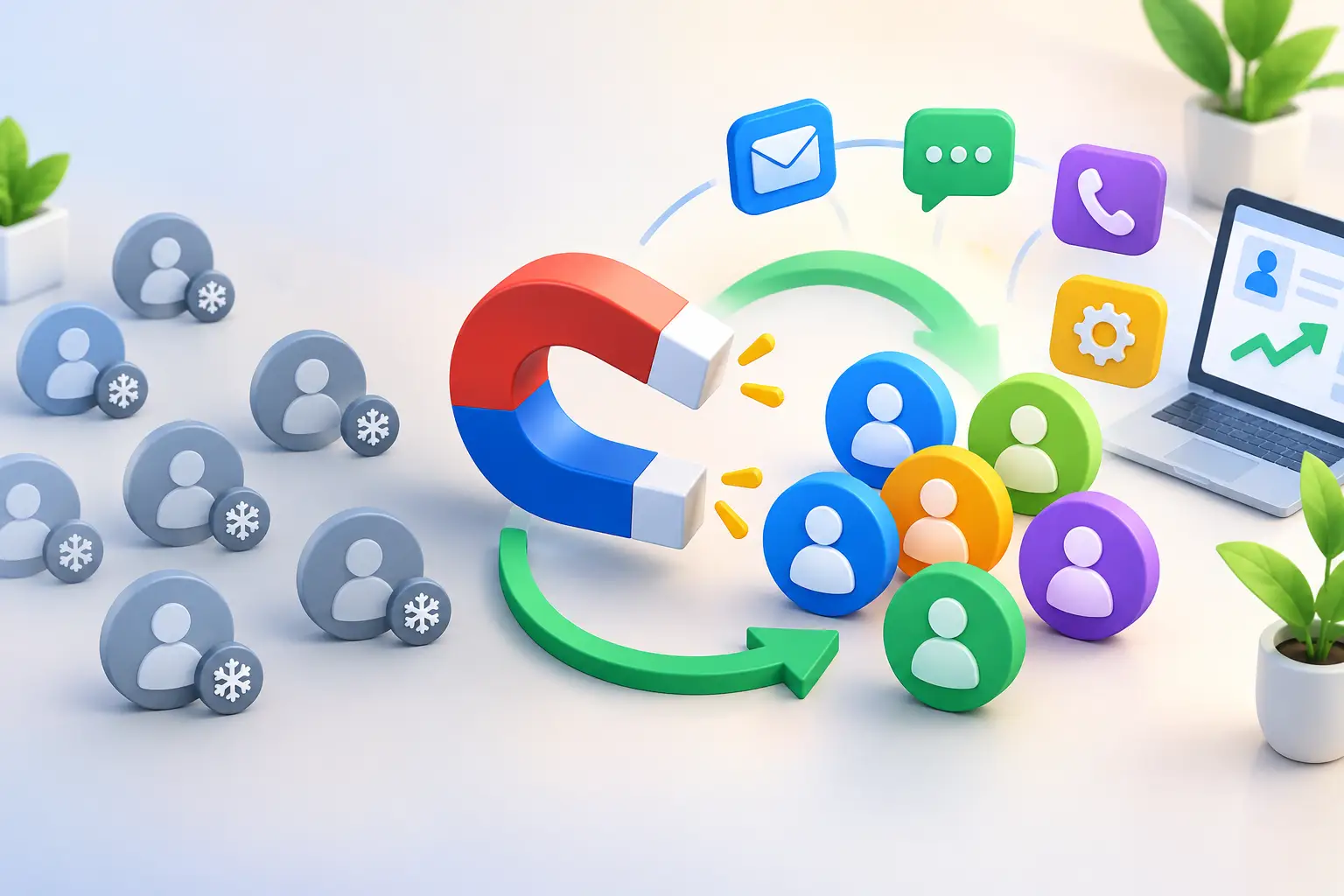
A prospect asks for a quote, fills out a form, or calls after finding your business online. Then the day gets busy. The follow-up sits in an inbox, a sticky note, or someone’s memory. By the time you respond, the prospect has often contacted a competitor. A small business CRM fixes this problem only when it gives your team a clear, repeatable way to capture leads and move them toward a sale.
The goal is not to buy more software or create more admin work. The goal is to make sure every lead gets a fast response, every opportunity has a next step, and every customer feels remembered after the sale.
What a Small Business CRM Should Actually Do
CRM stands for customer relationship management, but that phrase can sound bigger than it needs to be. For a small business, a CRM is the working record of every prospect and customer: where they came from, what they need, who last spoke with them, and what should happen next.
A useful system makes these answers easy to find without searching through text messages, spreadsheets, email threads, and calendar notes. It should help you see which leads are new, which estimates need follow-up, which appointments are booked, and which customers are ready for another purchase or service.
That visibility matters because growth problems are often follow-up problems in disguise. You may not need twice as many leads. You may need a better process for responding to the leads you already paid to generate.
The right CRM should support four business outcomes: capture more leads, convert more opportunities, retain more customers, and reduce the time spent switching between disconnected tools. If a feature does not improve one of those outcomes, it is not a priority for most small teams.
Start With Your Lead-to-Sale Process
Before comparing platforms, map what happens from a first inquiry to a completed sale. Keep it simple. A local contractor might use stages such as New Inquiry, Contacted, Estimate Scheduled, Estimate Sent, Won, and Follow-Up Later. A coach may use New Lead, Discovery Call Booked, Proposal Sent, Enrolled, and Nurture.
The names do not matter as much as the clarity. Each stage should tell you where the relationship stands and what your next action is. If “maybe” or “waiting” becomes a catch-all stage, your pipeline will stop being useful. Be specific enough to act.
For every stage, decide three things: who owns the next step, how quickly it should happen, and what message or task is needed. A new web lead may require a text and email within five minutes. A proposal sent may need a reminder after two days and a personal call after five. This is where a CRM becomes a revenue tool rather than a digital address book.
Do not build a complicated pipeline just because a platform allows it. A business with one salesperson does not need 14 stages. Too many steps make data entry harder and reporting less trustworthy. Start with the real path customers take, then improve it as patterns become clear.
Capture Leads Where They Already Reach You
Small businesses lose leads when inquiries arrive through too many channels and nobody owns the handoff. A form submission may go to email, a Facebook message may sit unanswered, and a phone inquiry may never make it into the sales process.
Your CRM should pull lead details into one place from the sources that matter to your business. That can include your website forms, online booking pages, calls, text conversations, email inquiries, and paid campaigns. The practical benefit is not just organization. It is speed.
Fast response is especially important for service businesses, real estate professionals, agencies, and consultants. When someone is actively looking for help, they are comparing options right then. An automatic acknowledgment can let them know they have been heard, while a task or alert ensures a real person follows up promptly.
If your website gets traffic but produces few conversations, focus on the first interaction. Make it easy for visitors to ask a question, request an estimate, book time, or leave their contact information. An AI website assistant can help answer common questions and collect lead details outside business hours, but it should support a clear handoff to your team. Automation should make prospects feel attended to, not trapped in a loop.
Use Automation to Protect Follow-Up
The most valuable automations are usually the least glamorous. They prevent small but costly misses: a lead that never gets called, a booked appointment that gets forgotten, or a customer who never hears from you again after a completed job.
For example, when a new lead enters your CRM, the system can immediately send a confirmation message, assign the lead to the right person, and create a same-day follow-up task. If the lead does not respond, it can trigger a polite check-in a few days later. When an appointment is booked, reminders can reduce no-shows. After a job is complete, a request for feedback or a reminder for future service can help drive retention.
The trade-off is that automation needs thoughtful setup. Too many messages, poorly timed reminders, or generic wording can weaken trust. Build around moments when the customer expects to hear from you. Keep messages short, useful, and easy to reply to.
A good rule is to automate the routine and personalize the important. Confirmations, reminders, and simple follow-ups are ideal for automation. Pricing questions, objections, custom recommendations, and high-value opportunities deserve a human response.
Choose a CRM That Does Not Create Another Software Problem
Many small businesses begin with a basic CRM, then add separate tools for email marketing, texting, appointment scheduling, landing pages, invoices, payment collection, workflow automation, and reporting. Each tool may solve one problem, but the stack creates new ones: duplicate contacts, inconsistent data, missed handoffs, multiple logins, and rising monthly costs.
This does not mean every business must use one platform for everything. If you have a specialized system that works well and integrates cleanly, keeping it may be the right decision. The question is whether your tools help information move smoothly from marketing to sales to service, or whether your team spends time manually moving it.
When comparing a small business CRM, look beyond the entry price. Ask whether key capabilities require expensive upgrades, whether user limits will slow growth, and whether you will need separate subscriptions to complete your basic customer journey. A low monthly price can become expensive once you add the tools required to make it useful.
An all-in-one platform such as TwiLead can make sense for businesses that want CRM, marketing, booking, messaging, payments, websites, and automation connected under one predictable monthly cost. The advantage is not having a longer feature list. It is having fewer gaps where leads and time disappear.
Measure the Numbers That Lead to Revenue
A CRM should make performance easier to understand, not bury you in dashboards. Most small businesses can make better decisions by tracking a few numbers consistently.
Watch how many new leads arrive each week, where they came from, how quickly your team responds, and how many become appointments or qualified conversations. Then track how many opportunities turn into sales, the average value of each sale, and how long the sales cycle takes.
These numbers reveal where to focus. If leads are low, improve your website, local marketing, referral process, or campaigns. If lead volume is healthy but appointments are weak, improve your response time and follow-up messages. If proposals are not closing, look at your sales conversation, offer, pricing presentation, or timing.
Customer retention deserves equal attention. A customer who already knows your business is usually easier to serve and more likely to refer others than a cold lead is to convert. Use your CRM to identify past customers who may need a renewal, seasonal service, check-in, or relevant offer. Done well, this creates more revenue without constantly increasing ad spend.
A Simple 30-Day CRM Rollout
Trying to organize every contact and automate every scenario on day one is a common mistake. Start with the part of the process that is currently costing you the most sales.
During the first week, create your pipeline and bring in active leads and customers. Do not worry about cleaning years of old data before your team can use the system. In the second week, connect your main lead sources and make sure every inquiry gets recorded. Test the process by submitting a form, booking an appointment, and replying by text.
In week three, add one or two automations that protect follow-up. A new-lead response sequence and appointment reminders are often the best place to start. In week four, review your pipeline with the team. Look for stalled deals, missing contact information, and stages where leads drop off. Adjust based on what actually happens in your business.
The best CRM is not the one with the most settings. It is the one your team uses every day because it makes the next right action obvious. Build that habit, and your customer relationships stop living in scattered tools and start producing more dependable growth.