Local Small Business
Manage Customers & Leads, Appointments, Communications, and Invoicing
Small business, big problems?
We get it you’re tired of losing opportunities because of missed conversations, lack of immediate reporting, and the chaos that takes over your office every time you need teamwork to close leads and sales.
We can’t guarantee an office free of conflicts, but we can help you build a system where chaos is the exception, not the rule.
Because we’re here to help you create an effective process to attract, capture, and convert leads into customers, giving you full control over every step.
The best part? You’ll gain an extra sales team member for free: an AI agent that engages in persuasive conversations with your customers, even when your team’s plate is full.

Clayton Plumbers
Plumbing company
TwiLead suggested plan : Pro Pack
You are going to get:
How TwiLead will help you?
1. CRM & Sales Pipelines
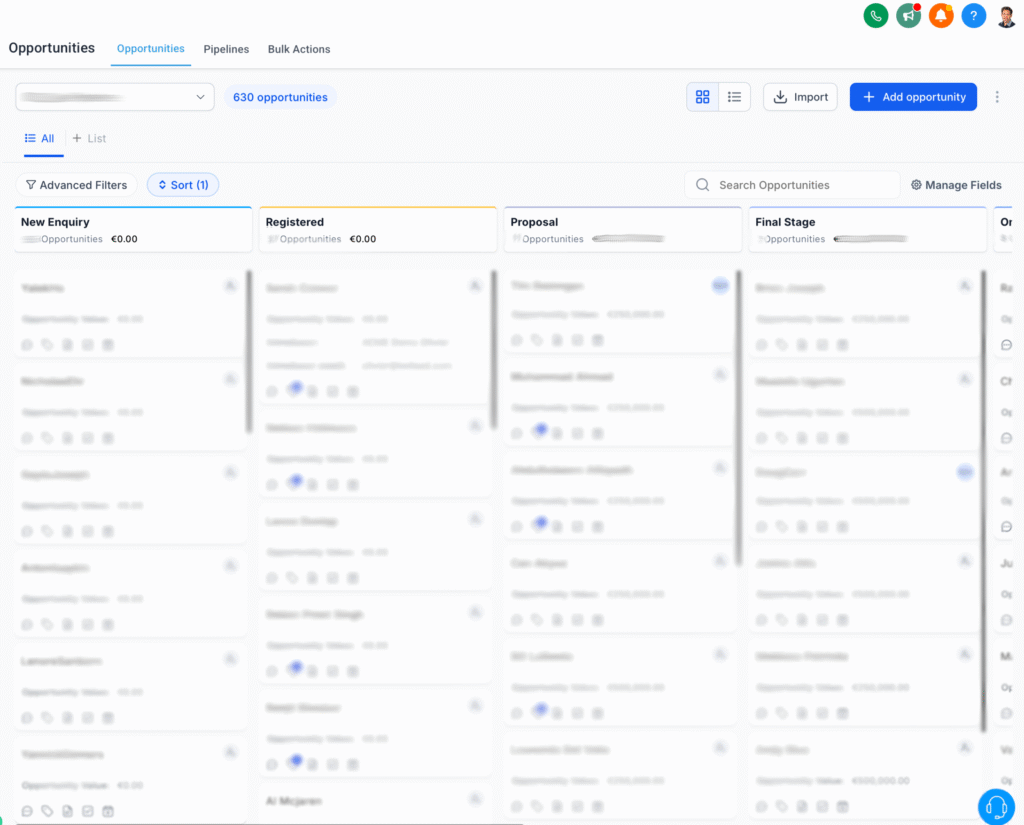
Automatic Customers & Leads Management
Struggling to keep track of customers and leads? With Twilead, you can automate reminders, follow-ups, campaigns, and even assign tasks to the right team member. Plus, capture new prospects easily through online forms.
Jobs & Estimates Follow-up
Tired of losing track of proposals or jobs? Our sales pipelines show you the status of every deal in real time and automate follow-ups, so you never miss a chance to close a deal.
2. Automatic Booking
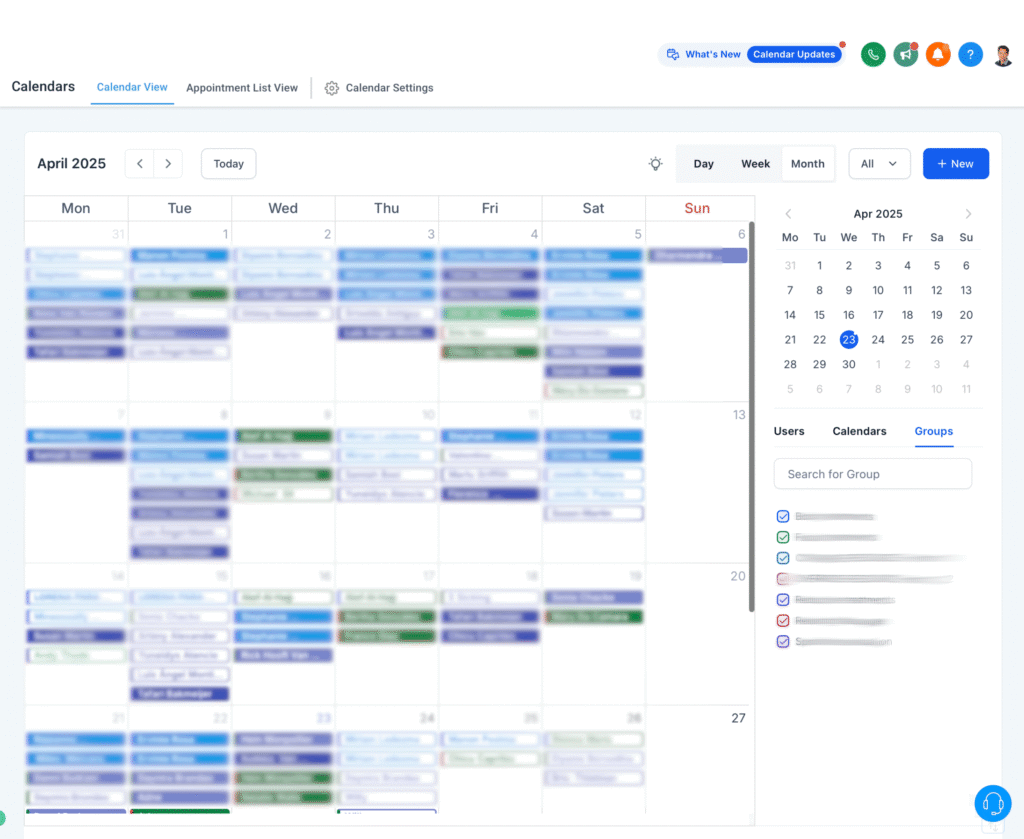
Automatic Appointment Scheduling
Stop wasting time managing schedules manually. Add a booking form to your website and let customers book appointments online. Your calendar stays organized and you keep getting revenue,
Automated Reminders
Reduce no-shows and save time. Twilead sends SMS or email reminders to your customers automatically, so they show up prepared. Less wasted time, more revenue for your business.
3. Automated Communications
All-in-One Inbox
No more jumping between apps. Centralize emails, SMS, and social media messages in one place. Every conversation is easy to find, so you never miss a message or lose a deal.
Auto Missed Call Text Back
When you can’t answer the phone, Twilead sends an instant text and answer the messages to keep the conversation going. Being bussy is going to be never again an excuse.
Automated Actions
From sending booking links to requesting reviews after a job, Twilead handles repetitive tasks for you. Even invoicing is automated, integrated with Stripe and PayPal for fast, secure payments. Less effort, faster cash flow.
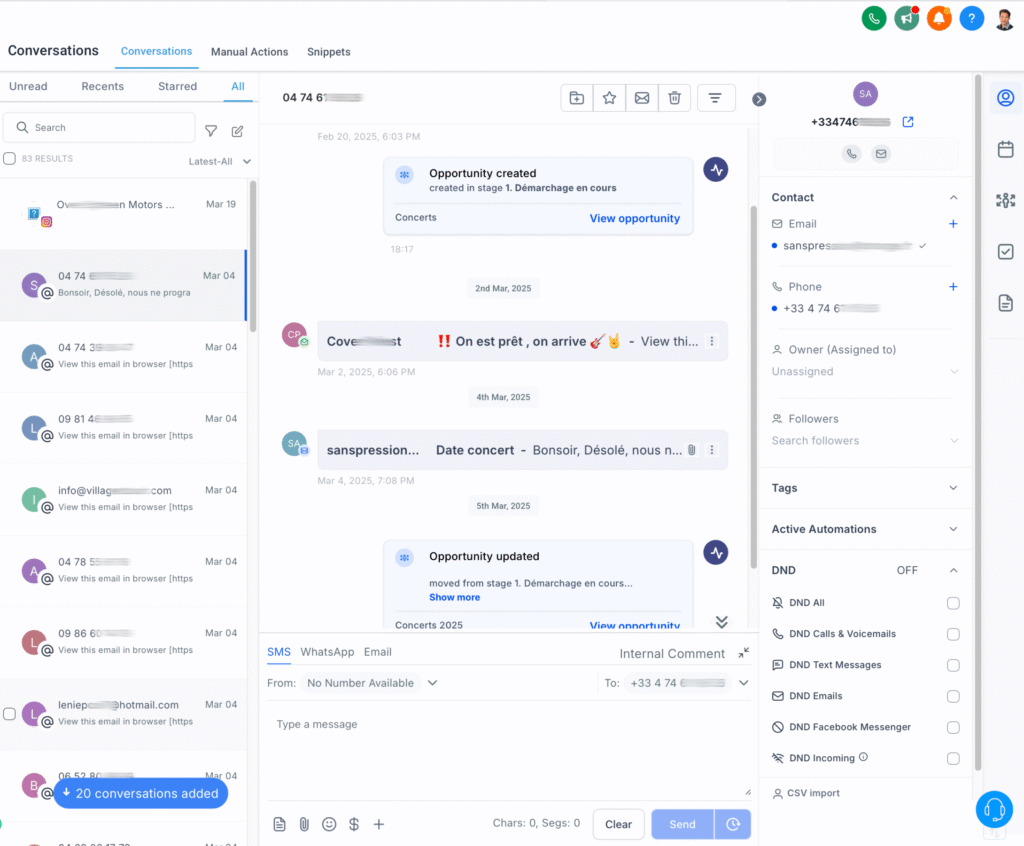
4. Invoicing and Payment Integration
Automated Invoicing
Twilead generates and sends invoices right after the job is done, including payment reminders.
The billing process is now quick and efficient.
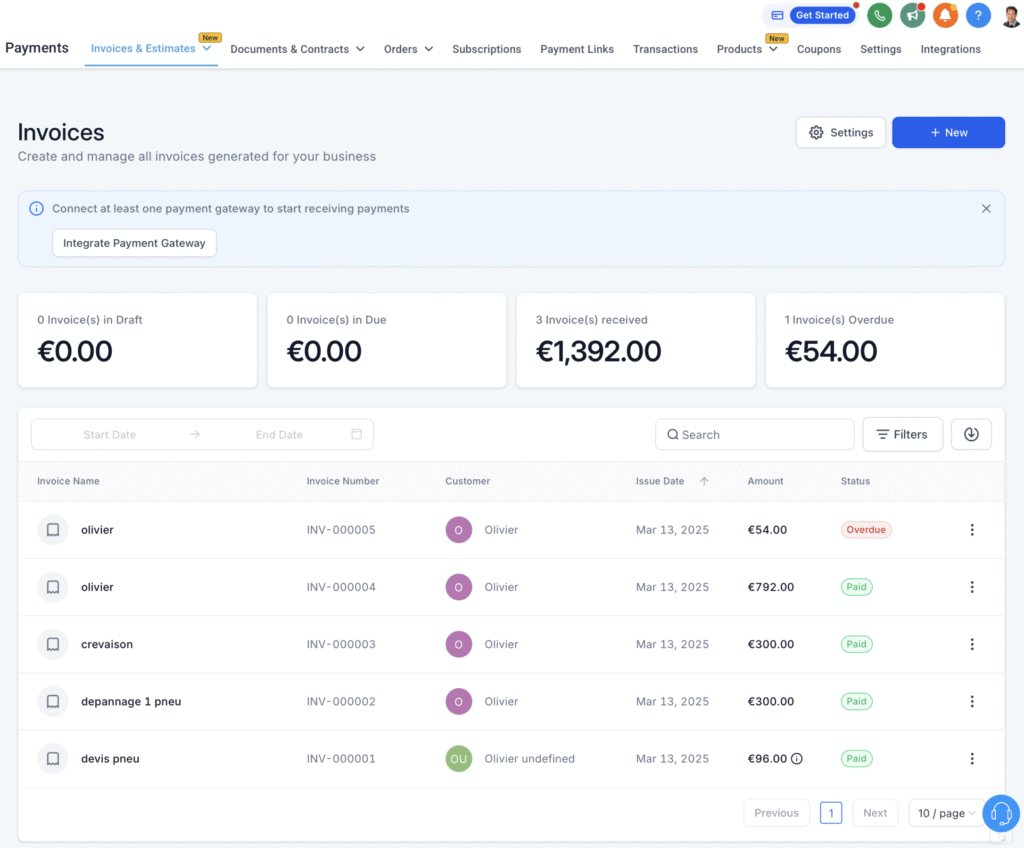
Payment Integration
Your billing process becomes quick and efficient with secure online payments through Stripe and PayPal.
Less effort, faster cash flow.

Now Clayton Plumbers has streamlined their basic operations, next step would be to use CRM and marketing features to nurture their customers by proposing maintenance services, and track service history & notes.
This helps the business provide personalized service and maintain strong customer relationships, thus providing recurring revenues 🚀
Key Benefits of TwiLead Pro Pack
- Streamlined operations with automations
- More productivity, less costs
- Exceptional customer service
By implementing TwiLead, Clayton Plumbers can streamline their operations : the business can manage all aspects of their services from a single platform, saving time and resources while delivering exceptional customer service. They can grow without increasing their costs.
Ready to transform your business like Clayton Plumbers?
Check Our Blog!

How to Create a Booking Calendar in TwiLead (Updated Steps)
If you’re looking to streamline your appointment scheduling, automate your bookings, and offer a smooth experience to your clients, learning how to create a booking calendar in TwiLead is essential. In this guide, you’ll walk through every step, from accessing the calendar dashboard to customizing availability, notifications, and embedding your calendar on your site. Let’s…

How to Build High‑Converting Funnels on TwiLead: Step‑by‑Step
If you’ve made it this far,… you’re THIS 🤏 close to having your own marketing and sales machine running In this guide, you´ll learn how to create a funnel inside TwiLead, from your landing page to capturing leads, so you can start turning visitors into clients. Let’s get into it. What Is a Funnel (and…
How to Create Chatbots from Scratch (No-Code-Needed)
Creating your own AI chatbot is no longer a complicated, technical task. With today’s AI tools, you can build a fully functional, 24/7 virtual assistant or sales person in just a few minutes—no coding, no engineering background, no technical setup required-. In this guide, you’ll learn how to create chatbots from scratch, train them with…