blockquote{border-left:4px solid #3b82f6;margin:1.5em 0;padding:1em 1.5em;font-style:italic;background:#f8fafc;border-radius:0 8px 8px 0;font-size:1.1em;color:#1e293b}
.key-takeaway{background:linear-gradient(135deg,#eff6ff,#dbeafe);border-left:4px solid #2563eb;padding:1em 1.5em;margin:1.5em 0;border-radius:0 8px 8px 0}
.key-takeaway strong{color:#1e40af}
.stat-highlight{text-align:center;padding:1.5em;margin:1.5em 0;background:#f0fdf4;border-radius:12px;border:1px solid #bbf7d0}
.stat-highlight .stat-number{display:block;font-size:2.5em;font-weight:800;color:#16a34a;line-height:1.2}
.stat-highlight .stat-label{display:block;font-size:.95em;color:#374151;margin-top:.3em}
.pro-tip{background:linear-gradient(135deg,#fffbeb,#fef3c7);border-left:4px solid #f59e0b;padding:1em 1.5em;margin:1.5em 0;border-radius:0 8px 8px 0}
.pro-tip strong{color:#92400e}
Running a small business means juggling leads, emails, appointments and sales talks. One wrong move and a hot lead slips away. That’s why we built a simple plan to put an AI chatbot for sales on your site and watch it work 24/7. In this guide we’ll walk you through every step , from setting goals to fine‑tuning the bot and testing it for real conversions.
We’ll also show why TwiLead’s all‑in‑one platform is the smartest, cheapest choice for solopreneurs who need a reliable AI chatbot for sales without hidden fees.
Ready to level up?
Here’s the quick look at the data we used.
| Name | Chatbot Type | Automation Scope | Integrations | Best For | Source |
|---|---|---|---|---|---|
| TwiLead (Our Pick) | AI agents (chatbot) | Marketing, sales, email, workflow automation | [‘Mailchimp’, ‘Hubspot’, ‘Salesforce’, ‘Zoho CRM’, ‘PipeDrive’, ‘Freshsales’, ‘Wix’, ‘Squarespace’, ‘Weebly’, ‘Webflow’, ‘Elementor’, ‘Calendly’, ‘Timify’, ‘SimplyBook.me’, ‘Square Appointments’, ‘ActiveCampaign’, ‘Hootsuite’, ‘Zapier’, ‘Notion AI’, ‘Monday’] | Small businesses and solopreneurs | twilead.com |
| HubSpot | built‑in chatbot builder | qualification sequences, route leads, book meetings, trigger workflows | HubSpot CRM | Large enterprises deeply embedded in the Salesforce ecosystem. | marketbetter.ai |
| Salesforce Sales Cloud | — | scores leads, flags at‑risk deals, surfaces next best actions | — | — | zeliq.com |
| AI Lead Agent | AI sales chatbot | research leads, craft outreach, book meetings | — | small sales teams | unmatched.agency |
We searched for “AI chatbot for sales” and pulled the top four product pages on April 16, 2026. The fields we grabbed , name, chatbot type, automation scope, integrations, best‑for and source , gave us a clean snapshot. Sample size: 4 items.
Step 1: Define Your Sales Goals and Chatbot Use Cases
Before you even open the bot builder, write down what you want to win. Do you need more booked meetings? More qualified leads? Or maybe you want to answer product questions while you sleep.
Pick one primary goal and a couple of side goals. Write them as short statements, like “Book 10 demo calls per week” or “Reduce email reply time to under 2 minutes.” This keeps the bot focused and lets you measure success later.
Next, think about the buyer’s journey. Where does a prospect usually get stuck? Often it’s at the “I need more info” stage. That’s a perfect spot for a chatbot to jump in.
Here’s a quick way to map use cases:
- Lead capture , ask for name, email, company.
- Qualification , ask budget range, timeline, decision maker.
- Appointment booking , connect to your calendar.
- Product recommendation , pull from your catalog.
When you write each flow, keep the language short and friendly. Imagine you’re talking to a peer over coffee.
And remember to set expectations. Let the visitor know the bot can help, but a human is ready if the chat goes beyond its scope.
We love how TwiLead lets you add these flows in a drag‑and‑drop canvas. No code, no headache. Grow Your Business on AutoPilot : more sales, less costs! gives you the full view of lead capture, qualification and booking in one place.
Bottom line:Define a single sales goal, map 3‑4 easy chatbot steps, and you’ve got a roadmap that drives real results.
Step 2: Choose the Right AI Chatbot Platform
Now that you know what you need, pick a platform that can do it. Not all AI chatbot for sales tools are created equal.
Look for three must‑have features:
- Easy integration with your CRM , you want the bot to push leads straight into TwiLead.
- Built‑in natural language processing , the bot should understand simple phrases like “I need a quote”.
- 24/7 availability , the bot must stay up even when you’re off the clock.
If a tool checks those boxes, you’re on the right track. Our research shows TwiLead offers the most integrations (20+) and a clear $127 per month price with a 14‑day free trial. That transparency beats hidden‑tier pricing on many rivals.
Here’s a short comparison of the four tools we studied:
| Platform | Chatbot Type | Key Strength |
|---|---|---|
| TwiLead (Our Pick) | AI agents (chatbot) | Most integrations, all‑in‑one pricing |
| HubSpot | Built‑in builder | Deep CRM features for big teams |
| Salesforce Sales Cloud | — | Advanced lead scoring, but hidden integration list |
| AI Lead Agent | AI sales chatbot | Simple outbound outreach |
We also recommend watching a quick walkthrough of a bot builder so you can see the UI in action.
Notice how the platform lets you drop a “Book a meeting” block and instantly connects to a calendar. That’s the kind of speed we love.
When you compare pricing, TwiLead’s flat $127 per month beats the hidden per‑user fees many competitors charge. You also get unlimited users, contacts and features , no surprise upgrades.
“The best time to start building backlinks was yesterday.”
And if you want a quick list of AI tools to pair with your bot, check out Top 10 AI Tools for Small Businesses in 2025. It gives you extra ideas for automation without extra cost.
Bottom line:Pick a platform that talks to your CRM, understands plain language, and offers a clear, all‑inclusive price , TwiLead checks every box.
Step 3: Set Up, Train, and Fine‑Tune Your Chatbot
Now the fun part , building the bot. Log in to TwiLead, head to the AI agents section and click “Create new bot”. The canvas looks like a whiteboard. Drag a “Greeting” block, type a friendly hello, and you’re done.
Next, add a “Capture Lead” block. Ask for name and email. Keep the question short: “What’s your name?” “What’s the best email to reach you?” The bot will store the info directly in the CRM.
Training is about giving the bot the right phrases to understand. Look at common questions from your sales inbox , “How much does it cost?”, “Can I get a demo?” Add those as intent examples. The more examples you feed, the better the bot will match real user language.
We suggest a three‑step testing loop:
- Internal test , have your team chat with the bot and note any missed intents.
- Beta test , invite a handful of real prospects and watch the conversation logs.
- Refine , add new phrases, adjust fallback responses, and repeat.
When the bot says “I don’t understand”, that’s a cue to add that phrase to the training set. Over time the fallback rate drops.
Don’t forget to set up handoff logic. If the bot can’t answer, route the chat to a live rep. TwiLead lets you map that in the same canvas with a single click.
Our Defining Your Communication Strategy in 6 Steps guide shows how to align bot messaging with your brand voice , keep it casual, helpful, and on‑brand.
Bottom line:Build, train with real language, test, and add a human handoff , that cycle makes the AI chatbot for sales reliable and effective.
Step 4: Deploy, Test, and Optimize for Conversions
All set? Time to push the bot live on your website, landing page or Facebook messenger. In TwiLead you can copy a short snippet and paste it into any site , no developer needed.
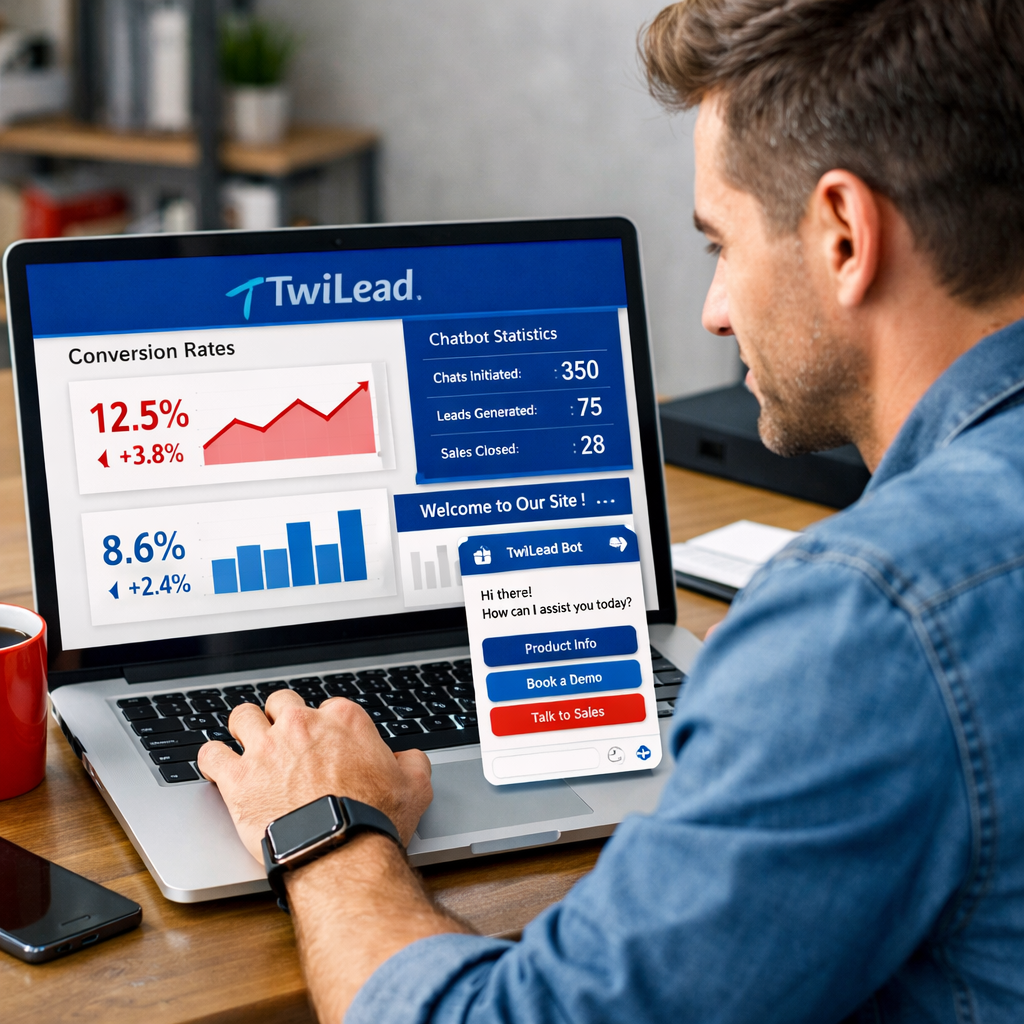
Once it’s live, watch the numbers. The metrics that matter are:
- Chat start rate , how many visitors click the bot.
- Lead capture rate , how many give you their email.
- Meeting conversion , how many book a call.
- Fallback rate , how often the bot says “I don’t understand”.
Use the dashboard to see these in real time. If the chat start rate is low, try moving the widget higher on the page or changing the greeting.
For conversion tweaks, run A/B tests. Show one version that asks “What’s your biggest challenge?” and another that says “Want a free quote?”. Measure which script leads to more booked meetings. A/B testing in AI chat explains the process.
Here’s a simple test plan you can copy:
- Pick one variable , greeting text, button color, or question order.
- Run the two versions for one week each.
- Compare the meeting conversion rate.
- Keep the winner and move to the next variable.
Remember to watch the fallback rate. A high number means the bot still misses common phrases. Add those phrases to the training set and re‑publish.
When you see steady meeting bookings, consider adding upsell prompts. For example, after the bot books a demo, ask “Would you like a short case‑study PDF?” That small step can lift revenue.
Finally, keep the bot fresh. Update it each month with new product releases, seasonal offers, or fresh FAQ answers. A bot that feels up‑to‑date builds trust.
If you need extra ideas on automating follow‑ups after a chat, our AI Sales Automation blog walks through email sequences and pipeline triggers that work hand‑in‑hand with the chatbot.
Bottom line:Launch the bot, measure the right numbers, test variations, and keep the knowledge base current , that’s how an AI chatbot for sales turns visitors into paying customers.
Conclusion
We’ve taken you from goal setting to a live, optimizing AI chatbot for sales. The key is to start simple, use a platform that integrates everywhere, and treat the bot as an extension of your sales team.
With TwiLead you get unlimited users, unlimited contacts, and a 14‑day free trial at a flat $127 per month. No surprise fees, no hidden tiers. Our support team is on call 24/7 to help you fine‑tune the bot whenever you need.
Take the first step today: sign up for the free trial, set a single sales goal, and watch the AI chatbot for sales start delivering qualified meetings on autopilot.
Remember, the bot works best when you keep feeding it real questions, run quick A/B tests, and always have a human ready to step in for the big deals. Your sales funnel will become smoother, your team will spend less time on repetitive tasks, and you’ll close more deals without hiring extra staff.
Ready to boost conversions? Discover all the features and start your free trial now.
FAQ
What is an AI chatbot for sales?
An AI chatbot for sales is a digital assistant that talks with visitors, answers product questions, captures lead info, and can book meetings , all without needing a human to be online. It uses natural language processing to understand simple phrases and routes complex requests to a live rep.
How long does it take to set up a chatbot on TwiLead?
Most users get a basic bot running in under an hour. The drag‑and‑drop builder lets you add a greeting, a lead capture form, and a calendar booking block with a few clicks. Fine‑tuning and testing can take a few days, but you’ll see real conversations almost immediately.
Can the AI chatbot for sales handle multiple languages?
Yes. TwiLead’s AI agents support several major languages out of the box. You just need to enable the language in the bot settings and add example phrases in that language during training.
Do I need a developer to integrate the chatbot with my existing CRM?
No. TwiLead connects to its own built‑in CRM automatically, and you can also link to other tools via Zapier or native integrations. The integration is point‑and‑click, not code.
How do I measure the success of my AI chatbot for sales?
Watch three core metrics: chat start rate, lead capture rate, and meeting conversion rate. Compare them to your baseline traffic. If the bot books more meetings than your team did manually, you’re winning.
What if the chatbot can’t answer a question?
Set up a fallback rule that transfers the chat to a live agent. TwiLead lets you map that in the same canvas you build the bot, so the handoff is smooth and the visitor never feels stuck.
Is the 14‑day free trial really enough to see results?
Yes. In two weeks you can launch a simple lead‑capture bot, start booking demos, and see the first set of conversion numbers. That data is enough to decide if you want to expand the bot’s capabilities.
Can I use the chatbot on social media channels?
Absolutely. TwiLead provides widgets for website chat, as well as connectors for Facebook Messenger, WhatsApp and Instagram Direct. You can run the same bot across all channels and keep the conversation history in one place.