Key Takeaways
- Automate customer check ins to improve retention and enhance customer relationships during key moments.
- Follow-ups after services, reminders before appointments, and outreach to inactive customers drive revenue.
- Personalize automated messages by referencing past services and customer goals to make them feel relevant.
- Use one connected platform to streamline all customer interactions, reducing missed opportunities and manual processes.
- Start with one thoughtful check-in and measure its impact to gradually improve your system.
Introduction
A customer who has already bought from you is easier to serve, easier to sell to, and far more valuable than a cold lead. Yet many small businesses lose that advantage because follow-up happens only when someone remembers. Learning to automate customer check ins gives every client a timely next step without turning your communication into a pile of generic messages.
The goal is not to send more emails or texts. The goal is to show up at the moments that matter: after a service, before an appointment, when a customer may need help, or when it is time to book again. Done well, automated check-ins protect the relationship while saving hours of manual work each week.
Why customer check-ins drive revenue
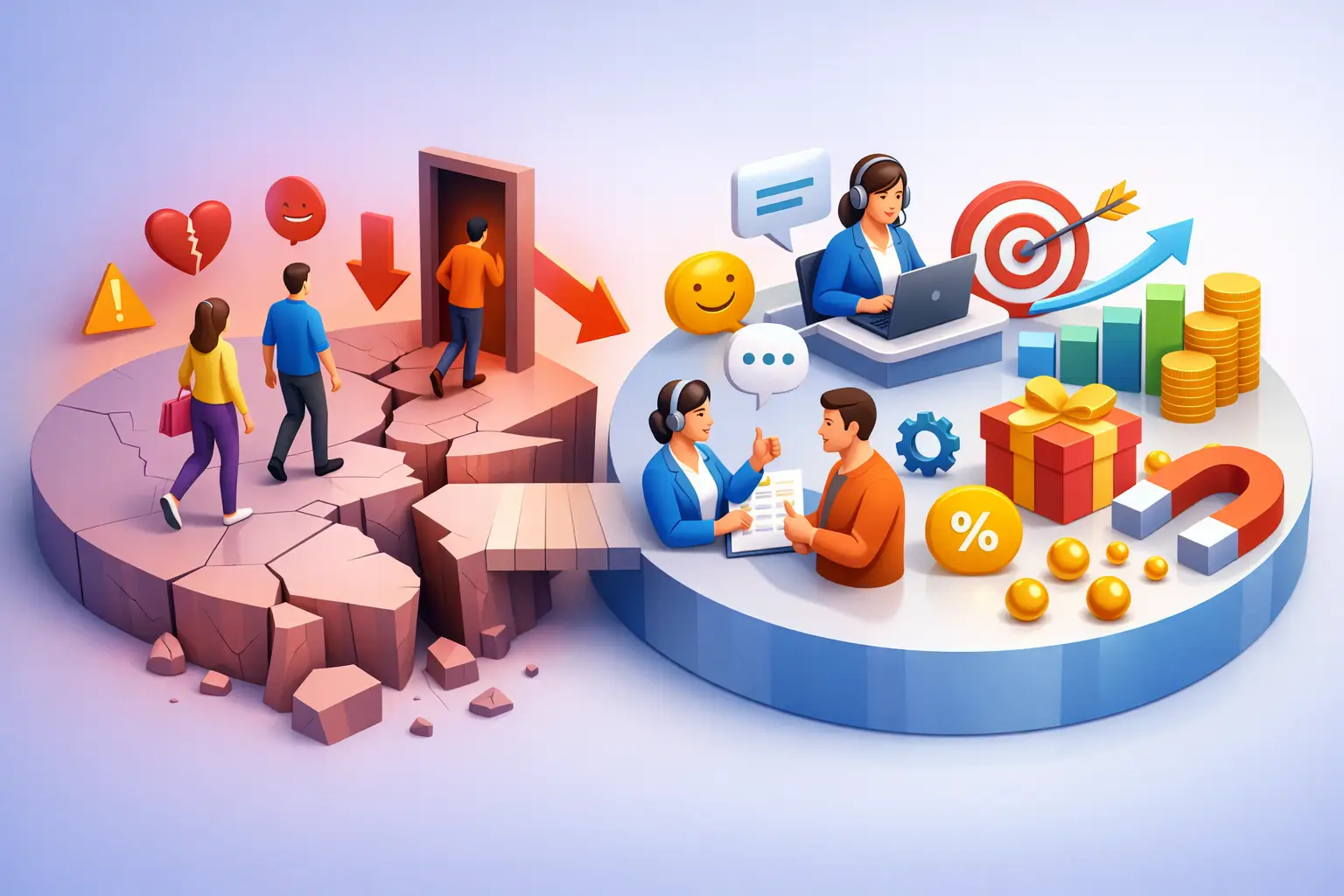
Most customers do not leave because of one bad interaction. They drift away because no one gives them a reason to return. A missed follow-up after a completed project, a forgotten maintenance reminder, or a slow response to a question can quietly turn a satisfied customer into a past customer.
Regular check-ins create a practical advantage. They catch problems before they become negative reviews, bring customers back for repeat services, and give your team a natural opening to recommend the next best service. For a consultant, that might mean checking progress two weeks after a strategy session. For a home service business, it could mean a seasonal service reminder. For a real estate professional, it may be a helpful touchpoint after closing instead of disappearing once the transaction ends.
The value compounds because the system does not depend on a busy owner remembering every detail. Your business can provide consistent attention even when your calendar is full. Regular check-ins keep the flywheel marketing model spinning: satisfied customers come back and bring new ones with them.
What to automate and what to keep human
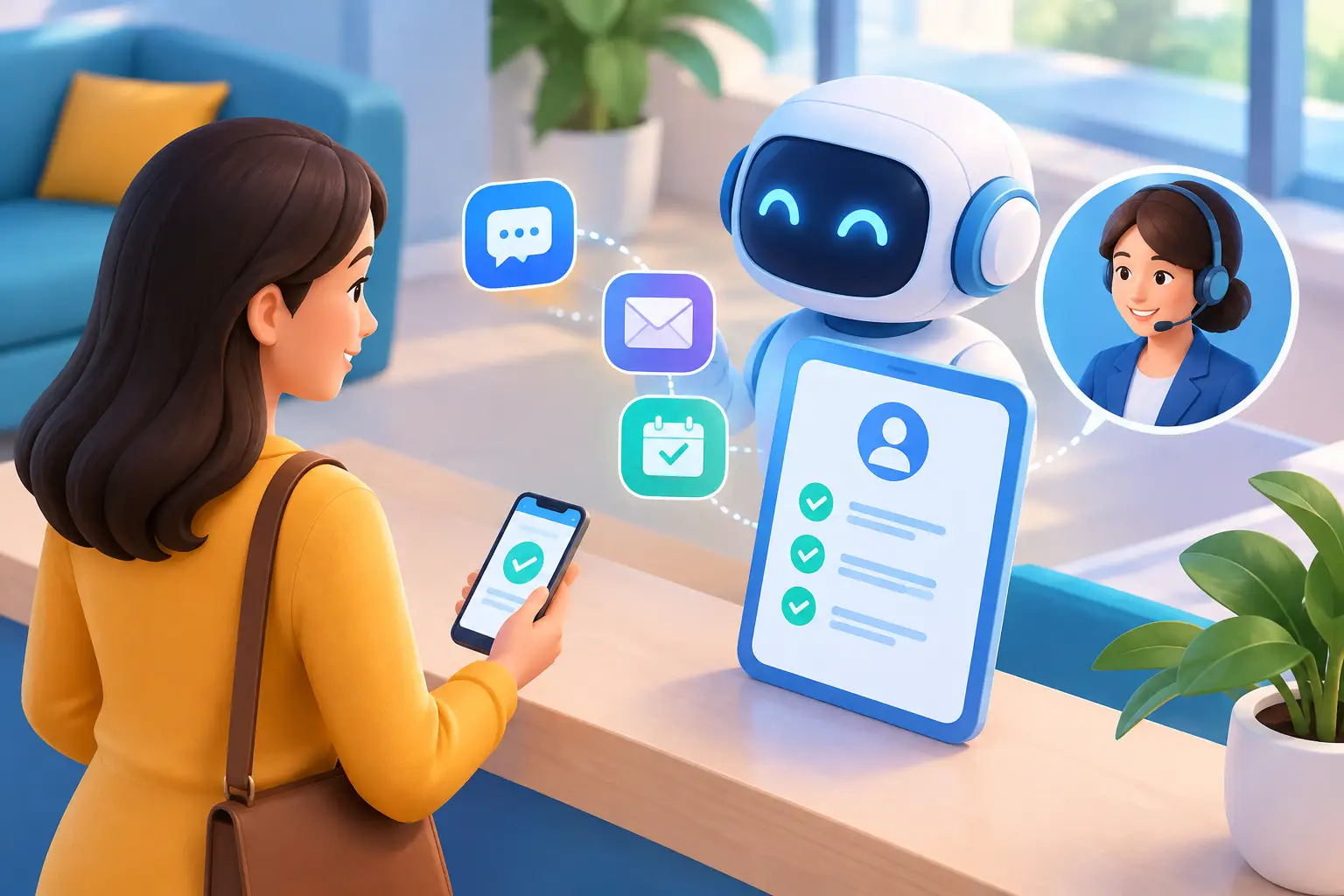
Automation works best when it handles timing, routine information, and task reminders. People should handle unusual situations, emotional conversations, and high-value opportunities that deserve a personal response.
A good automated check-in feels like a useful continuation of a real customer relationship. A bad one feels like a campaign sent to everyone in a database. The difference is context.
For example, a cleaning company can automatically send a short message the day after a visit: “How did everything look after your service yesterday?” If the customer replies that something was missed, the message should create an immediate follow-up task for a person. If the customer is happy, the business can thank them and, at the right time, invite them to schedule the next visit.
Do not automate your way around a problem. If a customer reports dissatisfaction, confusion, or a billing concern, move the conversation to a real person quickly. Automation should make customers feel remembered, not trapped in a loop.
Want to know how you could improve your business?
Our team is available for a free consultation.
Build check-ins around customer moments
The strongest check-in systems begin with the customer journey, not the software. Map the points where customers commonly need reassurance, help, a reminder, or a reason to come back.
After a purchase or completed service
This is the simplest and often the most valuable check-in. Send it within 24 to 48 hours while the experience is fresh. Keep it short and make the response easy.
A coach might ask whether the client has questions about their action plan. An agency might confirm that a new campaign is performing as expected. A local contractor might ask whether the work area was left clean and whether the customer is satisfied with the result.
This one message can improve customer experience and reveal problems before they become public complaints. It also creates a logical place to request a review, but only after the customer confirms they are happy.
Before an appointment or renewal date
Appointment reminders reduce no-shows, but they can do more than repeat the date and time. Add one helpful detail: what to bring, how to prepare, where to park, or what will happen during the visit.
For recurring services, create reminders based on the normal buying cycle. A salon may prompt a customer to rebook after six weeks. A marketing consultant may check in before the next quarter. A landscaping company may send seasonal reminders before demand spikes.
Timing depends on your business. If customers typically book weeks ahead, reach out early. If they make quick decisions, a shorter reminder window may work better. Start with your existing sales patterns instead of copying another business’s schedule.
When a customer goes quiet
A customer who has not returned in 60, 90, or 180 days may simply be busy. A thoughtful check-in can reopen the conversation without sounding desperate.
Avoid messages that say only, “We miss you.” Give the customer a reason to respond. Share a useful seasonal reminder, ask whether their needs have changed, or offer help choosing the right next service. The best reactivation messages are relevant to what the customer previously purchased.
After an inquiry that did not become a sale
Not every check-in is for existing customers. Prospects who asked a question, requested an estimate, or started booking but did not finish are often still evaluating options. A prompt, helpful follow-up can recover opportunities that would otherwise disappear.
Keep these messages useful and low-pressure. Ask whether they received the information they needed or if there is a question you can answer. This is especially important for service businesses where customers may contact several providers before choosing one.
How to automate customer check ins in five steps
Start small. A focused system with three useful check-ins will outperform a complicated sequence that no one maintains.
- Choose one business goal. Decide whether your first workflow is meant to reduce no-shows, increase repeat bookings, collect feedback, recover inactive customers, or move open estimates forward. One goal makes it easier to measure results.
- Pick the trigger. A trigger is the event that starts the check-in. It could be a completed appointment, a paid invoice, a new lead form, an estimate sent, or a customer reaching a set period without a purchase.
- Write a message that sounds like your business. Use the customer’s name, reference the service or conversation when possible, and make one clear request. A message with three links and two offers creates friction. Ask one question, invite one action, or provide one useful reminder.
- Set the next action based on the response. A positive reply can lead to a review request or rebooking prompt. A question can notify a team member. No response may trigger one brief follow-up a few days later, then stop. Respect attention instead of sending messages until someone unsubscribes.
- Track business results, not just opens. Open rates can be misleading. Watch repeat bookings, appointment attendance, estimate conversion, review volume, response time, and revenue from returning customers. Those numbers show whether the workflow is helping the business grow.
Make automated messages feel personal
Personalization is more than inserting a first name. It is using information you already have to make the message relevant. Refer to the service delivered, the date of the upcoming appointment, the location served, or the customer’s stated goal.
A real estate agent, for instance, could send different follow-ups to a first-time buyer and an investor. A fitness coach could check in differently after an introductory session than after a 12-week program. The message does not need to be long. It simply needs to reflect the reason that customer entered your business.
Frequency matters too. More check-ins are not automatically better. Customers who use your service weekly may welcome regular reminders. A customer who purchases once a year may find monthly messages excessive. If you are unsure, start conservatively, monitor replies and opt-outs, and adjust.
Avoid the fragmented-tool trap
Check-ins become difficult when customer details live in one system, booking data sits in another, email is managed elsewhere, and text messages require yet another subscription. The owner ends up exporting lists, copying notes, and hoping nothing falls through the cracks.
A connected platform makes the workflow simpler: a customer books, the record updates, the reminder goes out, the response is captured, and the next task is assigned without manual handoffs. For a small business, that means fewer missed opportunities and fewer software bills to manage.
TwiLead brings customer records, booking, email, SMS, pipelines, payments, and workflow automation into one place. That matters because a check-in should be based on what a customer actually did, not on a spreadsheet someone updated last Friday.
Start with the check-in customers will appreciate
You do not need a massive automation project to improve retention. Pick the moment where customers most often need a reminder or where your team most often forgets to follow up. Build one thoughtful check-in, make sure replies reach the right person, and measure what changes.
The best automation does not make your business feel less personal. It gives you more chances to be helpful at exactly the right time.