A missed estimate request at 8:15 p.m. can turn into a lost recurring client by 8:30. That is the real cost of running a cleaning company with sticky notes, inbox searches, and five disconnected apps. A crm for cleaning business operations fixes that by putting leads, quotes, scheduling, follow-up, and customer communication in one place.
Cleaning companies do not need bloated software built for massive field service enterprises. They need speed, visibility, and fewer moving parts. If your team is juggling calls, web forms, text messages, invoices, and technician schedules across separate tools, the problem is not effort. The problem is fragmentation.
Why a CRM for cleaning business teams matters
Most cleaning businesses grow into chaos before they grow into systems. At first, that is manageable. One person answers calls, sends estimates, and remembers which office manager prefers email over text. Then volume increases. More technicians come on board. More estimates need follow-up. More recurring jobs need coordination. That is when small gaps start costing real money.
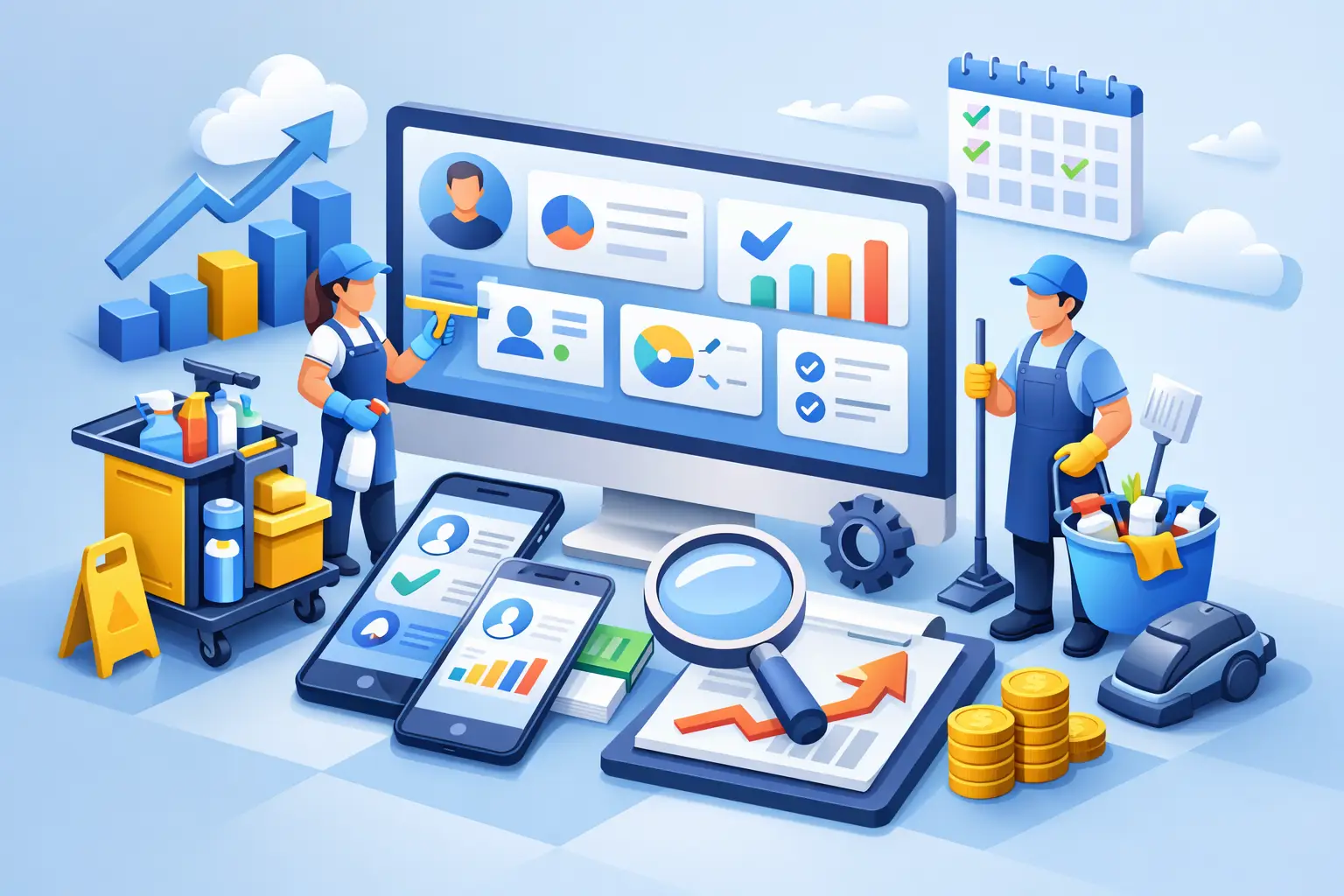
A good CRM creates structure around the moments that decide revenue. It captures new inquiries, assigns follow-up, stores client history, tracks estimates, confirms bookings, and keeps communication organized. Instead of wondering whether someone called the prospect back, your team can see it. Instead of bouncing between calendars, spreadsheets, email tools, and invoicing software, they work from one system.
That matters even more in cleaning because customer relationships are operational, not just sales-driven. A client is not buying once and disappearing. They may need weekly house cleaning, monthly deep cleans, office janitorial service, move-out cleaning, or seasonal add-ons. The handoff from lead to booked job to repeat customer needs to be tight. If your systems are loose, the customer experience will be too.
What a CRM for cleaning business should actually do
This is where many owners get stuck. They know they need a CRM, but they buy a tool that only stores contacts. That is not enough.
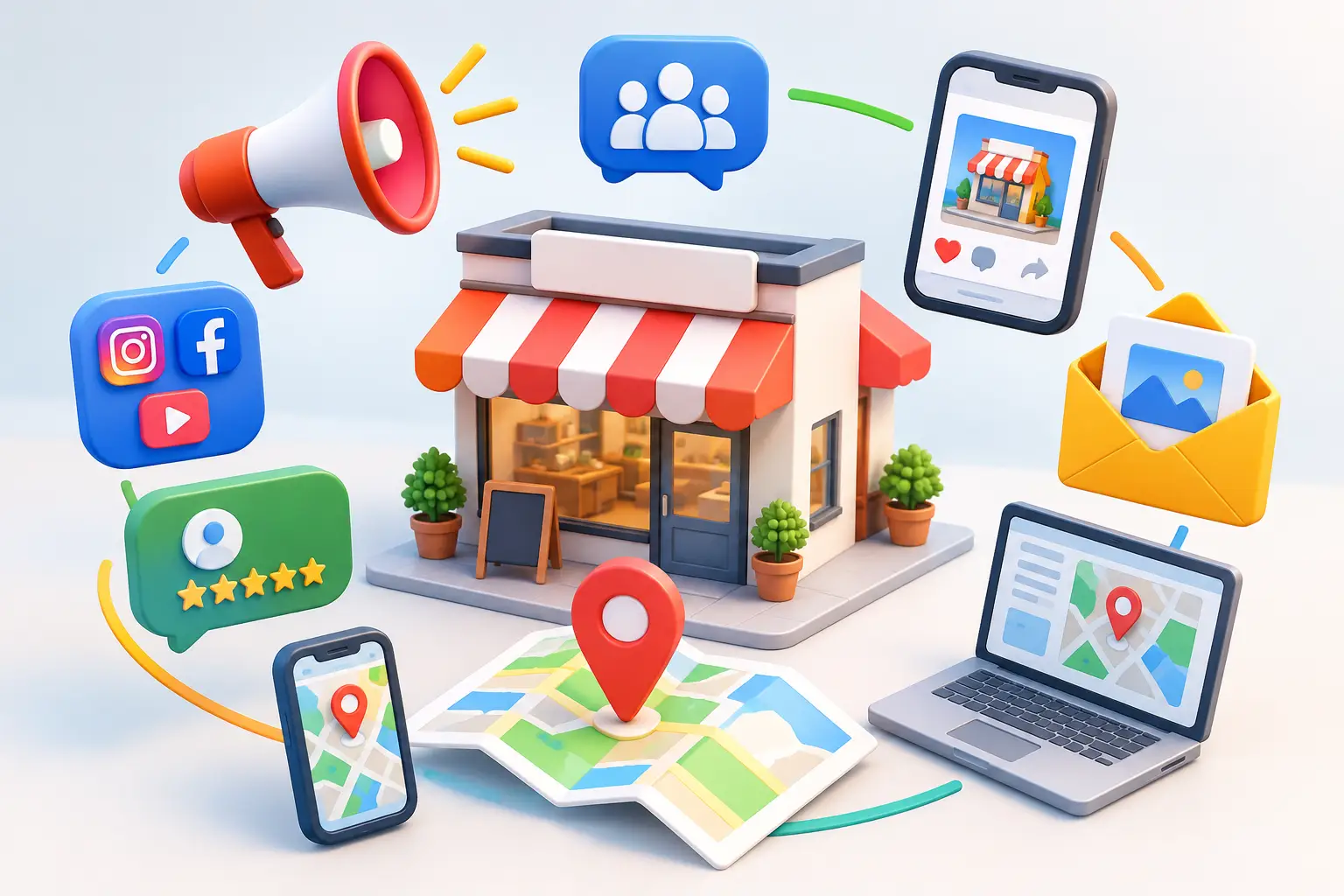
For a cleaning business, the CRM needs to connect sales and operations. At minimum, it should capture leads from your website, social channels, ads, and calls. It should route those leads to the right person, trigger follow-up, and track where each opportunity stands. It should also support booking workflows, reminders, estimates, invoices, and ongoing customer communication.
If you are still stitching together a CRM, an email platform, a scheduler, a form builder, an automation tool, and an invoicing app, you have not solved the problem. You have just spread it across more subscriptions.
The best systems for cleaning companies usually include a few core capabilities.
Lead capture and fast response
Cleaning leads often go to the first company that replies clearly and quickly. Your CRM should collect form submissions instantly, log phone inquiries, and trigger automatic acknowledgment messages so prospects are not left waiting. Speed wins, but consistency matters too. If one salesperson follows up within five minutes and another forgets until the next day, your pipeline becomes unpredictable.
Pipeline visibility
A cleaning business pipeline may look simple, but it still needs structure. New lead, quote sent, follow-up pending, booked, recurring, lost – these stages help managers spot leaks fast. If lots of estimates are sent but few convert, the issue might be pricing, response time, or weak follow-up. Without a pipeline, you are guessing.
Booking and reminders
Appointment scheduling sounds basic until you have multiple team members, route constraints, reschedules, and no-shows. A CRM that includes booking and reminder automation saves hours of admin time every week. It also reduces avoidable friction for clients.
Customer history in one place
When a customer calls, your team should see past jobs, notes, preferences, invoices, and communication history immediately. That makes your company look organized and professional. It also protects service quality when staff members change.
Automation that removes repetitive work
The best automation is not flashy. It is practical. Send a text after a quote request. Create a task if no one follows up in 24 hours. Trigger a review request after service. Remind a recurring client when it is time to rebook. That is the kind of automation that frees up your team without adding complexity.
The biggest mistake: buying software by category
A lot of cleaning businesses buy software one problem at a time. They add Calendly for scheduling, Mailchimp for email, another tool for invoicing, maybe a CRM for contacts, and Zapier to force everything to talk to everything else. It feels efficient at first because each tool solves one issue.
Then the stack gets expensive and messy.
You end up paying for multiple subscriptions, training staff in multiple systems, and troubleshooting gaps between tools when data does not sync correctly. A lead books an appointment but the sales pipeline is not updated. A customer gets an invoice but no follow-up email. A canceled booking does not notify the right team member. None of that feels like growth. It feels like babysitting software.
For most small businesses, especially cleaning teams trying to scale without adding overhead, consolidation is the smarter play. One platform that handles CRM, communication, booking, marketing, and workflows is usually more valuable than six separate apps that each do one thing well.
How to choose the right system
The right CRM is not the one with the longest feature list. It is the one your team will actually use every day.
Start with your current bottlenecks. If leads are slipping through the cracks, focus on lead capture and follow-up automation. If your admin staff is buried in scheduling work, prioritize booking and reminders. If marketing feels disconnected from sales, look for email, text, and pipeline management in one dashboard.
Ease of use matters more than businesses like to admit. A powerful platform that no one adopts is just an expensive icon on a desktop. Your sales team, front desk, and managers should be able to understand the workflow quickly. That does not mean basic. It means clear.
Pricing also deserves a harder look. Many CRM vendors advertise a low entry plan, then charge more for extra users, automation, advanced reporting, or marketing features. Small businesses get punished for growing. If you have a team of 10 or more, those add-ons stack up fast.
That is why fixed-price, all-in-one systems are gaining traction. If one platform includes CRM, automation, booking, conversations, invoicing, and marketing under one plan, the savings are not just in subscription fees. They show up in fewer handoffs, less training, and less wasted time.
What a better workflow looks like
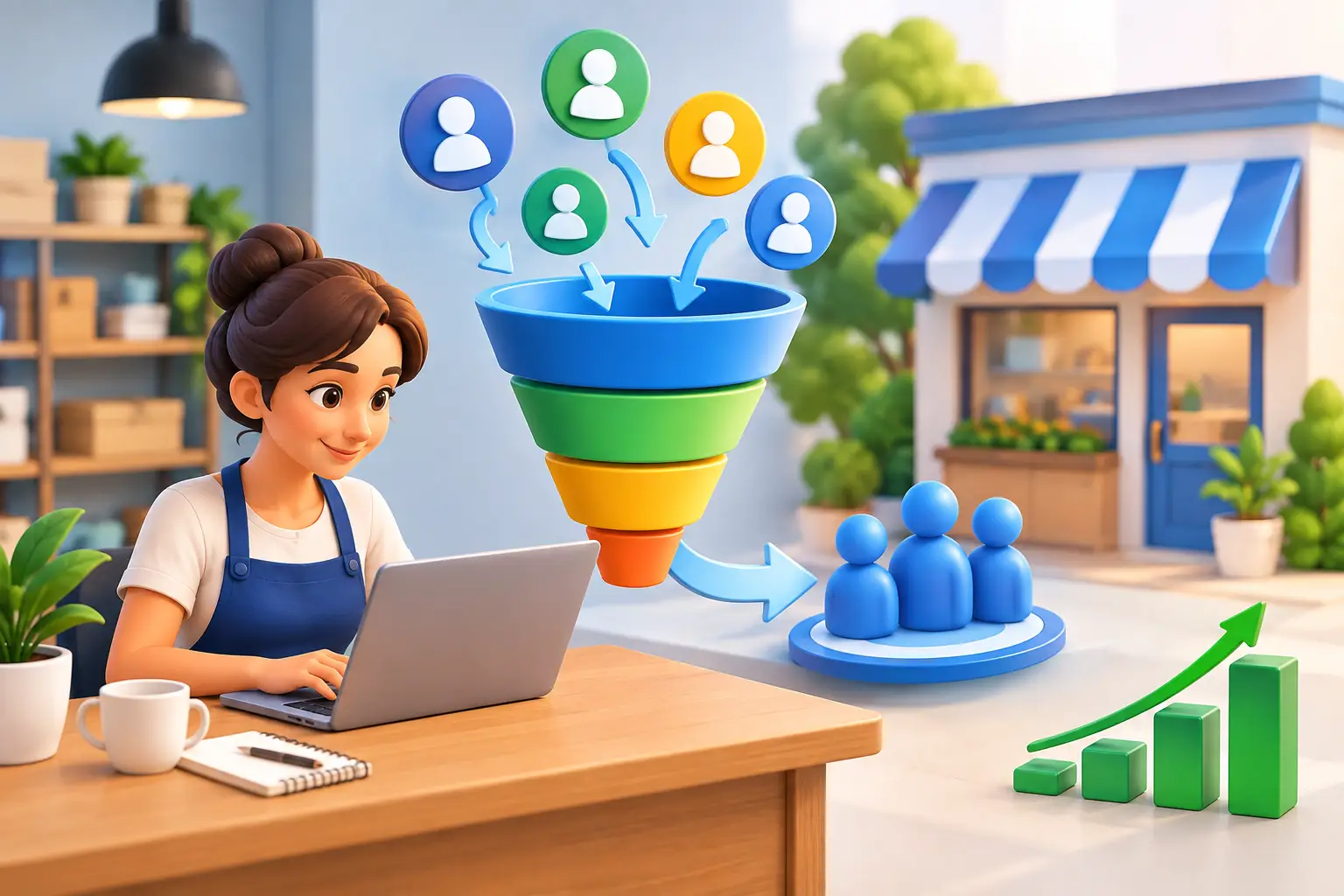
Picture a prospect finding your cleaning business through a local search ad. They submit a form for an office cleaning estimate. The CRM captures the lead instantly, sends a confirmation text, assigns the opportunity to a rep, and drops it into the correct pipeline stage. A quote goes out the same day. If the prospect does not respond, an automated follow-up sequence kicks in. Once they book, reminders are sent automatically, the job details are stored under the account, and the team has full context before service starts.
That is not a luxury workflow. It is what modern buyers expect.
And once the customer is active, the same system can help you grow account value. You can automate check-ins, request reviews, promote add-on services, and bring lapsed clients back into the pipeline. A CRM should not just help you manage customers. It should help you create more revenue from the customers you already have.
When all-in-one makes the most sense
Not every business needs an all-in-one system on day one. If you are a solo cleaner with a handful of clients, a simpler setup may be enough for now. But once you have a real team, multiple lead sources, recurring jobs, and someone spending hours every week moving information between tools, the math changes.
That is where a platform like TwiLead fits naturally. Instead of paying for separate CRM, scheduling, email, automation, social, website, forms, conversations, and invoicing tools, small businesses can run those functions in one place with one fixed monthly cost. For cleaning companies trying to grow without building an expensive software stack, that is a practical advantage, not a theoretical one.
The trade-off is straightforward. Specialized point solutions may have deeper features in one narrow area. But most small businesses do not need the deepest possible feature in ten categories. They need one system that covers the work, gets adopted quickly, and keeps the business moving.
The real return on a CRM for cleaning business growth
The value of a CRM is not just better organization. It is faster response times, more booked estimates, better retention, and less admin drag. It is knowing which leads are worth chasing, which customers are ready for upsells, and where your process is breaking down.
That clarity matters when margins are tight and labor is expensive. Every manual task you remove gives your team more time to sell, serve, and retain customers. Every missed follow-up you prevent protects revenue. Every tool you eliminate cuts cost and complexity.
If your cleaning business feels busy but inconsistent, that is usually a systems problem. The right CRM gives you control without adding more chaos. And once your workflow stops depending on memory and patchwork apps, growth gets a lot easier to manage.
The best software decision is rarely the flashiest one. It is the one that helps your team move faster, follow up better, and stop paying for clutter.