Key Takeaways
- A CRM is where a small business tracks leads, customers, conversations and deals.
- Small businesses need a CRM earlier than they think.
- The real business value of a CRM is better follow-up, not just software.
- Clear signs show when it is time to adopt one.
Introduction
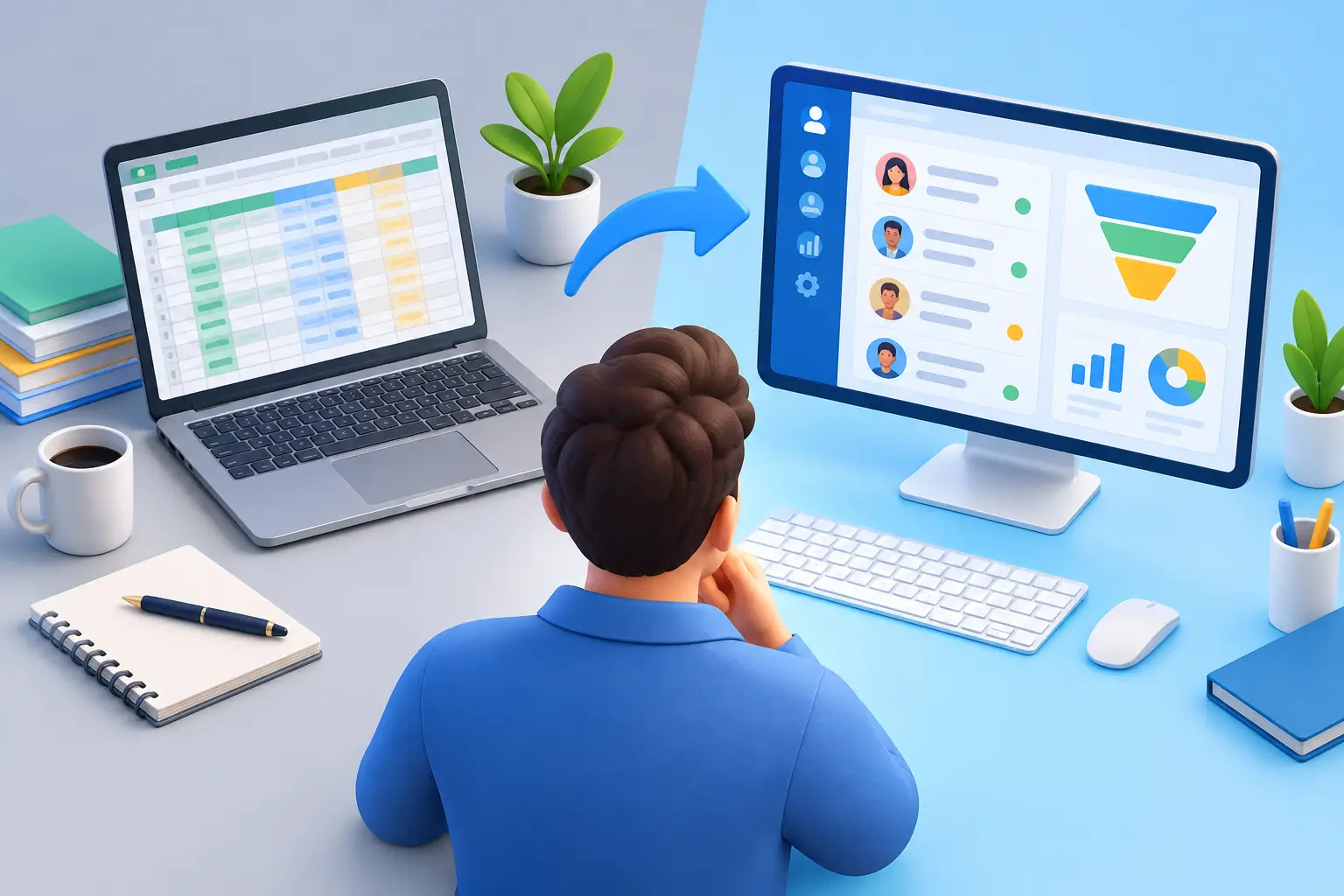
A lead comes in from your website, another messages you on social media, and a past customer wants to book again. If all of that lives in different apps, sticky notes, and your inbox, you do not have a sales system. You have a memory test. That is exactly why people ask, what is CRM for small business?
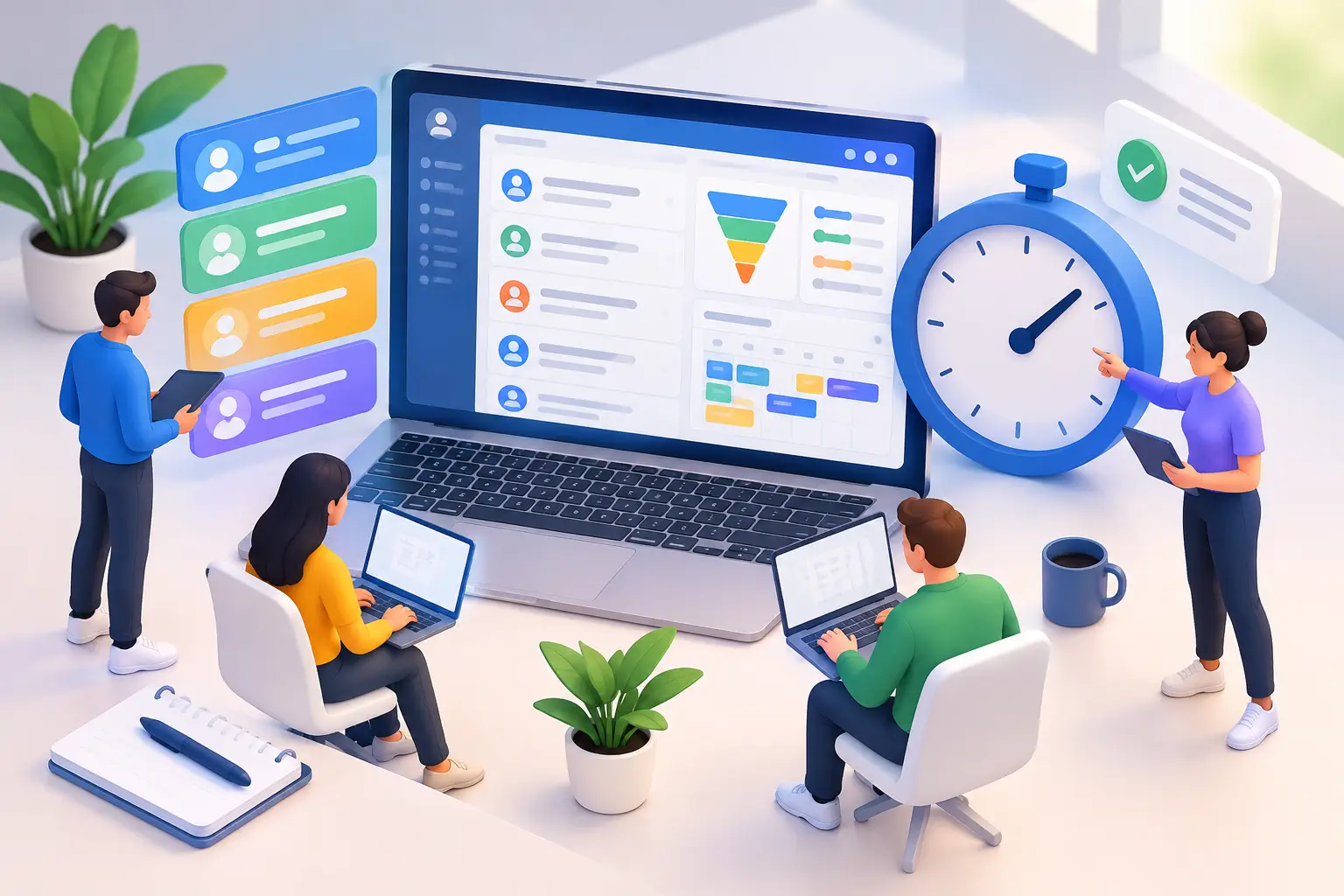
A CRM, or customer relationship management system, is the place where a small business tracks leads, customers, conversations, deals, tasks, and follow-up in one organized system. At the simplest level, it helps you remember who people are and where they are in your sales process. At a more useful level, it helps you automate outreach, book appointments, send estimates or invoices, and move prospects toward a sale without doing everything manually.
For a small business owner, that matters because growth usually breaks first at the process level. You can generate leads, but if you forget to follow up, lose contact history, or jump between five tools to keep things moving, revenue slips through the cracks.
What is CRM for small business really doing?
Most small businesses do not need a giant enterprise database with months of setup and a consultant on standby. They need a practical system that answers a few basic questions fast. Who is this lead? How did they find you? Have we spoken before? What did we promise? What happens next?
That is what CRM does. It centralizes customer information so you can stop chasing it across email threads, spreadsheets, calendar apps, contact forms, and DMs. Instead of piecing together the story every time someone calls, your business has context.
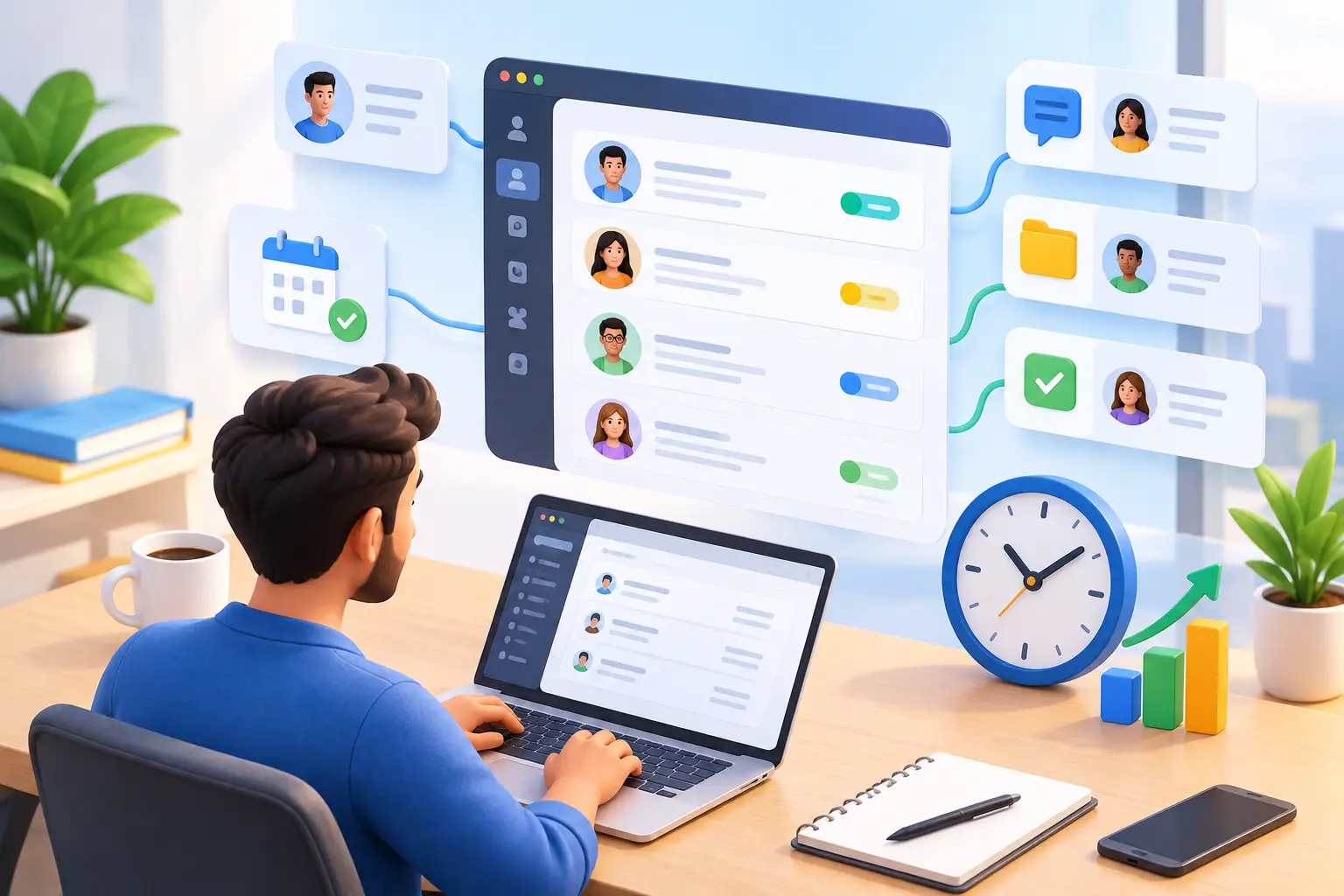
A good CRM for a small business usually includes contact management, pipeline tracking, notes, reminders, communication history, and some level of automation. More advanced platforms also combine marketing, appointment scheduling, payments, email campaigns, social messaging, forms, websites, and workflows. That matters because many owners do not just need a contact database. They need fewer tools.
Why small businesses need CRM earlier than they think
A lot of owners assume CRM is something you buy later, once the business is bigger. Usually, that is backwards. CRM is most valuable when your business is still lean, your time is limited, and every lead counts.
If you are a consultant, coach, agency, contractor, local service provider, or trainer, you are probably already doing CRM work. You are collecting leads, answering questions, sending follow-ups, booking calls, tracking deals, and trying to keep customers warm. The only question is whether you are doing it in a system or in a mess.
Without CRM, your process depends on memory and hustle. That works for a while. Then leads pile up, response times slow down, and customer experience becomes inconsistent. One person gets a fast reply, another gets forgotten for three days, and a third never hears back after requesting pricing.
CRM brings consistency. It gives your business a repeatable way to capture interest, follow up on time, and keep opportunities moving. A CRM becomes truly useful when it runs a documented sales workflow.
What a CRM helps a small business manage
The core job of a CRM is not just storing names. It is helping you manage relationships from first contact to repeat purchase.
That starts with lead capture. Someone fills out a form, sends a message, books a consultation, or replies to an ad. Instead of letting that sit in one channel, the CRM records it and assigns the next action.
Then comes pipeline management. This is where you track whether a lead is new, qualified, quoted, booked, won, or lost. For small businesses, that visibility is huge. You stop guessing where sales are coming from and where deals are getting stuck.
Communication tracking is another major piece. When calls, texts, emails, notes, and appointment history are stored in one place, you can pick up any conversation without starting from zero. That makes your business look more organized, even if your team is small.
Automation is where CRM starts paying for itself. You can send instant replies to new leads, trigger reminders before appointments, follow up after proposals, request reviews after service, and reactivate old contacts without doing each step by hand. That saves time, but more importantly, it saves opportunities that would otherwise go cold.
Want to know how you could improve your business?
Our team is available for a free consultation.
The real business value is not software. It is follow-up.
Most small businesses do not lose sales because their service is bad. They lose sales because their follow-up is inconsistent.
A CRM fixes that by turning good intentions into actual process. You do not have to remember to call someone back next Tuesday. The system reminds you. You do not need to manually send every lead the same welcome email. The system does it. You do not have to wonder which prospects are ready to buy. Your pipeline shows you.
This is the difference between being busy and being organized. Busy feels productive, but organized closes more deals.
For many owners, the payoff shows up in small moments. Faster replies. Fewer missed appointments. Cleaner handoffs. Better visibility into what is working. Over time, those small moments become revenue.
What is CRM for small business owners who hate complexity?
It should be simple enough to use every day.
That sounds obvious, but plenty of CRM platforms were built for enterprise teams, not for a five-person business trying to grow without hiring an operations department. If a CRM takes too long to set up, needs constant customization, or spreads basic functions across paid add-ons, it becomes another expensive problem.
For a small business, the best CRM is usually not the one with the most features on paper. It is the one that combines the right features in a way that removes friction. You want your sales pipeline, customer communication, marketing follow-up, scheduling, and key workflows connected. Otherwise, you end up paying for a CRM and still relying on extra tools to run the business.
That is where all-in-one platforms have a real advantage. Instead of stitching together separate systems for email marketing, calendars, forms, websites, invoicing, and automation, you can run more of the customer journey from one dashboard. Less switching. Less manual entry. Less software bloat.
Signs your business needs a CRM now
If leads are slipping through the cracks, you need one now. If you cannot quickly see who needs follow-up, you need one now. If your customer data lives in your inbox, phone, spreadsheet, and DMs, you definitely need one now.
Another big sign is subscription fatigue. A lot of small businesses are paying for one tool to collect leads, another to send emails, another to book appointments, another to manage contacts, and another to automate tasks. The monthly cost keeps growing, but the systems still do not talk to each other cleanly.
CRM should reduce that chaos, not add to it. If your current setup feels fragmented, the problem is not just cost. It is operational drag.
How to choose the right CRM for a small business
Start with your actual workflow, not a feature wishlist. Think about how a lead enters your business, how you respond, how you nurture them, how you close the sale, and what happens after. The right CRM should support that path without forcing you into workarounds.
Look for ease of use first. If you and your team avoid the platform, nothing else matters. Then look at consolidation. Can it handle contacts, pipeline tracking, communication, marketing, appointments, and automation in one place? That is often where the biggest savings show up.
Also pay attention to pricing structure. Some platforms look affordable until you add users, upgrade for automation, or pay extra for core functions. Small businesses should be careful with systems that grow expensive the moment usage increases. The point of CRM is to help you scale, not punish you for it.
Support matters too. If you are moving customer data, setting up workflows, or replacing multiple tools, access to real human help can save a lot of time. That is one reason many small businesses prefer platforms built specifically for their size and pace.
CRM is not just for sales teams
This is where a lot of business owners get the wrong idea. They hear CRM and picture a corporate sales floor. In reality, CRM is just as useful for service businesses, solo operators, coaches, local shops, and online brands.
If you manage relationships, you can benefit from CRM. That includes sending reminders, tracking inquiries, managing repeat business, following up after purchases, and keeping marketing tied to customer behavior.
The stronger your customer relationships, the less your business depends on constant cold lead generation. CRM helps you build on the relationships you already earned.
For small businesses that want fewer tools and more control, this is where a platform like TwiLead fits naturally. It is not just about storing contacts. It is about centralizing sales, marketing, communication, and workflow so growth does not require a bigger software stack.
A small business does not need more apps to manage. It needs one clear system that helps it respond faster, sell smarter, and stay organized when things get busy. That is what CRM is supposed to do, and when it is set up right, it gives you back something even more valuable than data. It gives you time to run the business instead of chasing it.