Key Takeaways
- Free AI powered CRM software is attractive, but most free offers have real limits.
- Judge free tools on the features that matter, not the price tag.
- Free is enough in some cases and not in others.
- All-in-one platforms usually give small businesses the most value.
Introduction
If you are hunting for free ai powered crm software for small businesses, you are probably not looking for another bloated platform with a tiny free tier and a giant upgrade bill waiting behind it. You want one place to track leads, follow up faster, stop losing conversations, and cut down the stack of tools draining your budget every month.
That is the real issue. Most small businesses do not need more software. They need fewer systems doing more of the work.
What small businesses actually want from free ai powered crm software
A freelancer, coach, local service business, or small sales team is not shopping for enterprise complexity. They want a CRM that helps them capture leads, organize contacts, automate follow-up, book appointments, send marketing, and keep deals moving without hiring an operations manager to hold it all together.
AI makes that promise more compelling, but it also creates confusion. Some platforms use “AI-powered” as a label for one or two generated email suggestions. Others actually use AI to speed up replies, summarize conversations, trigger workflows, qualify leads, or support day-to-day sales activity.
For a small business, the difference matters. If the free plan gives you a contact database but locks automation, pipelines, email tools, or AI features behind premium tiers, then the “free” part is mostly a lead magnet for the software company, not a practical business system for you.
The problem with most free CRM offers
Free sounds great until you read the limits.
A lot of CRM platforms offer a free plan, but the plan usually breaks down in one of three ways. First, the user limits are tight, which becomes a problem as soon as you add a partner, assistant, or sales rep. Second, the AI features are restricted, so you can test them but not rely on them. Third, the CRM works in isolation, which means you still need separate tools for email marketing, scheduling, website forms, social media, invoicing, and automation.
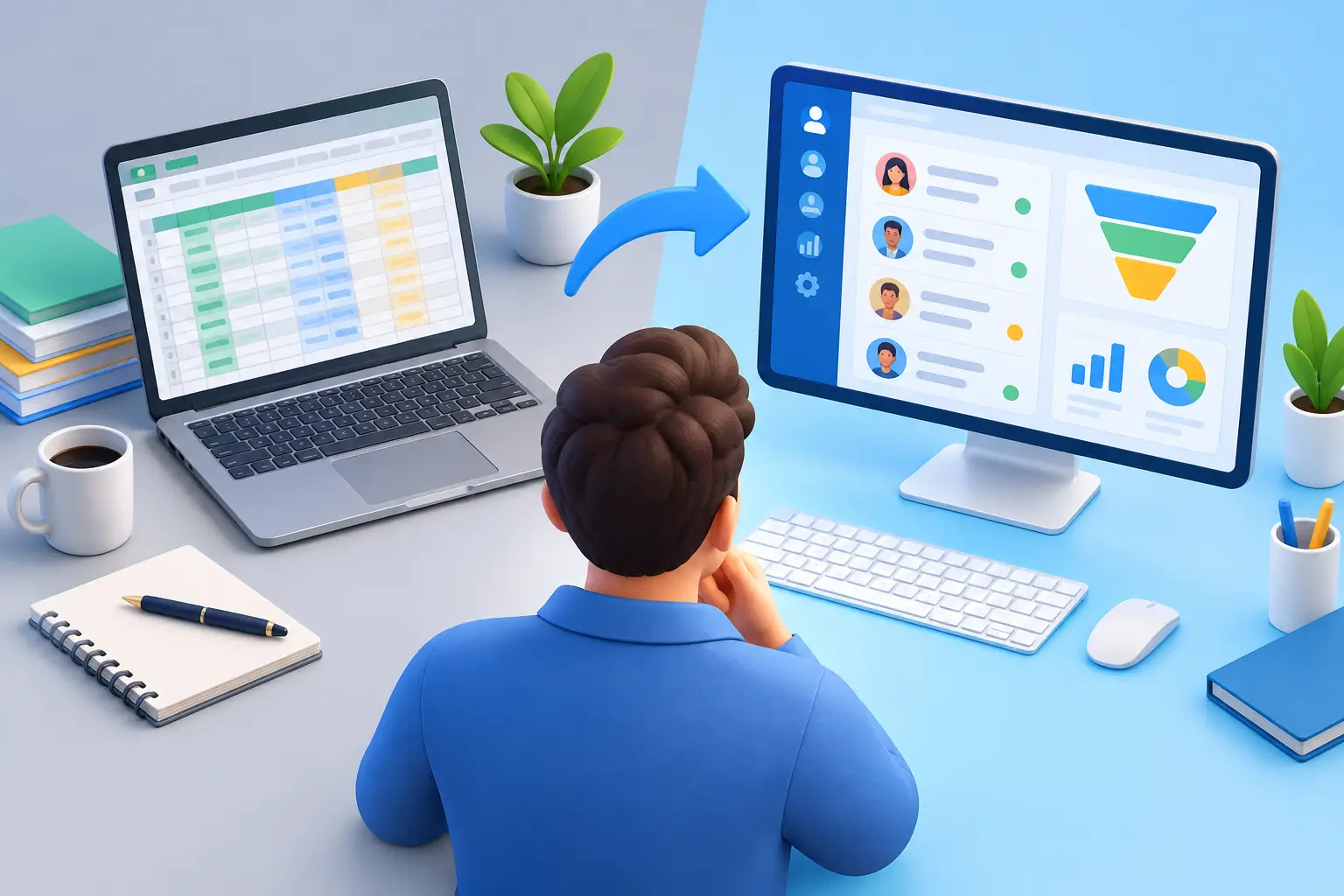
That is where software costs get out of hand. You start with a “free” CRM, then add a calendar app, an email platform, a funnel builder, a chat inbox, and an automation tool. Suddenly the free CRM is sitting inside a stack that costs hundreds per month and still does not talk to itself cleanly.
Small business owners feel this fast because they are usually the ones doing everything. They are selling, following up, invoicing, managing social accounts, and answering customer messages. Every disconnected app creates more manual work.
How to judge free ai powered crm software for small businesses
The right question is not whether the CRM is free. The right question is whether it actually reduces work and saves money.
Start with contact and pipeline management. You should be able to see every lead, where they came from, what was said, and what needs to happen next. If the CRM cannot give you a clean view of the sales process, the AI layer will not fix that.
Then look at automation. A small business gets the biggest payoff when the system can send follow-up messages, assign tasks, trigger reminders, respond to inquiries, and move leads through stages automatically. Without automation, you are just replacing sticky notes with a prettier dashboard.
After that, test the communication layer. Can it centralize emails, texts, forms, and appointment requests? Can AI help draft replies, summarize conversations, or suggest next steps? These are the features that save real time.
Finally, check what sits outside the CRM. If you still need separate tools to run email campaigns, book meetings, collect payments, build landing pages, or send invoices, the free plan may look affordable while quietly increasing your total software spend.
Want to know how you could improve your business?
Our team is available for a free consultation.
Features that matter most
Not every small business needs advanced forecasting or deep custom reporting. Most need speed, visibility, and fewer moving parts.
The best options in this category usually include lead capture forms, a visual sales pipeline, contact history, task reminders, email and text follow-up, appointment scheduling, and workflow automation. AI becomes useful when it supports those core jobs instead of distracting from them. Good examples include writing first-response messages, summarizing lead activity, recommending follow-up timing, or helping sort and qualify inbound inquiries.
If you are comparing options, be careful with platforms that advertise AI heavily but make you leave the CRM to use key functions. The more often you have to jump between tabs, plugins, and external tools, the less efficient the system really is.
When free is enough and when it is not
There are cases where a free plan is enough. If you are a solo operator with a light contact list and very simple follow-up needs, a basic free CRM can help you get organized. It is better than managing prospects in your inbox and hoping you remember who to call back.
But once lead volume picks up, free plans usually start to show their limits. You may need automations, multiple pipelines, team access, reporting, AI usage, or marketing capabilities that are not included. At that point, the cheapest-looking platform is often not the most affordable option.
That is the trade-off many small businesses miss. A low entry price can lead to a high operating cost if the platform forces you to bolt on more tools. A better model is one system that covers CRM, communication, marketing, scheduling, and automation in a single setup.
Why all-in-one usually wins for small businesses
Small businesses do not lose time because they lack features. They lose time because their features are scattered across too many subscriptions.
That is why all-in-one platforms make more sense for this market than piecing together a stack from five or six vendors. When your CRM connects directly to your forms, email campaigns, calendars, conversations, invoicing, and workflows, you spend less time managing software and more time closing business.
This is also where AI becomes more useful. In a connected system, AI can act on real customer activity across the full journey. It can support lead capture, follow-up, scheduling, and customer communication with context. In a fragmented stack, it usually sees only one piece of the picture.
For a small business owner, that difference is practical, not technical. It means fewer dropped leads, faster response times, and less manual admin.
What to watch out for before you commit
Do not get distracted by long feature lists. Ask simple questions.
Can this platform replace other tools I already pay for? Can I use the AI features in real daily work, not just in a demo? Will my team hit limits quickly? Is the setup simple enough that I will actually use it every day?
Also pay attention to support. Many low-cost or free tools leave small businesses to figure everything out alone. That can turn a cheap CRM into an expensive time sink. If your system handles sales and customer communication, help matters.
A platform like TwiLead stands out here because it is built around consolidation, not just CRM storage. The value is not only in tracking contacts. It is in bringing marketing, sales, communication, scheduling, websites, automation, and AI into one place so small businesses can stop paying for a patchwork.
The smartest way to think about cost
Free software is only free if it keeps your spending low and your process simple.
If a free CRM helps you stay organized for the next year without forcing upgrades or add-ons, that is a real win. But if it pushes you into paying for extra users, automation, integrations, marketing tools, and AI credits within a month or two, then it was never really the budget option.
For most small businesses, the better move is to calculate total software cost, not just CRM cost. Add up what you pay for email marketing, booking, social scheduling, forms, website tools, invoicing, automation, and customer messaging. That number usually tells a more honest story than the word “free.”
The best free ai powered crm software for small businesses is not the one with the flashiest label. It is the one that helps you respond faster, follow up consistently, keep everything organized, and avoid stacking extra subscriptions on top. If your CRM saves time but your software stack still creates chaos, you did not solve the real problem. Choose the system that makes the business easier to run.