A new inquiry lands in your inbox at 9:12 a.m. You plan to reply after the morning rush. By noon, three more messages arrive, a customer needs help, and an appointment reminder needs to go out. The first lead is still sitting there. That is the real issue behind CRM versus inbox: not where messages live, but whether opportunities get the follow-up needed to become revenue.
For many small businesses, the inbox is where sales begin. It is familiar, fast, and already open all day. But as lead volume grows, an inbox becomes a crowded holding area for prospects, clients, vendor emails, receipts, and internal conversations. A CRM gives each prospect a place in a sales process, with context and next steps that do not disappear beneath the next email.
Neither tool is automatically right for every business. The better choice depends on your sales cycle, the number of leads you handle, and how much revenue is at risk when a follow-up is late.
CRM Versus Inbox: The Core Difference
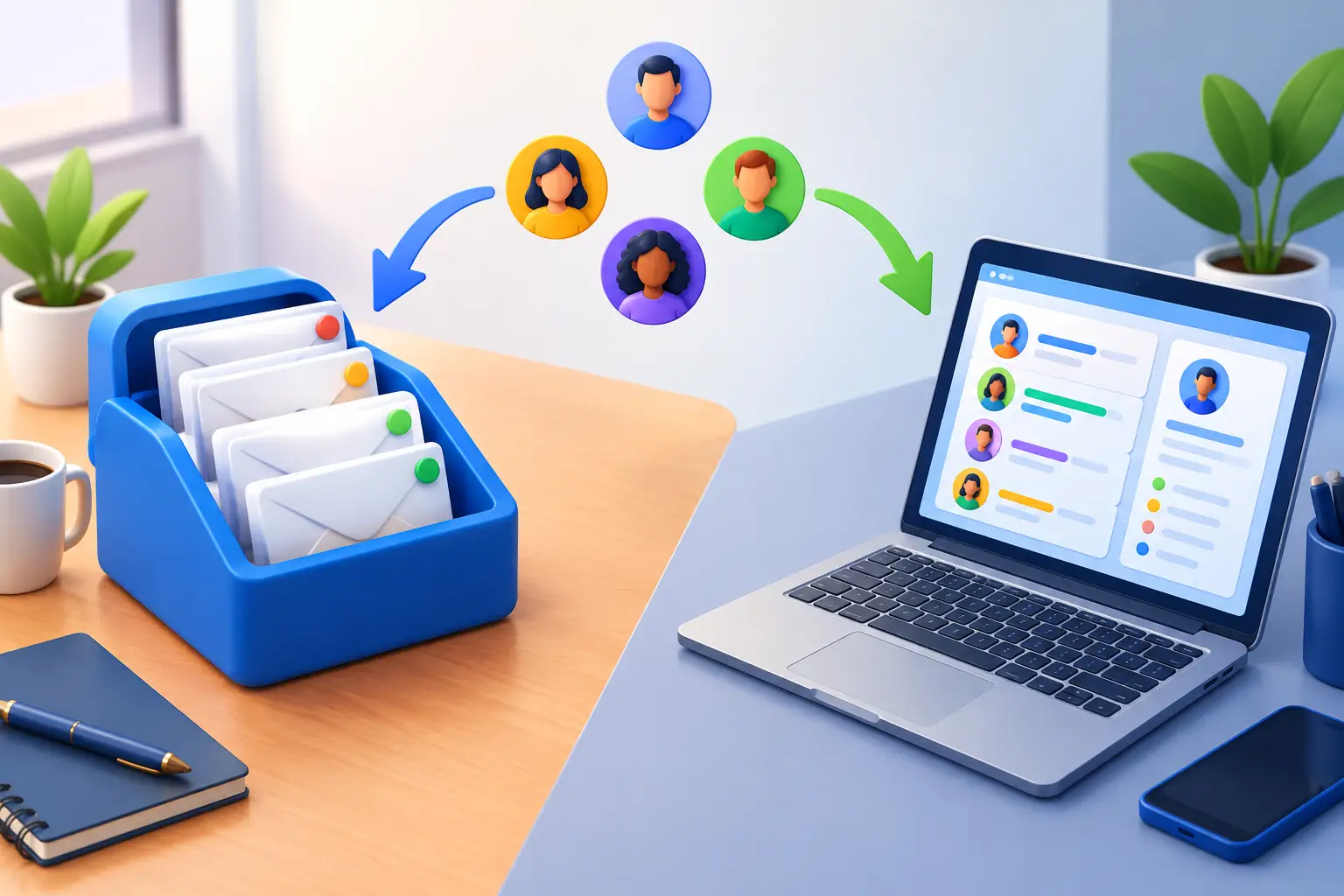
An inbox organizes messages. A CRM organizes relationships and sales activity.
In an inbox, each conversation is usually treated as a separate thread. You can search for a name, flag an email, create folders, and use labels. That works reasonably well when you receive a handful of inquiries each week and one person handles every conversation from first contact to payment.
A CRM tracks the person behind the message. It can show where the lead came from, which service they asked about, when they last heard from you, what was discussed, and what should happen next. Instead of asking, “Did anyone reply to this person?” you can see whether they are a new lead, an active opportunity, a booked appointment, a customer, or a lost deal.
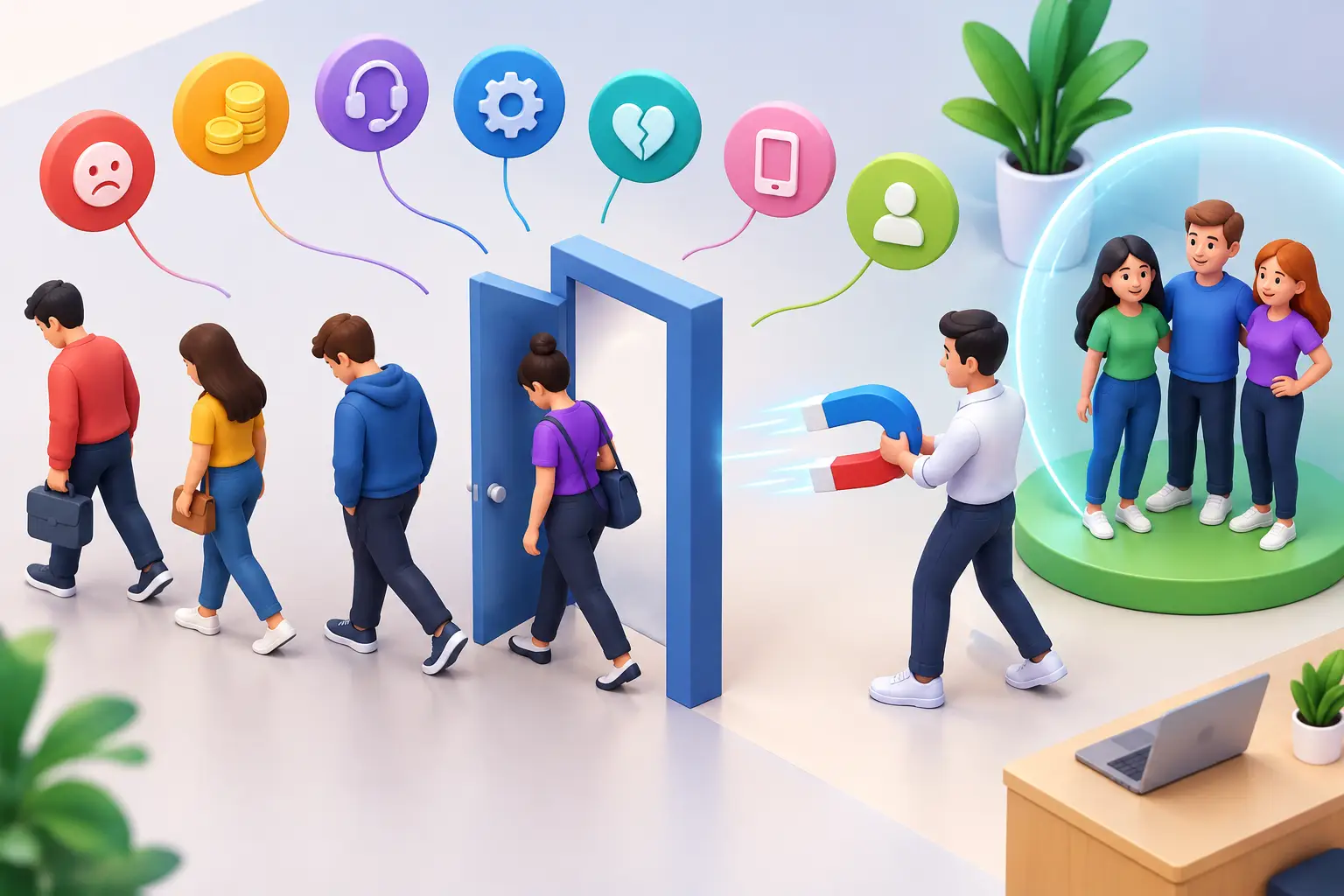
That distinction matters because small businesses rarely lose sales due to a lack of interest. They lose sales because a promising lead receives a delayed, generic, or forgotten response.
When an Inbox Is Enough
An inbox can be enough if your business has a short, simple sales process. For example, a freelancer who receives a few referrals per month, sends one proposal, and personally follows up may not need a full pipeline on day one.
It can also work when every inquiry is similar and the decision happens quickly. A local service provider handling a small number of straightforward requests may be able to respond, book, and complete the job from email and a calendar.
The warning sign is not simply that your inbox looks busy. It is that you cannot confidently answer basic sales questions. How many new leads arrived this month? Which ones are waiting for a quote? Who needs a follow-up today? Which marketing source produces the most paying customers?
If finding those answers requires searching email threads, checking a spreadsheet, and asking a team member what happened, the inbox has outgrown its job.
Where the Inbox Starts Costing You Sales
The cost of inbox-based selling is usually hidden. No one sees a line item called “missed follow-up.” Instead, it shows up as empty calendar slots, quotes that go cold, and leads who choose the business that answered first.
Important context gets buried
A lead may email, call, fill out a form, and send a text before buying. In a standard inbox, that history can be scattered across different places. When you respond without the full picture, customers repeat themselves and your team loses time reconstructing the conversation.
A CRM keeps the communication history connected to the contact. That creates a better customer experience and makes it easier for anyone on the team to continue the conversation without guessing.
Follow-up becomes optional instead of scheduled
Flagging an email is not a sales process. Flags get cleared, snoozed messages come back at inconvenient times, and important conversations get mixed in with newsletters and operational work.
A CRM turns follow-up into a visible commitment. A lead can have a clear next action: call tomorrow, send an estimate Friday, check in after the consultation, or request a review after the job is complete. The goal is not more administration. It is fewer missed chances to move a buyer forward.
There is no real view of the pipeline
Revenue becomes harder to forecast when your opportunities live in individual email folders. You may know that business feels busy, but not whether you have enough open deals to reach next month’s target.
A simple sales pipeline shows the volume and value of opportunities at each stage. For a coach, that could be inquiry, discovery call, proposal, enrolled. For a home service business, it may be new request, estimate sent, scheduled, completed. The labels matter less than making the path to a sale visible.
What a CRM Should Do for a Small Business
A CRM should not create another system you have to maintain. Its job is to reduce the mental load of selling and make timely action easier.
Start with contact records that hold the details you actually use: lead source, service interest, notes, previous conversations, appointments, estimates, and payment status. Then connect those records to a simple pipeline so every open opportunity has a stage and a next step.
The next level is automation. A new form submission can create a lead record, send an immediate acknowledgment, alert the right person, and begin a short follow-up sequence if the prospect does not book. After an appointment, the system can remind the team to follow up or send the prospect useful information automatically.
Automation should support personal selling, not replace it. A timely text confirming an inquiry is helpful. A thoughtful call after a consultation is still where trust is built. The point is to let the system handle repetitive tasks so your team can focus on conversations that close business.
The Best Answer Is Often CRM and Inbox Together
This is not always an either-or decision. Your inbox remains useful for reading and replying to messages. The CRM becomes the place where leads, customer history, deal stages, tasks, and automated follow-up are managed.
Think of email as a communication channel and the CRM as your operating system for customer relationships. One sends and receives messages. The other makes sure those messages lead somewhere.
For a solo consultant, that may mean using the CRM only for active leads and clients. For an agency or growing local business, it may mean routing every web form, phone inquiry, email lead, and booked appointment into the same pipeline. The right setup matches the complexity of your business without adding unnecessary steps.
A Practical Way to Make the Switch
You do not need to import years of old contacts or build a complicated process before you start. Begin with the leads that can create revenue now.
First, define four to six stages that reflect your actual sales process. Keep them clear enough that anyone can place a lead in the correct stage quickly. Next, decide what every active lead must have: an owner, a source, a value if relevant, and a scheduled next action.
Then set one follow-up standard. For example, every new inquiry gets a response within 15 minutes during business hours, every estimate receives a check-in within two days, and every no-show receives an automated rescheduling message. These rules are more valuable than a long list of features because they create consistency.
Finally, review the pipeline once a week. Look for leads with no next step, deals that have been sitting too long, and sources that generate inquiries but not customers. This is where a CRM becomes a growth tool rather than a digital address book.
Avoid Replacing One Mess With Another
Many businesses recognize the limits of an inbox, then create a new problem by stacking separate tools for forms, email marketing, booking, texting, automation, invoices, and customer management. Data gets copied between systems, subscriptions multiply, and staff still have to check several dashboards.
For a small business, consolidation often delivers more value than complexity. A platform such as TwiLead can bring lead capture, a CRM pipeline, customer communication, appointment booking, marketing follow-up, and automation into one place. The outcome is not just fewer logins. It is faster response times, clearer ownership of leads, and less money spent on disconnected software.
Choose tools based on the process you want to run, not on the longest feature list. If a tool helps you respond faster, follow up more consistently, see the status of every opportunity, and retain more customers, it is earning its place in your business.
Your inbox should help you communicate. Your CRM should help you sell. When every good lead has a clear owner and next step, growth stops depending on what you happen to remember between emails.