A lead who fills out a form at 9:00 a.m. should not wait until Friday for a reply. A customer whose service is due again should not have to remember on their own. Those gaps cost small businesses real revenue. This customer lifecycle automation guide explains how to build a practical system that moves people from first contact to repeat customer without creating more work for your team.
The goal is not to automate every customer interaction. It is to automate the repetitive, time-sensitive moments where slow follow-up, missed handoffs, and inconsistent communication cause leads to disappear. Done well, lifecycle automation gives customers faster answers and gives your business a more reliable path to growth.
What customer lifecycle automation actually does
Customer lifecycle automation uses rules and triggers to send the right message, create the right task, or update the right record as a prospect or customer takes action. An action might be submitting a website form, booking an appointment, opening an estimate, making a payment, or going quiet for 60 days.
For a local home service company, this may mean an immediate text confirming a request, a reminder before the visit, and a review request after the job is complete. For a consultant, it might mean a short email sequence after a discovery call, a task to follow up on an open proposal, and a check-in several weeks after onboarding.
The business benefit is consistency. Every qualified lead receives a prompt response. Every open opportunity has an owner. Every customer gets timely communication after the sale. You do not need a large marketing department to create that experience, but you do need a clear process.
Start with the moments that affect revenue
Many businesses make automation harder than it needs to be by starting with complicated campaigns. Start with the moments most likely to improve lead conversion, sales follow-up, retention, or referrals.
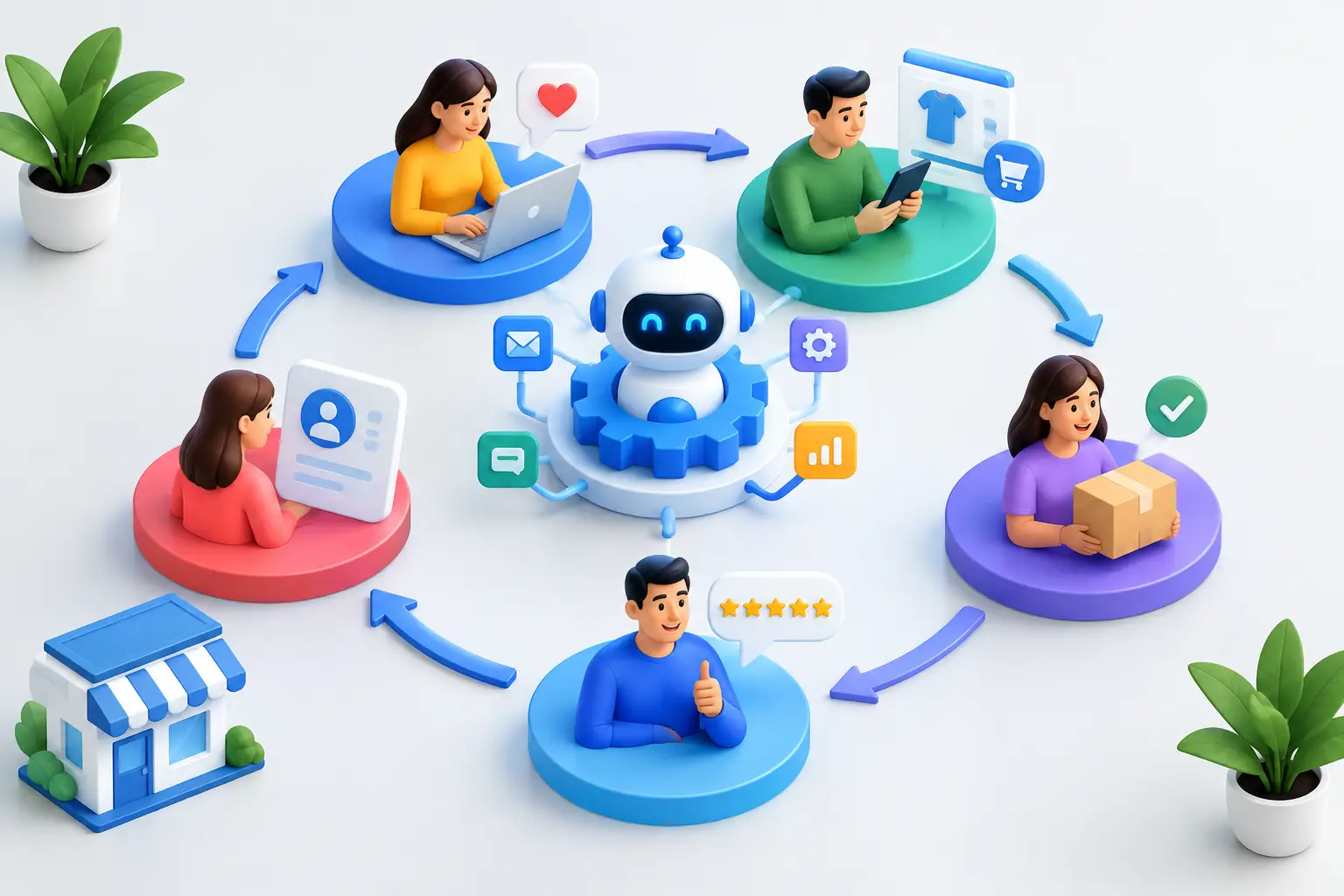
Map the journey your customers already take. Keep it simple: new lead, contacted lead, appointment or consultation, proposal or quote, customer, repeat customer, and inactive customer. Then ask one question at each stage: what must happen next for this person to keep moving forward?
A lead needs a quick response and an easy way to book. A prospect who received a quote needs a helpful follow-up, not silence. A new customer needs clear expectations. A past customer may need a seasonal reminder, a replenishment offer, or a reason to refer someone.
Do not automate a broken process. If your team cannot explain how a lead becomes a customer in a few clear steps, document that path first. Automation should reinforce a proven sales process, not hide confusion behind scheduled messages.
Build your customer lifecycle automation guide around five stages
1. Capture and respond to new leads
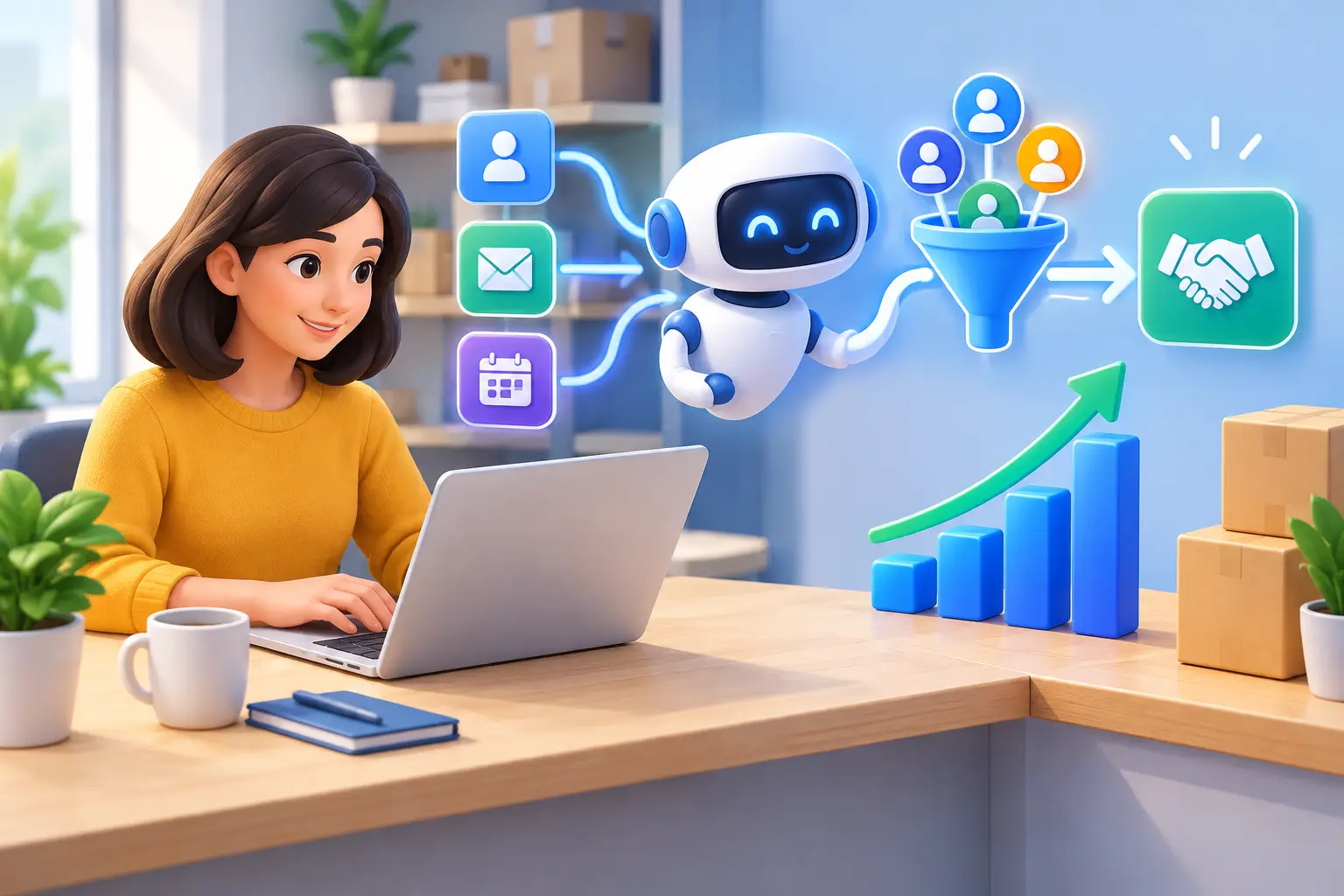
Speed matters most at the top of the funnel. When someone requests information, they are often contacting several businesses. An automatic confirmation email or text reassures them that their request was received, while an internal notification makes sure a real person follows up promptly.
Your first message should be useful and direct. Confirm what happens next, offer a booking option if appropriate, and set a realistic expectation for response time. Avoid sending a long promotional sequence before you understand what the lead needs.
For website traffic, an AI chat assistant can answer common questions, collect contact details, and direct serious visitors toward an appointment. It should support human follow-up, not replace it when a prospect has a detailed or high-value question.
2. Nurture leads that are interested but not ready
Not every prospect buys on the first call. That does not make them unqualified. They may be comparing options, waiting for a project date, or seeking approval from a partner.
Create a short follow-up sequence based on the decision they need to make. A remodeling contractor could share project timelines and financing options. A real estate professional could send local market updates and a simple invitation to talk. A coach could send a useful case example and a reminder to book a call.
Use automation to maintain momentum, but build in a personal step. If a lead replies, books, clicks a proposal, or visits a key page repeatedly, notify the salesperson or owner to reach out directly. Automation identifies interest. People close complex sales.
3. Keep appointments and sales opportunities moving
Missed appointments waste time twice: once when the meeting is missed and again when someone has to chase a reschedule. Automated confirmations and reminders reduce no-shows, especially when they include an easy way to confirm, reschedule, or ask a question.
Once an opportunity reaches the proposal or quote stage, create a defined follow-up schedule. A simple pattern may include a check-in after two days, a second message after a week, and a final close-the-loop message later. The right timing depends on your sales cycle. Emergency plumbing work demands fast follow-up; a commercial services contract may require a slower, more consultative approach.
The key is visibility. Every open deal should sit in a sales pipeline with a clear next action and date. If opportunities live in scattered inboxes, sticky notes, and text threads, they will be missed no matter how good your marketing is.
4. Improve the first 30 days after the sale
The sale is not the finish line. The first few weeks shape whether a customer stays, buys again, and recommends you. Automate the practical communication that makes customers feel supported: welcome messages, appointment details, onboarding steps, delivery updates, and answers to common questions.
This is also the right time to catch problems early. A short satisfaction check after a service visit or initial delivery can uncover issues before they become negative reviews or cancellations. If feedback signals a concern, route it to a person immediately. A generic automated apology is rarely enough.
For recurring services, automate renewal reminders and usage check-ins before customers drift away. For one-time services, plan the next relevant contact based on the natural buying cycle. A cleaning company may send a reminder every few months. A photographer may reconnect before the next holiday season or family milestone.
5. Turn satisfied customers into repeat business
Your existing customers are easier to reach and more likely to buy than cold prospects, but only if you stay relevant. Lifecycle automation can trigger review requests after a successful outcome, referral invitations after positive feedback, and targeted offers tied to what a customer previously bought.
Avoid treating every customer the same. A first-time buyer should not receive the same message as a customer who has purchased five times. Segment by service, purchase history, location, or engagement level when it changes the offer or timing.
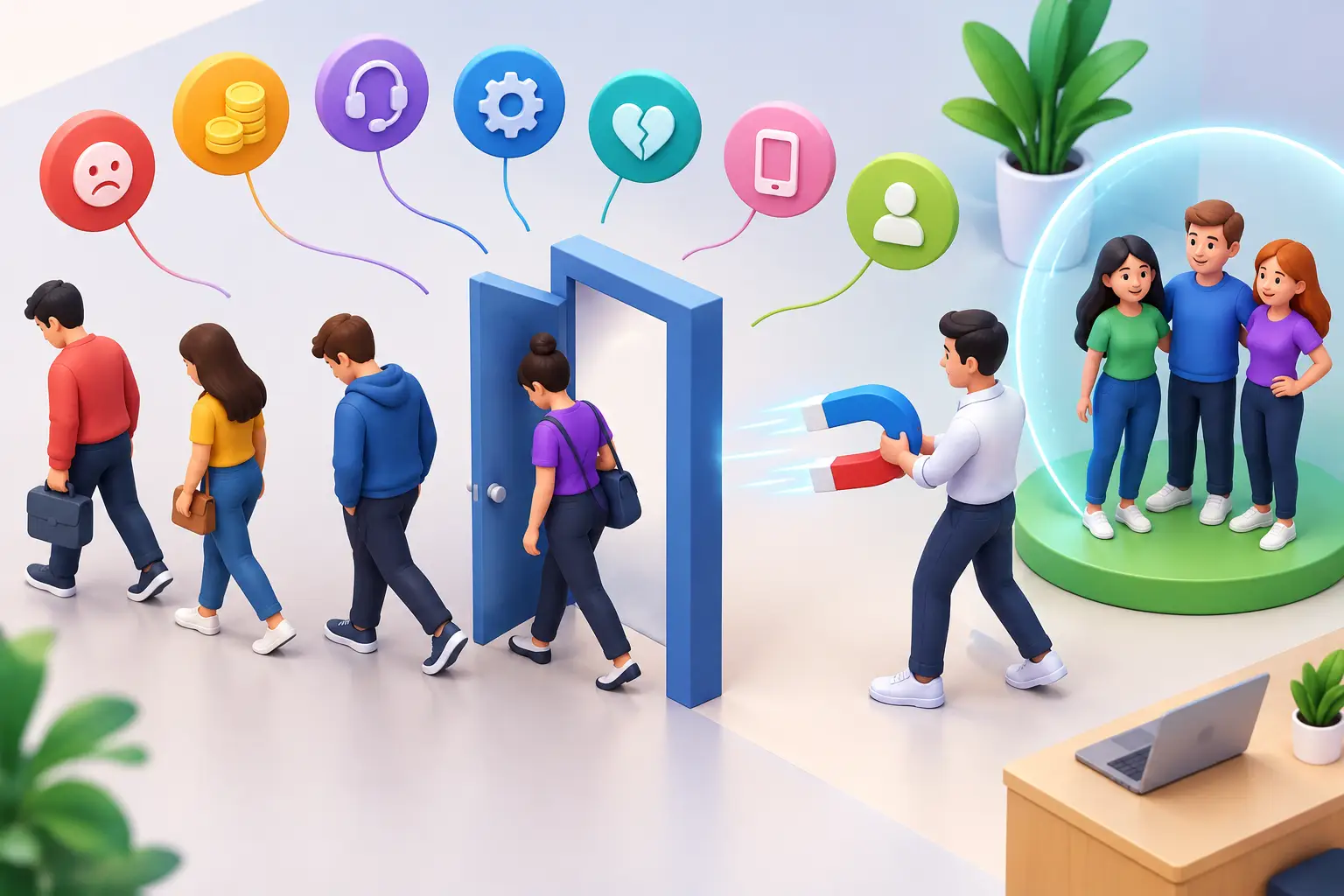
Reactivation campaigns are especially useful for customers who have gone quiet. Keep them specific. Instead of sending a vague “we miss you” email, send a timely reason to return: maintenance is due, seasonal demand is approaching, or a related service may now be useful.
Choose triggers before writing messages
Strong automation starts with customer behavior, not with a pile of email templates. List the events that should trigger action in your business: form submission, appointment booking, appointment no-show, estimate sent, invoice paid, service completed, positive feedback, and no activity for a defined period.
For each trigger, decide three things: what the customer receives, what your team needs to do, and when the automation should stop. That last point prevents awkward messages. If a prospect books a call, they should exit the booking reminder sequence. If they become a customer, they should stop receiving prospecting emails.
Keep the first version focused. Most small businesses can see meaningful gains from a handful of well-built workflows rather than dozens of complicated ones.
Avoid the fragmented-tool problem
Lifecycle automation becomes fragile when your form tool, calendar, email platform, CRM, payment system, and texting app do not share data reliably. Staff spend time updating records, customers get duplicate messages, and the owner loses a clear view of what is working.
A connected platform reduces those handoffs. With a system such as TwiLead, a new inquiry can enter the CRM, trigger an immediate response, create a pipeline opportunity, offer booking, and continue into customer follow-up from one place. The point is not having more software. It is removing the manual gaps between the software you already need.
Before adding another subscription, ask whether it improves a specific business result or simply adds another dashboard. Small businesses benefit more from a process they can manage consistently than an advanced tool they rarely use.
Measure the numbers that reveal leaks
Track a few lifecycle metrics every month: lead response time, lead-to-appointment rate, appointment show rate, proposal close rate, repeat purchase rate, and reactivation rate. These numbers show where the journey is breaking down.
If response time improves but appointments do not increase, your first reply may not make the next step easy enough. If many estimates go cold, review your follow-up timing and proposal process. If repeat purchases are weak, examine what happens after the initial sale.
Test one improvement at a time. Change the message, timing, or offer, then watch the result long enough to learn from it. Consistent improvement beats rebuilding your entire system every month.
The best lifecycle automation feels simple to the customer: fast answers, clear next steps, and helpful follow-up at the right time. Start with the one customer handoff your business handles inconsistently today. Fix it, measure the result, and build from there.