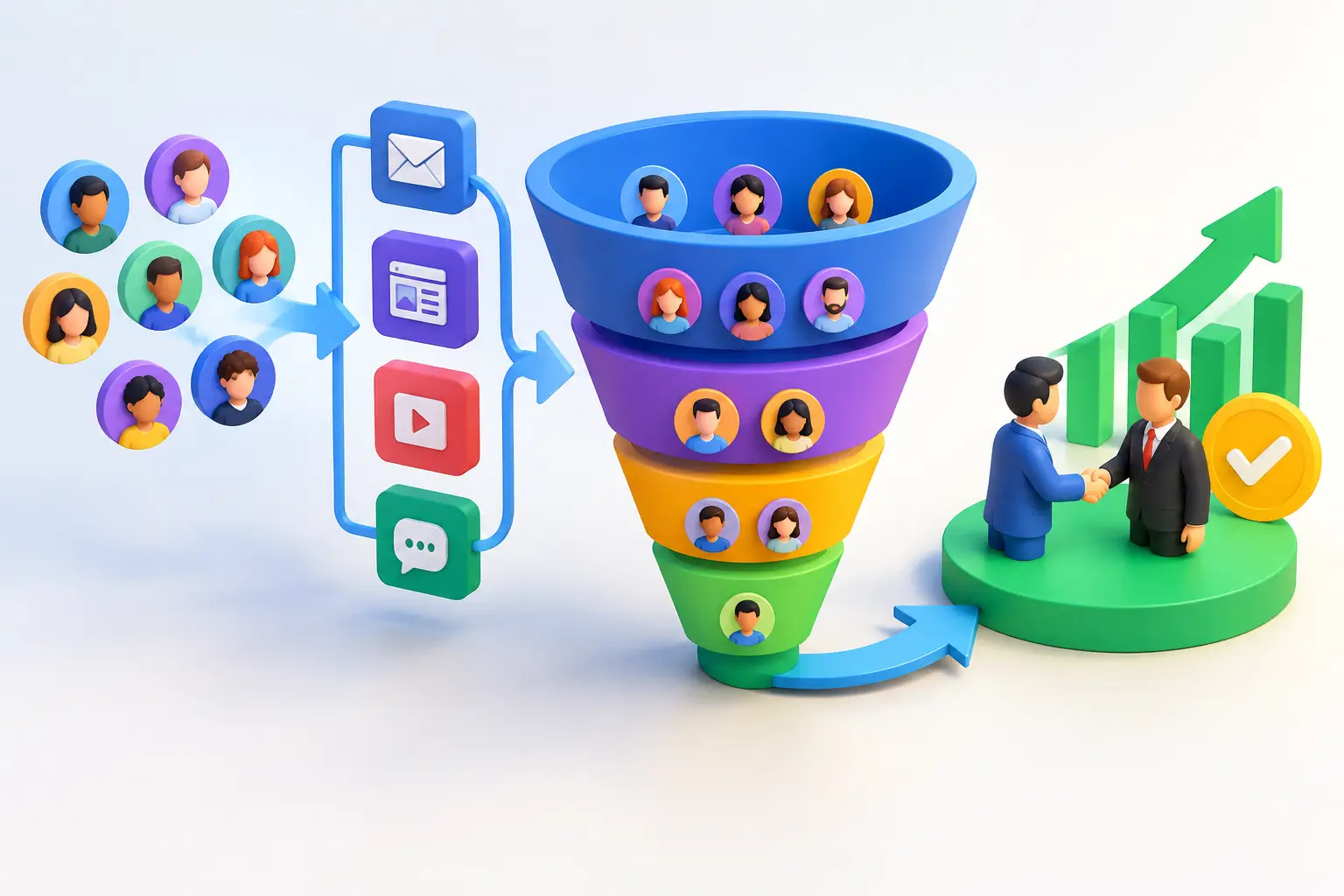
A new lead asks for pricing on Friday afternoon. Your account manager sees the message Monday. By then, the prospect has already booked a call with another agency.
That is rarely a talent problem. It is usually a process problem. CRM software for agencies gives every inquiry, conversation, proposal, client task, and follow-up a clear place to live. When it is set up around how your agency sells and serves clients, it helps you respond faster, protect revenue, and spend less time chasing status updates.
For a small agency, the right CRM is not a giant database your team avoids using. It is the operating system behind a reliable client journey, from first click to renewal.
Why agencies need more than a contact database
Agencies manage two relationships at once: the prospect deciding whether to hire you and the client expecting results after they sign. Both relationships can fall apart when information is scattered across inboxes, spreadsheets, chat threads, calendars, project tools, and individual team members’ memories.
A CRM should solve that fragmentation. It should show who owns the next step, where each opportunity sits, what was promised, and when the client needs attention. That visibility matters when a founder is selling, an account manager is handling delivery, and a specialist needs context before responding to a request.
The business impact is straightforward. Faster follow-up improves the odds of starting a conversation while interest is high. A consistent pipeline makes it easier to spot stalled proposals. Automated reminders reduce missed meetings. Organized client records prevent awkward moments when a customer has to repeat their history to a new person.
The goal is not to track every possible data point. The goal is to make sure no valuable relationship goes quiet by accident.
What CRM software for agencies should help you do
Agency owners often evaluate CRM platforms by comparing long feature lists. A better question is: what revenue or service problem will this solve next month?
Start with lead capture and speed to response. If inquiries arrive through your website, paid ads, social media, referral forms, or phone calls, they should enter one pipeline automatically or with minimal effort. A lead that requires someone to copy and paste details into a spreadsheet is a lead that can be missed.
Next, look at pipeline control. Your stages should match your actual sales process, such as new inquiry, qualified, discovery booked, proposal sent, decision pending, won, and lost. Each stage should make the next action obvious. For example, a proposal sent without a follow-up date is not a real process. It is a hopeful guess.
Client communication is equally important. The CRM should retain emails, notes, calls, texts, meeting history, and key preferences in one record. This reduces internal back-and-forth and gives clients a more consistent experience, even when several people touch the account.
Finally, consider the tools connected to the customer journey. If your CRM does not work with scheduling, email and SMS follow-up, forms, invoices, payments, and workflow automation, your agency may still need several separate subscriptions. That can be workable for a specialized team. For many small agencies, it creates extra cost and more places for leads and client details to get lost.
Build the CRM around your agency’s revenue path
Do not begin by importing every contact you have collected in the last decade. Begin with the path that turns a stranger into a paying, retained client.
Define a simple sales pipeline
Keep your active sales stages specific enough to drive action but simple enough that the team will use them. Six or seven stages are often plenty. Avoid vague labels such as “working” or “in progress.” They hide the real status of an opportunity.
For each stage, decide what must happen before an opportunity moves forward. A qualified lead might need a confirmed budget range, a decision-maker, and a defined problem. A proposal stage might require a documented scope, price, and follow-up date. These standards create cleaner forecasts and stop the pipeline from becoming a parking lot for old conversations.
Also set a clear definition for lost opportunities. If a prospect chooses a competitor, delays indefinitely, or is not a fit, record why. Over time, those patterns can reveal whether you have a positioning issue, a pricing issue, or a lead quality issue.
Create follow-up rules that do not depend on memory
Most agencies do not lose deals because they never send a proposal. They lose deals because the follow-up becomes inconsistent after the proposal is sent.
Set automatic tasks or reminders for every important milestone: an inquiry comes in, a discovery call is booked, a prospect does not show up, a proposal is delivered, or a client has not engaged recently. Use automated email or text messages for routine confirmations and reminders, but keep high-value sales conversations personal.
Automation should remove repetitive work, not make your agency sound like a robot. A simple reminder to schedule a call is useful. A five-email sequence that ignores a prospect’s reply is not.
Separate prospects from active clients
A prospect record answers, “What will it take to win this business?” A client record answers, “What did we promise, what matters to them, and what needs attention next?”
Once a deal closes, create a clear handoff. The delivery team should be able to see the original goals, agreed scope, key contacts, communication preferences, and any important commitments from the sales process. This is one of the easiest ways to prevent the gap between a great sales experience and a confusing onboarding experience.
For retainer-based agencies, add check-in dates, renewal windows, campaign reviews, and opportunities to expand services. Retention grows when clients receive proactive guidance before they have to ask for it.
Avoid the expensive tool-stack trap
A CRM can create new problems when it becomes only one more disconnected system. It is common to see an agency paying separately for a CRM, email marketing platform, calendar tool, form builder, website, automation connector, text messaging service, invoice tool, and AI chat assistant. Each product may be good on its own. Together, they can become expensive and hard to manage.
The direct cost is obvious. The hidden cost is the time spent fixing integrations, checking duplicate contacts, moving data between systems, and training people to use different logins. It also becomes harder to answer basic questions, such as which campaigns created the most qualified leads or which proposals are waiting for a follow-up.
Consolidation is not always the right move. An agency with a deeply established project management system or a highly specialized reporting need may keep select tools in place. But every extra tool should earn its cost by doing something meaningful that your core platform cannot do.
For agencies that want one place for lead capture, sales pipelines, communication, booking, payments, and automation, an all-in-one platform such as TwiLead can reduce the number of handoffs without forcing a complicated enterprise setup. The practical benefit is not having more features. It is spending more time serving clients and less time maintaining software.
How to choose without overbuying
Before you compare platforms, write down the three problems costing your agency the most money or time. They may be slow lead response, missed follow-ups, unclear pipeline visibility, no-show discovery calls, inconsistent onboarding, or too many subscriptions.
Then test each CRM against a real workflow. Add a sample website lead. Assign it to a team member. Book a call. Send a confirmation. Move the opportunity through the pipeline. Convert it to a client. Schedule a follow-up. If this takes too many steps or requires workarounds, the platform may look impressive but will not improve daily operations.
Pay close attention to adoption. The best CRM is not the one with the biggest feature list. It is the one your team can update quickly after every client interaction. Favor clear screens, simple permissions, mobile access if your team needs it, and dashboards that answer practical questions without a report-building project.
Pricing deserves the same scrutiny. A low starting price can climb quickly when you add users, automation, text messaging, marketing features, or integrations. Predictable pricing is especially valuable for smaller agencies that need to protect margins while they grow.
Make the first 30 days count
A CRM rollout does not need to stop your agency for weeks. Start with the current pipeline and active clients, then add historical information only when it is useful. Train the team on the few actions that matter most: logging key conversations, moving deals, setting next steps, and checking client records before replying.
Review the pipeline once a week. Look for leads without a next action, proposals sitting too long, upcoming renewals, and clients who need a proactive touchpoint. Those habits turn CRM data into revenue decisions.
A good agency CRM should feel less like administration and more like a safety net for growth. When every lead receives a timely response and every client feels known, your team can compete on service instead of scrambling to keep up.