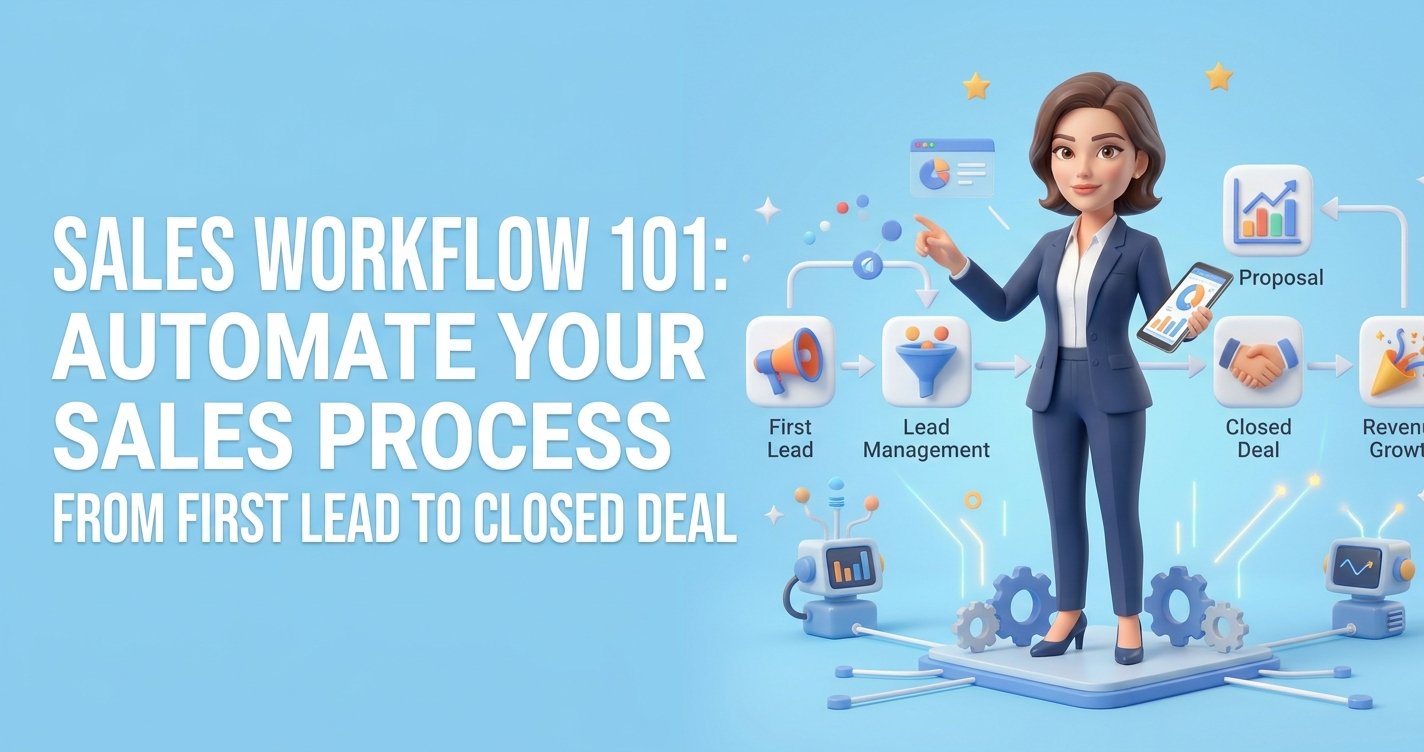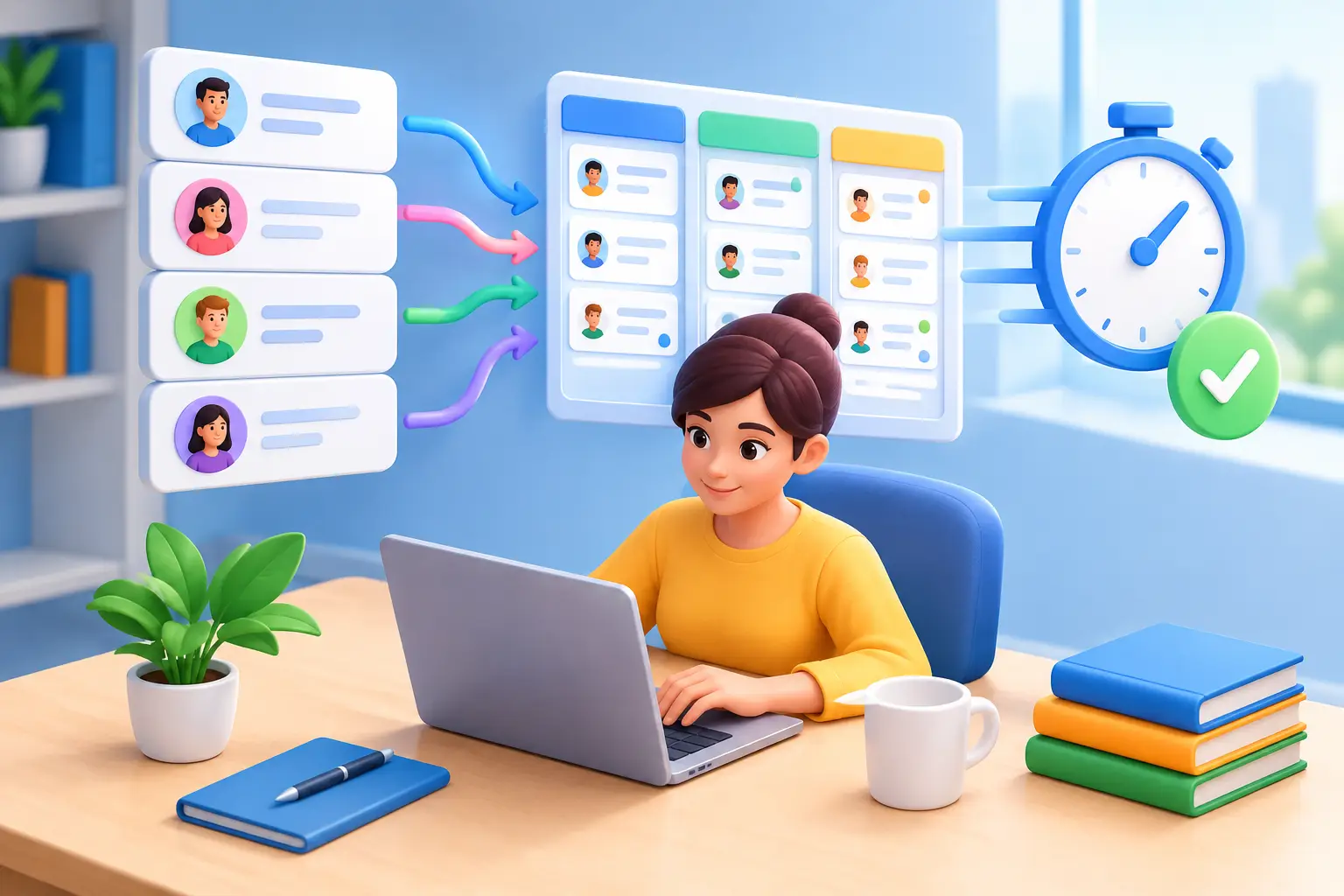
If your business is running on a spreadsheet, a calendar app, a form tool, a separate email platform, and a lot of memory, you do not have a system. You have a patchwork. That is exactly why crm programs for small businesses matter – not as fancy software, but as the difference between chasing leads manually and building a repeatable way to win more business.
Most small business owners do not need enterprise software with a six-month setup and a pricing page that feels like a trap. They need one place to track leads, follow up on time, book appointments, send emails, manage conversations, and see what is actually moving revenue. The right CRM makes that simple. The wrong one adds another login, another bill, and another tool your team avoids.
What small businesses really need from CRM programs
A lot of CRM buying advice misses the point because it is written for large sales teams. That is not your reality if you are a consultant, coach, contractor, agency owner, trainer, or local service business. You are usually balancing sales, delivery, marketing, and admin at the same time.
So the best crm programs for small businesses should do three things well.
First, they should help you capture and organize leads without extra work. If a prospect fills out a form, sends a message, books a call, or replies to a campaign, that information should land in one place automatically.
Second, they should keep follow-up moving. Most sales are lost because the lead was bad, but because nobody followed up fast enough or consistently enough. A CRM should make reminders, pipelines, and automated messages easy to use.
Third, they should reduce software sprawl. This is where many businesses overspend. They buy a CRM, then discover they still need separate tools for email marketing, scheduling, social posting, invoices, workflows, and website forms. At that point, the CRM is not simplifying your business. It is just sitting at the center of a mess.
Why many CRM tools disappoint small businesses
On paper, most platforms sound great. In practice, small businesses hit the same problems again and again.
The first problem is pricing that grows faster than your business. A tool looks affordable at the entry level, then key features are locked behind upgrades, user limits, or add-ons. What starts as a manageable monthly cost turns into a stack of subscriptions that quietly drains cash.
The second problem is fragmentation. You buy one platform for contact management, another for email marketing, another for booking, another for automation, and another for social media. Now your business depends on integrations, workarounds, and constant syncing issues. When one step breaks, your customer experience breaks with it.
The third problem is complexity. Plenty of CRM systems were built for bigger teams with dedicated ops staff. Small businesses rarely have time for long onboarding, custom development, or feature overload. If your CRM requires a consultant to feel usable, it is already the wrong fit for many owners.
How to evaluate CRM programs for small businesses
The smart way to compare platforms is not to start with brand names. Start with the jobs your system needs to handle every week.
Lead capture and contact management
At a minimum, your CRM should store contacts clearly, track deal stages, and show the history of every interaction. You should be able to see who reached out, what they wanted, when they last heard from you, and what needs to happen next.
That sounds basic, but it is where many businesses lose momentum. If your leads live in your inbox, DMs, notes app, and calendar, you are constantly reconstructing context. A CRM should remove that guesswork.
Sales pipeline visibility
You need a clear pipeline, not just a contact list. A good CRM lets you move opportunities through stages like new lead, qualified, proposal sent, follow-up needed, and closed. That helps you spot stalled deals before they disappear.
For small businesses, simple beats clever. If your pipeline is hard to update, nobody updates it. If nobody updates it, your forecast is fiction.
Automation that saves real time
Automation is only valuable when it removes repetitive work. Think follow-up sequences, appointment reminders, lead assignment, review requests, invoice prompts, and internal task creation.
This is also where trade-offs matter. Some platforms offer powerful automation but make it difficult to set up. Others keep it simple but limit what you can do. The best fit depends on how much customization you actually need and whether you will use it consistently.
Marketing tools built into the system
Small businesses often underestimate how connected CRM and marketing really are. If your email campaigns, forms, landing pages, SMS, social scheduling, and nurture sequences sit outside your CRM, you are splitting your customer journey across multiple systems.
That creates blind spots. You might know who opened an email but not whether they booked. You might know who submitted a form but not whether they received a follow-up sequence. An integrated setup gives you a cleaner path from first touch to sale.
Scheduling, payments, and operations
For many small businesses, the sale does not stop at the deal stage. You may need online booking, invoices, contracts, or post-sale workflows. This is where all-in-one platforms have a real advantage.
If a customer can move from inquiry to appointment to payment inside the same ecosystem, you cut admin time and reduce drop-off. Separate tools can still work, but each extra handoff creates friction.
Support and ease of use
This part gets ignored until something breaks. Small businesses need fast support and a platform that is usable without a technical team. Fancy features do not matter much if setup drags on for weeks or if your team avoids the system because it feels too complicated.
The big decision: specialized stack or all-in-one platform
This is the real question behind most CRM searches.
A specialized stack gives you the freedom to pick best-in-class tools for different functions. That can make sense if you have advanced needs in one area, like sophisticated email segmentation or a custom sales process. The downside is obvious: more subscriptions, more integrations, more logins, and more chances for things to break.
An all-in-one platform takes the opposite approach. Instead of stitching together a CRM, email tool, scheduler, website builder, workflow app, and communication system, you run them from one dashboard. For small businesses, that often means lower costs, fewer moving parts, and faster execution.
There is a trade-off here too. Some all-in-one platforms may not go as deep in one niche feature as a dedicated standalone tool. But for many owners, breadth plus simplicity beats a collection of separate tools they barely have time to manage.
That is why platforms built for consolidation are getting more attention. TwiLead, for example, is designed around a simple idea: replace the bloated stack with one system that handles CRM, automation, marketing, communication, and operations without pushing small businesses into endless upgrades.
Red flags to watch before you commit
A free trial or demo can hide a lot, so look carefully.
Be cautious if the platform charges extra for basic functionality like automation, multiple users, or reporting. Watch for CRMs that market themselves as affordable but require several add-ons before they become useful. And pay attention to whether key tools are truly built in or just connected through outside integrations.
You should also ask how quickly a new lead can move through your actual process. Can someone submit a form, get a follow-up, book an appointment, and land in the right pipeline without manual work? If the answer is no, the CRM may be adding admin instead of removing it.
What the best choice looks like for different small businesses
If you are a solo consultant or coach, your best CRM is usually one that combines pipeline management, scheduling, email or SMS follow-up, and simple automation. You need speed and consistency more than deep enterprise reporting.
If you run a local service business, communication tools and booking workflows matter just as much as contact records. Missed calls, delayed replies, and scheduling gaps cost real revenue.
If you operate an agency, training center, or digital business, marketing automation and lead nurturing become more important. You may need landing pages, forms, campaigns, and workflows connected directly to your sales process.
That is why there is no universal winner for everyone. The best crm programs for small businesses are the ones that match the way you sell, serve, and grow without forcing you to buy five more tools just to make the basics work.
How to make the final decision without wasting months
Keep it practical. Map your current process from lead capture to closed sale to follow-up. Then identify what is manual, what is duplicated, and what falls through the cracks.
From there, shortlist platforms that solve those specific problems in one place whenever possible. Do not get distracted by enterprise-grade features you will never use. Focus on whether the system helps you respond faster, stay organized, automate routine tasks, and cut software costs.
A CRM should make your business feel lighter, not heavier. If a platform saves you one subscription but adds hours of setup, that is not a win. If it replaces multiple tools, keeps your team aligned, and helps you follow up like clockwork, that is where the real value shows up.
The smartest move is usually not choosing the tool with the longest feature list. It is choosing the one your business will actually use every day, because simple systems that get used beat complicated systems that get ignored.