Key Takeaways
- Doing everything manually has a real cost: slow replies, forgotten appointments and lost referrals.
- Automation makes the biggest difference in lead response, qualification, booking and reminders.
- Estimate and sales follow-up are also strong candidates.
- Start where delays hurt you most, not everywhere at once.
Introduction
A prospect asks for a quote at 8:30 p.m. A customer forgets an appointment. A referral sits in an inbox until Monday. None of these moments look dramatic, but they quietly cost small businesses revenue every week. So, do small businesses need automation? Not to make the business feel less personal. They need it to make sure opportunities do not disappear when the owner is busy serving customers.
For a small team, automation is not an enterprise project. It is a practical way to handle repeatable work consistently: responding to inquiries, booking appointments, sending reminders, following up on estimates, and asking satisfied customers for reviews. The goal is simple – spend less time chasing routine tasks and more time having conversations that lead to sales.
Do Small Businesses Need Automation for Growth?
Most small businesses do not need to automate everything. They do need to identify the handful of repeated tasks that slow down response time, create errors, or cause leads to go cold.
A local contractor may be excellent at delivering jobs but lose leads because estimates are not followed up quickly. A coach may have strong discovery calls but waste hours emailing booking details back and forth. A real estate professional may receive inquiries from several sources and struggle to remember who needs a call next. In each case, the problem is not a lack of effort. It is a process that depends too heavily on memory and spare time.
Automation gives those processes a dependable baseline. A new inquiry can receive an immediate confirmation. A lead can be assigned a next step. An appointment can trigger a reminder. A customer who has not returned in six months can receive a useful check-in. The owner still decides what to say, what offers to make, and how to serve the customer. Automation makes sure the right action happens at the right time.
That distinction matters. Good automation supports relationships. Bad automation sends generic messages too often, ignores context, and makes customers feel like a number.
The Real Cost of Doing Everything Manually
Manual work has a cost beyond the minutes it takes to complete it. It creates inconsistency. When business is quiet, owners can reply quickly and stay organized. When business picks up, the same follow-up tasks are often delayed or skipped. That is exactly when a growing company can least afford to lose momentum.
Consider a service business receiving 30 inquiries a month. If only a few prospects fail to hear back promptly, the business may lose several potential jobs before a salesperson ever gets a chance to compete. Faster follow-up is often one of the simplest ways to improve conversion without paying for more advertising.
Manual systems also make performance harder to see. When customer notes live in texts, email threads, sticky notes, and separate apps, no one has a clear view of the sales pipeline. Owners cannot easily answer basic questions: Which leads are waiting for a response? Which estimates need a follow-up? Where did this month’s best customers come from?
The result is reactive work. The day is driven by whoever calls or emails most recently, rather than by the opportunities most likely to create revenue.
Where Automation Makes the Biggest Difference
Start with processes tied directly to leads, sales, and customer retention. These usually create a return faster than automating internal tasks that do not affect the customer experience.
Lead response and qualification
An immediate response does not have to be a hard sales pitch. It can be a short message confirming the inquiry, setting expectations, and asking one or two questions that help the business prepare. For example, a home services company can ask for the service needed, ZIP code, and preferred timing before a team member calls back.
Website chat and AI-powered lead assistants can also answer common questions after hours, capture contact details, and route qualified prospects into the sales process. That helps a small business stay responsive without asking someone to monitor the site all day.
Appointment booking and reminders
Back-and-forth scheduling drains time from consultants, coaches, agencies, and local service businesses. Online booking lets prospects choose from available times while automatic confirmations and reminders reduce no-shows.
This works best when the booking process is simple. Asking ten questions before showing a calendar can reduce conversions. Collect what the business genuinely needs, then let the conversation continue after the appointment is set.
Estimate and sales follow-up
Many sales are lost because a prospect is interested but distracted. An automated follow-up sequence can remind the prospect about an estimate, answer a common concern, and invite them to reply with questions. It should never replace a personal call for high-value opportunities, but it prevents routine follow-up from falling through the cracks.
A useful rule is to automate the reminder, not the relationship. If a lead replies, asks for a change, or shows clear buying intent, a real person should take over quickly. Sales is the most rewarding area to start with, so see how to automate your sales process from first lead to closed deal.
Customer retention and reviews
Existing customers are often easier to serve again than brand-new prospects are to win. Automation can send service reminders, post-purchase check-ins, renewal notices, or personalized offers based on past activity. It can also request a review after a successful job, when the customer’s experience is still fresh.
The message must match the timing. A review request sent before a project is complete feels careless. A maintenance reminder sent when the service is actually due feels helpful. Relevance is what separates useful automation from noise.
When Automation Is Not the First Fix
Automation will not solve a weak offer, unclear pricing, poor customer service, or a sales process with no defined next step. If a business does not know who it wants to attract or what should happen after a lead arrives, automating the confusion only makes it happen faster.
It can also be the wrong move for highly customized, low-volume work. If an agency closes a few large clients a year through long, consultative conversations, a complicated automation sequence may add little value. A simple pipeline with clear tasks and personal follow-up may be enough.
The same is true when a process changes every week. Automate stable, repeated actions first. If the workflow is still being reinvented constantly, document it before building automations around it.
A Practical Way to Start Without Creating More Complexity
The biggest mistake small businesses make is buying several tools to solve separate problems: one for email, another for scheduling, another for forms, another for CRM, and another to connect them. The monthly costs rise, the setup becomes fragile, and the owner ends up managing software instead of customers.
Begin with one customer journey. Map what happens from the first inquiry to the first sale. Write down every manual step, then circle the actions that happen repeatedly and do not require judgment. Those are the best early automation candidates.
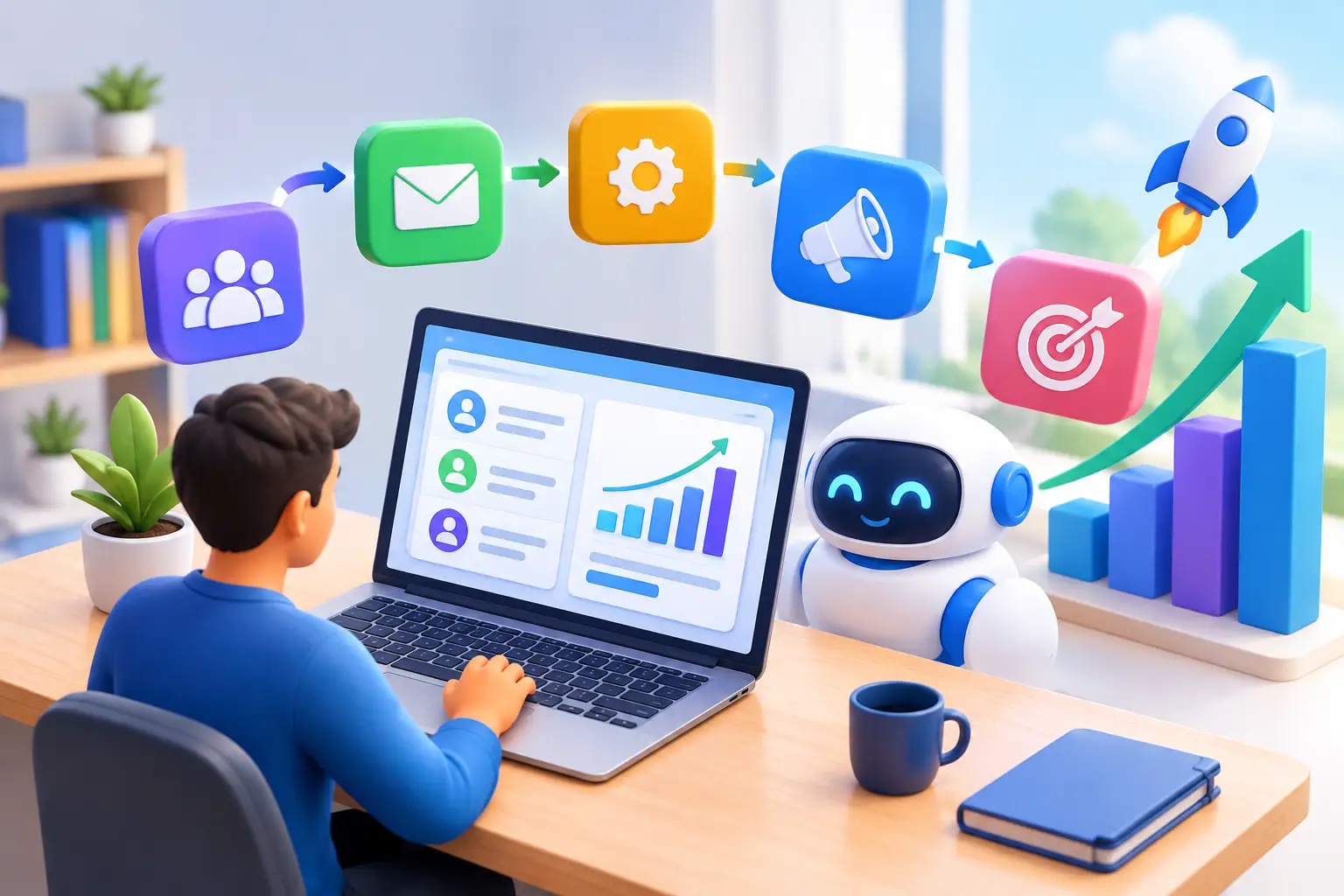
For many businesses, the first workflow can be straightforward: a lead submits a form, receives a quick response, is added to the pipeline, gets a booking option or follow-up message, and receives reminders until there is a clear outcome. Once that process works, add customer follow-up or review requests.
Track outcomes, not just activity. Measure response time, appointments booked, show rates, estimate acceptance, repeat purchases, and leads that received a follow-up. If an automation does not improve a meaningful number or save significant time, simplify or remove it.
A consolidated platform can make this easier because lead capture, CRM, messaging, booking, and workflow actions share the same customer record. TwiLead is built around that practical advantage: helping small businesses replace a scattered stack with one system that supports lead generation, sales follow-up, and customer communication without forcing an upgrade for every new capability.
Keep Automation Personal Enough to Build Trust
Customers do not object to automation itself. They object to messages that feel irrelevant, repetitive, or impossible to reply to. Use the customer’s name when appropriate, reference the service they asked about, and give them a clear path to a real person.
Set reasonable limits. A prospect who has ignored three messages may need a pause rather than another daily reminder. A customer who booked an appointment should immediately stop receiving promotional nudges about booking one. Small details like these protect the customer experience and your reputation.
The strongest small businesses use automation to become more reliable, not less human. When routine work runs in the background, you have more room to respond thoughtfully, solve problems quickly, and show customers why they chose a local business in the first place.
Want to know how you could improve your business?
Our team is available for a free consultation.