Key Takeaways
- Most follow-up systems fail because they rely on memory and manual effort, so deals are lost to slow replies.
- Automate client follow-up without making it feel cold by building the workflow backward from the sale.
- Include the right content in each message, use the channels that actually work and automate the highest-impact steps first.
- Avoid common mistakes, keep the setup practical and aim for momentum: fast first response, clear next step and smart reminders.
Introduction
A lead fills out your form at 10:12 AM. You plan to reply after lunch. By 2:47 PM, they’ve already heard back from a competitor. That’s usually how deals are lost – not because your offer was weak, but because your follow-up was late, inconsistent, or buried in a crowded inbox. If you want to know how to automate client follow up without sounding robotic, the answer is simple: build a system that responds fast, stays personal, and keeps moving prospects toward the next step.
For small businesses, freelancers, and consultants, follow-up is where revenue leaks. Most teams don’t have a lead problem. They have a consistency problem. Manual follow-up works when you have five leads a week. It breaks when you have fifty, multiple channels, repeat inquiries, no-shows, and quotes waiting for approval. Automation fixes that, but only if you set it up around real buyer behavior instead of random reminders.
Why most follow-up systems fail
The biggest mistake is thinking automation means blasting everyone with the same email sequence. That’s not automation. That’s just delayed spam.
Good follow-up automation reacts to intent. A new lead who requested pricing should not get the same message as an old client who hasn’t responded to an invoice. Someone who booked a call should move into reminders and confirmations. Someone who clicked your proposal but didn’t reply should get a different nudge. If your system treats every contact the same, it will feel impersonal fast.
The second problem is tool overload. One app captures leads, another sends emails, another books meetings, another stores notes, and then you need another tool to connect them. That setup looks flexible until something breaks. Leads slip through because tags don’t sync, reminders don’t fire, or your team can’t see the full conversation history in one place.
That’s why the best automation setup is usually the simplest one. Fewer moving parts means fewer missed opportunities.
How to automate client follow up without making it feel cold
Start with the moments that matter most. You do not need to automate everything on day one. You need to automate the follow-up points that directly affect speed, trust, and conversion.
The first is the immediate response. When someone fills out a form, sends a message, or requests a quote, they should hear from you right away. That message should confirm you received their request, set expectations, and give them a next step. If possible, offer a way to book time immediately. Fast responses win business because they signal competence.
The second is short-term nurture. Not everyone is ready to buy after the first message. Some leads need a reminder, a testimonial, a case example, or a simple check-in. This is where timed sequences help. A message on day one, another two days later, and a final follow-up a few days after that can recover leads that would otherwise disappear.
The third is appointment follow-up. Missed calls and no-shows drain time. Automated confirmations, reminder texts, and post-call follow-ups reduce that friction. If someone misses the meeting, your system should automatically offer a reschedule. If they attend, they should move into the next stage without waiting for you to manually update anything.
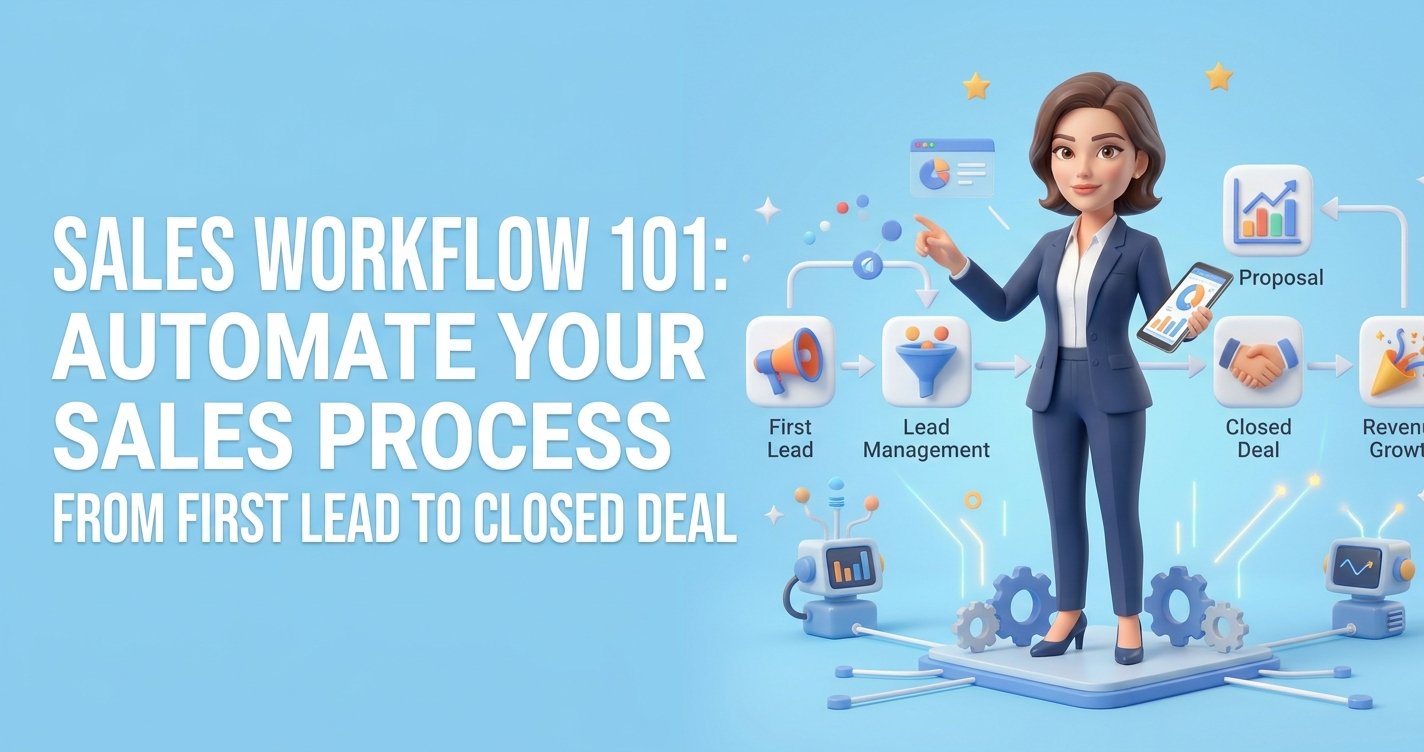
The fourth is proposal and estimate follow-up. This is one of the easiest revenue lifts for a small business. Most proposals do not need a brand-new pitch. They need a timely reminder. An automated sequence can check in after one day, three days, and one week while keeping the tone helpful instead of pushy. Build these reminders into a complete sales workflow so no prospect is forgotten.
Build the workflow backward from the sale
A lot of business owners start with messages. Start with stages instead.
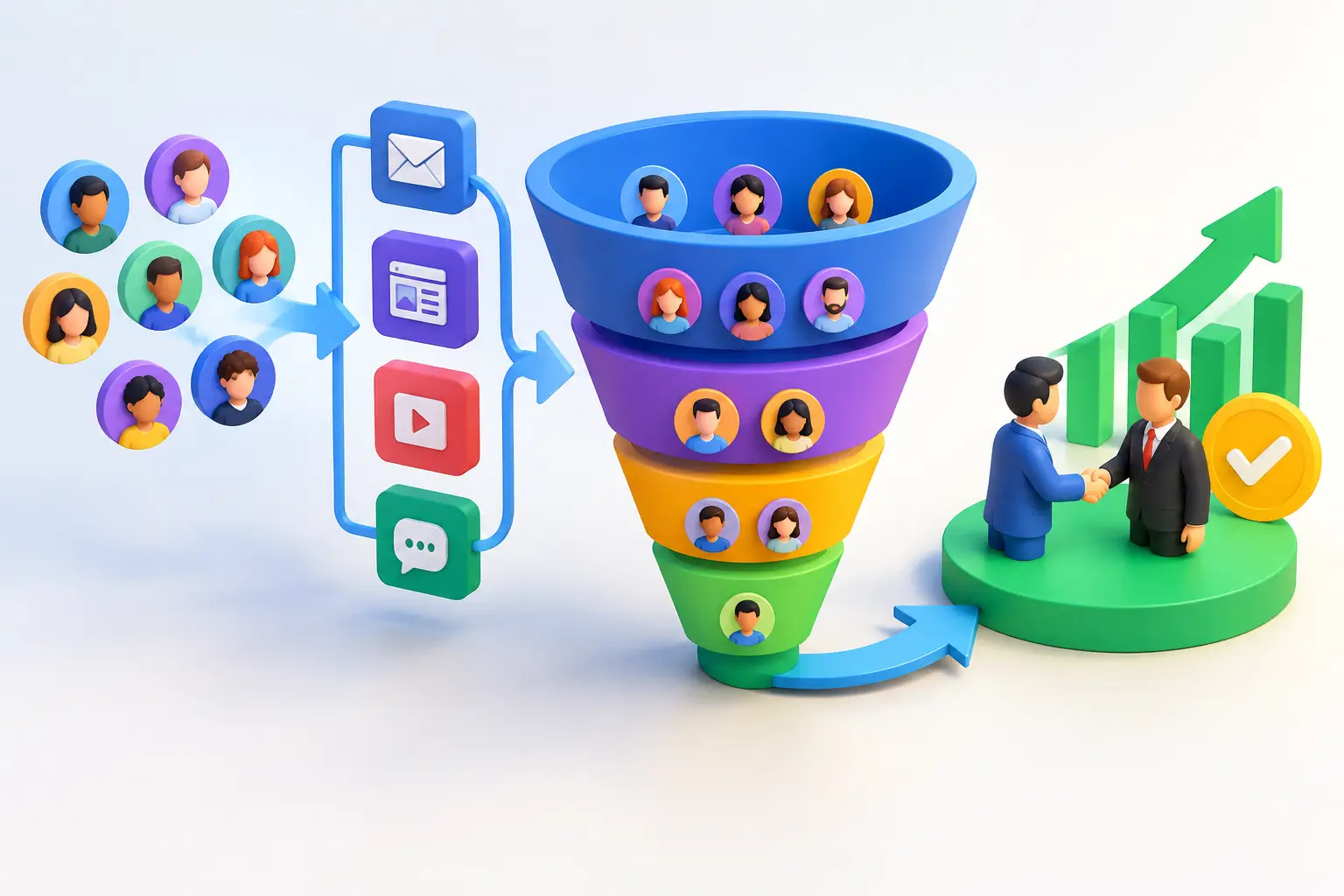
Think about the actual path a lead takes. They inquire, get a response, book a call, receive a quote, ask a few questions, and either buy or go quiet. Once you map those stages, automation becomes much easier because every message has a purpose.
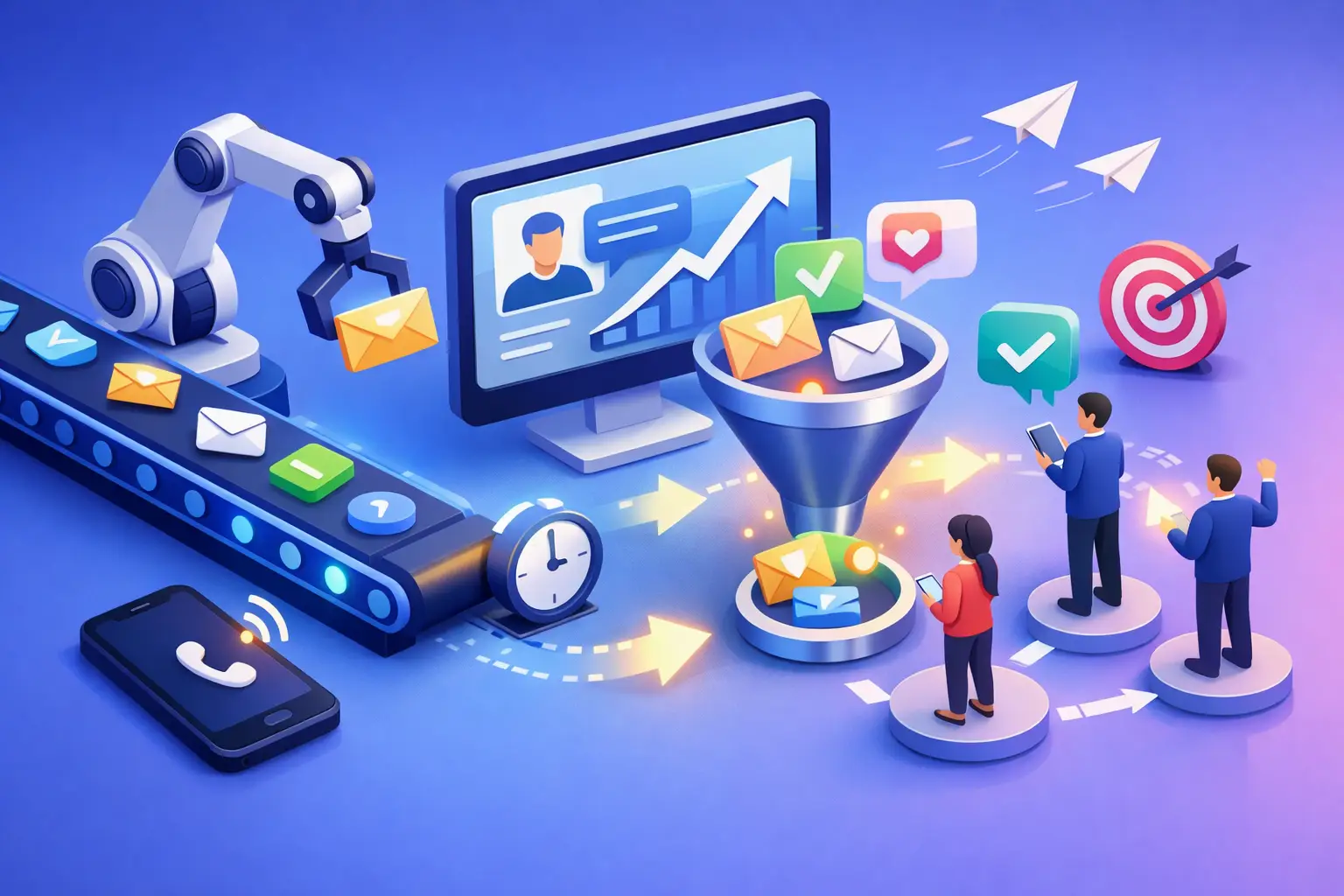
For example, a service business might use a simple flow. New inquiry triggers an instant reply. If the lead doesn’t book, a reminder goes out the next day. Once they book, the system sends confirmation and reminders. After the consultation, it sends a thank-you and proposal. If the proposal is unopened after two days, it sends a check-in. If accepted, it triggers onboarding. If declined or ignored, it moves the contact into a longer-term nurture campaign.
That’s what effective automation looks like. Not more messages. Better timing.
Want to know how you could improve your business?
Our team is available for a free consultation.
What to include in automated follow-up messages
Automation fails when the copy sounds like it came from a machine. Keep it short, clear, and specific.
A good first reply should acknowledge the request and reduce uncertainty. Something like: thanks for reaching out, we got your message, here’s what happens next. If you can include a booking option, even better.
A good reminder message should focus on momentum. Instead of asking, just following up, give them a reason to act. Confirm availability, answer a likely concern, or point them to the next step.
A good proposal follow-up should remove pressure. Prospects often delay because they are busy, not because they are uninterested. A simple message asking whether they want to move forward or have questions often works better than a long sales pitch.
The tone matters. Friendly beats formal. Confident beats needy. Specific beats clever.
The channels that actually work
Email is still useful, but email alone is weaker than it used to be. If your audience gets flooded with messages, adding text reminders or chat-based follow-up can dramatically improve response rates.
This does not mean you should message people everywhere all the time. It means you should choose the channel that fits the action. Email works well for proposals, recaps, and nurture. Text works well for reminders, confirmations, and quick check-ins. Chat works well for lead capture and immediate engagement.
If you run everything through separate systems, this gets messy fast. A connected CRM makes channel-based follow-up much easier because you can trigger actions from one source of truth instead of manually copying contacts between platforms.
Where small businesses should automate first
If you are short on time, automate the areas with the fastest return.
Lead response is number one because speed has a direct impact on conversion. Booking reminders are next because they protect your calendar. Proposal follow-up comes right after because it helps recover warm opportunities. Re-engagement is valuable too, but it usually comes after you fix the front end of the pipeline.
There is a trade-off here. The more advanced your automation gets, the more important your contact data becomes. If your tags, pipeline stages, or forms are messy, your workflows will be messy too. So keep the early version simple. One trigger, one goal, one clear next step.
What a practical setup looks like
A strong small-business setup usually includes one CRM, one pipeline, a few forms, a scheduler, and a handful of workflows tied to behavior. That’s enough to automate most follow-up without creating a tech headache.
For example, when someone submits a contact form, the CRM can create the lead, send an instant email, notify your team, and offer a booking link. If the appointment is booked, reminders go out automatically. After the call, the contact moves to the proposal stage and gets a tailored follow-up sequence. If they become a client, the same system can trigger onboarding, invoices, contracts, and future check-ins.
That’s the real win. Not just saving time, but removing gaps between marketing, sales, and operations. Platforms like TwiLead are built for exactly this kind of consolidation, which matters when you are tired of paying for five tools just to keep one sales process moving.
Mistakes to avoid when you automate client follow up
Do not over-message people. Automation can create volume fast, and volume is not the same as relevance. If every action triggers three emails and two texts, people will tune you out.
Do not forget exit conditions. If someone replies, books, pays, or says no, they should stop getting the wrong messages. This sounds obvious, but it’s one of the most common automation mistakes.
Do not leave workflows untouched for six months. Review open rates, reply rates, booking rates, and no-show rates. If a sequence is not getting responses, the problem may be timing, channel, or offer clarity.
And do not automate away the human part. The goal is to automate the repeatable pieces so you have more time for real conversations where they count.
The real goal is momentum
When business owners ask how to automate client follow up, what they usually want is not more software. They want fewer dropped leads, fewer manual tasks, and more deals moving forward without constant chasing.
That only happens when your follow-up system creates momentum. Fast first response. Clear next step. Smart reminders. Fewer gaps. Less admin. More consistency.
If your pipeline depends on memory, sticky notes, or sending the same email over and over, you’re already paying for the problem in lost time and missed revenue. Build the system once, keep it simple, and let automation do the chasing so you can focus on closing.