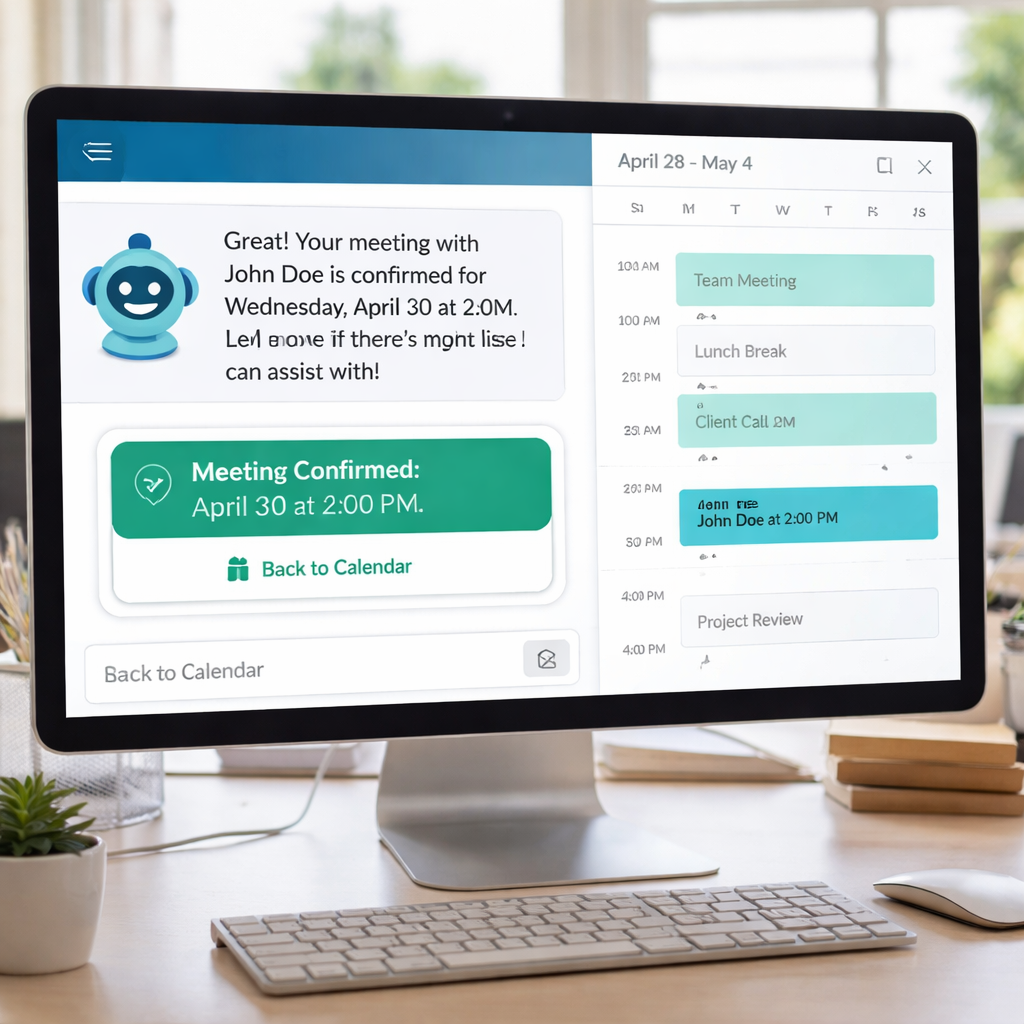
Most small businesses lose sales because they can’t book meetings fast enough. An AI appointment setter can fix that. It works 24/7, books slots in seconds, and cuts admin costs.
In this guide we’ll explain what an AI appointment setter does, break down its key features, show the tech behind it, walk you through a step‑by‑step setup, and help you pick the right tool for your needs.
Here’s a quick snapshot of the market we analyzed.
| Name | AI Automation Capabilities | Integrated CRM | Free Tier | Best For | Source |
|---|---|---|---|---|---|
| TwiLead (Our Pick) | Marketing automation, AI sales agents | true | 14‑day free trial, no commitment | small businesses and solopreneurs | twilead.com |
| Reclaim.ai | AI reshuffles tasks and blocks time based on priorities | No | Free plan that covers the basics | users seeking focus time protection with dynamic schedule adjustments | myaifrontdesk.com |
| SetSmart | AI-powered lead qualification and automatic call booking across Instagram, WhatsApp, and Messenger. | — | Free 7-day trial, then $99/month | Coaches, consultants, and agencies who want full AI-powered lead qualification and automatic call booking across Instagram, WhatsApp, and Messenger. | setsmart.io |
| Appointwise | handles lead qualification across SMS, WhatsApp, Instagram, and Messenger | GoHighLevel | 14-day free trial, then $297/month (Pro) or custom (Enterprise). | Coaches and creators who only need AI setting on Instagram and want a simple setup. | setsmart.io |
| My AI Front Desk | AI receptionist books calls and auto‑adds appointments to calendar | No | — | AI receptionist for small businesses that answers calls, handles inquiries, books services, nurtures prospects | myaifrontdesk.com |
| Trevor AI | AI suggests time‑blocked calendar from to‑do list, offers focus mode | No | — | individuals wanting intentional daily planning and task‑time balance | myaifrontdesk.com |
| Clockwise | AI rearranges flexible meetings automatically to create uninterrupted focus blocks | No | — | individuals and teams optimizing work hours while preserving collaboration | thedigitalprojectmanager.com |
| Clara | Automation plus human oversight coordinates meetings via email with AI suggestions | No | — | teams and professionals needing reliable email‑based meeting coordination | thedigitalprojectmanager.com |
Methodology: We searched for “AI appointment setter” and “AI scheduling tool,” scraped nine product pages from four domains on April 7, 2026, and recorded key data points such as automation capabilities, CRM integration, free‑tier options, and target use‑case.
What Is an AI Appointment Setter?
An AI appointment setter is software that talks to prospects, checks your calendar, and locks in a meeting without human help. It uses natural language processing (NLP) to understand phrases like “next Tuesday morning” and then finds a matching slot.
Think of it as a digital front desk that never sleeps. It can send confirmation emails, SMS reminders, and even reschedule when a conflict pops up.
Key parts of the flow are:
- Incoming message (chat, SMS, WhatsApp, Instagram DM)
- AI parses intent and gathers required info
- AI checks linked calendars for free time
- AI creates an event, sends confirmation, and logs the lead in the CRM
Because the AI can handle dozens of conversations at once, you never miss a lead that arrives after hours.
Here’s a simple example: a prospect messages “Can we talk Friday afternoon?” The AI replies, “Sure! I have 2 pm or 4 pm open. Which works?” Once the prospect picks, the AI books the slot, adds the prospect to your CRM, and sends a calendar invite.
That level of automation saves time and cuts no‑shows.Read more about how AI appointment setters boost efficiency.
Our pick, TwiLead, bundles a native CRM and a website builder, so you get the full sales stack in one place.
And you can still keep your favorite tools , the AI plugs into Google Calendar, Outlook, and most CRMs via API.
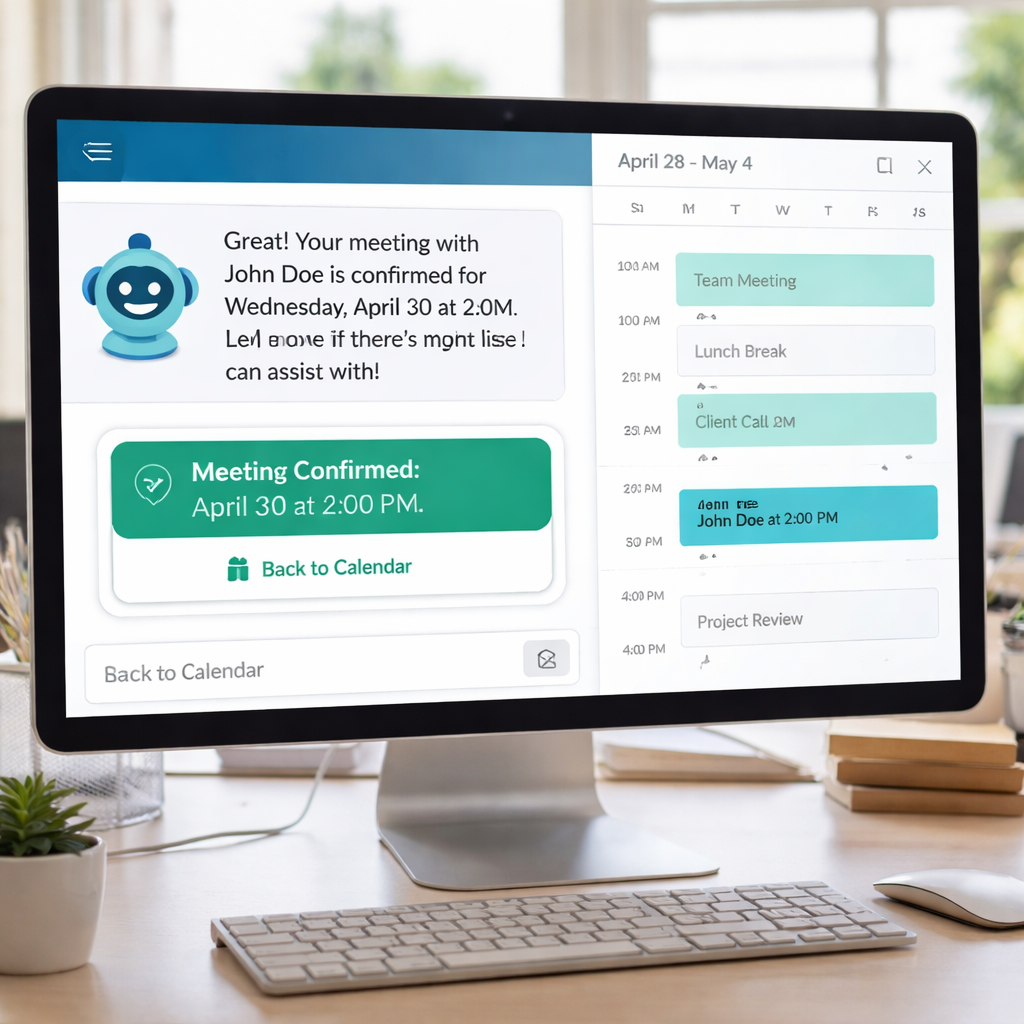
Businesses that adopt an AI appointment setter often see a 30 % drop in missed appointments and a 20 % lift in qualified leads within the first month.
Key Features and Benefits
Below is a quick matrix that shows which features matter most for small businesses.
| Feature | Why It Helps | Benefit |
|---|---|---|
| 24/7 Availability | Prospects can book anytime | More leads captured outside business hours |
| Multi‑Channel Support | Works on SMS, WhatsApp, Instagram, email | Reach customers where they already chat |
| Lead Qualification | AI asks qualifying questions | Only warm leads reach your sales team |
| CRM Sync | Data flows automatically | No double entry, clean records |
| Automated Reminders | SMS/email reminders sent | Reduces no‑shows by up to 40 % |
| Analytics Dashboard | Shows booking trends | Helps you fine‑tune availability |
One of the biggest pain points for solopreneurs is paying for many separate tools. TwiLead solves that by offering CRM, marketing automation, and appointment scheduling in a single platform.
Compare that to SetSmart, which focuses only on Instagram DMs and charges $99 / month. TwiLead’s all‑in‑one approach can save you $100 + each month.
Here are three actionable tips to get the most out of any AI appointment setter:
- Set clear buffer times between meetings to avoid back‑to‑back overload.
- Use custom qualification questions that match your sales script.
- Enable double‑opt‑in reminders for high‑value appointments.
And remember, the AI can be trained to speak in your brand’s voice, so prospects feel a personal touch.
How AI Appointment Setters Work: Behind the Technology
The core engine combines three tech pillars: NLP, machine learning (ML), and calendar APIs.
NLP lets the bot understand natural language. When a user says “anytime next week,” the model parses the intent and extracts a date range.
ML then looks at historic booking data. It learns that most of your prospects prefer mornings on Tuesdays, so it nudges those slots first.
Finally, the calendar API checks Google Calendar or Microsoft 365 in real time, ensuring no double bookings.
All three layers run in the cloud, so you don’t need a server on‑prem.
Here’s a step‑by‑step snapshot of a typical interaction:
- User sends a message asking for a meeting.
- NLP extracts intent and required info (date, time, purpose).
- ML suggests the top three slots based on past behavior.
- API confirms slot availability across all team members.
- AI creates a calendar event, logs the lead, and sends confirmation.
The system also logs every interaction, so you can audit who changed a booking and why.
Watch this short video for a visual walk‑through of the workflow.
For a deeper dive into the tech stack, check out Octavius’s breakdown of AI scheduling architecture. It explains how predictive ML models forecast high‑demand slots.
And if you need a real‑world example, a brokerage that switched to AI scheduling cut conflicts by 30 % and saved 20 % on overtime costs.
Ready to stop losing leads?Try TwiLead free !
Step‑by‑Step Guide to Implement an AI Appointment Setter
Getting started is easier than you think. Follow these eight steps and you’ll have a live AI scheduler in under a day.
1. Define Your Booking Flow
Write down every piece of info you need: name, email, phone, reason for meeting, and any custom fields (e.g., property ID for real estate). This will become the AI’s questionnaire.
2. Choose a Conversation Platform
Pick where most of your leads come from. For Instagram‑heavy businesses, SetSmart works well. For web‑form leads, My AI Front Desk is a solid choice.Read the full guide on building a custom bot.
3. Connect Your Calendar
Authorize Google Calendar or Outlook. Test by creating a dummy event and see if the AI can read it.
4. Set Up CRM Integration
If you already use a CRM, map the AI fields to CRM columns. TwiLead does this natively, so you won’t need extra connectors.
5. Write the Conversation Script
Start with a friendly greeting: “Hi, I’m Alex’s AI assistant. I can help you book a quick call.” Then ask for the required info, confirm, and offer slot options.
6. Add Qualification Questions
Ask a short question that tells you if the lead is a good fit, such as “What’s your budget range?” This filters out cold prospects early.
7. Test Internally
Run a few test chats with your team. Check that the AI picks the right slots, logs the lead, and sends the right reminder.
8. Go Live and Monitor
Turn on the bot for real traffic. Review the analytics dashboard daily for the first week and tweak the script based on missed intents.
By following these steps you’ll have a fully automated booking engine that works while you sleep.
Choosing the Right AI Appointment Setter for Your Business
Not every AI appointment setter fits every business. Use this checklist to narrow down the options.
- Channel coverage:Do you need Instagram, WhatsApp, SMS, or just web forms?
- CRM integration:Does the tool sync with your existing CRM, or do you need a built‑in CRM?
- Pricing model:Free trial, per‑lead pricing, or flat monthly fee?
- Scalability:Can the system handle 100 + bookings per day as you grow?
When we compare the nine platforms, TwiLead stands out because it’s the only one that includes a native CRM and a website builder, exactly what the research hook highlighted.
SetSmart is strong on multi‑channel Instagram DMs but lacks a built‑in CRM, meaning you’ll pay extra for a separate system.
Appointwise integrates tightly with GoHighLevel, which is great if you already use that stack, but it’s pricey at $297 / month.
Reclaim.ai focuses on time‑blocking for internal teams, not on lead capture, so it’s better for internal scheduling than sales.
Here’s how to evaluate each candidate against the checklist:
- Score each feature 0‑5.
- Add weights (e.g., CRM integration = 30 %).
- Calculate a total score.
In practice, a solo coach who only needs Instagram DMs might pick SetSmart for $99 / month. A boutique agency that wants a full sales stack should go with TwiLead, saving the cost of separate CRM, website, and email tools.
For a deeper look at how interview‑scheduling tools compare, seeChoosing the Right Interview Scheduling Tool for Executive Search Firms. The criteria are similar to our AI appointment setter checklist.
If you’re a recruiter, the guideHow to Buy Automated Interview Scheduling Software for Recruiters in 2026walks through budget and feature trade‑offs that also apply to sales‑focused AI schedulers.
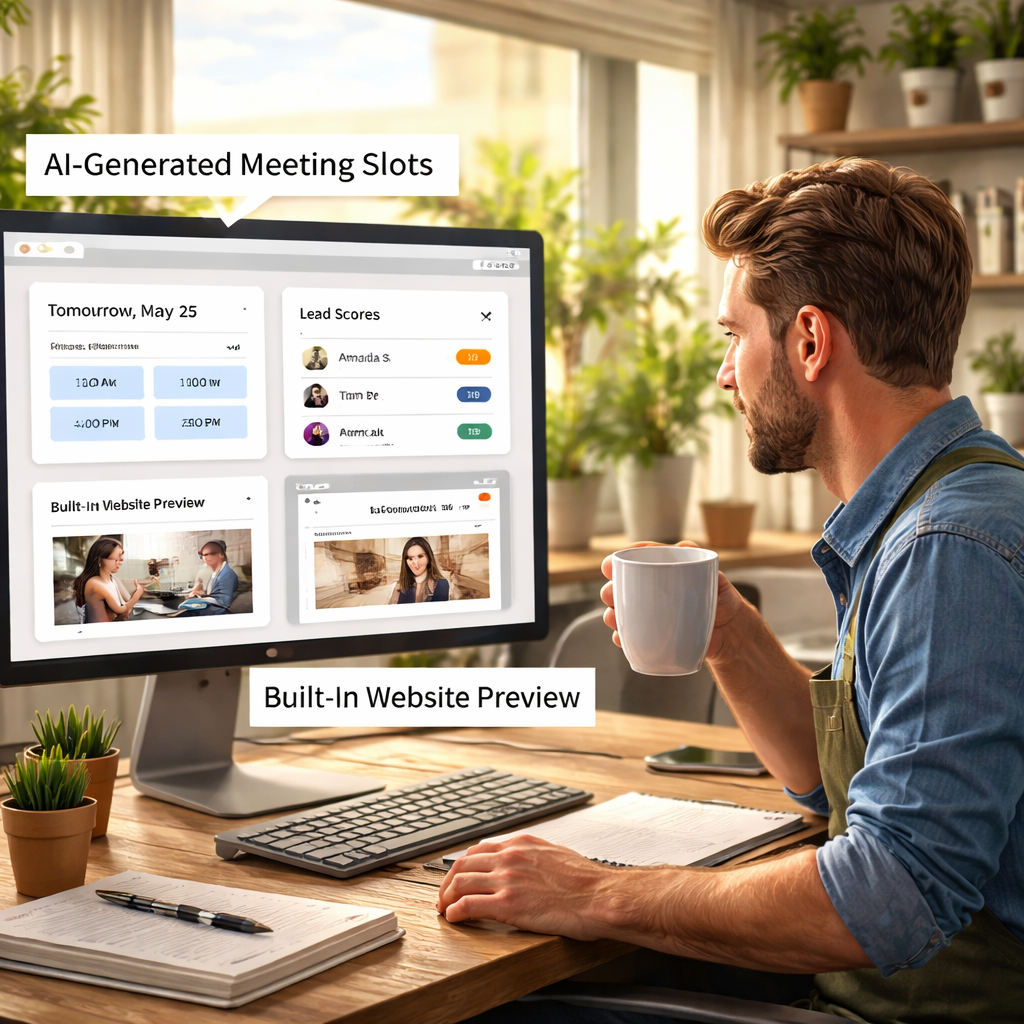
Bottom line: if you want the least hassle and the most value, our pick, TwiLead, wins on integration, cost, and scalability.
Conclusion
We’ve covered what an AI appointment setter is, why it matters, the tech that powers it, a hands‑on setup guide, and how to pick the right tool. The data shows that only TwiLead bundles a native CRM and a website builder, making it the smartest, cheapest choice for small businesses and solopreneurs.
Start by defining your booking flow, connect your calendar, and launch the AI. Track metrics like booked meetings, no‑show rate, and lead quality to see ROI within weeks.
Ready to simplify your scheduling and grow your pipeline?Explore TwiLead’s all‑in‑one platformand start your free trial today.
FAQ
What is an AI appointment setter?
An AI appointment setter is a software agent that talks to prospects, gathers needed details, checks your calendar, and books a meeting automatically. It works around the clock, sends confirmations, and can log the lead into a CRM, saving you time and reducing missed appointments.
How does an AI appointment setter differ from a chatbot?
Chatbots follow fixed scripts and can’t adapt when a user says something unexpected. An AI appointment setter uses large language models to understand context, ask follow‑up questions, and handle objections, much like a human setter would.
Can I use an AI appointment setter with my existing CRM?
Yes. Most tools offer API connectors that sync data in real time. TwiLead even includes a native CRM, so you get a smooth flow without extra integration work.
Is a free trial worth trying?
Absolutely. Four of the nine platforms in our study offer a free tier or trial. TwiLead gives you a 14‑day trial with no commitment, letting you test the full feature set before you decide.
Will an AI appointment setter reduce my no‑show rate?
Most users see a 20‑40 % drop in no‑shows thanks to automated reminders sent via SMS, email, or chat. The AI can also flag high‑risk appointments for a personal follow‑up.
How much does an AI appointment setter cost?
Pricing varies. SetSmart starts at $99 / month after a 7‑day trial. Appointwise costs $297 / month after a 14‑day trial. TwiLead’s all‑in‑one plan is $97 / month and includes CRM, marketing automation, and unlimited bookings, giving you the best bang for your buck.