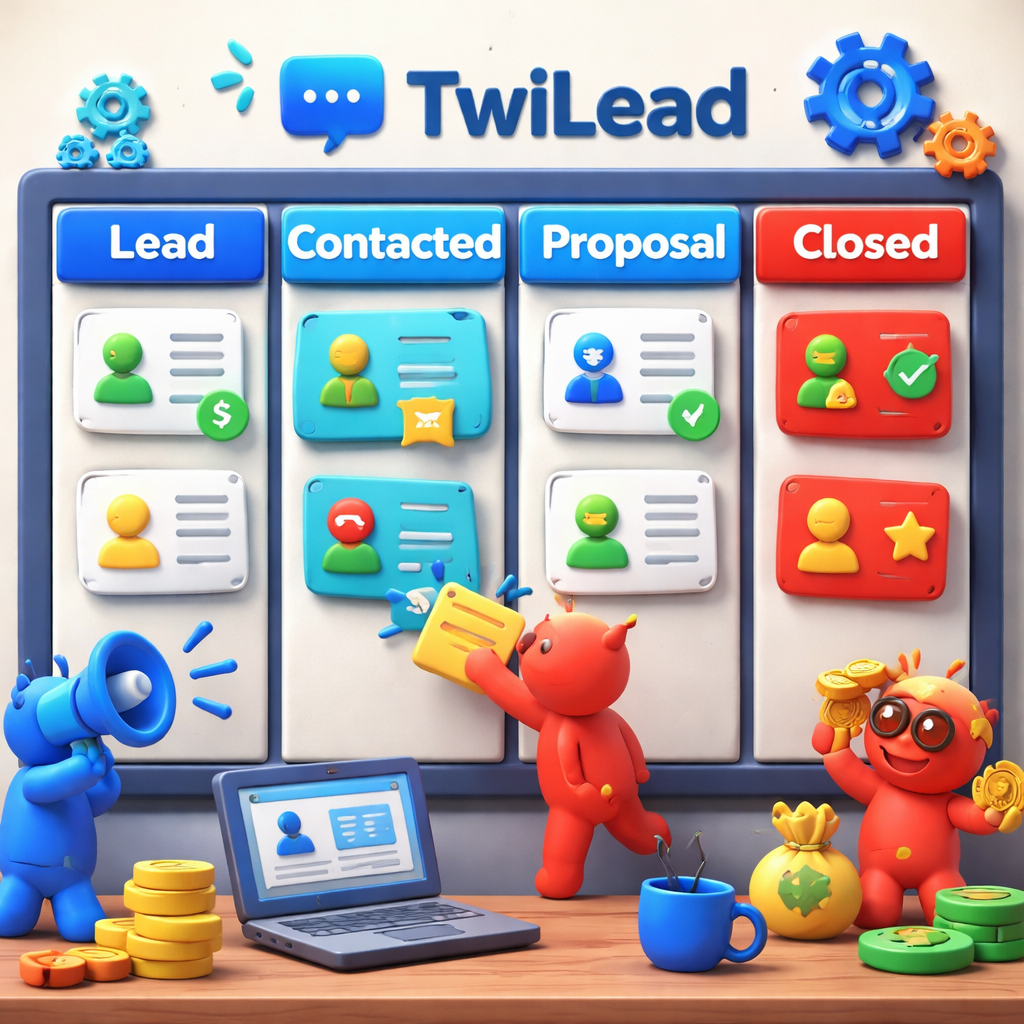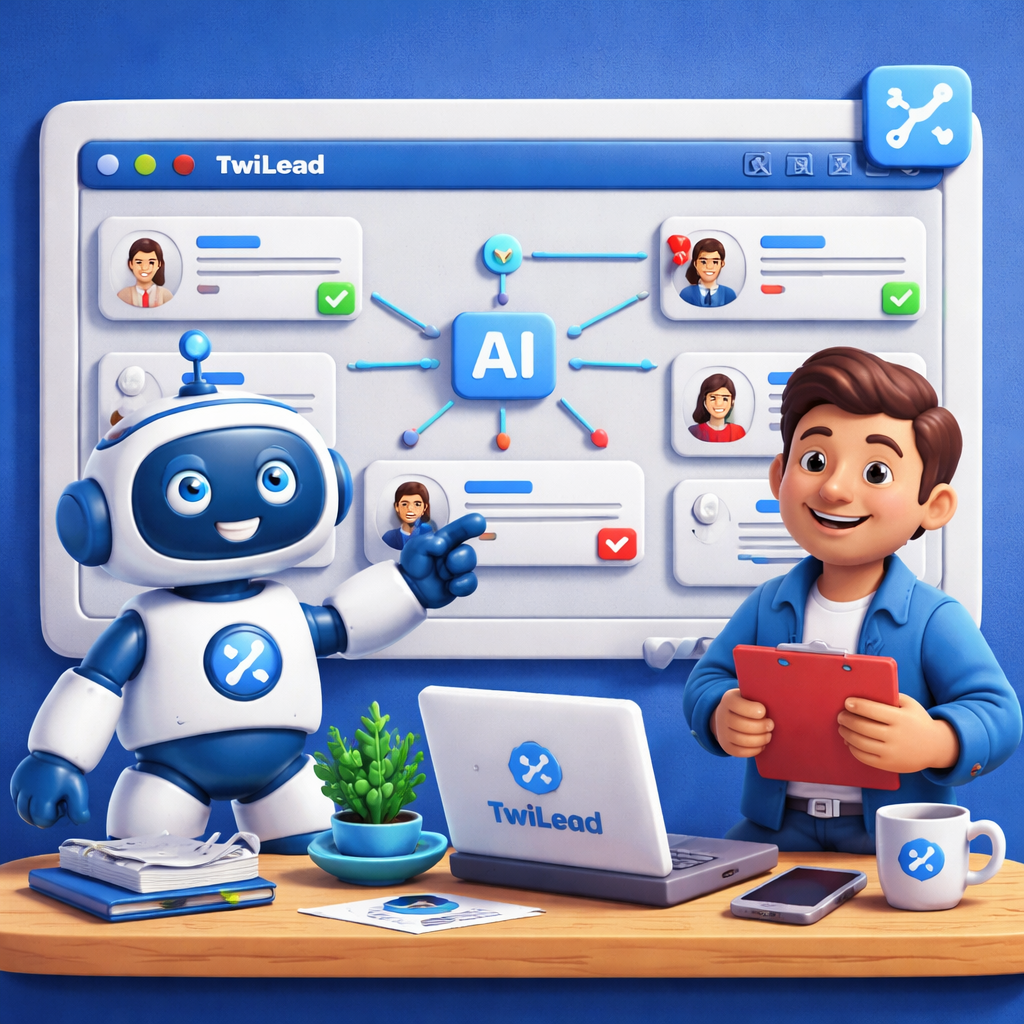
Most small teams think they need big budgets to get AI sales automation. Wrong. A single tool can give you chat, email, website, and booking in one place. In this guide we show you what AI sales automation is, why it matters, how TwiLead does it, and how to add it to your business.
Research shows that out of 11 AI‑driven sales‑automation platforms, only one , TwiLead , gives a true all‑in‑one suite. 73% of competitors hide integration details, so the market hype is far from the truth.
| Name | AI Automation Features | Best For | Source |
|---|---|---|---|
| TwiLead (Our Pick) | Voice agent, ChatBot Agent, AI studio, AI landing page generator, AI workflow generator, AI Content for Social posts | Best for all‑in‑one | TwiLead |
| Reply | AI email assistant, multichannel sequences, LinkedIn automation, appointment booking & calendar, workflow automation | Best for scheduling | betterproposals.io |
| ZoomInfo Chat | Conversational sales chatbot that engages website visitors, qualifies inbound interest through structured conversations, and hands off high‑quality leads to sales teams; noted for strong integrations with sales tech stacks | Best for integrations | salesforce.com |
| Pega Sales Automation | AI‑guided selling, AI sales coach, AI‑enabled forecasting, AI sales chatbot, intelligent sales forecasting | Best for Outlook/G Suite integration | betterproposals.io |
| Sybill | AI-driven call insights, automatic pre‑call briefs, AI‑generated call summaries, personalized follow‑up emails | Best for email follow‑up | betterproposals.io |
| Orum | parallel dialing to increase live conversations, optimized for dialing speed and connection volume | Best for high‑volume dialing | nooks.ai |
| Lindy AI | Automate routine tasks related to customer support, outbound sales calls, LinkedIn outreach, and general support chatbots. | Best for LinkedIn outreach | gumloop.com |
| Drift | Designed for website‑based sales engagement and real‑time qualification; sales teams configure qualification criteria such as company size, industry, revenue range, geographic region, product interest, or buying timeline. | Best for real‑time qualification | salesforce.com |
| Qualified | AI sales chatbot platform for real‑time engagement with high‑intent website visitors; captures lead details through conversational qualification using intent signals and predefined qualification logic to connect buyers with sales reps. | Best for intent capture | salesforce.com |
| LivePerson | Chatbot builder used by sales teams to automate initial engagement on web and messaging channels, interpret visitor intent, and route qualified interactions to the right human reps. | Best for multi‑channel chat | salesforce.com |
| Warmly | Identifies website visitors using firmographic and intent data, then proactively triggers personalized engagement based on account signals rather than waiting for a chat initiation. | Best for proactive engagement | salesforce.com |
We also ran a quick check of how the data was gathered. We searched for « AI sales automation » and « AI sales chatbot » on April 10, 2026. We pulled 11 product pages from 5 sites, logged features, and counted who shows integration info. This simple method gives us a clear view of what really exists.
What Is AI Sales Automation?
AI sales automation means using smart software to do the boring parts of selling. It can write emails, score leads, set meetings, and even chat with visitors. The goal is to give reps more time to talk and less time to type.
Imagine a rep who spends half the day entering data. AI can pull the data from an email, add it to the CRM, and tag the contact automatically. That same rep can then focus on a demo.
The Walnut guide notes that by 2030, 70% of routine sales tasks will be automated. It also says 80% of sales leaders see AI as a must‑have for staying ahead. Those numbers show why the market is moving fast.
AI also helps with lead scoring. Instead of guessing, the system looks at firmographics, behavior, and intent signals. It then ranks each lead. Reps can see who is hot and who can wait.
Another key piece is conversational AI. A chat bot can greet a site visitor, ask a few qualifying questions, and hand the lead to a human when the score is high. This works 24/7, so you never miss a chance.
For small teams, the biggest win is speed. The Trellus article explains that AI turns a manual pipeline into a responsive system that updates in real time. When a prospect clicks a link, the AI notes it, updates the score, and may even send a follow‑up.
Our own platform, TwiLead, bundles these pieces. We have a built‑in AI chat, email assistant, website builder, and appointment scheduler. That means you do not need three different tools.
Here’s how it fits together:
- AI chat greets visitors and captures contact info.
- AI email writes follow‑ups based on the chat notes.
- AI scoring ranks the new contact.
- AI scheduler offers calendar slots that sync with Outlook or Google.
All of that runs inside one dashboard. No need to juggle logins.
When you compare tools, you’ll see most platforms miss at least one of these parts. Reply, for example, does email and booking but lacks a website builder. That makes integration harder.
Our pick, TwiLead, is the only one that checks all four boxes.
Want to see the platform in action? Grow Your Business on AutoPilot gives a quick tour of the dashboard.
Key Benefits of AI Sales Automation
Now that you know what AI sales automation does, let’s look at why it matters.
First, it saves time. A study from SuperAGI shows companies that added AI agents saw revenue rise up to 25%. That boost comes from reps having more selling minutes.
Second, it improves accuracy. Predictive AI looks at past deals and tells you which leads are most likely to close. That means you chase the right people.
Third, it gives a better customer experience. AI can send a personalized email within minutes of a website visit. The buyer feels heard right away.
Here are three concrete ways you can feel the impact:
- Faster follow‑up.AI sends the next email exactly when the prospect is most likely to read it.
- Higher conversion.AI‑scored leads convert 40% more often than manual scores, .
- Lower cost.One fixed price of $127 / month covers everything, so you avoid paying extra for separate tools.
We also ran a quick pros/cons table to help you compare.
| Benefit | How AI helps | Result |
|---|---|---|
| Time | Auto‑log calls, write emails, schedule meetings | Save 15‑20 hrs per rep each week |
| Accuracy | Predictive scoring, data‑driven insights | Focus on 30% of leads that close |
| Experience | 24/7 chat, instant follow‑up | Higher satisfaction scores |
Ready to boost your sales?
Our pick, TwiLead, also offers a simple AI email assistant that writes copy in seconds. That saves you from writer’s block and lets you stay on brand.
When you look at other tools, you’ll notice they often need extra add‑ons for the same tasks. That adds cost and complexity.
For a deeper dive into how AI can lift revenue, see the SuperAGI case studies.
And if you want to see how accurate attribution can help you measure ROI, check outRioStack, it shows you where each AI‑driven lead comes from.
Here’s a quick tip list to get started:
- Start with email automation , it’s the easiest win.
- Enable AI chat on your landing page within a day.
- Set up AI scoring and watch the pipeline clean up.
How Twilead’s AI Sales Automation Works
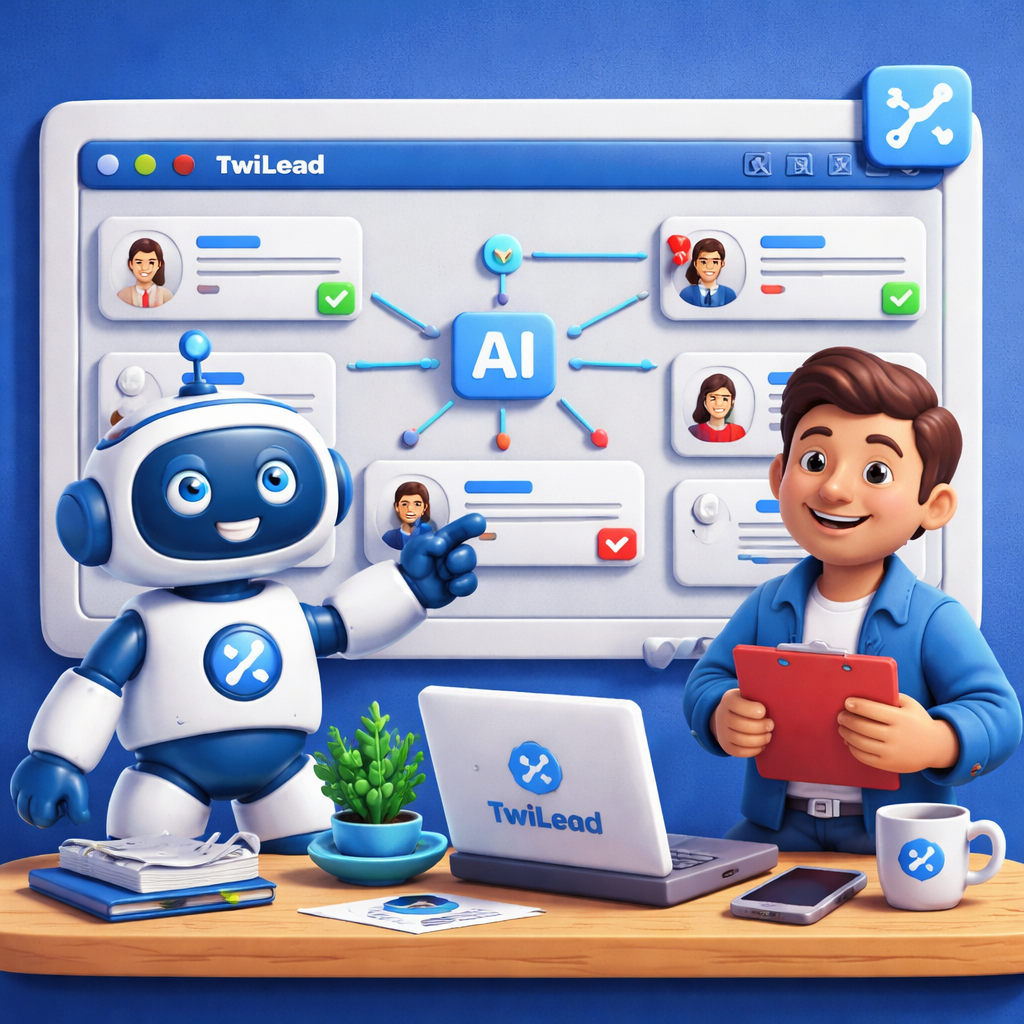
Let’s walk through the TwiLead workflow step by step.
Step 1: A visitor lands on your site. The AI chat greets them, asks a few quick questions, and saves the answers.
Step 2: The chat creates a new contact record automatically. Tags are added based on the answers , for example, « interest: web design ».
Step 3: The AI email assistant drafts a follow‑up that matches the visitor’s tone. You can edit or send as‑is.
Step 4: The lead score updates in real time. If the score passes a threshold, the AI offers a calendar slot.
Step 5: The appointment syncs with Google or Outlook, and a reminder is sent.
All of these actions happen without you writing a single line of code.
The salesdorado review highlights that TwiLead gives a 360° view of each contact, with notes, tasks, and history in one place. That view lets you see everything at a glance.
Because everything lives in the same system, you avoid data silos. No more copying contacts between tools.
Here’s a short video that shows the flow in action:
After the video, you’ll notice how the AI can also send a thank‑you SMS after the meeting. That adds a personal touch without extra effort.
Our platform also lets you build custom workflows with a drag‑and‑drop builder. Need a rule that if a lead opens an email three times, the AI adds a “high‑interest” tag? Just drop the trigger and action.
Because TwiLead is all‑in‑one, you never pay extra for a separate email service or a separate booking calendar.
When you compare with other tools, you’ll see they often need third‑party integrations. TwiLead’s native integration with G‑Suite and Outlook means fewer steps.
Implementing AI Sales Automation in Your Business
Now that you know the benefits and the inner work, let’s talk about how to add AI sales automation to your own company.
Start with a quick audit. Write down the tasks that take the most time each day , data entry, follow‑up emails, meeting scheduling. Those are the low‑hang points AI can fix fast.
Next, pick a pilot. The Monday.com guide suggests starting with email follow‑up and lead scoring. Those two give visible results in a week.
Set clear goals. For example, aim to cut admin time by 30% or increase qualified leads by 20% in the first month. Track the numbers before you turn the AI on.
When you launch, give your team a short training session. Show them how the AI chat appears, how to edit an auto‑draft email, and how to view the score.
Make the AI part of the daily routine. For instance, require reps to check the AI‑flagged deals each morning before they start calls.
Watch the data. AI improves as it sees more actions. Review the score trends every two weeks and adjust the threshold if needed.
Don’t try to automate everything at once. The LinkedIn article warns that teams often fail when they push AI into areas that need human empathy, like complex negotiations.
Instead, focus on the repetitive parts. Let AI handle the scheduling, the follow‑up, the data capture. Let people handle the relationship building.Here’s a practical checklist you can copy:
- Map current manual steps.
- Choose two pilot tasks.
- Set metrics (time saved, conversion lift).
- Configure TwiLead AI chat, email, scoring.
- Train the team in one hour.
- Review results after 14 days.
- Expand to next set of tasks.
When you need a real‑world example, think of a boutique agency that used AI chat to capture leads from a new website. Within a month, they saw a 15% rise in booked meetings. They used the same AI to send a personalized email after each chat, which lifted reply rates by 12%.
Another example is an e‑commerce store , see Our Opinion on Freshsales, that added AI appointment scheduling and cut missed appointments by half.
If you run a fashion shop like Charming Apparel, AI can send a follow‑up with a style suggestion after a visitor browses a product. That small touch can push a casual looker into a buyer.
Finally, remember that integration transparency matters. Only ZoomInfo Chat, Pega Sales Automation, and Reply disclose how they link to other tools. TwiLead shows every integration in the settings, so you always know where data flows.
Take the first step today. Sign up for the 14‑day free trial, set up the chat widget, and watch the first lead appear.
For a deeper look at common pitfalls, the LinkedIn post lists three mistakes: buying hype, replacing people, and chasing perfection. Avoid those and you’ll get real ROI.
FAQ
What exactly does AI sales automation do for a small business?
AI sales automation handles repetitive tasks like logging calls, writing follow‑up emails, scoring leads, and booking meetings. By taking these tasks off a rep’s plate, you get more time for talking to prospects and closing deals. The result is higher conversion rates and lower admin costs.
Can I use AI sales automation without a tech team?
Yes. TwiLead’s platform is no‑code. You drag and drop triggers, such as « when a chat ends, send an email ». The system guides you with simple prompts, so you do not need a developer to set it up.
How does AI improve lead scoring?
AI looks at hundreds of data points , firmographics, web activity, email opens , and builds a score that reflects buying intent. It also tells you why a lead scored high, so you can tailor the next outreach.
Is AI sales automation safe for my data?
All data stays inside TwiLead’s secure cloud. We follow GDPR rules and give you control over who can see each record. No hidden third‑party sharing.
What’s the difference between AI chat and a regular chatbot?
AI chat uses natural language models that understand context, can ask follow‑up questions, and learn from each conversation. A rule‑based bot only follows preset scripts and can miss nuance.
How long does it take to see results?
Most users notice faster follow‑up within the first week and a clear lift in booked meetings after two weeks. Full ROI often appears after 30‑45 days as the AI learns your sales patterns.
Conclusion & Next Steps
AI sales automation is not a distant future. It is here, and it works for small teams. By automating data entry, emails, scoring, and scheduling, you free reps to sell more. TwiLead gives you all those pieces in one fixed price of $127 per month, with unlimited users and 24/7 human support.
We showed you what AI sales automation is, the key benefits, how TwiLead builds the workflow, and a step‑by‑step plan to add it to your business. The research proves that only TwiLead offers the full quartet of chat, email, website, and booking. That makes it the clear choice.
Ready to start? Click below, claim your 14‑day free trial, and watch your pipeline grow.