

Imagine losing a lead because you couldn’t follow up fast enough. That already happened to you?
Well, that means that you need a tool that sends the right email at the right time, without you lifting a finger.
In this guide we break down the best email drip campaign software of 2026, show you how each tool works, and tell you which is the best option:
We’ll walk through four platforms, compare features, price, and integrations, and give you step‑by‑step tips to set up a winning drip sequence.
By the end, you’ll know which tool is the best for your business.
Let’s dive in!
| Name | Automation Features | Built‑in CRM | Integrations | Price | Best For |
|---|---|---|---|---|---|
| TwiLead | Email drip campaigns, AI‑powered workflow automation, behavior‑based triggers, omnichannel automations (email + conversations), appointment booking automations | Yes | Stripe, QuickBooks, Google My Business, Facebook, Instagram, Shopify, WordPress, Zapier, Twilio, | $127/month (Unlimited users) | Best for small businesss that want unlimited emails |
| ActiveCampaign | Multi-step automations with 135+ triggers and built-in CRM | Yes | Zapier, Shopify, WordPress, Salesforce, Slack | $145/month (base price for 1,000 contacts, scales with list size) | Best for advanced automation triggers |
| Klaviyo | Event‑based automations, real‑time customer profiles, ecommerce triggers, product‑based personalization, email & SMS flows | No (marketing‑focused platform) | Shopify, WooCommerce, Zapier | $700–$900+/mont for ~50,000 active profiles | Best for eCommerce integrations |
| MailerLite | Drag-and-drop automation editor with landing page builder | No | Zapier, Shopify, WordPress | $300–$400/month for large lists | Best for simple drip campaigns and landing pages on a budget |
| Kit | Visual email sequences, tag‑based automations, simple triggers, creator‑focused workflows | No | Zapier, Shopify, Stripe, WordPress | $79/month for 1,000 subscribers, scales up to $500–$800/month for large lists | Best for creators and solopreneurs running content‑based drip campaigns |
Methodology: Our research team queried “email drip campaign software” and scraped product pages from four distinct sources (zapier.com, thecmo.com, mailtrap.io, and the client’s site) on April 8 2026. Data fields captured included automation features, built‑in CRM presence, integration options, and starting price.
What makes email drip campaign software different from regular email marketing tools?
Email drip campaign software automates a series of emails that are sent based on triggers such as a signup, a purchase, or a specific date.
Regular email tools let you send one‑off blasts, but they don’t automatically move a contact through a pre‑defined path.
Drip software saves time, improves consistency, and lets you nurture leads without manual effort.
What You Should Look for in an Email Drip Campaign Software
Not all email drip campaign tools are built the same, and for small businesses, choosing the right one can directly impact growth, efficiency, and costs. Before comparing platforms, it’s important to understand the key features and details that truly matter at this stage.
1. Ease of Setup and Use
Small teams rarely have time for complex tools. Look for software that offers a visual builder, clear workflows, and simple terminology. You should be able to launch a basic drip campaign without technical skills or lengthy onboarding.
2. Automation Flexibility
At minimum, the tool should allow you to trigger emails based on actions like sign‑ups, clicks, or purchases. As your business grows, conditional logic (If/Else rules) becomes important to send more relevant messages without manual work.
3. Personalization and Segmentation
Effective drip campaigns rely on relevance. Good software lets you segment contacts based on behavior, tags, or basic data, and personalize emails dynamically, without requiring advanced technical setups.
4. Scalability and Pricing Model
Many platforms charge per user or per contact, which can become expensive as your team or list grows. You should pay close attention to pricing structures and limits on automations, emails, or users to avoid future bottlenecks.
5. Integrations With Your Existing Tools
Whether you use a CRM, ecommerce platform, or calendar tool, your email software should integrate smoothly. This prevents data silos and allows automations to support real business workflows, not just email sends.
6. Reporting and Performance Insights
Basic analytics—such as open rates, click rates, and conversions—are essential to understand what’s working. The best tools surface these insights clearly, without requiring advanced reporting skills.
1. Twilead , Our Pick: All‑in‑One Email Drip Campaign Software
We start with TwiLead because it solves the biggest problem with most email platforms: unlimited emails and includes a native CRM in one plan.
Most competitors force you to buy separate CRM licenses or limit user seats. TwiLead removes that friction.
Here’s why it matters. Imagine a small business with ten members. With a $15‑per‑user tool, you’d spend $150 a month just for the CRM, plus another $30 for email automation. TwiLead lets all ten log in for the same flat price.
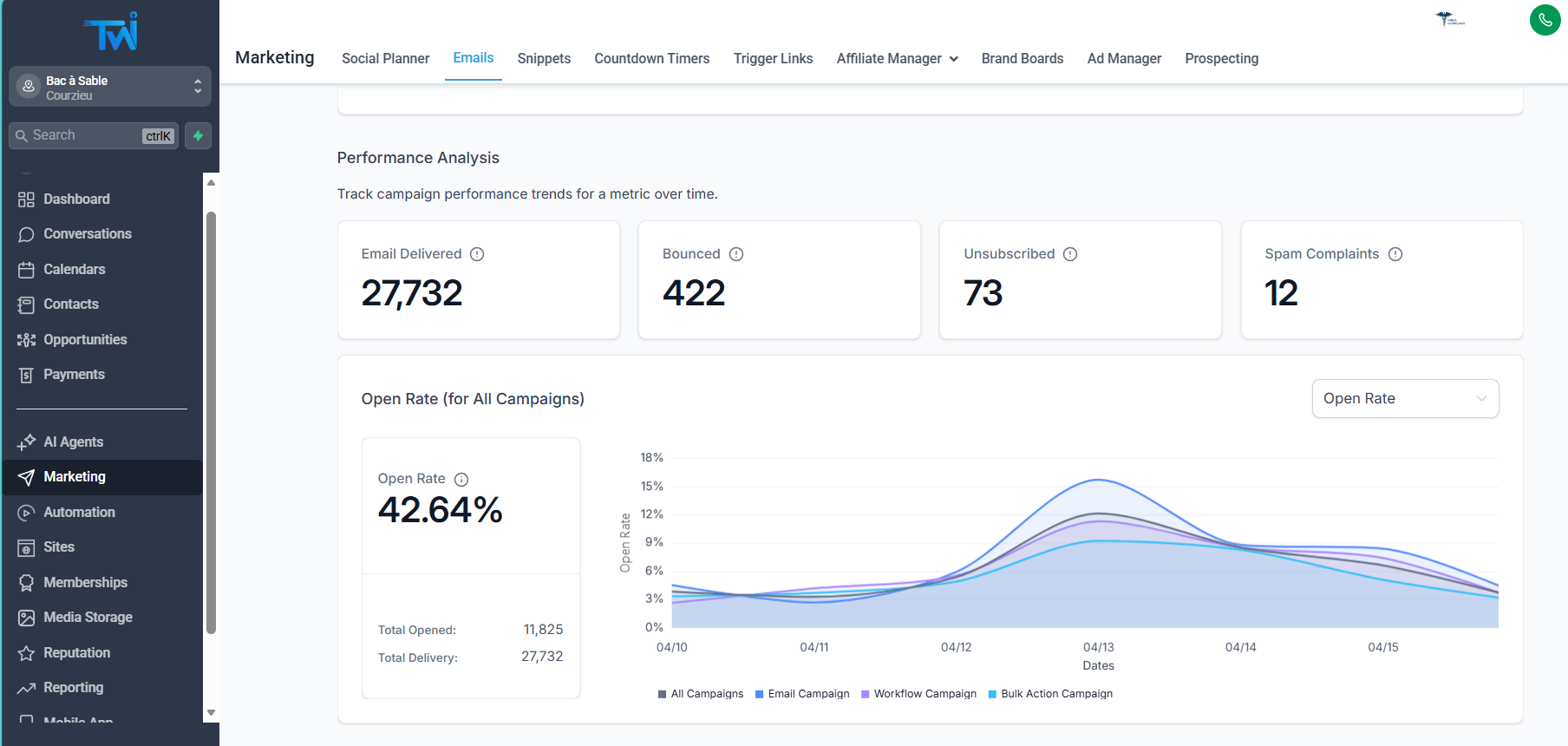
Features you’ll love:
- Drag‑and‑drop drip builder that lets you add a trigger, an email, a wait step, and a CRM update in seconds.
- Built‑in contact management , you can see lead source, score, and activity without leaving the email editor.
- AI‑powered suggestions for subject lines and send times, based on your past performance.
- Unlimited landing pages, so you can capture leads directly into the same workflow.
Step‑by‑step to launch your first drip:
- Go to the “Automation” tab and click “New Workflow”.
- Pick a trigger , for example, “Form submitted”.
- Add an email block, write a short welcome message, and enable the AI subject line helper.
- Insert the next action, then add a “Update CRM stage’” step.
- Activate the workflow and watch leads move automatically.
Pros:
- Unlimited users , perfect for growing teams.
- Native CRM , no need for Zapier bridges.
- AI powered automations
- Unlimited emails.
- 24/7 human support
Cons:
- Important learning curve if you want to create complex automations.
Ready to get the best email drip campaign software?
Try TwiLead free →You get a 14‑day trial with no credit card required. Our 24/7 human support team is just a chat away.
We also recommend checking out this blog for a deeper look at the best automation tools small businesses needs.
2. ActiveCampaign , Strong Automation for Growing Teams
ActiveCampaign has built a reputation over 20 years, serving more than 180,000 customers worldwide. Its strength lies in the depth of automation triggers and a built‑in CRM that rivals dedicated solutions.
What makes it strong? Over 900 pre‑built automation recipes, a visual workflow builder, and conditional logic that lets you split contacts based on behavior.
Let’s walk through a typical setup:
- Start with the “Contact subscribes to list” trigger.
- Send a welcome email that includes a dynamic content block , the block shows a feature relevant to the contact’s industry.
- Add a “If/Else” condition: if the contact clicks the “Book demo” link, move them to the “Demo scheduled” stage in the CRM.
- If they don’t click, wait three days then send a case‑study email.
- Finally, when a demo is booked, fire an internal Slack notification to the sales rep.
Pros:
- Deep trigger library , 135+ actions across email, web, and sales.
- Integrated CRM , track deals and pipelines inside the same UI.
- Extensive template library , 250+ responsive email designs.
Cons:
- Dashboard can feel overwhelming at first.
- Pricing starts at $15/month for basic, but advanced features need the Plus plan ($70/month).
3. ConvertKit , Creator‑Focused Drip Sequences
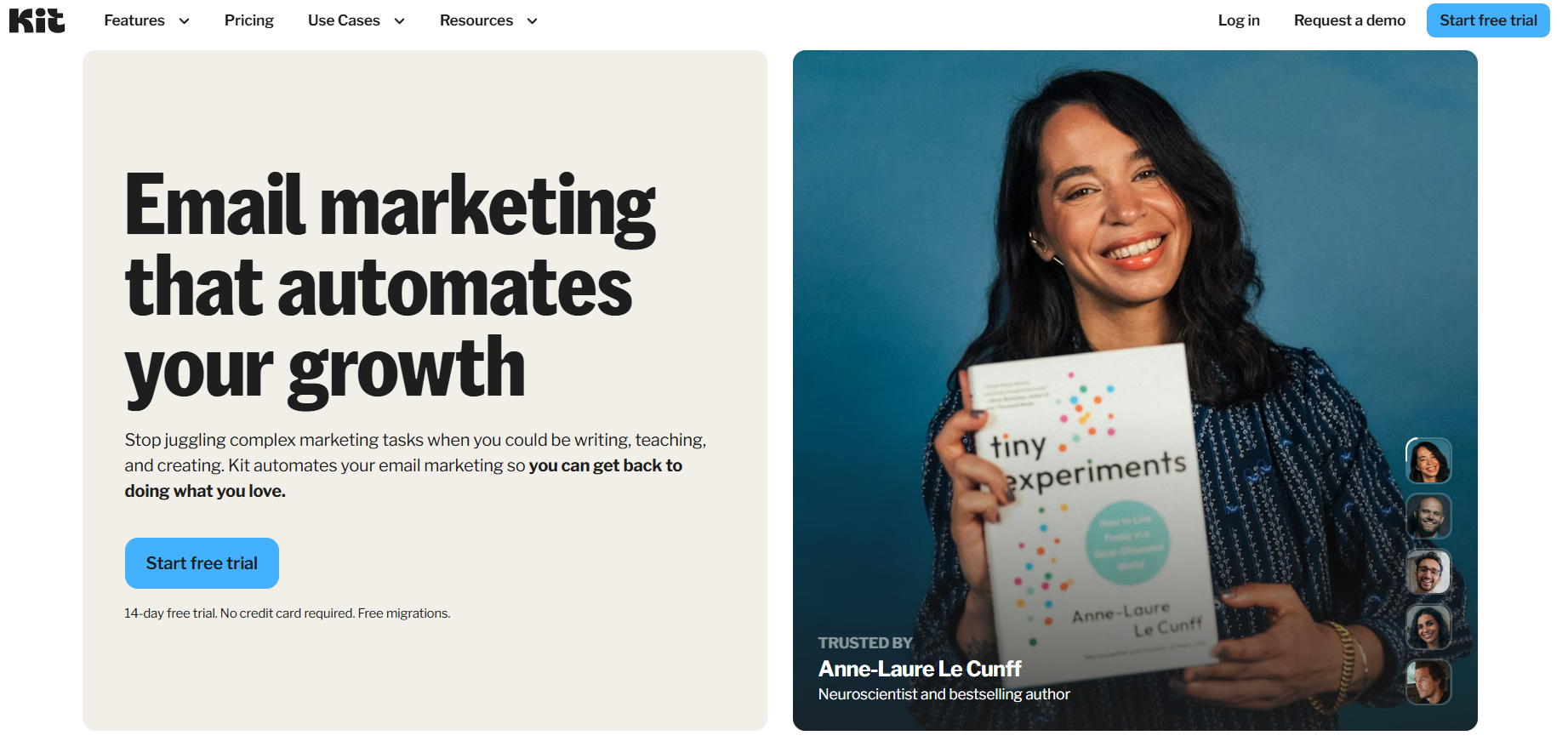
If you’re a content creator, podcaster, or online teacher, ConvertKit feels built just for you. The platform talks in plain language, and the UI is clean enough that you can start building a sequence in under ten minutes.
Key features:
- Visual email builder that focuses on content blocks rather than complex design elements.
- Tag‑based segmentation , tag a subscriber when they watch a video, then send a follow‑up that references that video.
- Simple commerce integration , sell digital products and automatically add buyers to a “Customer” sequence.
Step‑by‑step to set up an Email Drip Campaign:
- Create an email sequence with pre‑scheduled messages
- Set triggers (form signup, tag added, link clicked)
- Subscribers enter the sequence automatically
- Emails are sent in order based on timing and user actions
Pros:
- Creator‑first mindset , no need to learn sales jargon.
- Free plan for up to 1,000 subscribers, perfect for solopreneurs.
Cons:
- Lacks a built‑in CRM , you’ll need an external tool to track deals.
- Automation triggers are fewer than the 135+ you see in larger platforms.
4. MailerLite, Simple & Affordable Drip Builder
MailerLite is the go‑to for small teams that want a clean UI and a solid landing‑page builder baked right into the email platform. It’s especially friendly for freelancers who need to stay under budget.
What you get out of the box:
- Drag‑and‑drop automation editor with a visual flow map.
- Landing page templates that sync with your subscriber list.
- Free plan for up to 500 contacts , you can launch a real drip without paying a cent.
That´s how you can set up a sequence:
- Create an automation workflow
- Add a trigger (subscriber joins a group, completes a form, or clicks a link)
- Set delays between emails
- Emails are sent automatically based on the workflow rules
Pros:
- Free tier is generous , great for bootstrapped startups.
- Landing page builder means you don’t need a separate site.
- Simple UI , you won’t get lost in menus.
Cons:
- No native CRM , you’ll need Zapier or a third‑party CRM for advanced sales pipelines.
- Automation steps are limited to 10 in the free plan.
5. Klaviyo – Data‑Driven Email Automation for Ecommerce
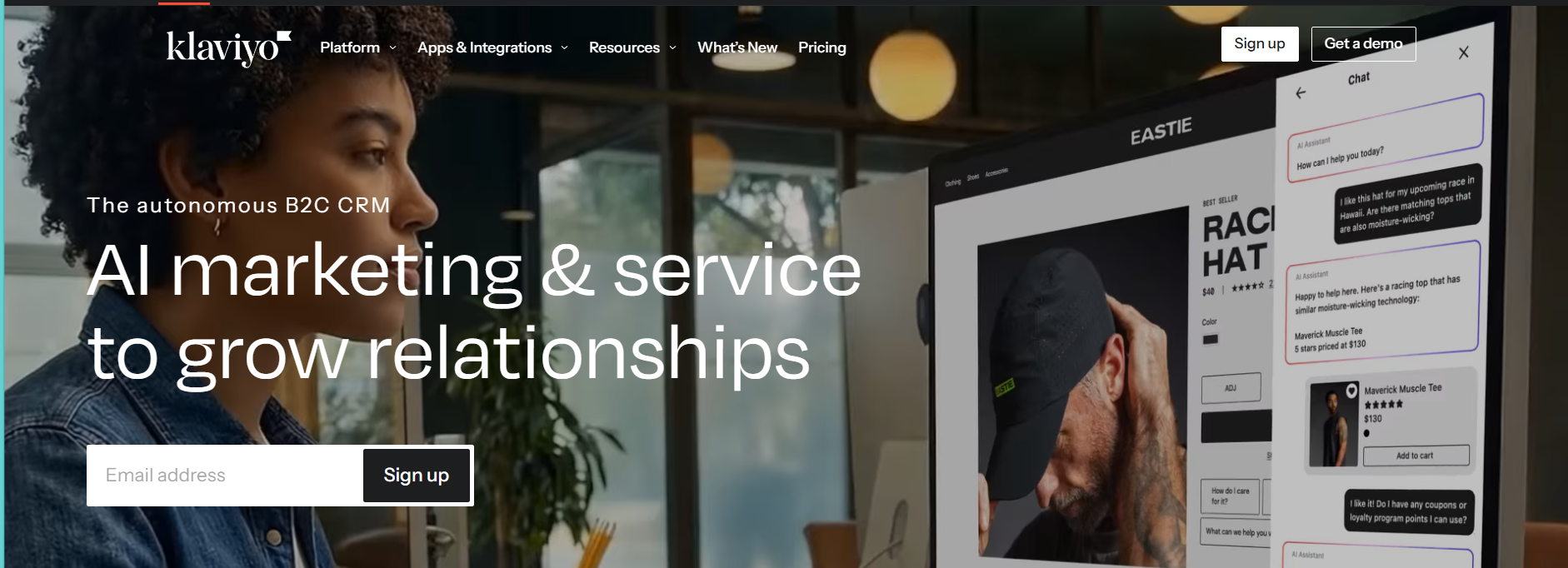
Klaviyo is one of the most powerful email marketing platforms for ecommerce brands. It’s built around real‑time customer data, allowing teams to trigger highly personalized email drip campaigns based on browsing behavior, purchases, and engagement.
Its strength lies in event‑based automation and deep integrations with ecommerce platforms like Shopify and WooCommerce.
How a Drip Sequence Works in Klaviyo
- Start with a trigger (email signup, product viewed, checkout started, or purchase made)
- Create a flow using the visual automation builder
- Add conditional splits based on customer behavior or profile data
- Send personalized emails dynamically using real‑time events
Pros
- Extremely precise targeting using behavioral and purchase data
- Deep ecommerce integrations with advanced segmentation
- Powerful personalization for product‑based campaigns
Cons
- Designed mainly for ecommerce, not ideal for service‑based businesses
- Pricing scales with contact volume and can become expensive as lists grow
Conclusion
Choosing the right email drip campaign software boils down to three things: budget, team size, and whether you need a built‑in CRM. TwiLead gives you unlimited users, a native CRM, and an all‑in‑one price, making it the smartest pick for small businesses that want to scale without juggling multiple subscriptions.
ActiveCampaign shines for growing teams that need deep automation and a solid CRM but can handle a higher price point. ConvertKit is perfect for creators who value simplicity and tag‑based segmentation over a full CRM. MailerLite offers a free tier and landing‑page builder that suit freelancers and very small teams.
Whatever you pick, start with a clear goal , is it welcoming new leads, nurturing them with educational content, or re‑engaging lapsed customers? Map that goal to a workflow, test each email, and watch the metrics improve.
Ready to test what is the best fit for you? Start your free TwiLead trial today and enjoy 14 days of unlimited users, native CRM, and AI‑powered email suggestions.
FAQ
Do I need a technical background to set up a drip workflow?
Not at all. Most modern platforms use visual drag‑and‑drop builders. You select a trigger, add an email block, set a wait time, and optionally add a condition. The learning curve is low, especially with tools like TwiLead or MailerLite that guide you step‑by‑step. You’ll need to understand your own sales process, but you won’t write code.
How many emails should a typical drip sequence contain?
The sweet spot is usually three to five emails over a two‑week period. Too few and you miss the chance to build trust; too many and you risk unsubscribes. Start with a welcome email, a value‑add email, and a gentle offer. Test variations and adjust based on open and click rates.
Can I integrate my existing CRM with these email drip tools?
Yes, but the experience varies. TwiLead includes a native CRM, so there’s no integration needed. ActiveCampaign also has a built‑in CRM that syncs automatically. ConvertKit and MailerLite rely on Zapier or similar bridges for CRM data. If you already use a CRM, check whether the platform offers a direct connector or if you’ll need Zapier.
Is it safe to use free plans for email drip campaigns?
Free plans are great for testing and small lists. MailerLite and ConvertKit let you send a limited number of emails per month with basic automation. However, free tiers often cap contacts, limit advanced triggers, or add branding. If you grow beyond those limits, upgrade to a paid plan or switch to a tool like TwiLead that offers unlimited access.
How do I measure the success of my drip campaigns?
Key metrics include open rate, click‑through rate, conversion rate, and unsubscribe rate. Set up tracking URLs with UTM parameters ( on UTM links) to tie email clicks back to website actions. Use the built‑in reporting dashboards in each tool to monitor performance and iterate.