
Finding fresh leads is the lifeblood of any small business. Yet most tools ask for a stack of apps, a mountain of fees, and a steep learning curve. You need one place that does the heavy lifting without draining your budget.
In this guide we’ll walk through the best lead generation tools for 2026, rank them for solo founders and tight‑knit teams, and show you exactly how each one can fit into a lean workflow. We’ll also point out where TwiLead shines as the all‑in‑one, $127 / month solution that lets you capture, nurture, and close leads without extra add‑ons.
1. TwiLead , Best All-in-One Lead Generation CRM

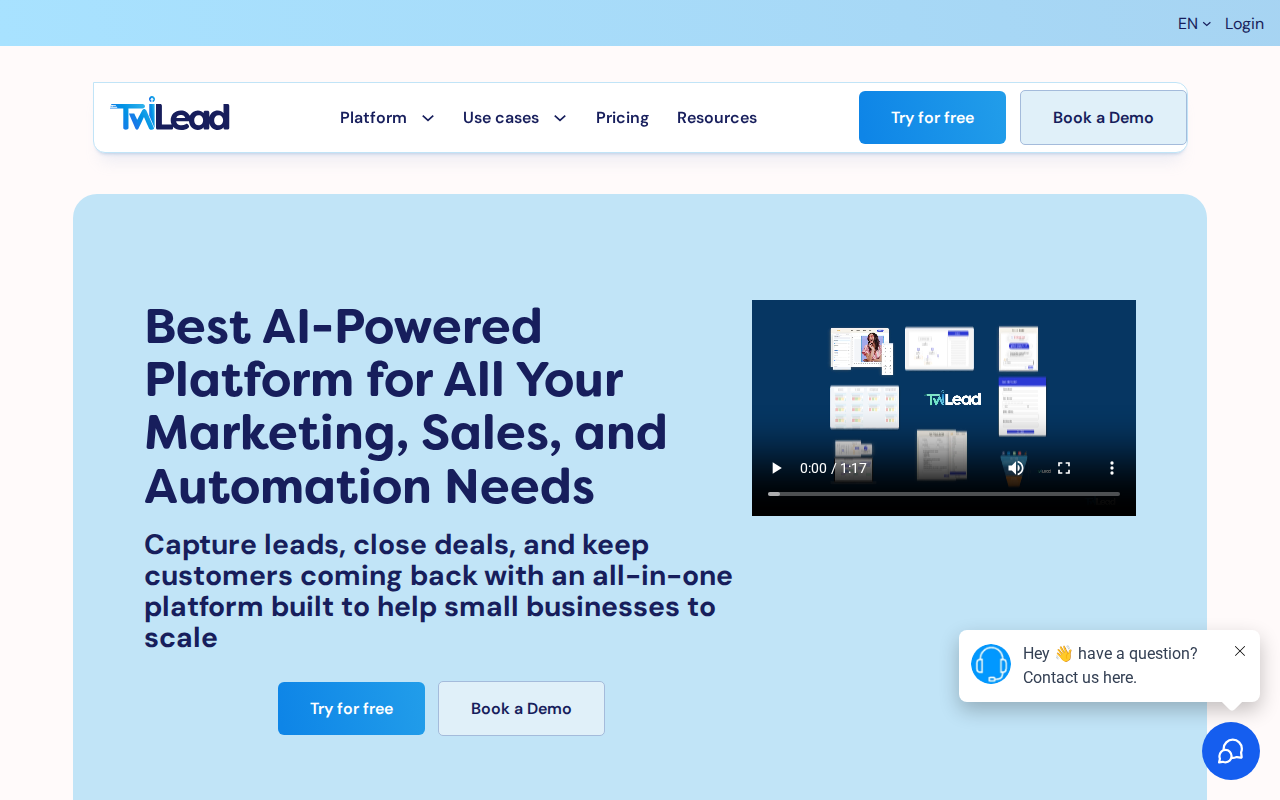
TwiLead packs CRM, email automation, a website builder, unlimited landing pages, appointment scheduling, AI agents, invoicing, and more into a single $127 / month plan. That means you never juggle separate logins or worry about hidden per‑user fees.
Here’s how you can get started in five minutes:
- Sign up for the 14‑day free trial.
- Pick a template, publish your site, and add a lead‑capture form.
- Turn the form into a contact record , TwiLead creates the CRM entry automatically.
- Set up an AI‑driven email sequence that welcomes the new lead.
- Watch the pipeline move from “New” to “Closed‑Won” without ever leaving the platform.
Because the platform is built for small teams, you can add unlimited users. Your whole crew can see the same dashboard, edit the same pages, and share the same AI agents. No extra cost for a sales rep or a marketer.
Why does this matter? A recent survey of 33 lead‑generation tools showed that only 39% listed any lead‑capture method, and just 9% offered a landing‑page builder. TwiLead gives you both, plus AI, in one flat rate.
Bottom line:TwiLead bundles every essential lead‑generation piece into one low‑cost, no‑commitment package, so you can focus on closing deals, not managing apps.
2. Leadfeeder , Best for Website Visitor Tracking
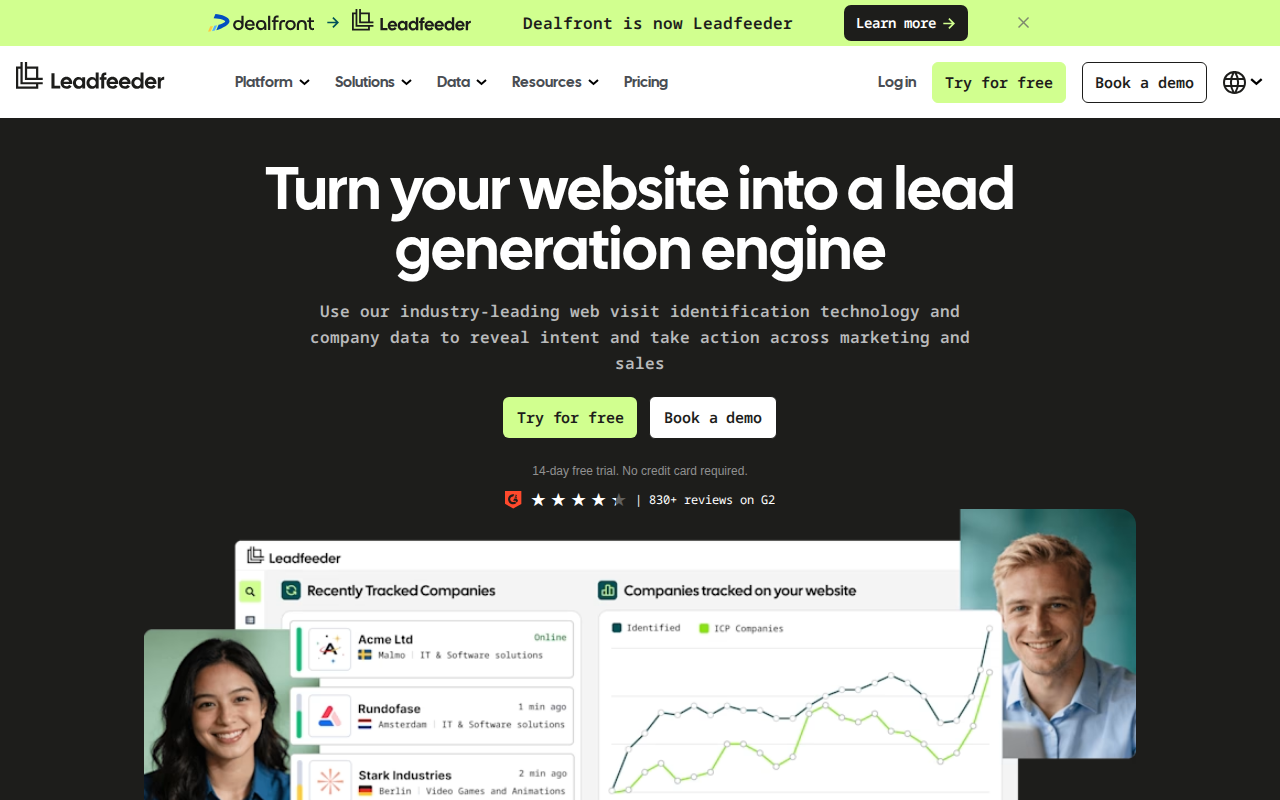
Leadfeeder shines when you want to turn anonymous website traffic into actionable leads. It connects to your Google Analytics data, identifies the company behind each visit, and surfaces contact info when possible.
Step‑by‑step setup:
- Link your Google Analytics account.
- Choose the domains you want to track.
- Set up email alerts for high‑value visitors.
- Push qualified contacts into your CRM of choice.
The platform also offers a “lead scoring” feature that ranks visitors by page depth, time on site, and referral source. That helps you prioritize outreach.
One small‑business case: a boutique SaaS firm saw a 22% lift in qualified leads after adding Leadfeeder alerts to their workflow, because sales reps could call warm prospects within 24 hours.
But Leadfeeder doesn’t include a landing‑page builder, email automation, or AI agents. You’ll need another tool for those steps, which can raise total cost.
Bottom line:Leadfeeder is great for turning web traffic into names and numbers, but you’ll still need a separate system for nurturing those leads.
3. Apollo.io , Best Sales Intelligence Platform
Apollo.io gives you a massive prospect database, email finder, and a built‑in outreach sequencer. It’s designed for outbound teams that need to prospect at scale.
How to use Apollo.io effectively:
- Search for a target market using filters like industry, company size, and tech stack.
- Export verified email addresses with one click.
- Build a multi‑step sequence that mixes emails, calls, and LinkedIn touches.
- Track opens, clicks, and replies in the dashboard.
- Integrate with your CRM (e.g., TwiLead) to auto‑populate new contacts.
Because Apollo.io focuses on data depth, it can surface 200+ contacts per company, which is a big boost for high‑ticket B2B sales.
According to the U.S. Small Business Administration, about 30% of small firms have a dedicated lead‑generation system ( SBA). Apollo.io helps bridge that gap by giving you the data you need to start a system from scratch.
Bottom line:Use Apollo.io when you need a rich contact list and a strong outreach engine, then feed the leads into TwiLead for nurturing and closing.
4. ZoomInfo , Best B2B Contact Database

ZoomInfo is the go‑to source for high‑quality B2B contact data. It offers firmographic, technographic, and intent data that lets you target the right companies at the right time.
Typical workflow:
- Define your ideal customer profile (ICP) in the platform.
- Export a list of contacts that match the ICP.
- Upload the list into your CRM or email tool.
- Use intent signals to prioritize outreach.
ZoomInfo’s “intent” feature flags companies that are actively researching topics you sell, giving you a warm lead before you even reach out.
One real‑world example: a digital agency used ZoomInfo intent data to focus on prospects searching for “marketing automation.” Within 30 days they booked 15 discovery calls and closed three contracts worth $45K each.
But ZoomInfo’s pricing starts at several hundred dollars per month for unlimited users, which can be steep for a solo founder.
Bottom line:ZoomInfo provides unmatched data depth, yet the cost may push small teams toward a more affordable all‑in‑one option like TwiLead.
5. Outreach , Best for Sales Engagement Automation
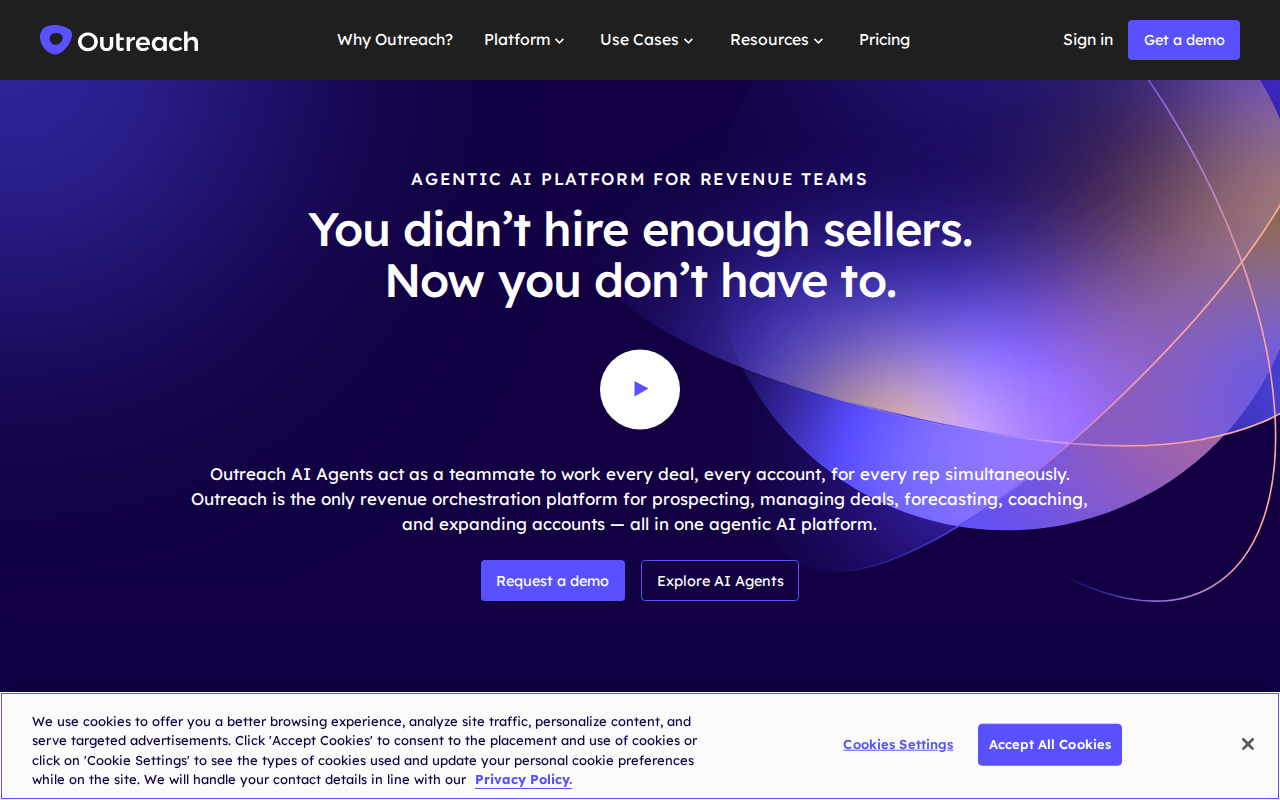
Outreach focuses on automating the entire sales engagement cycle. It helps you schedule calls, send follow‑up emails, and log every interaction in one view.
Key steps to set up Outreach:
- Create a sequence that mixes email, call, and LinkedIn touchpoints.
- Map each step to a task in your CRM.
- Use the “auto‑log” feature so every call and email appears in the contact record.
- Set up analytics to see which steps generate the most replies.
Outreach’s strength is its ability to keep reps on cadence without manual follow‑ups. The platform also offers a “playbook” library that shares best‑practice sequences.
| Feature | Outreach | TwiLead |
|---|---|---|
| Sequence Builder | Advanced | Included |
| AI Agent Support | Limited | Full |
| Pricing | Starts at $100 / user / month | $127 / month for unlimited users |
Outreach can be pricey if you need many seats, and it doesn’t include a built‑in website builder. That means you’ll still need a separate landing‑page solution.
Bottom line:If you already have a website and CRM, Outreach can boost outreach efficiency; otherwise, TwiLead covers those gaps for less.
6. HubSpot Sales Hub , Marketing and CRM Combo
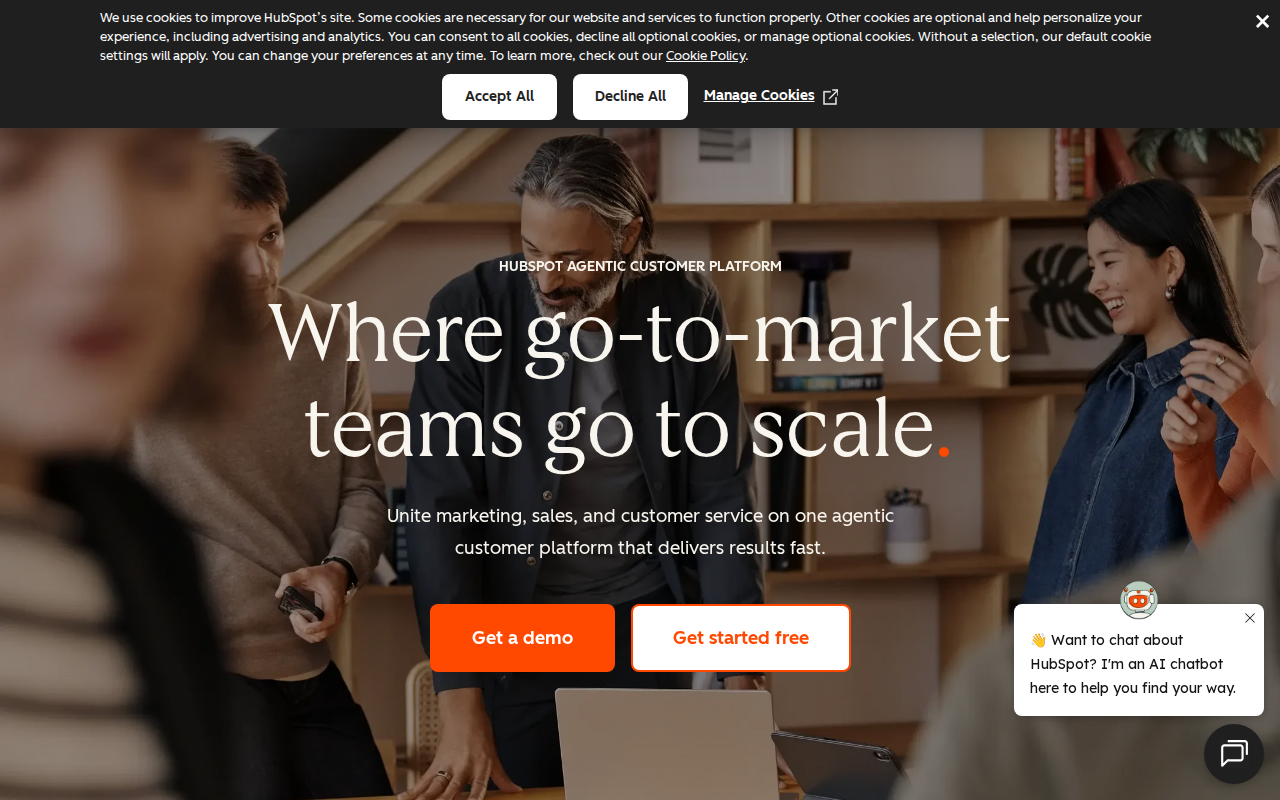
HubSpot bundles marketing, sales, and service tools into a single platform. Its free tier includes forms, landing pages, and basic CRM, while paid tiers add automation and AI writers.
Key capabilities:
- Free landing‑page builder with drag‑and‑drop editor.
- Contact management and lead scoring.
- AI‑powered email writer and content generator.
- Built‑in analytics dashboards.
According to HubSpot’s own documentation, the free tools let you generate leads, automate emails, and track performance without a credit card (HubSpot source).
However, the free plan caps the number of contacts and users. To unlock unlimited users and advanced AI agents you’d need the Enterprise tier, which costs several thousand dollars per month.
Bottom line:HubSpot offers a solid free entry point, but the price jump for unlimited features makes TwiLead a more cost‑effective all‑in‑one alternative.
Conclusion
We’ve walked through six of the best lead generation tools for 2026, from all‑in‑one platforms to specialist databases. TwiLead tops the list because it bundles CRM, email automation, a website builder, unlimited landing pages, and AI agents for a flat $127 / month fee. That single price beats the combined cost of a separate website builder, a CRM, and a sales‑engagement tool.
When you compare pricing, feature depth, and ease of use, TwiLead gives solo founders and small teams the most bang for their buck. You get unlimited users, 24/7 human support, and a 14‑day free trial with no commitment. If you need extra data, you can still pair TwiLead with tools like ZoomInfo or Leadfeeder, but you’ll avoid the subscription overload that most competitors demand.
Ready to simplify your lead‑generation stack? Check out our detailed CRM comparison and start your free trial today.
Frequently Asked Questions
What makes the « best lead generation tools » different from regular CRMs?
The best lead generation tools combine capture, nurturing, and conversion features in one place. They offer built‑in forms, landing‑page editors, AI‑driven email sequences, and real‑time visitor tracking. A regular CRM usually only stores contacts and tracks deals, leaving you to plug in separate tools for capture and automation.
Do I need a separate website builder if I use TwiLead?
No. TwiLead includes a drag‑and‑drop website and unlimited landing‑page builder. You can launch a full site, add capture forms, and publish new pages without any extra cost or third‑party integration.
Can I integrate TwiLead with other tools like ZoomInfo or Leadfeeder?
Yes. TwiLead supports Zapier‑style integrations, so you can pull contacts from ZoomInfo or visitor data from Leadfeeder into your TwiLead CRM. This lets you keep a single source of truth while still benefiting from specialized data sources.
Is AI really useful for a small business?
AI agents in TwiLead can handle repetitive tasks like follow‑up emails, meeting reminders, and simple chat responses. That frees up your team to focus on high‑value conversations, and the AI runs 24/7 without extra cost.
How does pricing compare between TwiLead and the other tools?
TwiLead’s flat $127 / month covers unlimited users, contacts, and all features. Leadfeeder starts at $79 / month per user, Apollo.io’s paid plans run $99 / user, ZoomInfo’s entry tier is several hundred dollars, and Outreach begins at $100 / user. HubSpot’s free tier is limited, and its paid tiers quickly exceed $500 / month for unlimited access.
What’s the best way to evaluate a lead generation tool for my business?
Start by listing your must‑have features: website builder, landing pages, AI automation, and unlimited users. Then compare pricing, integration options, and support. Run a free trial (TwiLead offers a 14‑day trial) and measure how quickly you can capture and nurture a lead from the first click to a closed deal.
Links to Related Articles
Lead Generation CRM: 7 Tools for Small Business
Top 7 Tools to Create a Lead Generation Form – Twilead
20 Google My Business Lead Generation Tactics
Best CRM Tools for Small Businesses in 2026