A cheap CRM stops being cheap the moment you need five add-ons, two upgrades, and a separate tool just to send a follow-up email.
That is the real problem behind the search for the cheapest crm for small business. Most owners are not just trying to spend less on contact management. They are trying to stop the slow bleed of paying for one tool for leads, another for email, another for scheduling, another for invoicing, and another for automation. The monthly total is usually the bigger issue than the CRM sticker price.
If you run a small business, price matters. But price without context is how you end up buying the wrong platform twice.
What cheapest CRM for small business really means
For a small business, the cheapest option is not always the plan with the lowest starting number. It is the system that covers the most work without forcing you into a fragmented stack.
A lot of CRM platforms advertise a low entry plan. Then the reality shows up fast. You add another user, need automation, want to remove branding, connect your calendar, build a landing page, or track deals properly, and suddenly the affordable plan is no longer affordable.
That is why cost should be measured in two ways: subscription cost and replacement value. Subscription cost is obvious. Replacement value is what matters more. If one platform replaces your CRM, email marketing, forms, appointment booking, pipeline tracking, social scheduling, and basic automation, its monthly fee can be far cheaper than a low-cost CRM that does only one piece of the job.
The hidden costs behind low-cost CRMs
Small businesses get burned by hidden software costs because the pricing pages rarely reflect how the tool is actually used.
The first trap is user limits. A CRM may look inexpensive for one person, but if you have a sales rep, office manager, or assistant who needs access, the total jumps quickly. The second trap is feature gating. Pipelines, automation, reporting, and integrations are often locked behind higher plans. The third is tool sprawl. If your CRM does not handle email campaigns, booking, web forms, or customer conversations, you end up paying for separate tools anyway.
Then there is time cost. That one gets ignored because it does not show up as a line item. But if you are copying leads manually, updating statuses across tools, or chasing missed follow-ups, the software is costing you money in labor and lost deals.
A cheap CRM that creates more admin work is expensive where it hurts most.
How to judge the cheapest CRM for small business
Start with your daily workflow, not the feature list.
If you mainly need a place to store contacts and notes, a basic CRM might be enough. If you also need to capture leads from forms, send follow-up emails, track sales stages, book appointments, collect invoices, and automate repetitive tasks, then a stripped-down CRM will create extra costs almost immediately.
Look at five things before you decide.
First, check whether pricing scales per user or stays flat. Second, see what happens when you need automation. Third, confirm whether marketing tools are built in or sold separately. Fourth, look at onboarding complexity, because hard-to-use software is expensive even when the subscription is low. Fifth, calculate the total stack cost, not just the CRM cost.
That last step changes everything.
Why all-in-one platforms often win on price
This is where many small business owners make the shift. They stop asking, « What is the cheapest CRM? » and start asking, « What is the cheapest way to run sales and marketing without buying six tools? »
That question usually points toward an all-in-one platform.
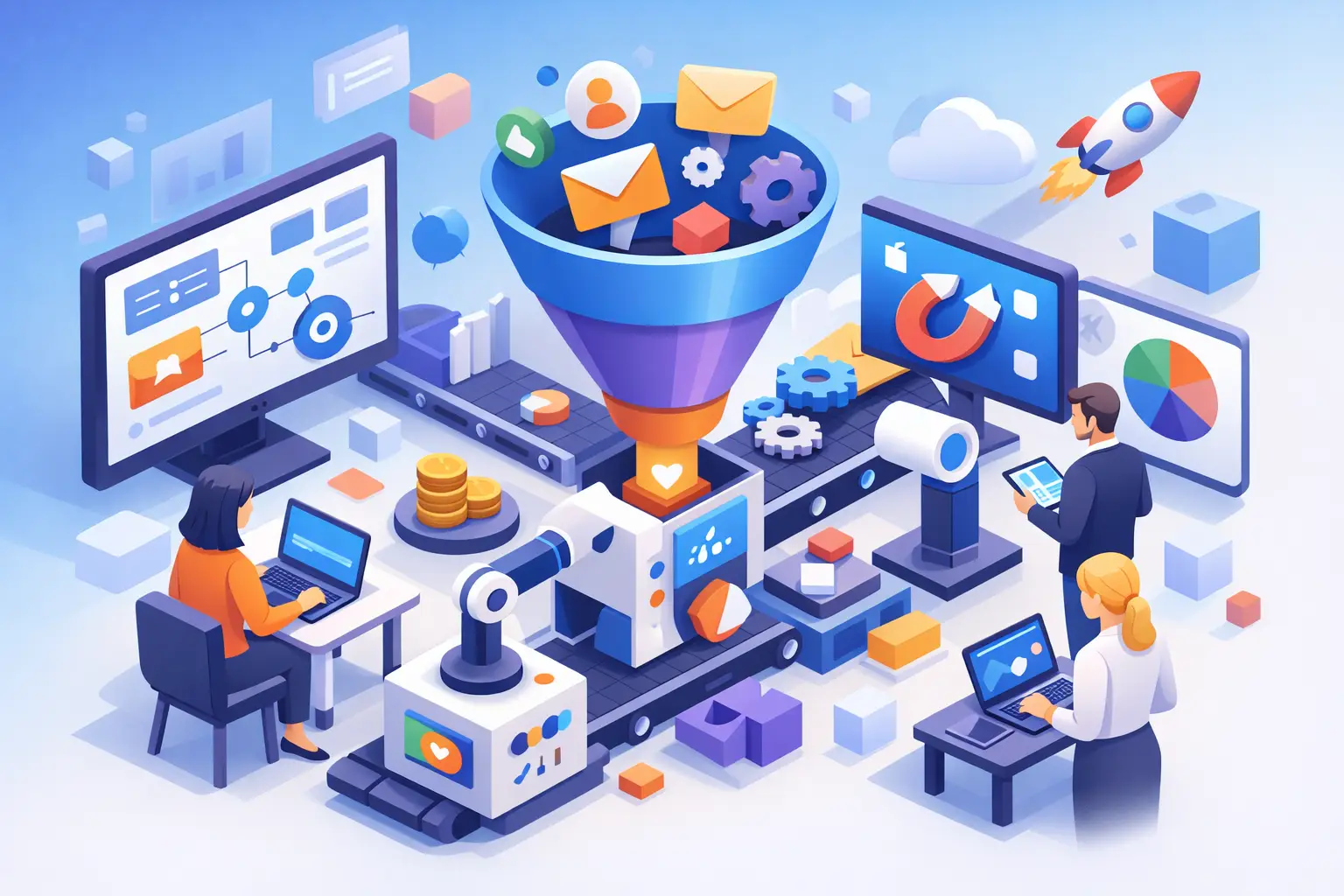
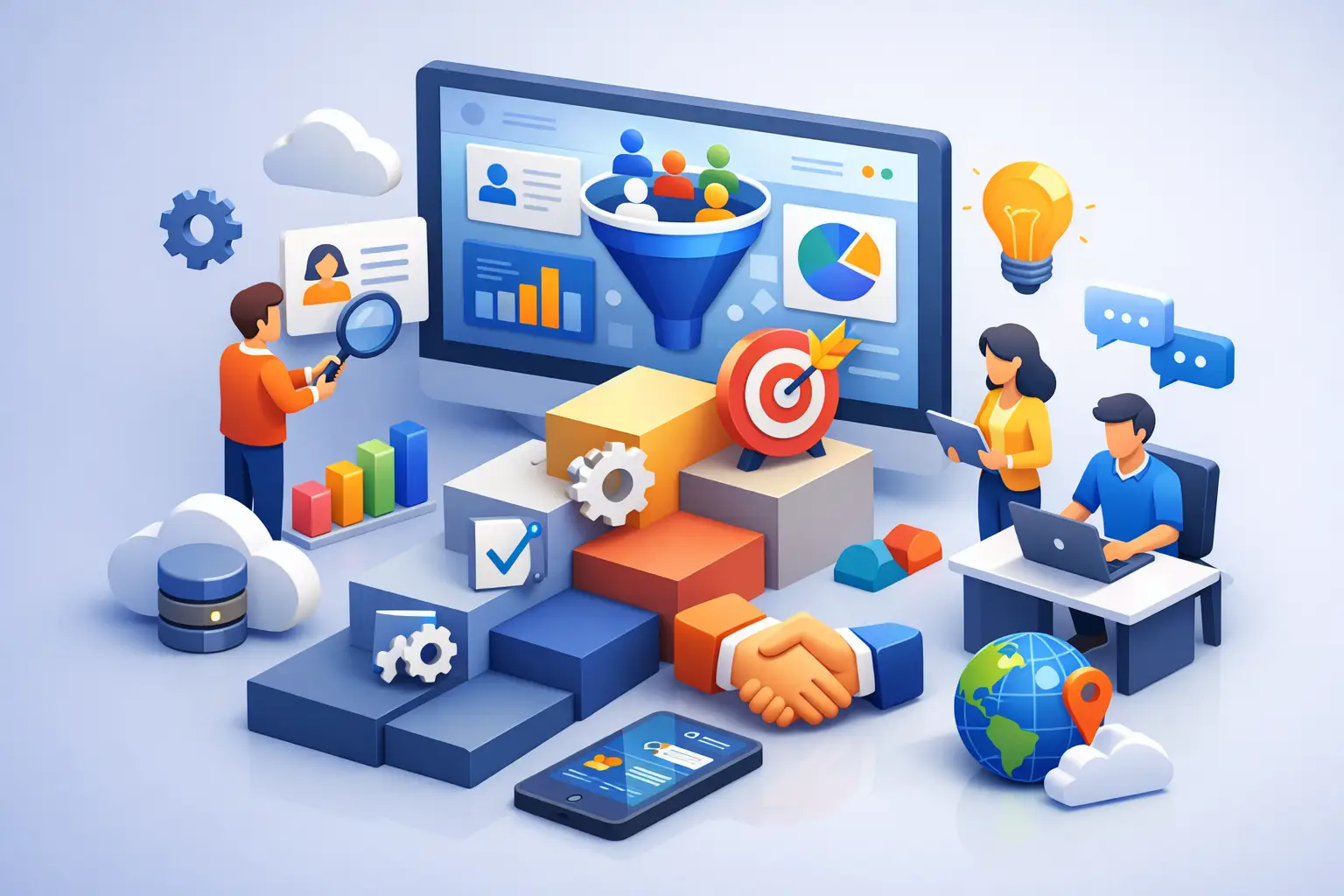
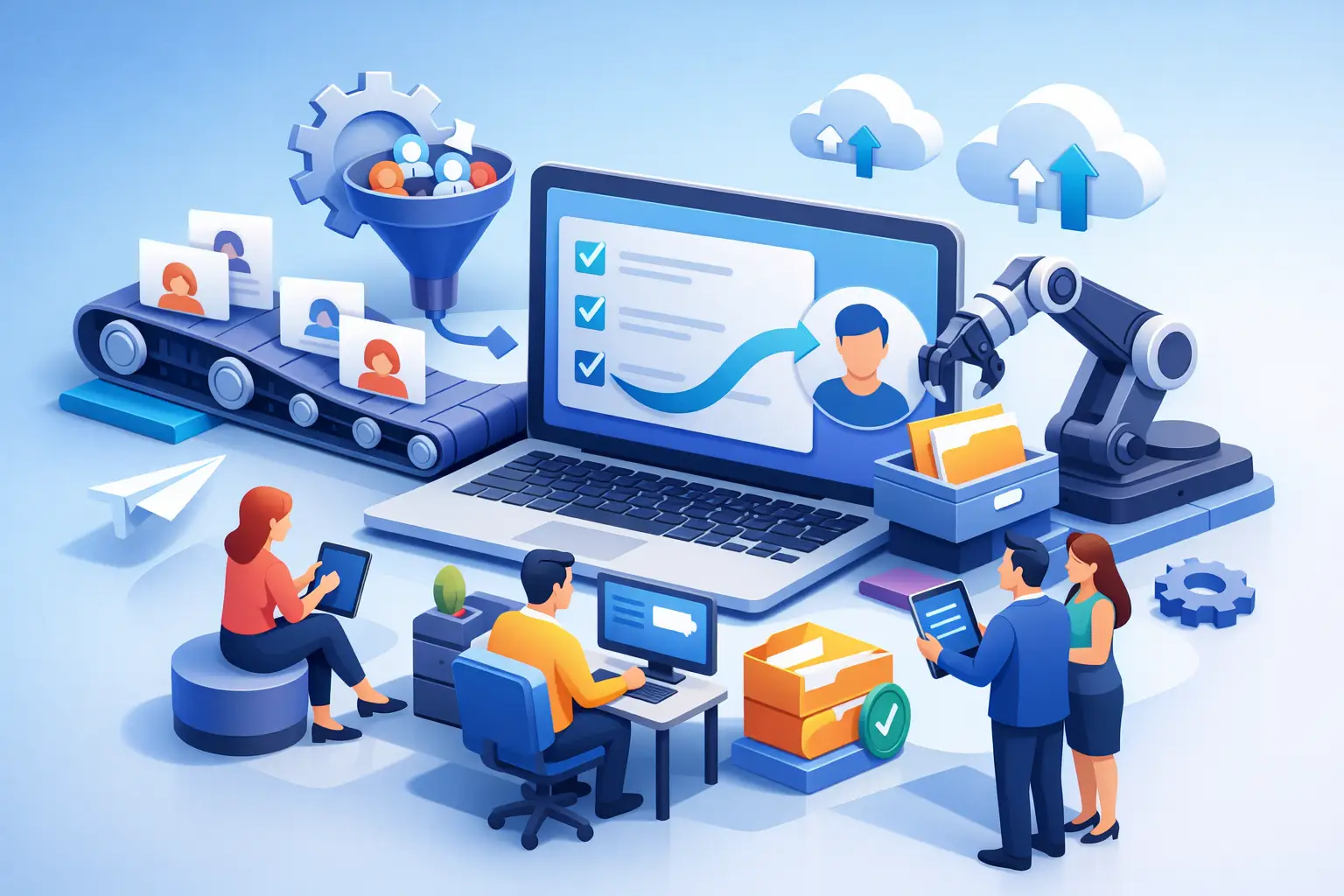
An all-in-one system can centralize contacts, sales pipeline management, email and SMS follow-up, appointment scheduling, landing pages, customer communication, workflows, and even invoicing. Instead of gluing together disconnected apps, you manage growth from one dashboard.
For a budget-conscious business, that matters more than fancy enterprise features. You do not need a bloated setup built for a 300-person sales team. You need a platform that helps you respond faster, follow up automatically, keep leads organized, and close more business without adding software overhead.
This is exactly why platforms like TwiLead appeal to small businesses that are done paying for a patchwork stack. The math gets simple when one subscription replaces several tools and removes upgrade pressure.
When a basic CRM is enough
To be fair, not every business needs an all-in-one platform on day one.
If you are a solo freelancer with a short client list and no active marketing funnel, a lightweight CRM may do the job for now. If your sales process is simple and referrals drive most of your business, you may not need advanced automation immediately.
But even then, it is smart to think one step ahead. The problem with entry-level CRMs is not that they are bad. It is that they often become limiting right when your business starts gaining traction. That is when migrating data, rebuilding workflows, and retraining your team gets painful.
So the question is not just what is cheapest this month. It is what stays affordable as you grow.
The best cheap CRM setup is the one you actually use
A lot of small businesses buy software based on feature volume, then use 10 percent of it.
The cheapest CRM for small business should be simple enough to use every day. You should be able to open it and immediately see your leads, your pipeline, your next tasks, and your customer conversations. If basic actions feel buried under menus and settings, adoption drops. Once that happens, the CRM becomes a storage bin instead of a growth tool.
Ease of use is not a soft benefit. It directly affects revenue. Faster follow-up, cleaner records, and consistent task management help small teams close more opportunities with less effort.
That is why software simplicity has real financial value. It reduces training time, mistakes, and the need for extra operational workarounds.
Cheap CRM vs cheap total cost
Here is the comparison that matters.
A low-cost CRM might charge a small monthly fee, but then you pay separately for email marketing, forms, calendars, automations, proposals, social scheduling, and website tools. Your total software bill ends up much higher than expected.
An all-in-one platform may have a higher visible monthly price than the most basic CRM plan, but if it replaces those extra subscriptions, the total cost can be dramatically lower. You also save time because your lead data, communication, and workflows live in one place.
That trade-off is worth looking at honestly. If your business relies on lead generation and follow-up, disconnected tools are not just annoying. They create leaks. Leads go cold. Appointments get missed. Tasks fall through. Marketing data gets scattered.
The cheapest system is the one that reduces those leaks while keeping costs predictable.
What small businesses should avoid
Avoid choosing a CRM based only on the words free or starting at. Those numbers are often designed to get you in the door, not to reflect your actual long-term cost.
Also avoid platforms that force constant upgrades just to access basic growth functions. If every useful capability sits behind another plan tier, your budget becomes hard to control.
Finally, avoid buying separate tools too early just because each one seems affordable by itself. Subscription fatigue does not happen all at once. It builds one monthly charge at a time.
So what is the smartest move?
If your business only needs contact storage, a simple CRM can be the cheapest short-term option.
If you need to capture leads, manage a pipeline, automate follow-up, schedule appointments, run email campaigns, and keep customer communication organized, the cheapest crm for small business is usually the platform that combines those functions under one roof. That is where the real savings show up, both in dollars and in hours.
Smart small businesses are not trying to collect software. They are trying to create a simpler system for getting customers and keeping them moving.
Before you buy, map out every tool you currently pay for and every repetitive task you handle manually. That number will tell you more than any pricing page ever will. The right CRM should make your business feel lighter, not just cheaper.