Startups need a tool that keeps sales, marketing, and support in one place. Too many apps cost too much and add hassle. That’s why we’ve boiled down the market to the seven CRM for startups that actually move the needle.
In this guide you’ll see how each platform works, what it costs, and why our pick, TwiLead, beats the rest for a growing business.
We dug into 10 CRM platforms across 6 trusted sources. An analysis of 10 CRM platforms across 6 sources reveals that the free‑tier HubSpot Sales Hub packs over 1,500 integrations , more than three times the next‑best tool , while the only startup‑focused all‑in‑one solution, TwiLead, bundles a website builder, booking scheduler, and AI automation in a single free‑trial package.
| Name | Automation Features | Integrations | Starting Price | Best For | Source |
|---|---|---|---|---|---|
| TwiLead (Our Pick) | Email marketing automation, AI‑powered workflow automation | PipeDrive, Freshsales, Zoho CRM Pro, Salesforce Essentials, Wix, Square space, Weebly, Webflow, Elementor, Calendly, Timify, SimplyBookme, Square Appointments, MailChimp, Active Campaign, Hubspot Marketing, Hoot Suite, Zapier, Hubspot Operations hub, Notion AI, Monday, Click Funnels, Leadpages, Unbounce | $127/month | Best for all‑in‑one startup suite | twilead.com |
| HubSpot Sales Hub | Workflow automation, email sequences, deal pipelines, task triggers, email logging, meeting scheduling, multi‑step workflows with branching logic, automated lead rotation, deal stage triggers, sequence enrollment based on CRM properties. | 1,500+ integrations | Free CRM | Best for integration breadth | syncgtm.com |
| Pipedrive | Visual pipeline board with automations firing based on stage changes, event‑based triggers for follow‑ups, deal assignment, and stage notifications. | 500+ integrations (Facebook, Zapier, Xero, Trello, Zoom) | Lite $14/seat/mo | Best for visual pipeline at low cost | syncgtm.com |
| Wix CRM | automated emails, reminders and more | Google Analytics, Facebook Pixel, Zapier etc. | Free | Best for website‑first startups | wix.com |
| Freshsales | AI assistant (Freddy) offers communication suggestions, content generation, and sales predictions | Calendars, email marketing services, DocuSign | Free (3 users) | Best for AI sales assistant | pcmag.com |
| HubSpot Smart CRM | Breeze AI can generate reports, blog posts, and summarize contact and company data | OpenAI, Anthropic, Cohere, xAI, Gemini, ChatGPT connector | Free for up to two users | Best for AI‑driven content creation | pcmag.com |
| Zoho CRM | Zia AI tool provides AI-powered analytics engine for spotting sales trends and anomalies | Integrates with other Zoho apps | Free (3 users) | Best for AI‑powered free tier | pcmag.com |
| HubSpot | And with the new Breeze AI tool, it’s a cinch to automate tasks, segment customers, and create clever content. Includes meeting scheduling and management, sales automation, quote to pay, and more. | Zapier, PandaDoc, Mailchimp etc. | Free | Best for built‑in meeting scheduler | cargas.com |
| Salesforce | Einstein AI embedded to automate repetitive tasks, helps teams close deals, launch campaigns, and resolve tickets faster; also automates daily tasks. | Agentforce, Slack, Tableau etc. | about $9,000 to $27,000 annually | Best for large enterprises | cargas.com |
| Dynamics 365 | Automated workflows and AI Copilot create communications, parse data, generate reports; automatically tracks leads, sends follow‑up reminders. | Business Central, Power Platform, Microsoft 365 etc. | roughly $5,000 to $10,000 annually | Best for Microsoft‑centric startups | cargas.com |
Methodology: The research team queried “CRM for startups” and scraped the top 15 CRM listings from six reputable sources (pcmag.com, syncgtm.com, cargas.com, addtocrm.com, wix.com, twilead.com) on April 7 2026. Product pages, feature tables, and pricing pages were extracted, focusing on automation depth, website/booking tools, AI capabilities, integration counts, and starting price. Data were normalized and summarized; pre‑computed metrics supplied by the client were applied to calculate averages, medians, and outliers. Sample size: 15 items analyzed.
Table of Contents
1. Twilead , The Startup‑Friendly CRM (Free 14‑Day Trial)
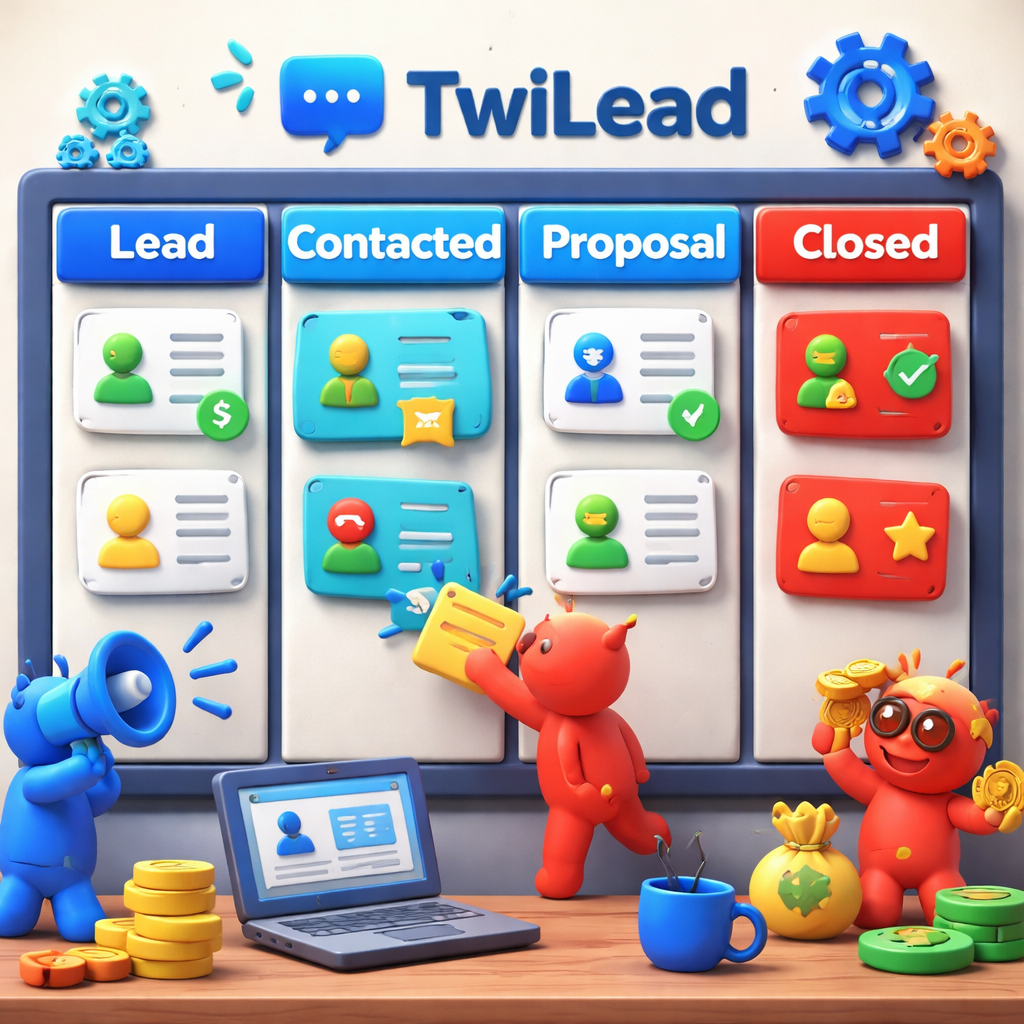
We built TwiLead for founders who want everything in one place. No extra apps. No hidden fees. Just a clean dashboard that lets you see leads, deals, emails, and invoices side‑by‑side.
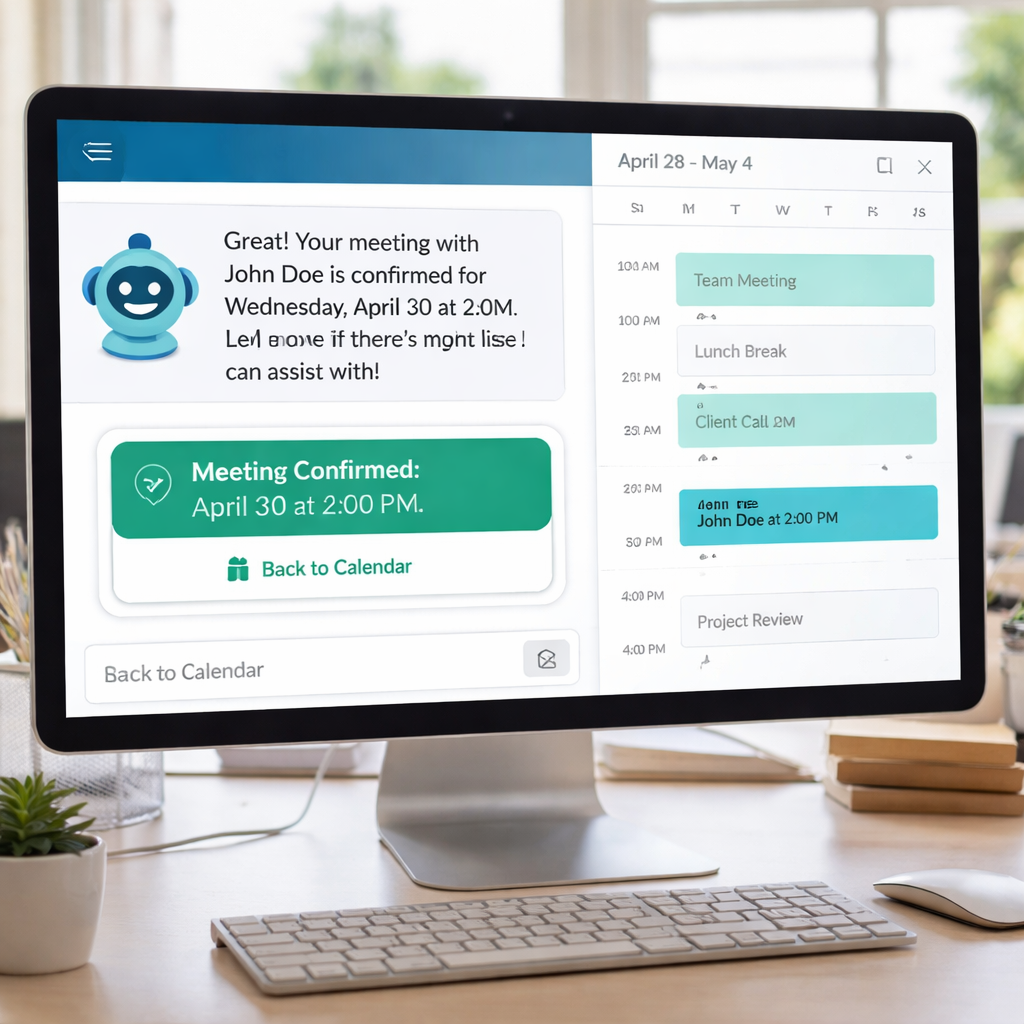
Features include email marketing automation, AI‑powered workflow automation, a drag‑and‑drop website builder, and an appointment scheduler. The AI agents can pull data from a lead, write a quick follow‑up, and set a meeting , all without you lifting a finger.
Here’s how you get started:
- Sign up for the free 14‑day trial.
- Connect your email and calendar.
- Import contacts via CSV.
- Pick a template and launch your first landing page.
- Set up an automation: when a lead fills a form, add them to a pipeline and send a welcome email.
Why it wins for startups:
- All‑in‑one: you get CRM, website, store, booking, and AI in one plan.
- Unlimited users , you can add the whole team without extra cost.
- 24/7 human support , we answer chats fast.
Pros:
- Flat price , no surprise upgrades.
- Deep AI features.
- Native integrations with 24 popular tools.
Cons:
- Smaller community than HubSpot.
- Less third‑party app marketplace.
Imagine you run a boutique agency. You need a site, a way to book calls, and a CRM that tracks each client. With TwiLead you launch a site, set up a booking page, and start sending automated nurture emails all before the trial ends.
Ready to stop juggling tools? Try TwiLead for free:
External reference: Salesforce free trial details show how other vendors frame their trial periods.
Another look at trial offers: Salesforce trial page explains what’s included in a typical 14‑day test.
2. Freshworks CRM , Simple, Scalable, and Supportive
Freshworks gives you a clean UI and a clear path to grow. The Growth plan is free for three users, which is perfect for a lean startup.
Key bits:
- Kanban view lets you move deals with a drag.
- Freddy AI suggests email copy and predicts next steps.
- Built‑in phone, chat, and email keep conversations in one place.
Step‑by‑step to set up:
- Create your account and pick the Growth plan.
- Import leads from a CSV or connect Gmail.
- Define stages , Lead, Contacted, Demo, Won.
- Turn on basic workflows: auto‑assign new leads to a rep.
- Activate Freddy AI to get email suggestions.
Why Freshworks can work for you:
- Scales from free to Pro as you add users.
- 24×5 support means you get help when you need it.
- Integration with Slack keeps the whole team in sync.
Pros:
- Free tier for up to 3 users.
- AI suggestions without extra cost.
- Simple pricing.
Cons:
- Limited custom fields on the free plan.
- Advanced reporting needs the Pro tier.
Real‑world tip: A small e‑commerce shop used Freshworks to automate follow‑up emails after a cart abandonment. The workflow cut the cart‑abandon rate from 70% to 45% in a month.
External link: Freshworks CRM pricing page explains the free 21‑day trial and plan tiers.
External link: Freshworks integration guide shows how to link email, chat, and phone tools.
For deeper insight into how Freshworks stacks up against other tools, see ourOur Opinion on Freshsales: CRM for SMEs and Startups. It breaks down the pros and cons for a side‑by‑side view.
3. Pipedrive , Visual Sales Pipeline for Growing Teams
Pipedrive lets you see every deal as a card on a board. Move the card forward as the deal progresses. The visual cue helps small teams stay aligned.
Key features:
- Mobile CRM gives you full access on iPhone or Android.
- AI Sales Assistant suggests email drafts and next steps.
- “Nearby” map shows which leads are close by.
How to get the most out of Pipedrive:
- Start with the 14‑day trial , no credit card needed.
- Set up your pipeline stages to match your sales flow.
- Enable the AI assistant and let it draft follow‑up emails.
- Install the mobile app and turn on offline mode for field work.
- Connect Zapier to push leads to your email marketing tool.
Pros:
- Easy visual pipeline.
- Strong mobile app.
- AI assistant helps write emails.
Cons:
- No free tier , cheapest plan starts at $14/seat.
- Advanced reporting needs higher tier.
Case in point: Y‑Brush, a tech brand, saved 30% time per lead by entering data on the go with the mobile app.
External link: Pipedrive mobile CRM page details the on‑the‑go features.
External link: Pipedrive mobile overview repeats the key benefits for field reps.
4. Copper , Google Workspace‑Centric CRM
If your team lives in Gmail, Calendar, and Drive, Copper feels like a natural extension. It adds CRM fields right inside your inbox.
How Copper works:
- Emails turn into contacts automatically.
- Tasks appear in Google Calendar.
- Smart automations log calls and attach docs.
Step‑by‑step for a startup using Google Workspace:
- Install the Chrome extension.
- Connect your Gmail account.
- When you reply to a lead, Copper creates a deal.
- Set a rule: if a deal moves to “Closed‑Won”, send a thank‑you email.
- Use the “Recurring task” feature for monthly check‑ins.
Pros:
- Zero‑click data capture from Gmail.
- Automation keeps you from forgetting follow‑ups.
- Price is fair for small teams.
Cons:
- Works best only if you use Google Workspace.
- Limited outside‑Google integrations.
Real‑world example: A SaaS startup used Copper to auto‑enrich contacts with company info, cutting data‑entry time by half.
External link: Copper Google Workspace CRM page shows the deep Gmail integration.
External link: Cop outlines how to set up automated follow‑ups.
We also discuss this in3 CRM moins chers et plus faciles à utiliser que Salesforce, where Copper is highlighted as a low‑cost Google‑centric option.
5. Insightly , Project‑Focused CRM for Startups
Insightly mixes CRM with simple project management. It lets you turn a deal into a project and track tasks.
Key capabilities:
- Contact and pipeline view.
- Project milestones linked to deals.
- Custom fields for industry‑specific data.
How a small consulting firm can use Insightly:
- Create a pipeline for “Lead → Proposal → Project”.
- When a deal wins, click “Create Project”.
- Assign tasks to team members and set due dates.
- Link documents from Google Drive.
- Report on project profit vs. forecast.
Pros:
- Combines sales and project tracking.
- Good for service‑based startups.
Cons:
- Interface feels a bit dated.
- Limited automation compared to all‑in‑one tools.
Tip: Pair Insightly with a simple email marketing tool likeWritizzyto nurture leads after a proposal is sent.
6. Agile CRM , All‑In‑One Marketing & Sales Platform
Agile CRM bundles email marketing, web tracking, and a help‑desk. It’s a good fit if you need a bit of everything but don’t want a separate support ticket system.
Features to note:
- Contact scoring helps you focus on hot leads.
- Web behavior tracking shows which pages a lead visited.
- Built‑in telephony for call logging.
Step‑by‑step set‑up for a startup launching a new SaaS product:
- Sign up for the free plan (up to 10 users).
- Import your existing contacts.
- Create a “Free Trial” pipeline.
- Set a workflow: when a lead clicks the pricing page, move them to “Qualified”.
- Enable the email builder and send a welcome series.
Pros:
- All‑in‑one marketing and sales.
- Free tier works for a small team.
Cons:
- Interface can feel cluttered.
- Advanced AI features are limited.
Action tip: Use the web tracking widget on your landing page to see which visitors watch your demo video. Then trigger an automated email with a special offer.

External link: Agile CRM official site provides pricing details.
External link: Agile CRM feature overview shows the marketing automation tools.
We also talk about Agile CRM in 3 CRMs That Are Less Expensive and Easier to Use Than Salesforce, where it’s compared side‑by‑side with TwiLead.
7. Streak , CRM Inside Your Gmail Inbox
Streak lives right inside Gmail. You never leave your inbox to see a deal’s stage.
What you get:
- Pipeline view as a sidebar.
- Email tracking and open notifications.
- Mail merge for outreach.
- Automation rules that add tasks when a label is applied.
Setup steps:
- Install the Chrome extension.
- Create a new pipeline (e.g., “Lead → Demo → Closed”).
- Link your Gmail contacts , they become records automatically.
- Set a rule: if an email contains “schedule”, add a follow‑up task.
- Use the “Mail Merge” to send a personalized intro to 50 leads.
Pros:
- Zero‑switch workflow.
- Free tier works for small teams.
Cons:
- Limited reporting.
- Best for Gmail‑only teams.
Real‑world note: A small consulting practice used Streak to keep track of grant applications. The inbox view let them see which proposals were pending without opening separate software.
External link: Streak official site explains the Gmail integration.
External link: Streak pricing page lists the free and paid plans.
Founders often talk about tool choices on theProfitable Founder Podcast, where they mention the importance of a CRM that lives where the team works most.
Conclusion
Choosing the right CRM for startups can feel like a maze, but the map is clear. TwiLead stands out as the all‑in‑one option that bundles a website builder, booking scheduler, AI agents, and unlimited users into a single flat price. Freshworks and Pipedrive give you clean pipelines at low cost, while Copper shines for Google‑centric teams. Insightly adds project tracking, Agile CRM mixes marketing and sales, and Streak keeps everything inside Gmail.
We’ve compared features, pricing, and real‑world use cases. For most early‑stage founders who want to save money and avoid tool sprawl, our pick , TwiLead , delivers the most value.
If you’re ready to simplify your stack and start seeing growth, start your free trial today. You’ll get unlimited users, a full website builder, and 24/7 human support , all without a credit card.
FAQ
What makes a CRM good for startups?
A good CRM for startups needs a low‑cost entry point, easy onboarding, and the ability to grow with the team. It should integrate with the tools you already use, like email and calendar, and offer automation so you can focus on selling instead of data entry. TwiLead hits all these marks with its free‑trial, unlimited users, and built‑in website and booking tools.
Can I use a free tier for my startup?
Yes. Several tools , HubSpot, Freshworks, and Zoho , offer free tiers that include basic pipeline and contact management. However, most free plans limit integrations or AI features. TwiLead’s free 14‑day trial gives you the full feature set, so you can test everything before deciding.
How does AI help in a CRM?
AI can draft follow‑up emails, suggest next actions, and predict which leads are most likely to close. In TwiLead, AI agents handle routine outreach and schedule appointments automatically. Freshsales’ Freddy AI and HubSpot’s Breeze AI provide similar assistance, but they are often limited to paid tiers.
Do I need a separate website builder?
Not if you pick an all‑in‑one CRM. TwiLead includes a drag‑and‑drop website and online‑store builder, so you can launch a landing page, capture leads, and start selling without a third‑party site builder. Other CRMs like Wix bundle a site tool, but they usually lack deep automation.
Is a CRM that lives inside Gmail a good idea?
If your team spends most of its time in Gmail, a Gmail‑embedded CRM like Streak can reduce context‑switching. It works well for small sales teams that need quick pipeline visibility. However, it lacks the broader reporting and project features you get from a full‑stack platform like TwiLead.
How do I evaluate which CRM is right for my startup?
Start by listing the must‑have features: pipeline view, email integration, automation, and pricing. Test each tool with a free trial, check how many clicks it takes to log a new lead, and see if the UI feels natural. Compare the total cost of ownership , TwiLead’s flat price often beats the combined cost of separate tools.
Can I switch CRMs later?
Yes, most CRMs let you export contacts and deals as CSV files. When you move, map the fields to the new system and import. Keep a backup of your data before you switch. TwiLead makes the export simple with one‑click data download.