A prospect is ready to talk, lands on your site at 9:45 p.m., and gets told to email you tomorrow. By morning, their urgency has cooled and another business may already have the meeting. Learning how to automate appointment booking fixes that gap: it gives qualified leads a clear path from interest to a confirmed time on your calendar, without someone manually managing every message.
For a small business, automated booking is not about adding another app to an already crowded stack. It is about removing friction from the sale, protecting your team’s time, and making follow-up happen even when you are busy serving customers.
What appointment booking automation should actually do
A booking page alone is not an automated booking system. It solves one step: letting people choose a time. The real value comes from connecting the entire customer journey around that choice.
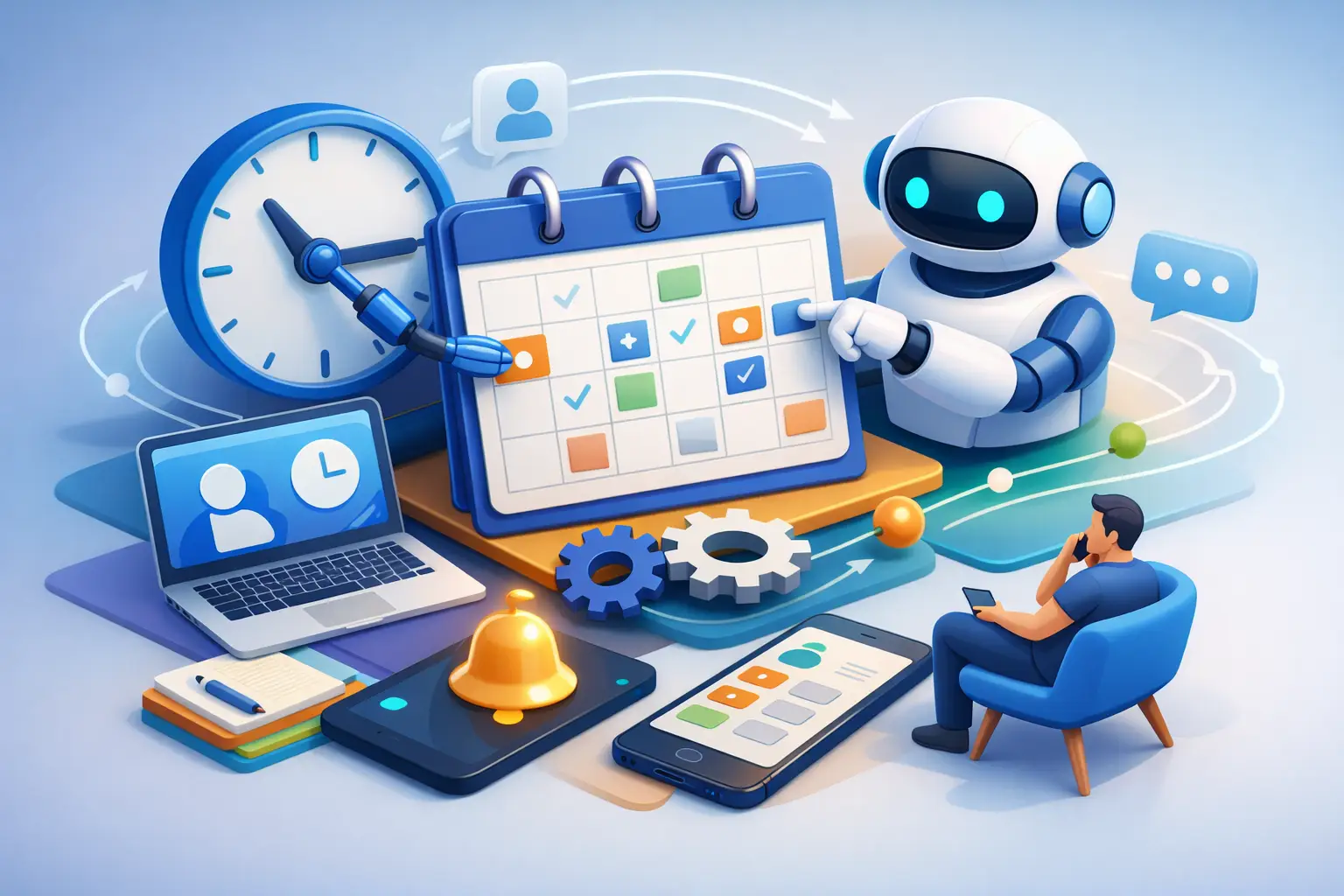
A strong setup captures the lead’s contact details, checks availability, creates the appointment, sends a confirmation, and triggers reminders. It should also record the activity in the customer relationship management system, alert the right team member, and start the appropriate follow-up sequence after the meeting.
That connection matters because appointments are sales opportunities, not isolated calendar events. If a new lead books a consultation but their details live in a scheduling tool, their emails live elsewhere, and their deal status sits in a spreadsheet, your team still has to stitch the story together manually. That is where leads get missed.
The goal is simple: every booking should move automatically into a visible, repeatable sales process.
How to automate appointment booking in 7 steps
1. Define the appointments that deserve automation
Start with the appointment types that create revenue or consume the most administrative time. A consultant may automate discovery calls and paid strategy sessions. A home service business may automate estimates, site visits, and follow-up calls. A salon may automate new-client consultations, service appointments, and cancellation waitlist openings.
Keep each appointment type focused. Give it a clear name, duration, location or meeting method, assigned staff member, and availability rules. A 15-minute discovery call should not follow the same rules as a 90-minute onboarding session.
Also decide what information is necessary before someone books. Asking for a name, email, phone number, and one qualifying question is often enough for a first conversation. Long forms can improve qualification, but they can also reduce conversions. Use only the fields your team will act on.
2. Put booking where customer intent is highest
Do not hide scheduling behind a contact page and hope visitors find it. Place booking options where people are already deciding to act: on service pages, landing pages, email campaigns, social profiles, and post-chat messages.
For higher-value appointments, use a short form before showing available slots. This lets you route leads based on location, budget, service need, or team availability. For lower-friction offers, such as a free consultation, letting people book directly may produce more meetings.
The right approach depends on your sales cycle. A local cleaning company may want fast bookings with minimal questions. A marketing agency selling larger retainers may need qualification first. Automation should make it easier to say yes, not invite unqualified calls onto every calendar.
3. Connect availability to the right person and calendar
Your system needs real availability, not a static list of time slots. Connect staff calendars and set buffer time before or after meetings so back-to-back appointments do not turn into a daily scramble.
Use routing rules when more than one person can handle an appointment. You can assign meetings by round robin, service type, territory, or the lead’s answers. This prevents the familiar problem where one employee is overloaded while another has an open schedule.
Be realistic about capacity. Opening every available hour may look productive, but it can damage service quality if your team needs travel time, preparation time, or room between client calls. Automation works best when your rules reflect how the business actually operates.
4. Send confirmations that make attendance easy
The moment a customer books, send a confirmation by email and, when appropriate, text message. Include the date, time, time zone, location or video link, the staff member’s name, and a simple way to reschedule or cancel.
This message does more than reassure the customer. It removes the common reasons people miss appointments: they forgot, wrote down the wrong time, could not find the meeting link, or assumed someone would call them.
For paid appointments, include payment instructions or collect payment at booking if that fits your business model. A deposit can reduce no-shows for services that reserve meaningful staff time. The trade-off is that requiring payment too early can lower first-time booking volume, so test it against the value of the appointment.
5. Build a reminder sequence, not a single reminder
One confirmation email is rarely enough. People get busy. A practical reminder sequence often includes a message immediately after booking, another 24 hours before the appointment, and a final reminder one to two hours before it begins.
Use the channel your customers are most likely to see. Email works well for formal consultations and B2B meetings. Text messages are often stronger for local services, busy consumers, and same-day appointments. Keep the tone direct: confirm the time, provide the details, and offer a reschedule link.
Avoid overdoing it. Multiple messages per day can feel pushy, especially for a simple 15-minute call. The right frequency depends on appointment value, lead time, and customer expectations.
6. Automate what happens after the appointment
This is the step many businesses ignore. The meeting may be on the calendar, but the sale is not finished when the call ends.
Create separate workflows for completed appointments, cancellations, and no-shows. After a completed consultation, move the contact to the correct pipeline stage and send a tailored follow-up. That may be a proposal, service information, a payment link, or a thank-you message with next steps.
When someone cancels, offer an easy path to rebook. When someone does not show, do not simply mark the slot as lost. Send a short, respectful message asking whether they would like to choose another time. A missed appointment is often a timing problem, not a permanent no.
Your staff should be able to see the booking history, conversation, notes, and deal status in one customer record. That visibility turns follow-up from guesswork into a process.
7. Measure the numbers that reveal leaks
Automation should save time, but it should also improve results. Track booking conversion rate, show rate, cancellation rate, time from lead capture to appointment, and the percentage of appointments that become customers.
If bookings are low, review the page placement, offer, form length, and available times. If no-shows are high, test text reminders, deposits, or a clearer confirmation message. If appointments happen but revenue does not follow, examine your qualification questions and post-meeting follow-up.
Do not judge your system by the number of calendar events alone. A calendar packed with poor-fit calls can drain more resources than it creates. The best booking automation produces qualified conversations that move forward.
Why a connected system beats a stack of booking tools
It is possible to assemble appointment automation with separate scheduling, form, calendar, email, text, CRM, and workflow products. The problem is not whether those tools work individually. The problem is the handoffs, duplicate contact records, subscription costs, and maintenance required to keep them working together.
A connected platform lets a booking trigger the next action without extra integrations. For small businesses, that means fewer logins, fewer broken automations, and less time spent figuring out why a lead booked but never reached the sales pipeline.
TwiLead brings booking, CRM, customer conversations, marketing, workflows, and AI tools into one fixed-price system with unlimited users. That model makes sense when your business has outgrown manual scheduling but does not want to buy, connect, and manage a separate platform for every task.
Set the rules first, then let automation do the work
Automated appointment booking should feel personal to the customer and predictable for your team. That happens when the system follows clear business rules: who can book, when they can book, what they receive, who owns the follow-up, and what happens when plans change.
Start with one high-impact appointment type, watch the results for a few weeks, and improve the weak points. Once the process works, expand it across your services. Every appointment your system handles correctly is one less manual task standing between your business and its next customer.