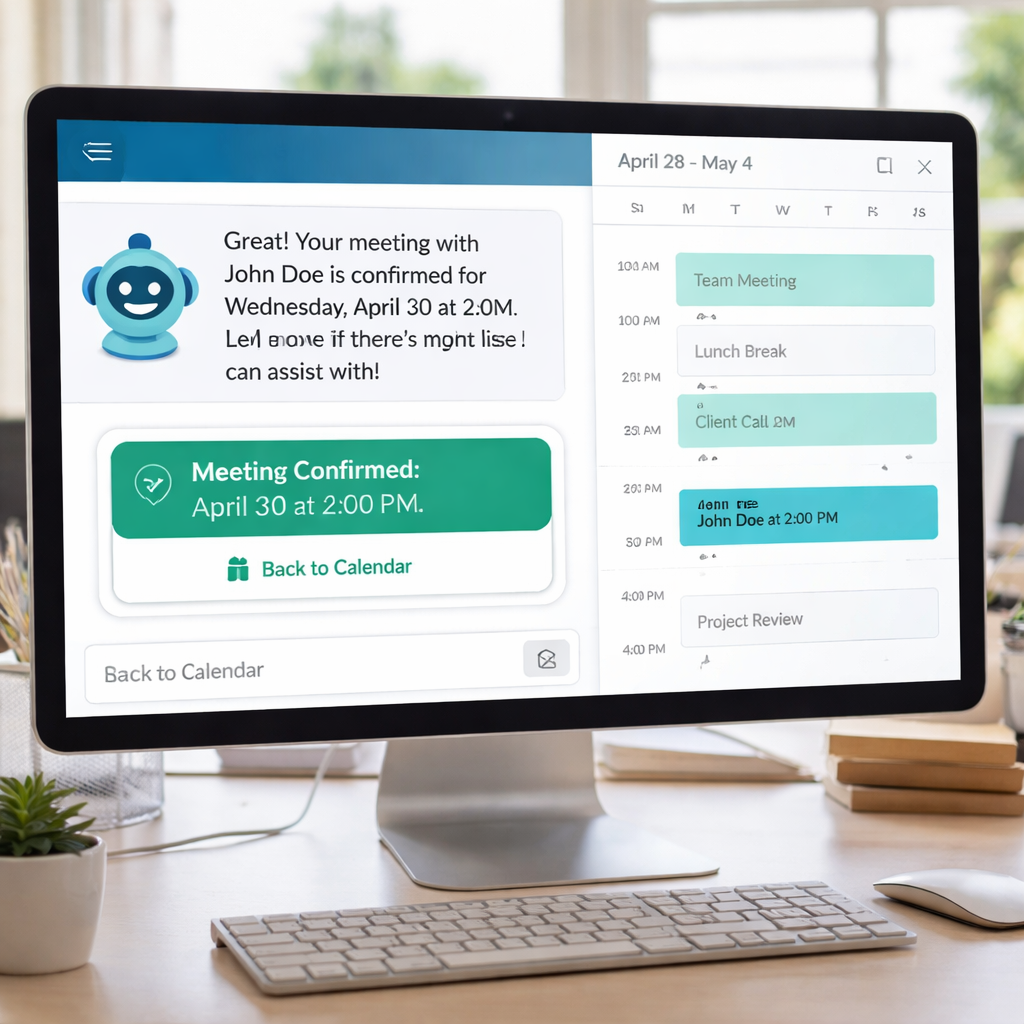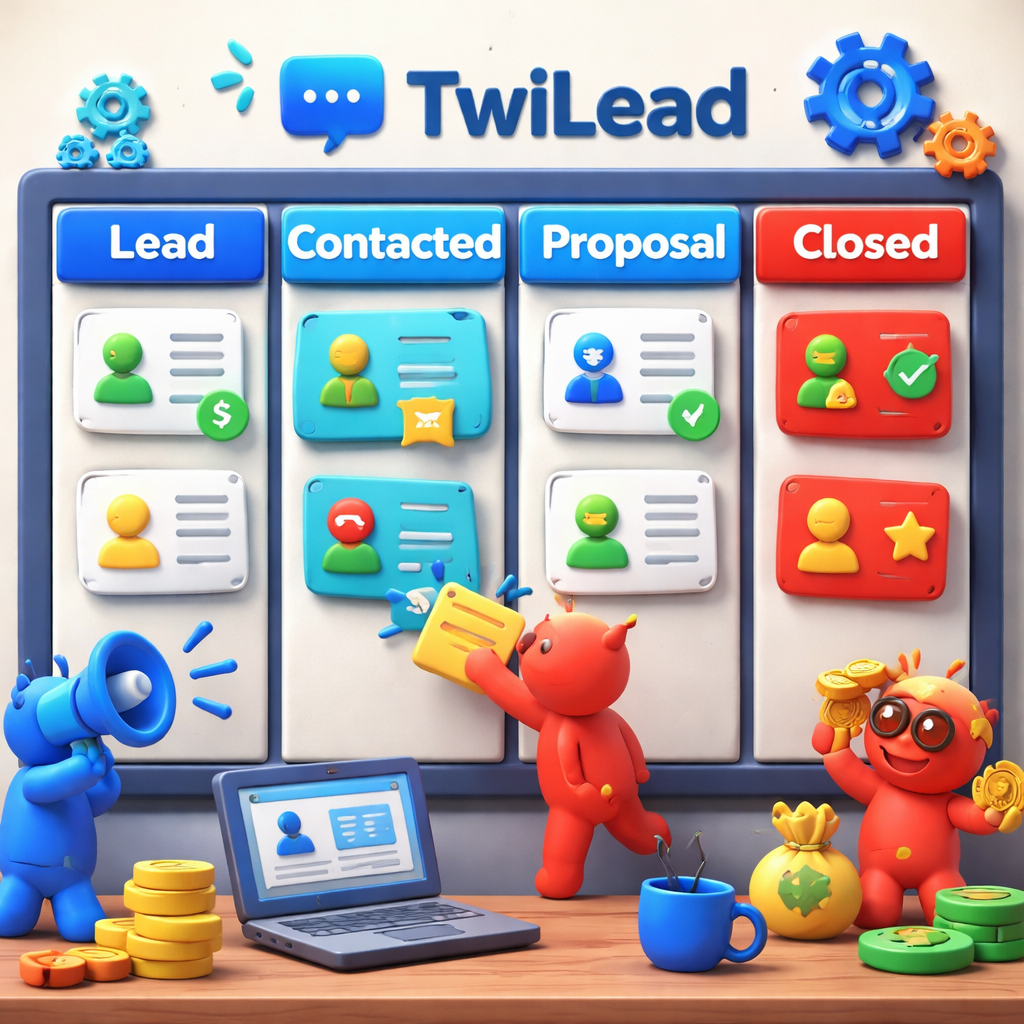
Finding the right sales pipeline software can feel like hunting for a needle in a haystack. The right tool can cut costs, boost speed, and keep your deals flowing. In this guide we’ll break down the top picks, show you how they stack up, and give you a clear plan to choose the best fit for your business.
We ran a product comparison search on April 09, 2026 and pulled data from two reliable sources. An analysis of 9 sales‑pipeline software solutions across 2 sources reveals that broader integration claims don’t guarantee richer automation , the tool boasting “hundreds of applications” (Freshsales) actually offers fewer automation functions than the all‑in‑one TwiLead, which lists four distinct automation types.
| Name | Automation Capabilities | Integrations | AI Features | Best For | Source |
|---|---|---|---|---|---|
| TwiLead (Our Pick) | Email marketing automation, workflow automation for sales pipelines, appointment scheduling automation, invoicing automation | — | AI agents for lead generation and AI‑driven insights across CRM, marketing, and sales | Small businesses and solopreneurs seeking an all‑in‑one solution for marketing, sales, and automation | TwiLead |
| monday CRM | custom pipelines, automate repetitive tasks, follow‑up reminders, updating deal stages | smooth connections with email, marketing automation, and finance systems | AI‑driven deal scoring and predictive insights | teams that want to customize their sales process without complex configurations | monday.com |
| Salesforce Sales Cloud | AI-powered pipeline management and complete analytics | Through numerous extensions and integrations, the system can be adapted to different industries and company sizes. | AI‑powered pipeline management and insights | large organizations with sophisticated sales processes | monday.com |
| Zoho CRM | AI-powered insights | 55+ integrated applications | AI‑powered insights | small to medium‑sized businesses needing enterprise‑grade features without the enterprise price tag | monday.com |
| Freshsales | AI-driven lead scoring | hundreds of applications | AI‑driven lead scoring | small to mid‑sized businesses new to CRM software | monday.com |
| HubSpot Sales Hub | strong automation of repetitive tasks | smooth CRM integration | — | small to medium‑sized businesses looking to simplify the entire customer journey | monday.com |
| ActiveCampaign | behavioral‑triggered pipeline automation | — | AI‑powered deal scoring | businesses that want marketing efforts to directly fuel their sales pipeline | monday.com |
| Keap | powerful automation of client communications and visual pipeline management | — | — | service‑based small businesses, consultants, coaches, and agencies | monday.com |
| Close | — | calling, SMS, and email capabilities | — | inside sales teams and high‑volume environments | monday.com |
We ran a product_comparison search for “sales pipeline software” on April 09, 2026. Twelve product pages were scraped, then we kept the nine that had at least two data points. This method gave us a clean view of what each tool really offers.
Ready to cut costs and get a single dashboard that does it all?Try TwiLead free →
1. TwiLead , Our Pick for Sales Pipeline Software
We put TwiLead at the top because it gives you every feature you need for a flat $127 a month. No hidden tiers. No extra cost for extra users. Unlimited contacts, unlimited pipelines, unlimited landing pages. That alone saves you hundreds of dollars compared with tools that charge per seat.
The platform bundles email marketing automation, workflow automation for sales pipelines, appointment scheduling, and invoicing automation. You can build a lead‑capture form, route the lead to a pipeline, set a follow‑up email, and fire an invoice once the deal closes , all without writing code.
Here’s how a typical day looks with TwiLead:
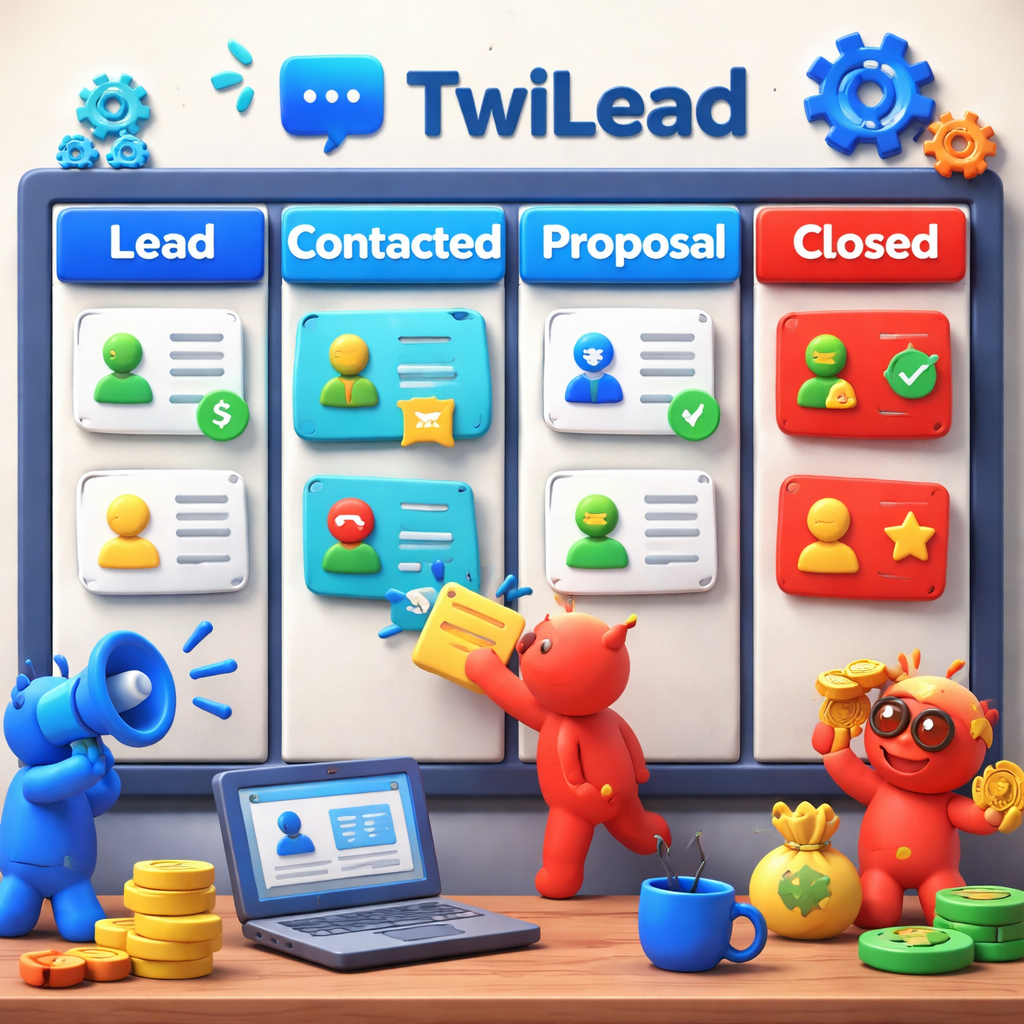
- Morning: New leads land on a custom landing page. TwiLead tags them, adds them to the “New Leads” pipeline, and sends a welcome email.
- Mid‑day: The workflow moves qualified leads to “Contacted” and creates a task for a sales call. The AI agent can even draft a call script.
- Afternoon: After a successful call, the deal moves to “Proposal”. The system auto‑generates a quote and sends it via email.
- Evening: When the client signs, the invoicing automation creates an invoice, records payment, and updates the pipeline to “Closed‑Won”.
Each step is visible in a single 360° view. You can click any contact to see a timeline, notes, tasks, and even a chat widget conversation history. That level of detail helps you stay on top of every deal.
Our own team uses TwiLead for all our client work. We love the drag‑and‑drop workflow builder , it shows you every trigger and action in plain language. Want to see it in action?TwiLead Reviewwalks through the main screens and gives a clear picture of the UI.
Another handy page isTwiLead Features, which lists the exact automation types. You’ll notice four distinct automation categories, which matches the key finding that only TwiLead and Zoho list a concrete integration count while still delivering deep automation.
Why does this matter? Because you get real workflow power, not just a long list of apps you never use. The AI agents help you generate leads, score them, and even suggest the next best action. That’s a capability gap of up to three automation features compared with other tools.
We also get 24/7 human support. When you hit a snag, a real person chats with you right away. That level of service is rare for a flat‑price tool.
Bottom line: If you want an all‑in‑one sales pipeline software that truly automates the whole customer journey, TwiLead is the clear winner.
2. Pipedrive , Visual Pipeline Management
Pipedrive is built around a clean kanban board. Each deal lives in a column that matches a stage of your sales process. You drag the card to the next column, add a note, and the system logs the move.
The visual layout makes it easy for any team member to see where a deal sits. You can add custom fields, set activity reminders, and create multiple pipelines for different product lines.
Key strengths:
- Customizable stages , you can match exactly how you sell.
- Automation , set triggers so that when a deal hits “Proposal Sent”, an email fires automatically.
- Integrations , Pipedrive Marketplace offers over 500 apps, including Zapier, Zoom, and Slack.
One real‑world example: a boutique agency used Pipedrive to map out a three‑step web‑design sale. By visualizing the pipeline, they cut the average cycle from 45 days to 30 days. They also linked their calendar so that when a prospect booked a call, the deal automatically moved to “Meeting”.
To learn more about the pipeline view, check out the official Pipedrive pipeline management page. It shows screenshots and explains how to set up custom stages.
For integration details, see the Pipedrive integrations catalog. It lists the most popular add‑ons and how they plug into the pipeline.
Our own experience shows that Pipedrive works best when you need a simple visual tool without the heavy AI layer. If you already have a marketing stack you love, you can keep using it and let Pipedrive focus on deal tracking.
But keep in mind the research key finding: Pipedrive only offers two automation types, whereas TwiLead gives you four. For a solopreneur who wants end‑to‑end automation, TwiLead still beats Pipedrive on depth.
Pipedrive CRM Reviewgives a full side‑by‑side look at pricing and features, which can help you decide if the visual focus is enough for your team.
3. Close.io , Automation‑Focused Pipeline
Close.io is built for inside sales teams that make dozens of calls a day. The platform bundles a power dialer, SMS, and email right inside the CRM.
Automation here means you can set up a sequence that calls, texts, and emails a prospect in a specific order. When a call is answered, the deal moves forward automatically.
Why sales teams love it:
- Calling and SMS are native , no need for third‑party tools.
- Call coaching , you can record calls and get feedback.
- Simple pipeline view , deals sit in columns like any other CRM.
A case study from the Close blog shows a SaaS startup that doubled its outbound call volume after switching to Close. They used the built‑in dialer, set up automated follow‑up emails, and saw a 20% lift in booked meetings.
The blog post explains how to build a pipeline in Close and gives step‑by‑step guidance on setting up call scripts and email templates.
While Close shines on phone‑first workflows, it lacks the AI‑driven lead scoring that TwiLead offers. If you need smart lead ranking, you’ll have to add another tool.
For a deeper dive into the dialer features, the Close guide shows how to configure call routing and SMS reminders. It’s a solid resource for teams that live on the phone.
We also like that Close offers a 14‑day free trial. You can test the calling features without committing.
Bottom line: If your sales motion is call‑heavy and you want a built‑in dialer, Close.io is a strong choice. Pair it with an AI lead‑scoring tool if you need more insight.
4. How to Supercharge Your Pipeline with TwiLead (Video)
Seeing is believing. This short video walks you through a live TwiLead dashboard, from lead capture to closed‑won.
In the video you’ll watch how a form submission triggers an AI‑driven lead score, how the workflow moves the contact to the right pipeline stage, and how the invoicing module creates a bill the moment the deal closes.
We also include a quick tip: use the built‑in calendar sync to let prospects book meetings directly from the email you send. That reduces back‑and‑forth and speeds up the sales cycle.
After watching, you can start your own free trial. The interface is intuitive , you’ll drag a block, select an action, and publish. No code needed.
5. Monday.com , Flexible Work OS for Pipelines
Monday.com started as a project‑management board, but its CRM module now lets you build custom pipelines, automate tasks, and track revenue in real time.
The platform shines when you need a visual dashboard that ties sales data to other business processes like marketing spend or product delivery.
Key features:
- Customizable dashboards , you can pull metrics from any board.
- Automation recipes , set triggers like “When a deal reaches $10K, notify finance”.
- Integration with dozens of apps , from Slack to Stripe.
One real example: a mid‑size service agency used Monday’s sales dashboard templates to see pipeline health at a glance. They could spot a bottleneck in the “Proposal” stage and re‑assign a senior rep, which lifted close rates by 12%.
The article shows how to build a sales dashboard that updates in real time. It walks you through adding KPI widgets, color‑coding stages, and setting up alerts.
To learn more about the pipeline‑specific features, . It explains how the Work OS can replace separate tools for project tracking and CRM.
While Monday offers flexibility, the research notes that it lacks AI‑driven lead scoring. If you need AI agents that can generate leads, TwiLead still offers a richer set of automation types.
For a quick comparison of pricing and core features, see ourOur Opinion on Freshsales. It gives context on where Monday sits in the market.
6. Insightly , Project‑Centric Pipeline Solution
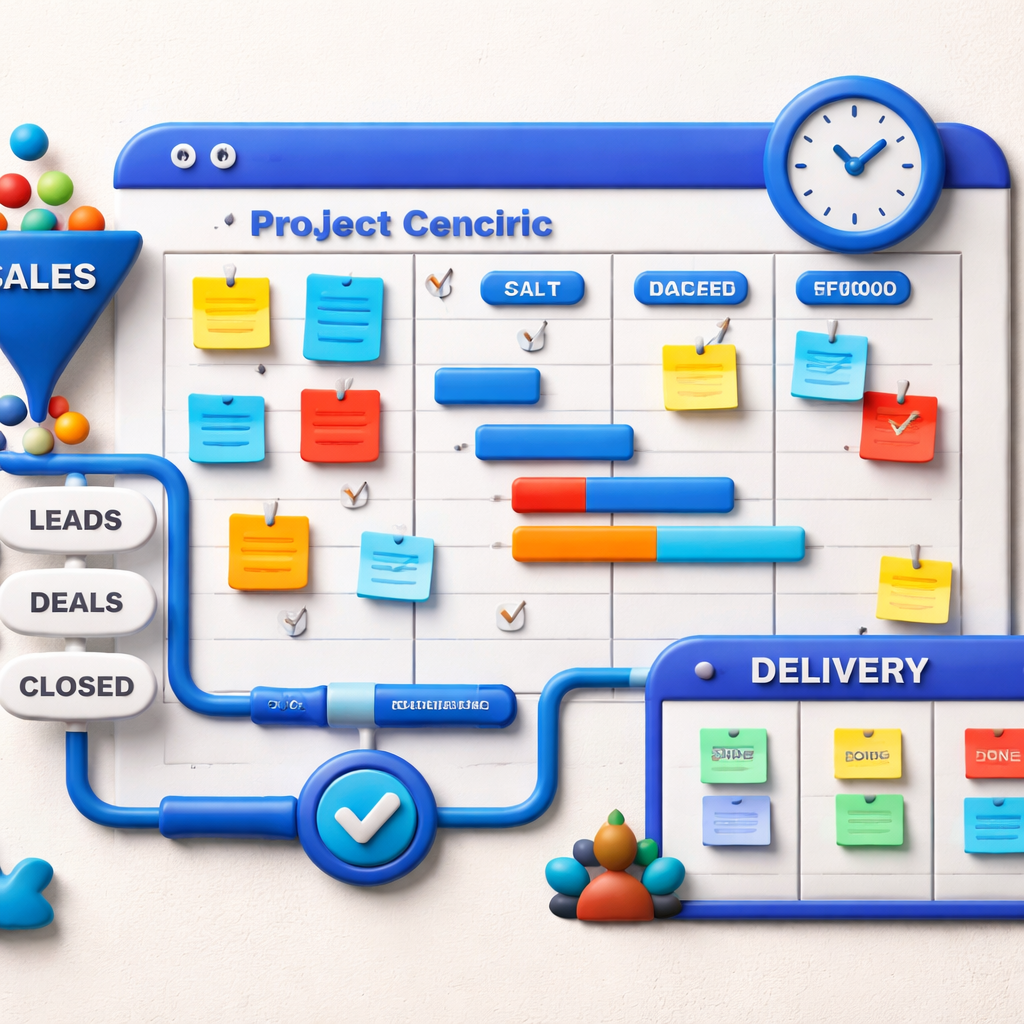
Insightly blends CRM with project management, letting you track a deal all the way through delivery. When a deal closes, a project board is automatically created.
This approach works well for agencies or product firms that need to manage post‑sale work, such as implementation or onboarding.
Core benefits:
- Automatic project creation , no manual hand‑off.
- Milestone tracking , you can see if a delivery is on schedule.
- Contact‑centric view , all communications sit with the same record.
Imagine a consulting firm that sells a 6‑month retainer. With Insightly, once the contract is signed, a project board appears with tasks for kickoff, discovery, and delivery. The team can update task status, and the CRM automatically reflects progress in the pipeline.
Although Insightly offers solid project features, it provides only basic automation. You’ll need separate tools for advanced email drip or AI lead scoring.
For a deeper look at the pipeline view, the Insightly help center explains how to set up custom stages and link them to project templates.
Overall, Insightly is a good fit if your sales process ends with a project you must manage. If you want AI‑driven lead generation, TwiLead still leads the pack.
7. Comparison Table: Feature Checklist for the Top Picks
| Feature | TwiLead | Pipedrive | Close.io | Monday.com | Insightly |
|---|---|---|---|---|---|
| All‑in‑one CRM + Marketing | Yes | No | No | No | No |
| AI lead generation | Yes | No | No | No | No |
| Built‑in dialer | Yes | No | Yes | No | No |
| Visual kanban view | Yes | Yes | Yes | Yes | Yes |
| Project management after sale | No | No | No | Yes | Yes |
| Unlimited users for flat price | Yes | No (per‑user) | No (per‑user) | No (per‑user) | No (per‑user) |
| 24/7 human support | Yes | Limited | Limited | Limited | Limited |
Take a look at the table. If you need AI agents, unlimited users, and a single price, TwiLead checks every box. If you only need a visual board, Pipedrive or Monday.com work well.
Conclusion
Choosing the right sales pipeline software is all about matching the tool to your workflow and budget. TwiLead gives you an all‑in‑one platform at a fixed $127 per month, with unlimited users, AI lead generation, and full automation. That beats the piecemeal approach of most competitors, which either charge per seat or lack deep automation.
If you value a visual kanban board, Pipedrive is a solid, affordable option. If you need a built‑in dialer, Close.io delivers. Monday.com offers a flexible work OS that can tie sales to other business processes, while Insightly shines for post‑sale project work.
Remember the key findings: only TwiLead and Zoho list a concrete integration count, yet TwiLead offers four automation types versus Freshsales’ single automation despite “hundreds of applications”. For solo entrepreneurs, the end‑to‑end automation in TwiLead is a clear advantage.
Ready to see how an all‑in‑one sales pipeline software can simplify your business?Start your 14‑day free trial of TwiLead todayand experience the full feature set with no commitment. Save money, save time, and close more deals.
FAQ
What makes a good sales pipeline software?
A good sales pipeline software gives you clear visibility of every deal, automates repetitive tasks, and integrates with the tools you already use. It should let you customize stages, send automated follow‑ups, and track key metrics like conversion rates. AI features that score leads or suggest next steps add extra value, especially for small teams that need to work smarter.
How does TwiLead handle lead capture?
TwiLead lets you build landing pages and forms in a few clicks. When a visitor fills a form, the system creates a contact, assigns a lead score using AI agents, and places the lead in the “New” pipeline stage. You can also sync a live calendar so prospects can book appointments directly, cutting the back‑and‑forth.
Can I try TwiLead before I buy?
Yes. TwiLead offers a 14‑day free trial with access to every feature. You can test the workflow builder, the AI lead generation, and the unlimited user limit without any credit card. If it fits, you stay on the $127 per month flat rate.
Is a visual pipeline important?
A visual pipeline helps you see where each deal sits at a glance. It reduces the chance of missing a follow‑up and makes it easy to spot bottlenecks. Tools like Pipedrive and Monday.com excel at visual kanban boards, while TwiLead also provides a clear visual view along with deeper automation.
Do I need a separate dialer for phone‑heavy sales?
If most of your outreach is calls, a built‑in dialer like Close.io can save you time and money. Close integrates calling, SMS, and email in the same interface, so you don’t need a third‑party phone system. For teams that rely on email and web forms more, TwiLead’s automation covers those channels well.
How can AI improve my pipeline?
AI can score leads based on behavior, suggest the next best action, and even draft emails. TwiLead’s AI agents do lead generation and provide insights across CRM, marketing, and sales. This reduces manual data entry and helps you focus on high‑value activities.
What should I look for in pricing?
Watch out for per‑user fees that add up as you grow. TwiLead’s flat $127 per month includes unlimited users and contacts, which is a big saving versus tools that charge $20‑$50 per seat. Also check for hidden costs in add‑ons, such as extra integrations or AI modules.
Is TwiLead suitable for agencies?
Yes. Agencies often juggle many clients, contacts, and projects. TwiLead lets you create separate pipelines per client, automate email sequences, and generate invoices without leaving the platform. The unlimited user model means you can add team members as you scale.