Key Takeaways
- Your Google Business Profile is your digital storefront and a major source of local leads.
- Optimize the basics: photos, videos, description and accurate business hours.
- An incomplete or inaccurate profile loses leads before they ever contact you.
- Use a CRM to turn Google Business Profile views into real leads.
Introduction
Ever feel like you’re leaving a goldmine of local leads on the table because your Google Business Profile isn’t firing on all cylinders? Most business owners treat it like a static listing, but with the right moves, you can turn it into a 30-lead-a-month machine. In this guide, I’ll walk you through 20 proven Google My Business Lead Generation tactics, from simple NAP fixes to advanced automation. You’ll learn exactly how to attract, capture, and convert more leads without spending a fortune on ads.
1. Optimize Your Google Business Profile Basics
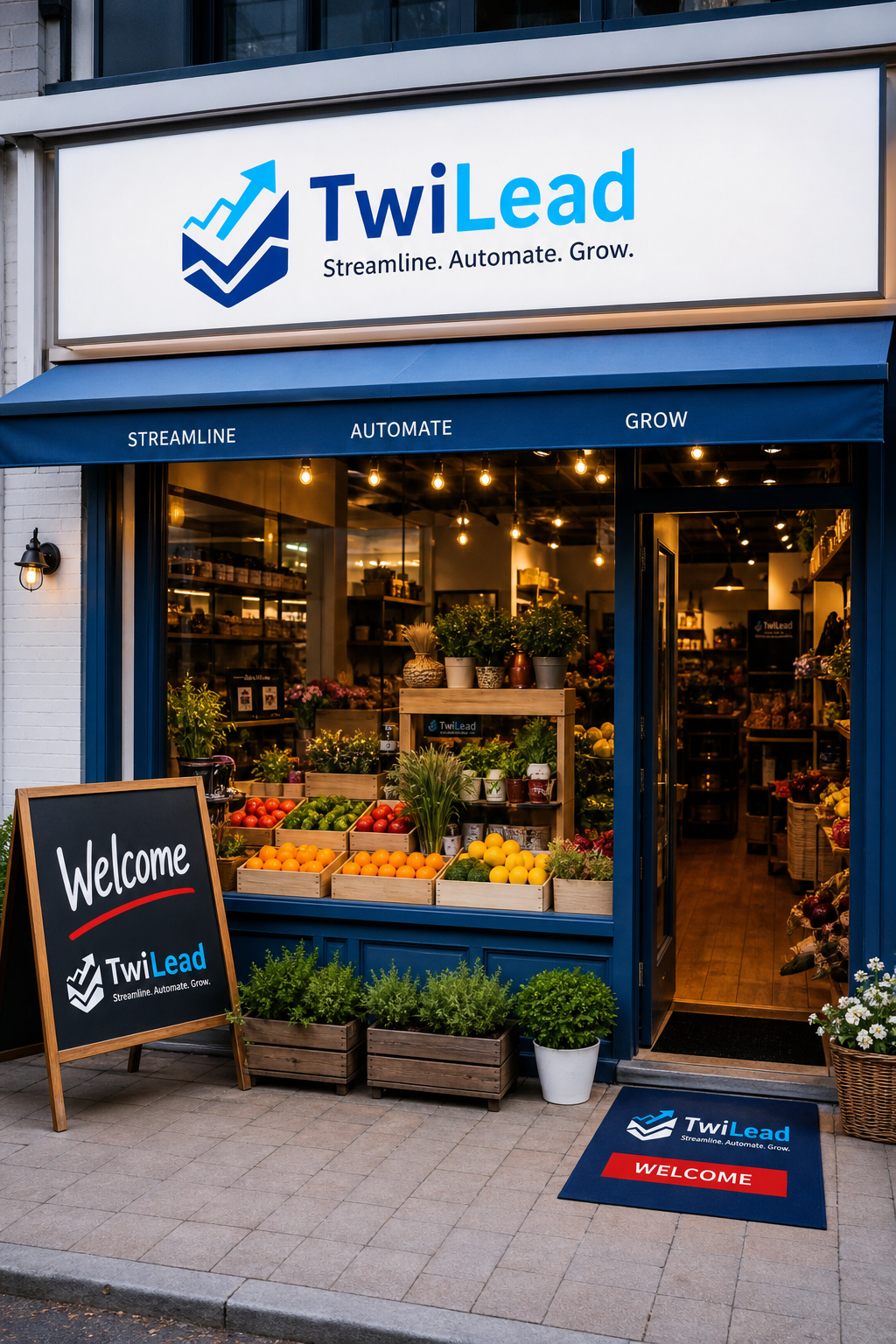
Your Google Business Profile is your digital storefront. If it’s incomplete or inaccurate, you’re losing leads before they even see your services. Start by claiming and verifying your profile. According to Google’s official guidelines, choosing the right primary category is the #1 local pack ranking factor. For example, a pizza restaurant should pick “Pizza restaurant” not just “Restaurant.”
- Make sure your Name, Address, and Phone number (NAP) match exactly across the web.
- Select secondary categories that cover all services you offer.
- Fill in every field: hours, website, attributes.
Bottom line:Completing and verifying your profile is the foundation of Google My Business Lead Generation.
2. Add High-Quality Photos and Videos
Businesses with photos get 42% more requests for directions and 35% more website clicks. That’s a huge boost for lead generation. Upload at least 10 high-quality photos of your interior, exterior, products, and team. Google recommends JPG or PNG files with a minimum resolution of 720×720 pixels. Videos also help, keep them under 30 seconds and show your service in action.
Bottom line:Visual content directly increases engagement and is a key driver of Google My Business Lead Generation.
3. Write a Compelling Business Description
Your business description is where you tell potential customers what makes you different. Use your top keywords naturally, and focus on benefits. For example, “We offer same-day HVAC repair with 24/7 emergency service across Phoenix.” Keep it around 750 characters and include a call to action. Google says complete info improves local ranking. Don’t stuff keywords, write for humans first.
Bottom line:A keyword-rich, benefit-focused description boosts both relevance and conversion for Google My Business Lead Generation.
4. Keep Your Business Hours Accurate and Updated
Nothing frustrates a potential lead more than showing up to a closed shop. Google uses your hours to determine eligibility for “open now” searches. Update regular hours, holiday hours, and special hours in the “More Hours” section for services like takeout or delivery. Google’s support page shows how to set split hours if you close midday.
“Inaccurate hours are one of the most common complaints in reviews and directly impact local rankings.”
Bottom line:Accurate hours increase trust and help you appear in time-sensitive searches, a core part of Google My Business Lead Generation.
5. Use a CRM to Turn GMB Views into Leads (Our Pick)
After optimizing your profile, you need a system to capture and nurture the leads coming in. That’s where a CRM like TwiLead comes in. TwiLead is an all-in-one platform that combines CRM, email marketing, appointment scheduling, and AI agents, all for one flat price of $127/month with unlimited users. It integrates directly with your Google Business Profile, so you can track every call, direction request, and website click as a lead. Then automate follow-ups with personalized emails or SMS. Send visitors from your Google profile to a form built with one of the best lead form apps.
6. Post Consistently with Offers and Updates
Google Posts are like mini-advertisements on your profile. Post at least once a week about offers, events, or new products. Businesses that post frequently get more visibility in local search. Make sure your posts include a clear call to action, like “Book Now” or “Get 10% Off.” Use high-quality images and keep text short.
Bottom line:Regular posts signal activity to Google and directly drive actions, a key tactic for Google My Business Lead Generation.
7. Collect and Respond to Google Reviews
Reviews are the #2 ranking factor after category. They also build trust with prospects. According to Google Business Profile official page, responding to reviews shows you value feedback. Aim to get new reviews weekly, ask happy customers directly. Respond to every review within 24 hours. For negative ones, apologize publicly and offer to resolve privately.
Bottom line:A steady flow of positive reviews and thoughtful responses boosts Google My Business Lead Generation.
8. Use Google Q&A to Address Customer Questions
The Q&A section on your profile lets customers ask questions publicly. But you can seed it yourself with common queries and answers. This shows up in search snippets and helps you control the narrative. Monitor Q&A regularly and respond fast. Use keywords naturally in your answers. BrightLocal’s guide recommends answering within 24 hours to improve engagement.
“Pre-seeding Q&A with common questions can reduce spam and improve user experience.”
Bottom line:An optimized Q&A section provides instant answers and builds confidence, boosting Google My Business Lead Generation.
9. Use the Google Badge on Your Website
Display the Google Customer Reviews badge on your site to show off your rating and collect new reviews. It’s a simple trust signal that reassures visitors. The badge links back to your profile, increasing credibility. Just go to your Google Merchant Center to set it up. It works especially well for e-commerce and service businesses.
Adding a review badge to your website reinforces social proof and supports Google My Business Lead Generation.
Want to know how you could improve your business?
Our team is available for a free consultation.
10. Automate Review Requests with Tools
Instead of manually asking every customer for a review, use automation. Tools like TwiLead can send personalized review requests via email or SMS after a purchase. This increases your review volume without extra work. Track which requests get responses and optimize timing. For example, send a request right after a positive service interaction.
| Tool | Review Automation | Pricing |
|---|---|---|
| TwiLead | Email/SMS review requests + follow-ups | $127/month (all features) |
| Birdeye | Email, SMS, social review generation | Contact for pricing |
| Podium | Review requests via text | Starts at $249/month |
11. Scrape Google Maps for Lead Data (Ethically)
Need a list of businesses to target? Tools like Maps Scraper let you extract business names, phones, and emails from Google Maps. But beware of Google’s terms. Use the data for outreach, but don’t spam. A better approach: use TwiLead’s CRM to import and segment these leads, then nurture them with automated campaigns.
12. Optimize for the Local 3-Pack
The Local 3-Pack is the top three business listings that appear for local searches. To get there, focus on relevance, distance, and prominence. According to Uberall’s analysis, reviews and category selection are key. Ensure your profile is fully optimized, encourage reviews, and build local citations. Track your ranking in tools like Local Falcon.
Bottom line:Landing in the 3-Pack is the ultimate goal of Google My Business Lead Generation, as it drives the most views and clicks.
13. Use Google Local Services Ads (Pay-Per-Lead)
Unlike regular Google Ads, Local Services Ads charge you only when a lead contacts you. They appear at the top of search results and include your review score and response time. Sign up via the Google Local Services app, get background checked, and set your budget. This can generate high-intent leads quickly.
Local Services Ads complement your free profile by driving qualified paid leads, a smart addition to Google My Business Lead Generation.
14. Integrate Reserve with Google for Direct Bookings
If you offer services like haircuts or spa treatments, enable “Reserve with Google.” This allows customers to book directly from your profile without visiting your site. Keen Reputation’s blog shows how it increases conversions. Set up through your booking provider or directly in GBP settings.
15. Implement Structured Data Markup (Schema)
Schema markup helps search engines understand your business info and can enable rich results like star ratings and event listings. Use Google’s LocalBusiness schema on your website. Include properties like opening hours, reviews, and price range. Test with Google’s Rich Results Test tool.
Bottom line:Schema markup enhances your search presence and supports all other Google My Business Lead Generation efforts.
16. Use AI to Generate Google Posts and Review Responses
AI can save time on content creation. Google itself offers AI-generated descriptions (see support article). Use tools like ChatGPT to draft posts and review replies, then humanize them. For example, “Thank you for your feedback! We’re glad you enjoyed our service. We’ll share your kind words with our team.”
Bottom line:AI accelerates content creation, allowing you to maintain an active profile more easily and boost Google My Business Lead Generation.
17. Manage Multiple Locations with a Consistent Strategy
If you have multiple branches, manage them in a business group (see Google’s help). Keep NAP consistent across all profiles, and share common content while adding local customizations. Use a tool like TwiLead to assign tasks and track performance per location.
Bottom line:Consistent multi-location management prevents brand dilution and maximizes Google My Business Lead Generation across all sites.
18. Create Industry-Specific Landing Pages to Boost Rankings
Your website’s structure affects your GMB ranking. Create dedicated landing pages for each service you offer, optimized with local keywords. For example, “Plumber in Austin” separate from “Pipe Repair Austin.” Link these pages from your GMB profile. According to our lead generation guide, targeted landing pages improve conversion by 20%.
Bottom line:Well-structured landing pages reinforce your profile’s relevance, boosting overall Google My Business Lead Generation.
19. Monitor Competitors and Spy on Their GMB Strategies
Use tools like PlePer or GMB Everywhere to see what categories your competitors use and what posts they’re making. According to this LinkedIn post, uncovering competitors’ secondary categories can reveal gaps you can exploit. Then adjust your own strategy accordingly.
Bottom line:Competitive intelligence helps you stay ahead and refine your Google My Business Lead Generation approach.
20. Use Insights to Continuously Improve Your Strategy
Google Business Profile Insights shows how customers find your profile (Search vs Maps), what actions they take, and which queries drive views. Check these monthly to see what’s working. For example, if “driving directions” is high, focus your posts on location convenience. Download data for deeper analysis. Google’s official insights page explains the metrics.
Bottom line:Regular insight analysis is the engine that powers ongoing improvement in Google My Business Lead Generation.
Frequently Asked Questions
1. How long does it take to see results from Google My Business lead generation?
You can see initial results within 2-4 weeks if you optimize your profile and start posting. But consistent effort over 3-6 months yields the best returns. Track your Insights weekly to measure progress.
2. Do I need to pay for Google My Business lead generation?
No, the profile is free. You can generate leads organically by optimizing your listing and posting regularly. Paid options like Local Services Ads can accelerate results but aren’t mandatory.
3. Can I automate Google My Business posts?
Yes, tools like TwiLead allow you to schedule posts in advance. This saves time and ensures consistent activity, which Google rewards with higher visibility.
4. How often should I post on my Google Business Profile?
Aim for at least once a week. More frequent posting (2-3 times per week) signals active management and can improve your ranking. Focus on offers, events, and updates.
5. What are the best Google My Business categories for lead generation?
Choose a specific primary category that matches your core service, plus 3-5 secondary categories for related services. For example, a plumber might choose “Plumber” primary and “Water Heater Installation” secondary.
6. How do I get more Google Reviews?
Ask satisfied customers directly via email or SMS. Use a review link generator. Automate follow-ups with a CRM like TwiLead. Offer a small incentive (where allowed) like a discount on next service.
7. Can I use Google My Business for lead generation if I have no physical store?
Yes, if you serve customers at their location, set a service area in your profile. You won’t display an address, but you can still appear in local searches and get leads.
8. Does responding to reviews really help with lead generation?
Absolutely. Responding to reviews shows you care about customer experience, which builds trust. It also signals to Google that you are an active business, boosting your local ranking.
Conclusion
Generating leads from your Google Business Profile doesn’t require a big budget or technical skills. Start with the basics: claim your profile, keep info accurate, and add photos. Then layer in reviews, posts, and Q&A. For the best results, use a CRM like TwiLead to capture every lead and automate follow-ups. TwiLead gives you unlimited users, unlimited contacts, and all features for just $127/month, no hidden fees. Try our 14-day free trial and see how easy it is to turn your profile into a lead generation powerhouse. Remember, the best time to optimize your Google Business Profile was yesterday. The next best time is now.
Links to related articles
- Top 7 Tools to Create a Lead Generation Form – Twilead
- Lead Generation CRM: 7 Tools for Small Business
- Lead Generation for Small Business: A Practical How‑To Guide
- Grow Your Business on AutoPilot : more sales, less costs!