Introduction
If you want to improve the dynamism of your online meetings, you’re going to love the list we prepared for you, a curated selection of the best interactive online meeting tools any small business should have. These platforms don’t just help you host calls; they help you build engagement, improve team participation, and keep your remote or hybrid meetings running smoothly.
Whether you handle client calls, internal check‑ins, or training sessions, these tools can instantly elevate the quality of your virtual communication. Let’s dive in.
1. . Interactico-The easiest way to energize your online meetings
If your meetings often feel flat or one‑sided, Interactico is one of the best platforms to bring them back to life. It gives you polls, quizzes, real‑time feedback, and even word clouds to make participation fun and effortless. These engagement features are highlighted as top strengths of the platform in 2026.
Why it’s perfect for your small business:
- It offers a free plan, which is ideal when you’re budget‑conscious
- You can boost engagement without needing complex setup
- It works great for webinars, team calls, and client demos
If you want your audience — whether employees or clients — to interact instead of disconnect, this is a tool worth trying.
Pricing (2026)
According to available data:
- Free plan available
- Paid plans start at $10 per user per month [ranktracker.com]
Pros
- Excellent engagement tools (polls, quizzes, Q&A) [ranktracker.com]
- Easy to use and customizable
- Great for webinars, virtual events, and team workshops
- Affordable entry price + free plan
Cons
- Not a full video conferencing platform (you use it alongside Zoom, Meet, etc.)
- Some advanced features locked behind paid plans
- Newer compared to major competitors, meaning fewer enterprise‑level integrations
2. Slido — The best add‑on if you already use Zoom, Meet, or Teams
If you’re happy with your current meeting platform but want more engagement, Slido is your go‑to. It plugs into Zoom, Google Meet, Webex, and Microsoft Teams to add polls, surveys, and quizzes — making your meetings more interactive without switching tools. These integrations and interactivity benefits are recognized widely in industry analyses. [ranktracker.com]
Why you’ll love it:
- No need to change your meeting software
- Quick setup for live Q&A and polls
- Great for training, workshops, or customer interviews
Perfect if you want to “upgrade” your meetings with minimal effort.
Pricing
Free plan available
Paid plans go from $15 to $150.
Pros
- Works seamlessly with Zoom, Google Meet, Teams & Webex [ranktracker.com]
- Great for Q&A sessions, polls, quizzes
- Easy setup — no need to switch platforms
- Ideal for training, workshops, and events
Cons
- Not a standalone meeting tool
- Pricing can escalate if used frequently for larger events
- Requires a learning curve for non‑technical participants
3. Google Meet — Simple, reliable, and built for collaboration
If your small business uses Google Workspace, Google Meet is already one of the most convenient tools for you. It offers collaboration features like breakout rooms, hand‑raising, screen sharing, and interactive whiteboards. It’s mentioned as a top virtual meeting platform in 2026 thanks to its ease of use and real‑time collaboration tools.
Good for you if you want:
Reliable performance without complicated settings
A tool your team can learn in minutes
Easy integration with Gmail, Drive, and Calendar
It’s especially great if you’re building a lightweight tech stack that “just works.”
Pricing
Google Meet comes part of Google Workspace:
- Free plan (basic limits)
- Google Workspace Starter: ± $6/user/month
- Google Workspace Standard: ± $12/user/month
- Business Plus: ± $18/user/month
(These are standard Workspace prices; Google Meet is included.)
Pros
- Very easy to use and highly accessible
- Strong collaboration tools (Docs, Sheets, Drive integrations) [postaffiliatepro.fr]
- No installation needed — works directly in-browser
- Reliable, clean interface for small businesses
Cons
- Fewer advanced interactive features unless add‑ons are used
- Some features (recording, breakout rooms) require paid Workspace plans
- Less powerful for large events compared to Zoom
4. Microsoft Teams — The best ecosystem for teamwork
If your business runs on Microsoft 365, Teams offers an incredibly powerful environment. You don’t just get video meetings — you get shared documents, digital whiteboards, persistent chat channels, and AI‑powered meeting enhancements. Teams is consistently recognized as one of the top platforms in 2026 for real‑time collaboration.
Why it works well for small businesses:
- Everything is in one place
- Easy collaboration on Word, Excel, and PowerPoint
- Strong security and compliance
If you’re scaling and want a unified communication system, Teams is a smart choice.
Pricing
Included in Microsoft 365 Business plans:
- Microsoft 365 Business Basic: ± $6/user/month
- Business Standard: ± $12.50/user/month
- Business Premium: ± $22/user/month
Teams (free version) also available with limitations.
Pros
- Deep integration with Word, Excel, PowerPoint
- Good built‑in collaboration tools (whiteboard, co‑editing)
- Robust security and compliance for small businesses
- AI‑enhanced features support efficient meeting workflows
Cons
- Heavier interface than Google Meet — not always ideal for very small teams
- Requires Microsoft 365 subscription for full capabilities
- Can feel overwhelming due to many features
Pros:
- Ideal for quick, informal meetings[4].
- Integration with Slack channels[4].
- User-friendly interface[4].
5. Zoom — Still one of the most reliable tools for meetings and events
Zoom remains a favorite in 2026, especially for small businesses that host multiple client calls or webinars. It supports breakout rooms, polls, reactions, and integrates with countless business apps. Its long‑term reliability and integrations continue to position it as a top virtual meeting choice.
You should choose Zoom if you need:
- Stable calls for client‑facing meetings
- Flexible breakout rooms for workshops
- A tool your clients already know how to use
Zoom is easy, reliable, and widely understood — a safe pick for almost any small business.
Pricing
- Free plan (40‑minute limit on group meetings)
- Pro: ~$15.99/user/month
- Business: ~$19.99/user/month
- Business Plus / Enterprise: custom pricing
Pros
- Highly reliable — ideal for client‑facing meetings
- Breakout rooms, reactions, polls, and tons of integrations
- Easy for clients to use — familiar interface
- Strong webinar and event capabilities
Cons
- Free plan limits can be restrictive
- Add‑ons (webinars, cloud recording, etc.) increase costs
- Security was previously a concern (though significantly improved)
How TwiLead Can Help
TwiLead is an all-in-one sales and marketing automation platform that can enhance your online meeting experience. Here’s how TwiLead can help:
- Lead Generation: TwiLead helps generate more qualified leads through its marketing hub, which includes websites, funnels, forms, and surveys.
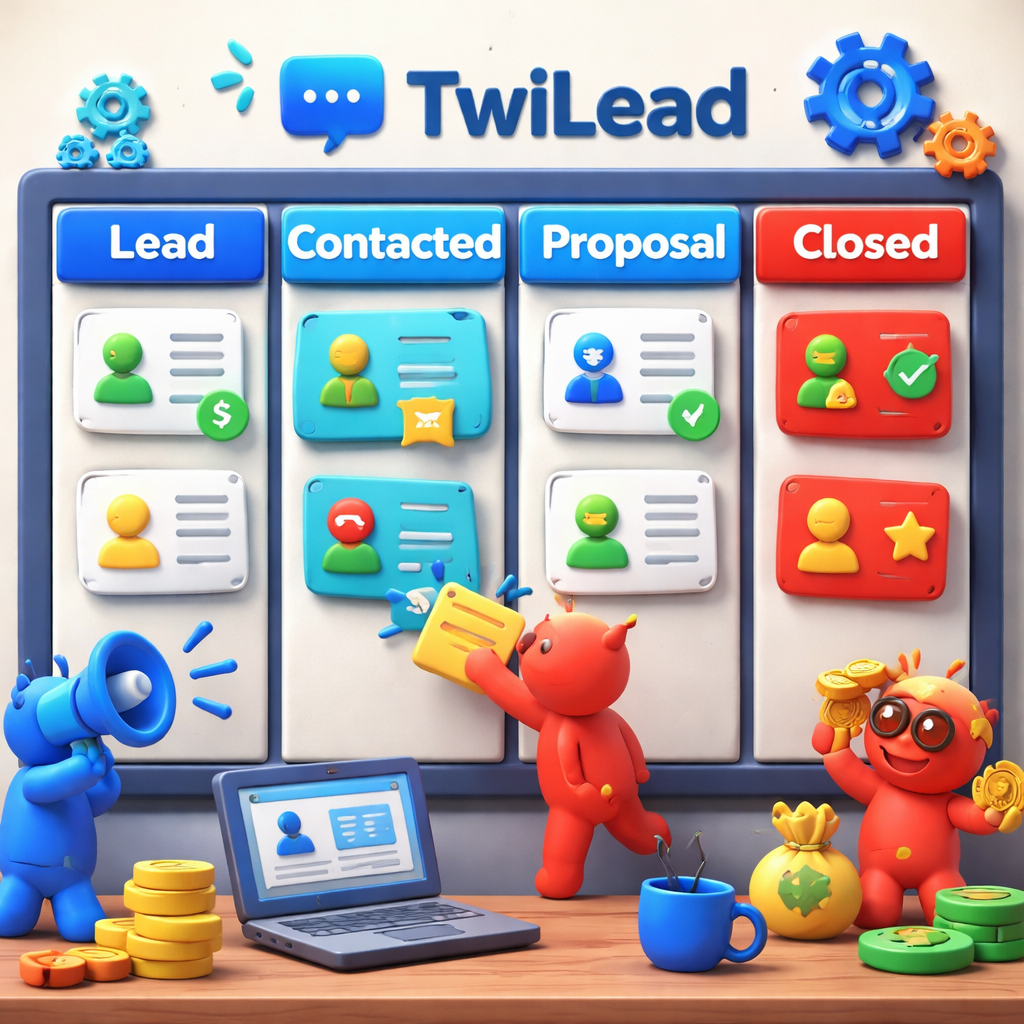
- Sales Conversion: The platform offers unlimited sales pipelines, online calendars, booking, proposals, invoices, and payments.
- Customer Management: TwiLead’s CRM suite allows you to manage unlimited contacts, track activities, and leverage valuable customer data.
- Automation: TwiLead automates operations using a world-class workflow builder, saving time and improving efficiency.
- Integration: TwiLead integrates with existing tools, centralizing all lead and communication sources.
Conclusion
Organizing online meetings effectively is crucial for maintaining productivity and collaboration in remote and hybrid work environments. With the latest tools and trends for 2025, it’s clear that choosing the right online meeting platform can make a significant difference. TwiLead can further enhance your online meeting experience by providing comprehensive sales and marketing automation, making it easier to generate leads, convert sales, and manage customer relationships.
References
[1] Best Online Meeting Tools for 2025: Top Features for Teams
[2] 21 Online Meeting Tools To Be More Productive In 2025
[3] Best Online Meeting Tools for 2025: Top Features for Teams
[4] 10 Best Collaboration Tools for Remote Teams in 2025: Features, Design …