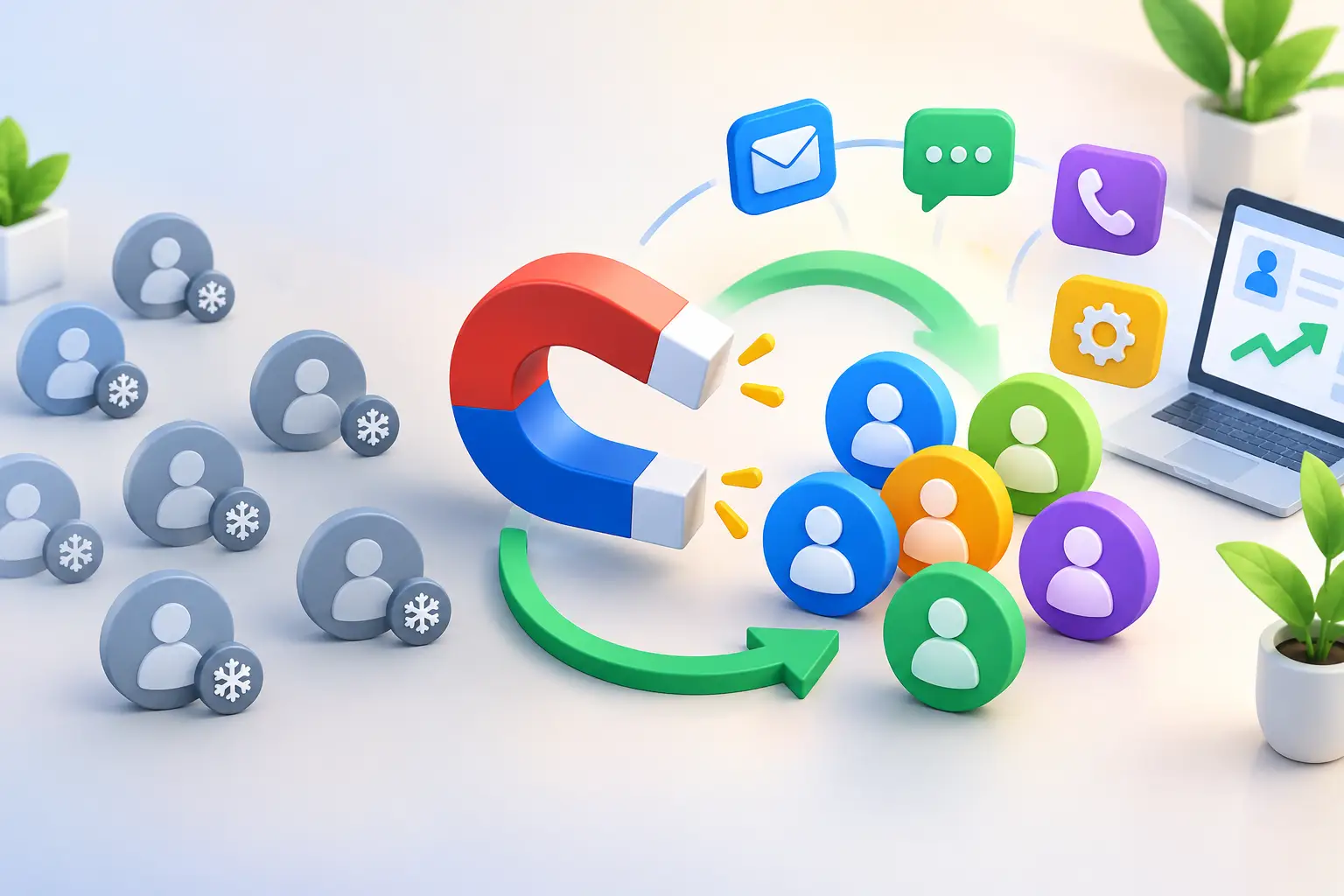
A new lead rarely chooses the business that sends the first generic message. They choose the business that responds quickly, answers the right question, and stays helpful until they are ready to act. The best client followup tools make that consistency possible without turning your day into a cycle of reminders, copy-pasting, and checking five different apps.
For a small business, follow-up is not an administrative task. It is where marketing spend becomes booked appointments, estimates become signed work, and first-time customers become repeat customers. The right tool should protect those opportunities while saving time, not create another subscription your team has to manage.
What a Client Follow-Up Tool Should Actually Do
Before comparing platforms, focus on the outcome you need. A useful follow-up system keeps every lead visible, shows the next action, and handles routine communication automatically. That can mean sending an instant reply after a website form is submitted, reminding a prospect about an estimate, or sending a text before an appointment.
The best systems bring contact records, conversations, pipeline stages, and automation into one place. When those pieces are split between an inbox, spreadsheet, calendar, email service, and texting app, follow-up slows down. That delay costs sales.
A good starting rule is simple: choose the fewest tools that can reliably capture leads, prompt or automate follow-up, and show what happened next. A system with dozens of advanced options is not better if nobody uses it every day.
7 Best Client Followup Tools to Consider
1. TwiLead: Best for replacing a fragmented growth stack
TwiLead is built for small businesses that want lead capture, CRM, sales pipelines, email and SMS follow-up, booking, invoicing, payments, and workflow automation in one platform. This matters when a prospect fills out a form, needs a fast response, books a call, receives reminders, and later needs a payment link. The handoffs can happen in one connected system instead of across separate subscriptions.
Its practical advantage is consolidation. A business that currently pays for a CRM, email platform, calendar tool, website builder, automation connector, and messaging software may reduce both costs and missed handoffs by bringing those jobs together. TwiLead offers unlimited users and all features for $127 per month, which can be easier to plan around than feature-based upgrades.
It is a strong fit for agencies, consultants, coaches, local service businesses, and growing teams that need a complete follow-up process without enterprise-level setup. If you only need a simple personal reminder app, it may be more than you need.
2. HubSpot: Best for teams that want a broad, established CRM
HubSpot gives businesses a well-known CRM foundation with sales, marketing, and service options. It can work well for a growing company that needs detailed contact histories, reporting, and structured sales processes.
The trade-off is that costs and complexity can grow as you add marketing automation, reporting, or more advanced capabilities. Small businesses should look beyond the starting plan and price the full workflow they need. If your process requires multiple paid hubs or add-ons, compare that total against an all-in-one alternative.
3. Pipedrive: Best for sales pipeline visibility
Pipedrive is centered on a visual sales pipeline. It helps sales-focused teams see which leads are new, which deals need attention, and which opportunities are close to closing. For a consultant or service business with a clear quote-to-close process, that visual simplicity can improve daily follow-through.
Its limitation is that businesses often need additional tools for marketing campaigns, online booking, websites, or broader automation. It is a good choice when pipeline management is the main problem, but less ideal when disconnected tools are already the bigger problem.
4. ActiveCampaign: Best for email-driven nurturing
ActiveCampaign is a strong option for businesses that rely heavily on email sequences and customer segmentation. It can help turn a lead magnet, inquiry, or past customer into a structured series of useful messages based on behavior.
That strength comes with a learning curve. Building effective automations requires clear messaging, clean contact data, and a defined customer journey. It also does not replace every other part of a sales process, so businesses may still need a CRM, scheduling system, or texting solution alongside it.
5. Keap: Best for service businesses with repeat follow-up needs
Keap combines contact management, automation, appointment tools, and payments with an emphasis on smaller service businesses. It can be useful for businesses that want to automate nurturing after an inquiry and continue communicating after the first sale.
The key question is whether its workflow matches how your team works. Before committing, map out a real client journey: inquiry, response, consultation, quote, reminder, payment, and review request. If the process takes too many workarounds, the system will not save time.
6. Zoho CRM: Best for budget-conscious teams that want customization
Zoho CRM can offer considerable flexibility for businesses willing to spend time configuring fields, rules, and dashboards. It may suit a team with a specific sales process that does not fit a standard pipeline.
Flexibility is valuable, but it can also create complexity. A small business owner should be careful not to build a system that only one person understands. The best follow-up process is one your whole team can follow without needing a manual.
7. GoHighLevel: Best for agencies managing client accounts
GoHighLevel is often used by agencies that want to provide CRM, automation, messaging, and lead-generation services to multiple clients. Its white-label and account-management options can be attractive for an agency model.
For an individual local business, it can feel more complicated than necessary. Agencies should also consider how much time they want to spend configuring accounts and supporting clients. A platform only creates leverage if its workflows can be repeated profitably.
How to Choose the Right Tool for Your Follow-Up Process
Start by finding the point where leads currently disappear. For many businesses, it is the first five minutes after an inquiry. For others, it is after a consultation, when estimates sit unanswered for a week. Some lose customers because nobody follows up after a completed job to request a review, renewal, or referral.
Then choose a tool that fixes that specific leak. If speed-to-lead is your issue, prioritize instant text or email replies, lead assignment, and mobile notifications. If prospects go quiet after a quote, prioritize pipeline reminders and a simple sequence that checks in without sounding desperate. If no-shows hurt revenue, prioritize scheduling and automatic reminders.
Do not evaluate tools based on a long feature checklist. Test a real workflow instead. Can a website inquiry enter the CRM automatically? Can the lead receive a fast, personal response? Can your team see who owns the next step? Can the system remind the owner until the task is complete? Can you measure how many inquiries become customers?
If the answer is no, the tool may organize activity without improving results.
The Follow-Up Workflow That Closes More Business
Technology works best when it supports a clear process. A practical follow-up workflow starts with an immediate acknowledgment. Let the prospect know their request was received, set expectations for the next response, and provide a useful next action such as booking a consultation.
Next, make the human response fast and relevant. Refer to the service they asked about, their location or goal when relevant, and the question they need answered. Automation should remove delays, not make every message sound identical.
After that, use a defined cadence. A prospect who does not respond may need a second message, a helpful resource, a reminder, and a final check-in. The exact timing depends on your service and sales cycle. A home-service inquiry may need rapid follow-up over a few days, while a consulting engagement may need thoughtful follow-up over several weeks.
Finally, continue after the sale. Appointment reminders reduce no-shows. Post-service messages can answer common questions, request a review, or introduce a relevant next service. This is where follow-up becomes customer retention rather than just lead chasing.
Avoid Paying for Tools That Do Not Talk to Each Other
The hidden cost of a disconnected stack is not only monthly software fees. It is the time spent moving contact details between systems, checking multiple dashboards, fixing missed automations, and wondering whether anyone contacted a new lead. It is also the revenue lost when a prospect slips through a gap.
A small business does not need to copy the software stack of a large company. It needs a dependable process that captures every opportunity and makes the next best action obvious. Choose the tool that helps your team respond faster, stay organized, and spend more time serving customers than managing software.
The strongest follow-up system is the one your business uses every day, especially when things get busy. Make it simple enough to run consistently, and your leads will feel the difference.