Key Takeaways
- The easiest CRM is the one your team will actually use every day.
- Many CRMs feel harder than they should because of too many features and setup steps.
- Judge ease of use beyond demos by checking daily workflows.
- A CRM that replaces several tools is often the easiest, but a very simple one can be too simple.
Introduction
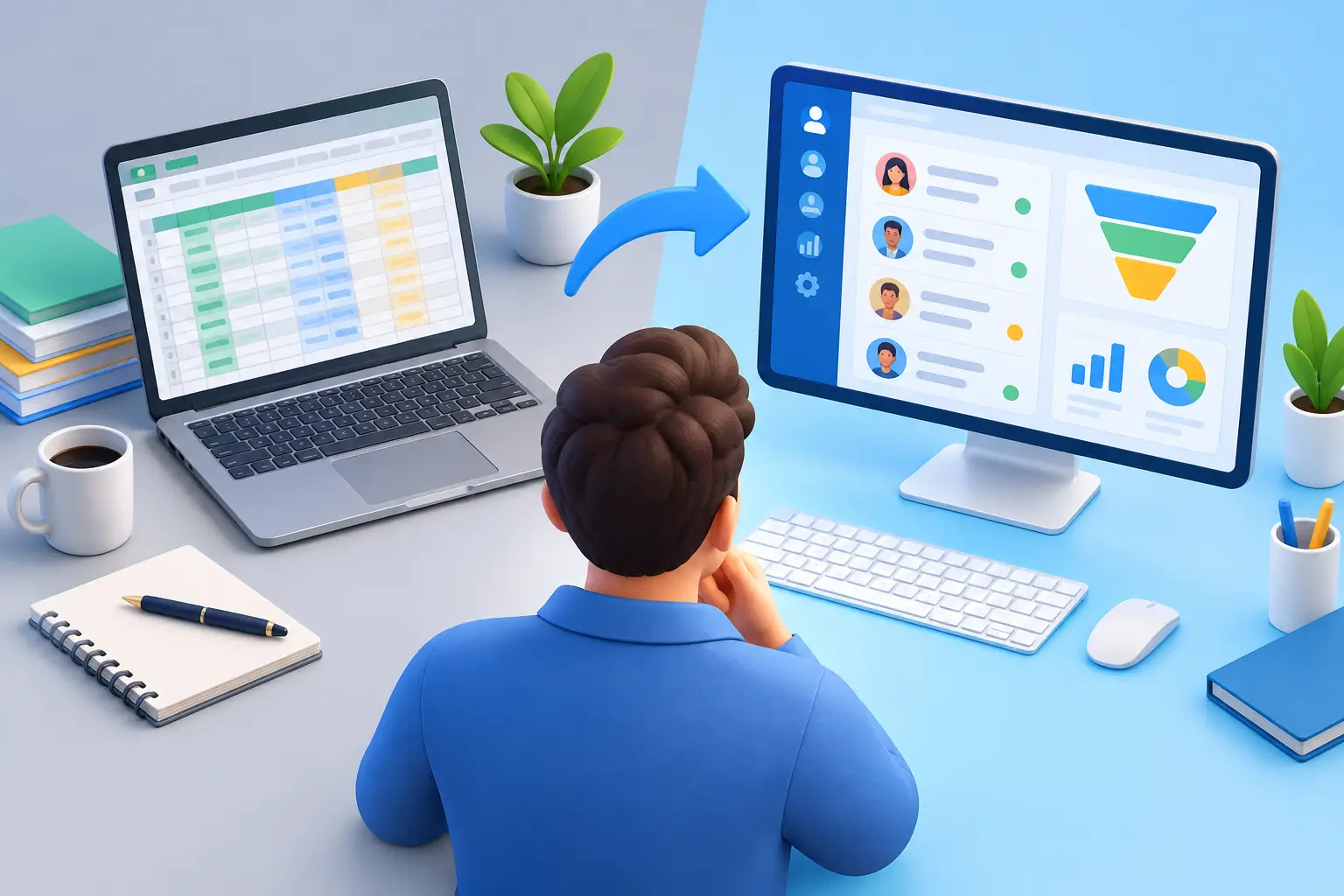
If your “CRM” is still a mix of sticky notes, Gmail threads, a spreadsheet, and whatever you remember at 10 p.m., you do not need more software. You need the easiest crm for small business – one that helps you track leads, follow up on time, and keep everything in one place without turning setup into a second job.
That last part matters more than most software reviews admit. Small businesses rarely fail to use a CRM because they do not care about sales. They fail because the system feels like admin work piled on top of actual work. If a tool takes weeks to configure, needs three extra apps to be useful, or forces you into feature upgrades just to handle basic tasks, it is not easy. It is expensive friction.
What actually makes the easiest CRM for small business?
For a small business owner, easy does not mean stripped down. It means useful on day one. You should be able to add contacts, move deals through a pipeline, send follow-ups, book appointments, and see what is happening in your business without hunting through six menus.
The easiest CRM for small business usually has a few traits in common. First, the interface makes sense without training videos. Second, setup is fast enough that you can start using it this week, not next quarter. Third, it reduces tool switching instead of creating more of it. A CRM that still requires separate systems for email marketing, scheduling, conversations, and automation may look simple at first, but the day-to-day experience gets messy fast.
Ease also shows up in pricing. A low entry price can be misleading if you have to pay more for every user, every automation, every pipeline, or every feature that makes the tool worthwhile. For a small team, “easy” should include predictable costs.
Why most CRMs feel harder than they should
A lot of CRM platforms were not built for small businesses first. They were built for larger sales teams, then trimmed down and repackaged for everyone else. That is why many owners end up staring at dashboards full of enterprise features they will never use while still missing the basics they actually need.
The other problem is software sprawl. One tool handles contacts, another sends emails, another books meetings, another runs your website forms, another automates tasks, and another manages invoices or contracts. Every extra platform adds logins, monthly fees, sync issues, and one more place where leads can fall through the cracks.
This is where the buying decision gets real. If you are comparing CRM options, do not just ask which one has the most features. Ask which one removes the most work.
How to judge CRM ease without getting fooled by demos
Most demos are polished. Your real life is not. You need a CRM that works when you are busy, distracted, and trying to respond to leads between client calls.
Start with your first seven days. Can you import contacts quickly? Can you create a pipeline that matches how you sell? Can a new lead trigger an email or text follow-up automatically? Can someone book an appointment without back-and-forth scheduling? If those basics require custom development, a consultant, or a premium add-on, the platform is not easy for a small business. It is just well marketed.
Then look at how many tools you still need after signing up. If your CRM does not include communication, marketing, scheduling, and workflow automation, you will keep paying for the software stack you were trying to escape. That may be manageable for a bigger company. For a lean business, it is usually a drag on margins and momentum.
Want to know how you could improve your business?
Our team is available for a free consultation.
The easiest CRM for small business is usually the one that replaces more tools
This is the part many reviews miss. Small businesses do not need a CRM in isolation. They need a system that helps them run customer relationships from first touch to closed deal and beyond.
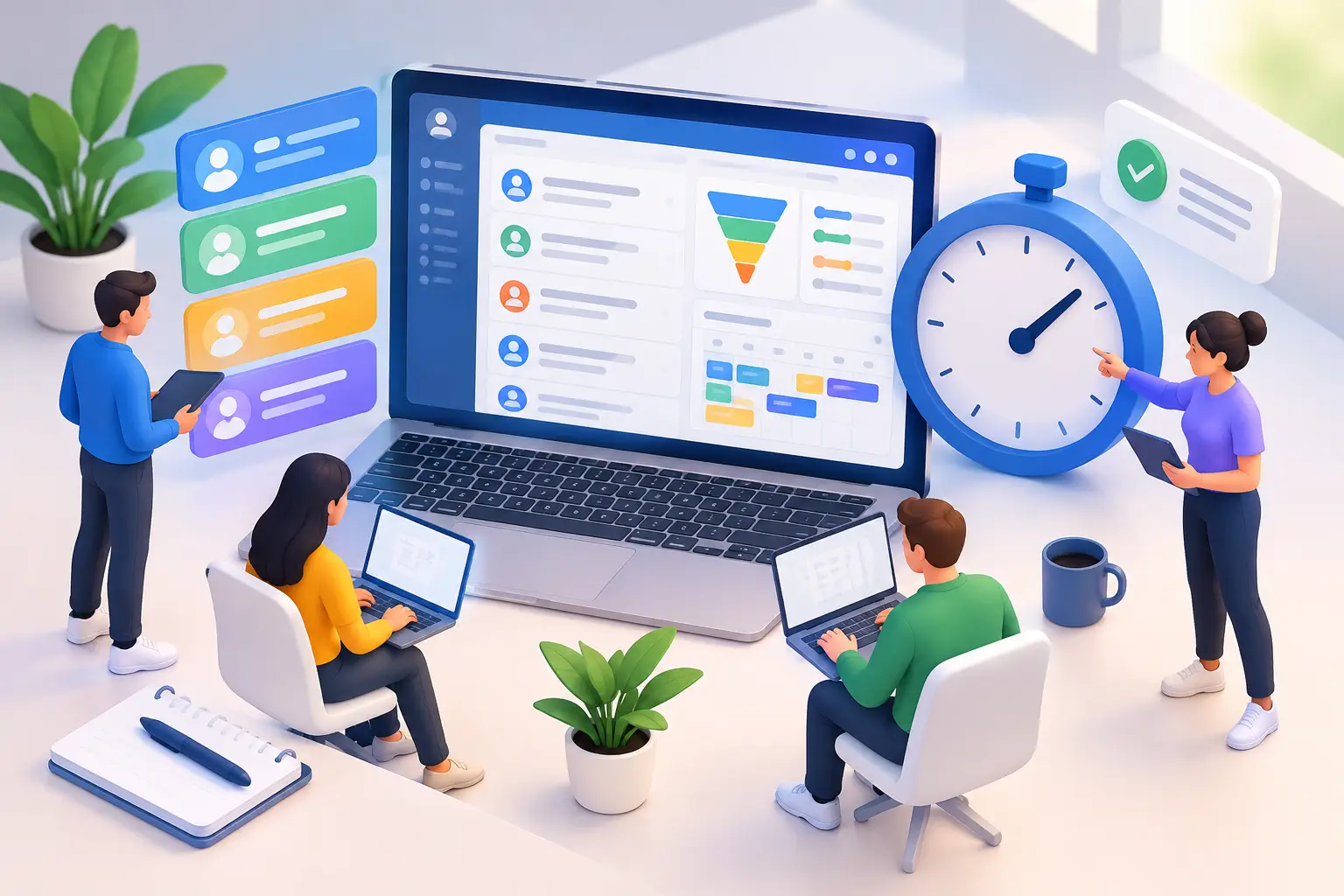
That means the easiest option is often an all-in-one platform rather than a CRM that depends on constant integrations. When your forms, conversations, pipeline, email campaigns, appointment booking, automations, invoicing, and follow-up live in one place, the learning curve drops because the workflow is connected by default.
There is a trade-off, and it is worth stating clearly. Some best-in-class point solutions go deeper in one category. A dedicated email tool may offer more advanced campaign features. A standalone booking app may have niche scheduling settings. But most small businesses are not trying to build the most customized tech stack on earth. They are trying to save time, cut software costs, and stop losing leads.
For that goal, breadth plus usability usually beats fragmented depth.
What small businesses should prioritize first
If you are shopping for the easiest crm for small business, focus on the workflows that directly affect revenue. Lead capture should be automatic. Follow-up should not depend on memory. Your pipeline should clearly show who needs attention. Communication history should be visible in one record. Booking, reminders, and basic marketing should happen without jumping between tabs all day.
Everything else is secondary.
This is also where many owners overbuy. They choose a platform based on advanced reporting, heavy customization, or enterprise-grade forecasting before they have solved simple issues like inconsistent follow-up or disorganized contacts. A CRM should match your actual stage of growth, not the software stack of a 200-person company.
When a simple CRM is too simple
There is a difference between easy and limited. Some CRMs are easy only because they do very little. That can work if you only want a digital address book. It falls apart when you need automation, marketing, or a real sales process.
A better standard is this: the platform should feel simple while still giving you room to grow. You should not have to migrate the moment you want automated nurture campaigns, AI support, social scheduling, or online booking. The easiest CRM is not the one you outgrow in three months. It is the one that keeps operations clean as your lead volume increases.
That is why all-in-one systems are getting more attention from small businesses. They reduce the painful middle stage where growth creates complexity, and complexity creates more subscriptions.
A practical way to compare your options
When evaluating CRM platforms, ignore feature overload and score each option on four things: setup time, daily usability, tool consolidation, and total monthly cost. That gives you a clearer view than any giant feature checklist.
Setup time tells you how fast you can get value. Daily usability tells you whether your team will actually use it. Tool consolidation tells you how many subscriptions and manual handoffs you can eliminate. Total monthly cost tells you whether the platform still makes sense once users, add-ons, and automation limits kick in.
If one CRM looks cheap but still requires separate software for email marketing, scheduling, social posting, workflow automation, and lead capture, it is not really cheaper. It is just spreading the bill across multiple vendors.
Where most small businesses land
For freelancers, agencies, coaches, local service businesses, consultants, and training centers, the easiest CRM is usually the one that combines contact management, pipeline tracking, communication, automation, and marketing in a single dashboard. That setup removes the biggest headache fast: disconnected systems.
It also tends to create better follow-up. When leads enter one system and trigger automatic actions right away, you respond faster and miss less. That can matter more than fancy analytics. Speed and consistency win deals.
This is exactly why platforms like TwiLead are appealing to small businesses that are tired of stitching together five to ten tools just to keep sales moving. Instead of paying separately for CRM, email marketing, scheduling, automations, conversations, websites, and more, they can run those functions inside one system with fewer moving parts and less upgrade pressure.
That does not mean every business needs the same platform. If you have a highly specialized sales process or a large team with complex permissions, your definition of easy may be different. But for most small businesses, easy means one login, one workflow, one bill, and far less manual chasing.
The real answer
The easiest CRM for small business is not the one with the flashiest brand or the longest feature page. It is the one your business will actually use every day because it saves time, cuts costs, and keeps lead management painfully simple.
If a CRM makes you work around it, it is the wrong fit. If it helps you capture leads, follow up automatically, book faster, and stay organized without adding more software chaos, you are looking in the right place.
Choose the system that gives you momentum, not homework. That is usually the difference between a CRM that collects dust and one that helps your business grow.