A missed lead rarely looks dramatic. It looks like a website visitor with one quick question, no answer in sight, and a tab that closes in ten seconds. That is exactly where a no code chatbot earns its keep. For small businesses, freelancers, and lean teams, it is not about adding flashy AI for the sake of it. It is about capturing demand while you are busy selling, delivering, or simply off the clock.
The appeal is obvious. You do not need a developer. You do not need a long implementation project. You do not need another tool that takes weeks to understand before it saves a single minute. A no code chatbot gives small businesses a faster way to respond, qualify leads, book appointments, and keep conversations moving without creating more operational drag.
What a no code chatbot actually does
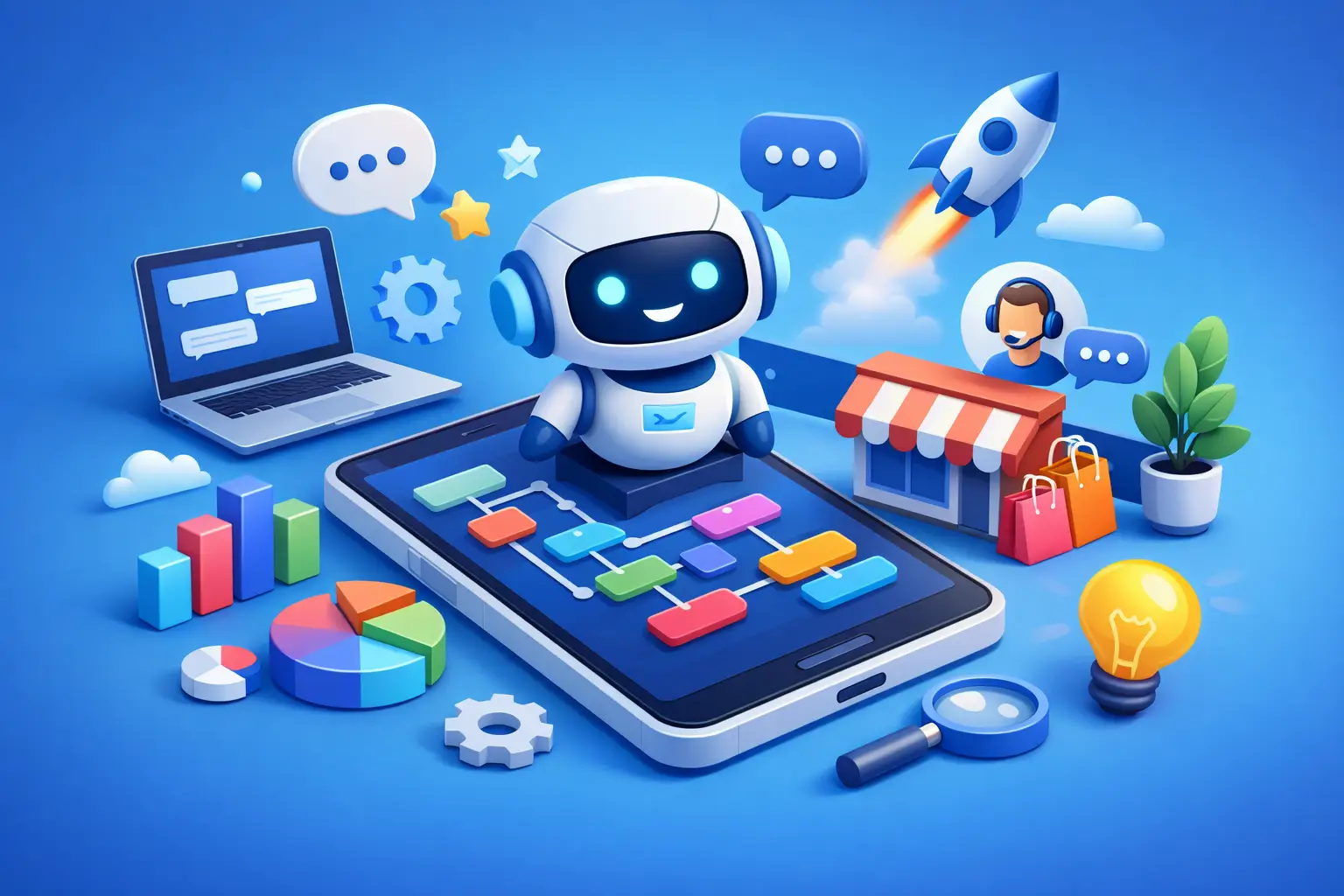
At its best, a no code chatbot sits at the front line of your business and handles the repetitive work that slows your team down. It can greet visitors, answer common questions, collect names and contact details, route people to the right service, and guide them toward a booking or purchase.
That sounds simple, but the real value is in timing. Most small businesses lose leads because follow-up happens too late or not at all. If someone lands on your site after hours, your chatbot does not. If someone wants pricing, service details, or the next available appointment, your chatbot can move that conversation forward immediately.
The no code part matters because it changes who can own the workflow. You do not need to wait for a developer every time you want to update a prompt, change a lead question, or add a new service path. The business owner, sales manager, or marketer can make changes directly. That makes the system more useful in the real world, where offers change, campaigns shift, and customer questions evolve.
Why small businesses are choosing a no code chatbot now
Most small businesses are not suffering from a lack of software. They are suffering from too much of it. One tool for forms, another for scheduling, another for email, another for CRM, another for live chat, and maybe a separate automation layer trying to glue everything together. That stack gets expensive fast, and it creates gaps.
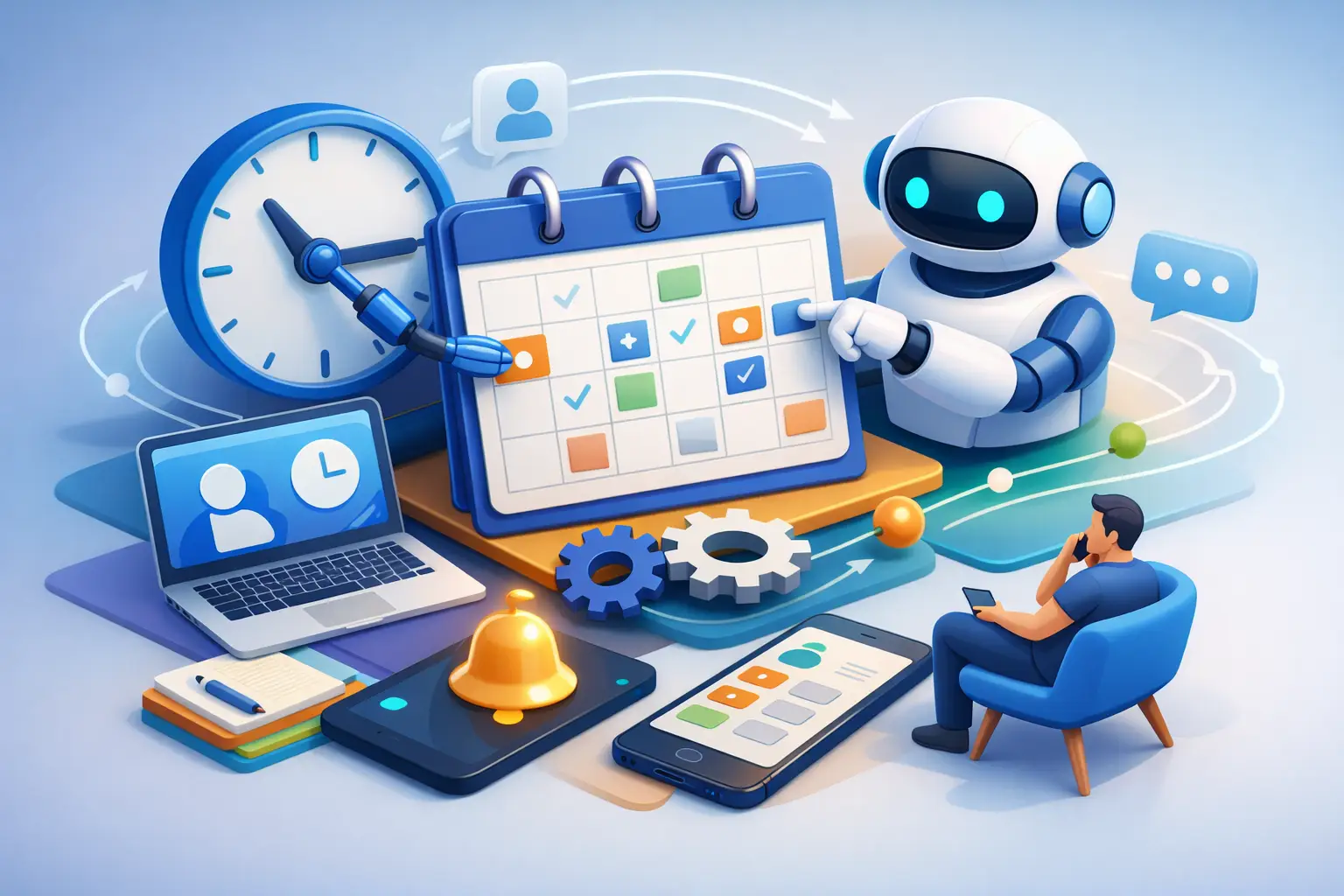
A no code chatbot helps close those gaps because it lives where customer intent happens. Someone asks a question, the bot captures the lead. Someone wants to book, the bot routes them to the calendar. Someone needs a follow-up, the information goes into the CRM. Instead of sending people through disconnected steps, the chatbot can make the first interaction useful and immediate.
That does not mean every chatbot is a win. If it only spits out canned answers, ignores context, or feels like a dead end, it can hurt conversions instead of helping. Small businesses do not need a gimmick. They need a chatbot that reduces response time, cuts manual admin, and connects to the rest of their sales process.
The real business case: speed, savings, and fewer leaks
The strongest case for a no code chatbot is not technical. It is operational.
First, it reduces response lag. A visitor who gets an answer right away is more likely to stay engaged than one who has to wait for an email reply tomorrow morning. That alone can improve lead capture.
Second, it lowers labor spent on repetitive conversations. If your team answers the same ten questions every day, those minutes add up. A chatbot can handle the first layer so your staff can focus on qualified prospects and customer work.
Third, it can reduce software sprawl. This is where many small businesses overspend without realizing it. They buy one app for chat, one for lead forms, one for scheduling, one for automations, and one for CRM. The monthly cost is not just the subscriptions. It is also the time spent managing a patchwork system.
A chatbot becomes far more valuable when it is part of a connected setup rather than a standalone widget. If it captures a lead but does not trigger follow-up, update contact records, or move the prospect into the pipeline, you still end up doing manual work. That is why the surrounding system matters as much as the bot itself.
What to look for in a no code chatbot
A lot of chatbot tools promise simplicity. Some deliver it. Some just hide complexity behind a prettier interface.
Start with the core use case. Do you want to collect leads, answer service questions, book appointments, or support existing customers? The right chatbot for a local service business will not look exactly like the right chatbot for a consultant or e-commerce brand.
Next, look at customization. You should be able to control greetings, question paths, lead qualification, fallback responses, and handoff rules without touching code. If basic edits feel clunky, that friction will become a long-term problem.
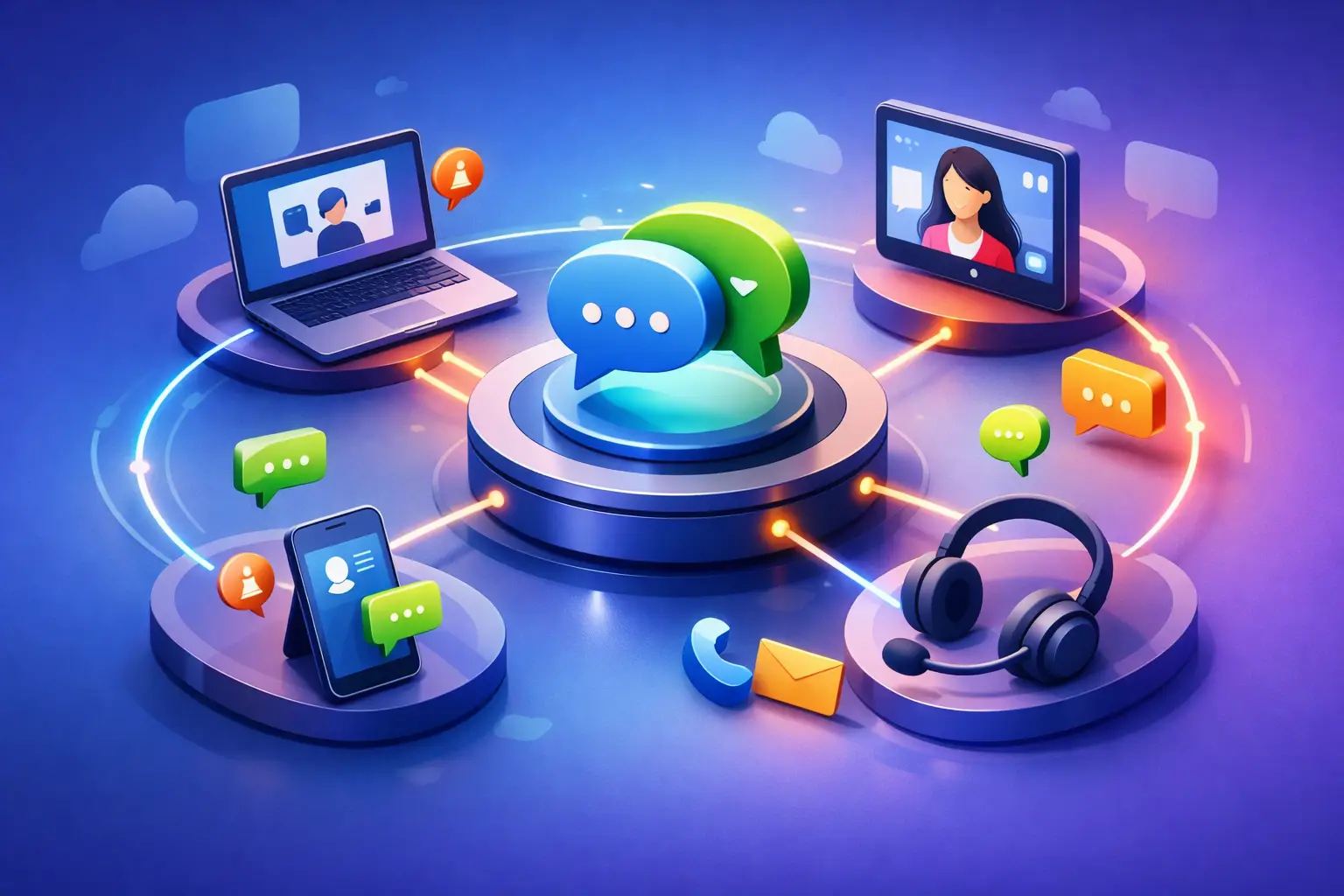
Integration is the next test. Your no code chatbot should not trap data inside itself. It should push conversations into your CRM, trigger email or SMS follow-up, and connect with your calendar or booking flow. If not, you are just adding another inbox to manage.
Then there is the user experience. A good chatbot feels helpful and direct. It does not pretend to be smarter than it is. It asks clear questions, gets to the point, and gives visitors a path forward. The fastest way to lose trust is to make people fight the bot to reach a human or get a basic answer.
Where a no code chatbot works best
For service businesses, the biggest win is usually lead qualification. The chatbot can ask what service the visitor needs, where they are located, their budget, and timeline. That means your team starts with better information and wastes less time on poor-fit inquiries.
For consultants and freelancers, appointment booking is often the sweet spot. Instead of back-and-forth emails, the bot can answer initial questions and move people to a calendar when they are ready.
For e-commerce, a chatbot can help with product questions, shipping details, returns, and abandoned cart nudges. But here the margin for error is smaller. If the answers are vague or wrong, it hurts trust quickly.
For support-heavy businesses, the trade-off is different. A chatbot can deflect simple requests, but complex issues still need human help. In those cases, the best chatbot is not the one that tries to solve everything. It is the one that knows when to hand off.
The trade-offs most articles skip
A no code chatbot is not a magic fix for weak messaging or broken operations. If your website is unclear, your offer is confusing, or your follow-up process is a mess, the bot will expose those problems faster.
There is also a temptation to over-automate. Business owners see automation and want the chatbot to do everything. That usually backfires. The most effective setups focus on a narrow set of high-value tasks and do them well. Lead capture, qualification, booking, and FAQs are a strong starting point. Trying to replicate a full sales rep on day one is usually a mistake.
You also need to maintain it. No code does not mean no management. Offers change. Hours change. Sales scripts change. If your chatbot still asks outdated questions or gives stale answers six months later, it becomes dead weight.
Why consolidation matters more than features
Small businesses do not need the longest feature list. They need fewer moving parts.
A no code chatbot becomes much more powerful when it sits inside a platform that also handles contacts, follow-up, marketing, booking, and pipeline management. That is where the real savings show up. You are not just automating a conversation. You are reducing the number of tools, handoffs, and failure points in the entire customer journey.
That is also why point solutions often disappoint. They may look cheap at first, but once you add the CRM, scheduler, email platform, automation tool, and extra users, the total cost climbs. One connected system is often the better business decision than five budget tools loosely stitched together.
For example, a tool like TwiLead makes more sense for small businesses that want the chatbot connected to the rest of their growth stack instead of isolated from it. That matters when every lead, every follow-up, and every subscription cost counts.
Should you add a no code chatbot?
If your business gets website traffic, answers the same questions repeatedly, or loses leads outside business hours, the answer is probably yes. If your team is already drowning in disconnected tools, the better question is what kind of chatbot setup will simplify operations instead of adding another layer.
The right no code chatbot is not about sounding futuristic. It is about being useful the moment a prospect lands on your site. It should help you respond faster, capture more leads, and remove manual work without turning your tech stack into a second job.
That is the standard worth holding. If a chatbot cannot save time, save money, or help close more business, it is just another widget. If it can do all three, it stops being a nice add-on and starts acting like the front desk your business never had.