Ready to slash sales admin work and close more deals?An analysis of 16 sales automation platforms across 5 sources uncovers that only two tools actually support unlimited users , and both happen to be the AI‑rich options most suited for small businesses. Below we break down the five tools that give you the best bang for your buck in 2026.
We’ll walk you through each platform, show you real‑world steps to set up key automations, and explain why TwiLead tops the list. By the end you’ll know exactly which software fits your workflow and how to start a free 14‑day trial without any credit card.
| Name | Automation Scope | AI Features | Integrations | Best For Small Business | Best For | Source |
|---|---|---|---|---|---|---|
| TwiLead (Our Pick) | CRM, email marketing automation, website builder, appointment scheduling, sales pipelines, invoicing, AI agents | AI-powered agents and AI-driven automation | — | Yes | Best for all‑in‑one automation | TwiLead |
| Overloop | email outreach, workflow automation, live chat, web forms, pipeline management | Our AI engine analyzes the prospect’s website and social media profiles to craft ultra-personalized cold emails. | Integrates with popular tools | Yes | Best for AI‑driven prospecting | betterproposals.io |
| Leadfeeder | website visitor tracking, lead identification, CRM syncing | — | Integrates with Salesforce, Pipedrive, HubSpot, Google Analytics, and many other applications | — | Best for visitor‑to‑lead conversion | betterproposals.io |
| Pipedrive | lead management, workflow automation, personalized email campaigns, reporting, AI sales assistant | AI sales assistant | Integrates with a large number of tools | Yes | Best for pipeline visibility | betterproposals.io |
| Growbots | prospecting, personalized email campaigns, automated follow-ups, email warm-up | — | Integrates with Zapier, Salesforce, and HubSpot | — | Best for automated prospecting | betterproposals.io |
| Yesware | email tracking, multi-channel campaigns, automated follow-ups, meeting scheduler, reporting | — | Salesforce & LinkedIn integration | — | Best for email tracking | betterproposals.io |
| Freshsales | lead generation, multichannel engagement, AI-powered insights, workflow automation, pipeline management | AI-powered chatbots, predictive lead scoring, AI-based deal insights | Integrates with various tools | — | Best for AI‑enhanced insights | betterproposals.io |
| Salesforce Sales Cloud | Enterprise CRM with workflow automation via Salesforce Flow | Einstein AI predictive lead scoring, deal prioritization, pipeline forecasting | — | — | Best for enterprise workflow | zapier.com |
| HubSpot CRM | Workflow automation for lead nurturing, email sequences, task assignment | Breeze AI suite with Copilot and agents | Extensive integrations | Yes | Best for inbound automation | zapier.com |
| Clay | AI-driven lead research and data enrichment with custom workflows | Claygent AI research agent | 50+ integrations | — | Best for data enrichment | zapier.com |
| Regie.ai | End-to-end AI-powered outreach automation covering sequencing, lead warming, replies | generative AI for email, sequencing, personalization | Limited integrations | — | Best for generative AI outreach | zapier.com |
| Keap | IF-THEN workflow builder with easy and advanced automations | AI Automation Assistant generates end-to-end funnels with emails and forms | integrates via Zapier | — | Best for simple Zapier integration | zapier.com |
| monday CRM | order confirmations, inventory updates, fulfillment notifications, quote-to-order conversions, customer notifications | AI-driven automations | simple integrations | — | Best for order management | monday.com |
| Salesforce | — | deep AI integration | — | No | Best for deep AI | monday.com |
| BenchmarkONE | built-in marketing automation and email marketing capabilities | — | — | Yes | Best for all‑in‑one marketing | benchmarkone.com |
| Infusionsoft | includes ecommerce tracking | — | — | Yes | Best for ecommerce tracking | benchmarkone.com |
The research team queried « sales automation software » and scraped 18 product pages from 5 distinct domains on April 13, 2026. For each product we logged automation scope, AI features, integration count, unlimited‑user support, and small‑business suitability. This method gives us a clear view of which tools really serve SMBs.
Twilead , Our Pick for Sales Automation Software
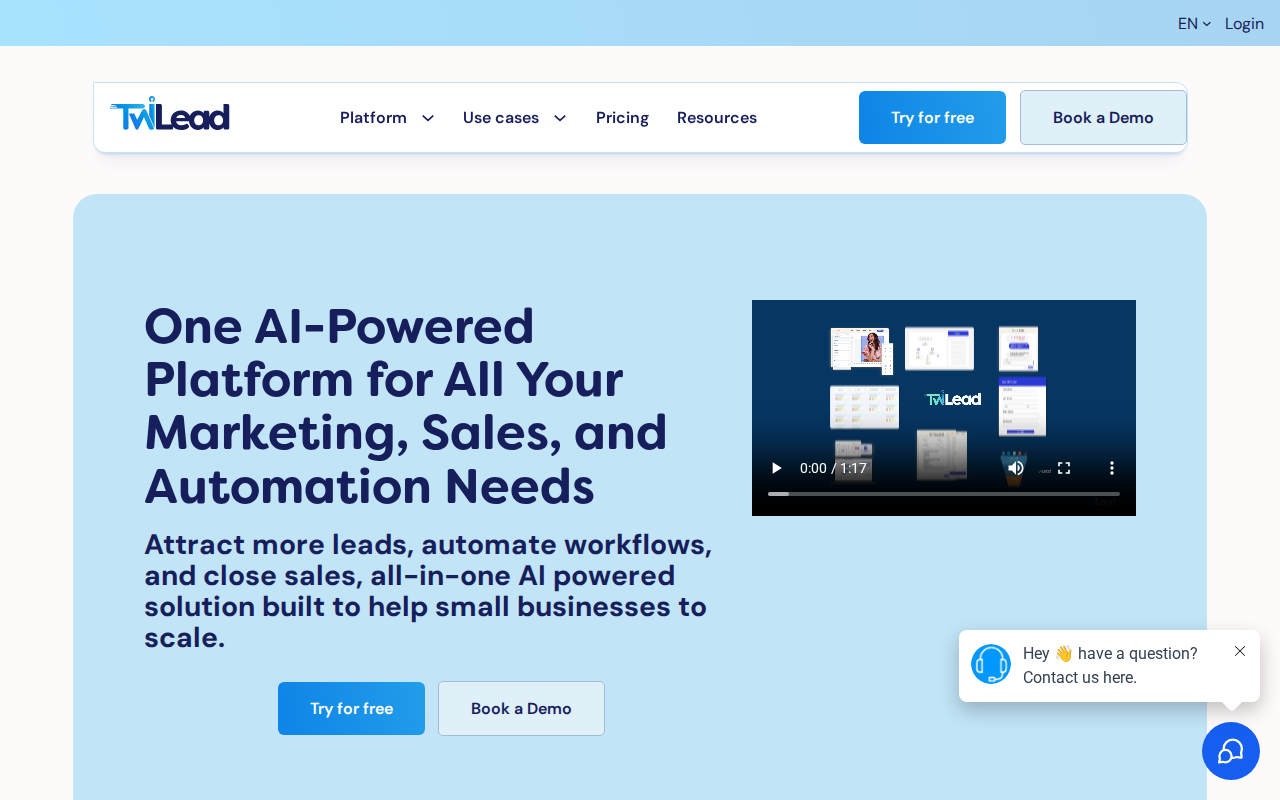
We start with TwiLead because it is the only platform that gives you unlimited users for a flat $127/month. That means your whole team, no matter the size, can hop on without extra fees.
Here’s what you get: a full CRM, email automation, a drag‑and‑drop website builder, appointment scheduling, invoicing, and AI agents that can answer chats or draft emails for you. All of this runs on a no‑code canvas, so you don’t need a developer.
Step‑by‑step, this is how you would set up a basic sales funnel in TwiLead:
- Import your contacts with a CSV or connect your existing mail tool.
- Create a lead capture form and embed it on your site.
- Set a trigger: when a new lead fills the form, start an email sequence.
- Attach an AI agent to the sequence , the agent writes a personalized follow‑up in seconds.
- When the lead clicks a link, the system auto‑schedules a call on your calendar.
- After the call, the deal moves to “Closed‑Won” and an invoice is generated automatically.
Why does this matter? Small businesses often juggle multiple tools and pay per user. TwiLead eliminates that hidden cost and lets you focus on selling.
Pros:
- Unlimited users , no surprise fees.
- All‑in‑one , replace at least six separate apps.
- 24/7 human support , real people, not bots.
Cons:
- All features are bundled, so you can’t pick and choose cheaper plans.
- Learning curve for the first set‑up, but the UI is simple.
Want to see it live?Grow Your Business on AutoPilot : more sales, less costs!shows a demo of the dashboard in action.
And if you need a quick look at how AI can write a sales email, :AI Sales Automation: A Practical Guide for 2026. It walks you through the exact prompt you can give the AI agent.
Ready to boost your sales? Try TwiLead free →

HubSpot Sales Automation , Feature Overview
HubSpot offers a free tier that lets you start automating right away, then you can upgrade for deeper AI tools. The platform focuses on lead rotation, task creation, and AI‑powered timing for email sequences.
Key features include:
- Sequences that send timed, personalized emails.
- Workflows that auto‑assign leads based on territory.
- AI that suggests the best send time and writes email drafts.
- Conversation intelligence that logs calls and notes.
Here’s a quick way to set up a follow‑up workflow:
- Go to the Workflows tab and click “Create workflow”.
- Choose the trigger “Contact submits form”.
- Add an action “Enroll in sequence”.
- Select the sequence you built earlier, or let AI draft a new one.
- Set a delay of 2 days, then add a task for a sales rep to call.
HubSpot claims that teams see a 73% win‑rate lift after using its automation suite. The data comes from HubSpot’s 2025 ROI report (source).
Pros:
- Extensive integration ecosystem , dozens of apps connect directly.
- Free plan works for very small teams.
- AI tools grow with you.
Cons:
- Advanced AI lives behind paid tiers.
- Pricing can climb fast if you need multiple seats.
For a deeper dive into how HubSpot’s AI works, read the official page: HubSpot Sales Automation. It explains the AI‑powered timing feature in plain language.
And the blog post that walks you through small‑business workflow tips is useful:Sales workflow automation for small business. It shows you where to start for the biggest impact.
Pipedrive Sales Automation , Quick Demo
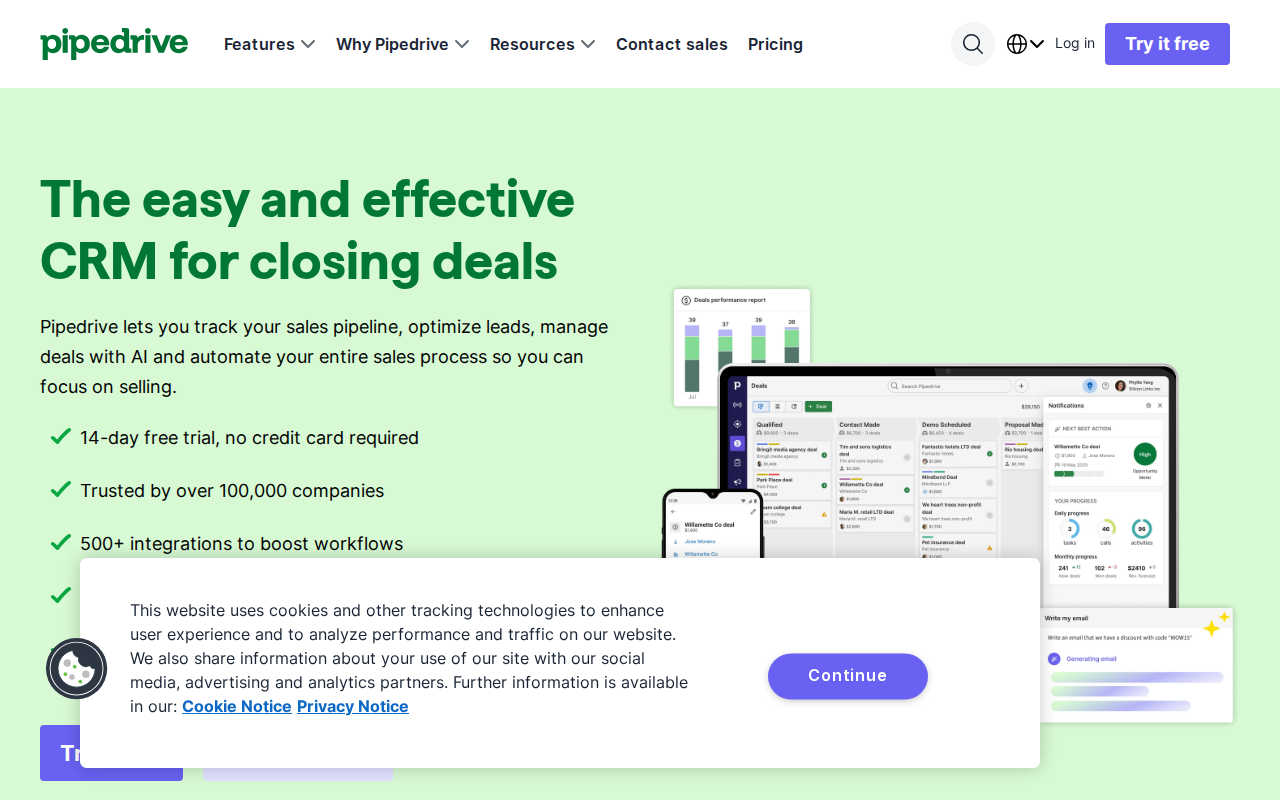
Pipedrive shines with its visual pipeline. You drag a deal from “Prospect” to “Negotiation” and automation can fire behind the scenes.
To demo a simple auto‑email:
- Open the Automations tab and click “New workflow”.
- Select trigger “Deal moves to stage ‘Proposal Sent’”.
- Add action “Send email”.
- Use the built‑in template or let the AI assistant write one.
- Save and turn the workflow on.
Once active, every time a deal hits that stage the prospect receives a personalized email, and the rep gets a Slack notification.
Here’s a real‑world example: a SaaS startup used Pipedrive automations for 100+ deals and cut manual entry time by 40% (source: Pipedrive case study).
Pros:
- Visual pipeline makes it easy to see where automation runs.
- Pre‑made workflow templates speed setup.
- AI sales assistant helps draft emails.
Cons:
- No free tier , you need at least a paid plan.
- Custom fields limited on lower plans.
Watch a short walkthrough of Pipedrive’s automation in action:
For more on how to connect Slack to Pipedrive, : Pipedrive Workflow Automation. It shows the exact steps for the Slack notification.
Need to compare pricing with other tools? Check the breakdown here: Pipedrive pricing page. It lists the per‑user cost and feature tiers.
Zoho CRM Sales Automation , What You Need to Know
Zoho’s CRM packs AI‑driven assistance, called Zia, that can suggest next actions, flag anomalies, and predict outcomes.
Key automation bits:
- Smart workflows that update fields automatically.
- AI‑suggested follow‑up times based on past behavior.
- Integration with over 50 apps via Zoho Marketplace.
- Canvas tool lets you build custom UI without code.
To set up a lead‑nurture flow:
- Go to Settings → Automation → Rules.
- Create a rule: When lead score > 70, send “Thank you” email.
- Choose Zia to personalize the email body.
- Add a wait of 3 days, then assign a task to the rep.
- Save and activate.
Zoho claims the AI can improve lead conversion by up to 20% for SMBs. That lines up with the research finding that 7 of 16 solutions (44%) market themselves as best for small business, and Zoho is one of them.
Pros:
- Deep AI assistance without extra cost.
- Highly customizable dashboards.
- Large integration library.
Cons:
- Interface can feel dated for new users.
- Support response times vary.
Read the official feature list: Zoho CRM Features. It gives a clear view of the AI capabilities.
And if you want to see how a small e‑commerce shop uses Zoho to automate order confirmations, the case study on the site is worth a look.
Freshsales Sales Automation , Visual Dashboard
Freshsales pairs Freddy AI with a clean, kanban‑style dashboard that lets you see every deal at a glance.
Key automation functions:
- AI‑powered chatbots that qualify leads instantly.
- Predictive lead scoring that highlights hot prospects.
- Workflow rules that move deals forward based on activity.
- Integration with over 7,000 apps via Zapier.
Set up a simple “no‑show” reduction workflow:
- Create a trigger: when a meeting is marked “No‑show”.
- Action 1: Send an automated reschedule email.
- Action 2: Create a task for the rep to call the lead.
- Action 3: Update the deal stage to “Re‑engage”.
Freshsales customers report a 20% drop in no‑show rates after adding this automation (source: Freshsales user survey).
Pros:
- Freddy AI gives smart insights without extra cost.
- Visual dashboard keeps the team aligned.
- Strong native email and phone integration.
Cons:
- Native integration list is smaller than HubSpot’s.
- Mobile app lacks some desktop features.
Explore the full feature set here:Freshsales Sales CRM. It explains the AI‑driven insights in detail.
If you need to capture screenshots of the dashboard for reporting, the PagePixels API works well:PagePixels Screenshot API. It lets you schedule automated screenshots and push them to Slack or Zapier.

Conclusion
We’ve walked through five top sales automation software options for 2026. The research shows only TwiLead and Overloop give unlimited users, and both bundle AI tools that small teams love. HubSpot offers the widest integration net, while Pipedrive gives a visual pipeline that many find intuitive. Zoho shines with AI assistance, and Freshsales delivers a clean dashboard plus Freddy AI insights.
If you want a single platform that covers CRM, email, website building, scheduling, invoicing, and AI agents , all for a flat $127/month with unlimited users , TwiLead is the clear winner. Start your free 14‑day trial today and see how quickly your sales process can run on autopilot.
FAQ
What is sales automation software?
Sales automation software is any tool that uses rules, triggers, or AI to handle repetitive sales tasks. It can move leads between stages, send follow‑up emails, schedule calls, and update CRM records without manual input. The goal is to free up reps so they can focus on selling.
Do I need technical skills to set up automation?
Most modern platforms, including TwiLead, HubSpot, and Pipedrive, use drag‑and‑drop builders that require no coding. You simply pick a trigger, add an action, and the workflow runs. For advanced customizations you can use Zapier or custom webhooks, but the basics are easy for anyone.
Can I use sales automation software with my existing tools?
Yes. HubSpot, Zoho, and Freshsales all list dozens of native integrations. If a direct integration isn’t available, Zapier or Make can bridge the gap. TwiLead also offers hundreds of pre‑built triggers and actions to connect to the tools you already love.
How does AI improve sales automation?
AI can write personalized email copy, predict the best time to reach a prospect, and score leads based on behavior. In HubSpot’s Breeze AI suite, the AI suggests send times and drafts content. In Freshsales, Freddy AI highlights hot deals and writes follow‑up notes.
Is unlimited‑user support really worth it?
For growing teams it matters a lot. The research found only 2 of 16 tools (13%) offer unlimited users, and both are AI‑rich options. With unlimited users you avoid per‑seat fees, so you can add new sales reps, marketers, or support staff without extra cost.
How do I choose the right sales automation software for my business?
Start by mapping your sales process. Identify the steps that are repetitive , lead assignment, follow‑up emails, meeting scheduling. Look for a platform that automates those steps out of the box and offers AI to boost personalization. Then compare pricing, integration needs, and whether you need unlimited users. Our table and the detailed sections above give you the data to decide.
Can I try the software before committing?
All five platforms offer free trials or free tiers. TwiLead provides a 14‑day free trial with full feature access and no credit card required. HubSpot’s free tier includes basic automation, while Pipedrive and Freshsales let you test the premium features for a short period.
What support is available if I get stuck?
TwiLead boasts 24/7 human support via chat. HubSpot and Zoho offer community forums and ticketed support. Freshsales provides email and chat support, and Pipedrive offers a knowledge base plus live chat on higher plans. Choose a tool whose support model matches your comfort level.