Key Takeaways
- Sales productivity focuses on the efficiency of converting leads into customers, not just the volume of calls or emails sent.
- Identifying bottlenecks in the sales process helps improve efficiency; common issues include slow response times and manual data entry.
- Automate repetitive tasks to reduce administrative burdens and enhance speed in responding to leads; remember to keep responses relevant and personal.
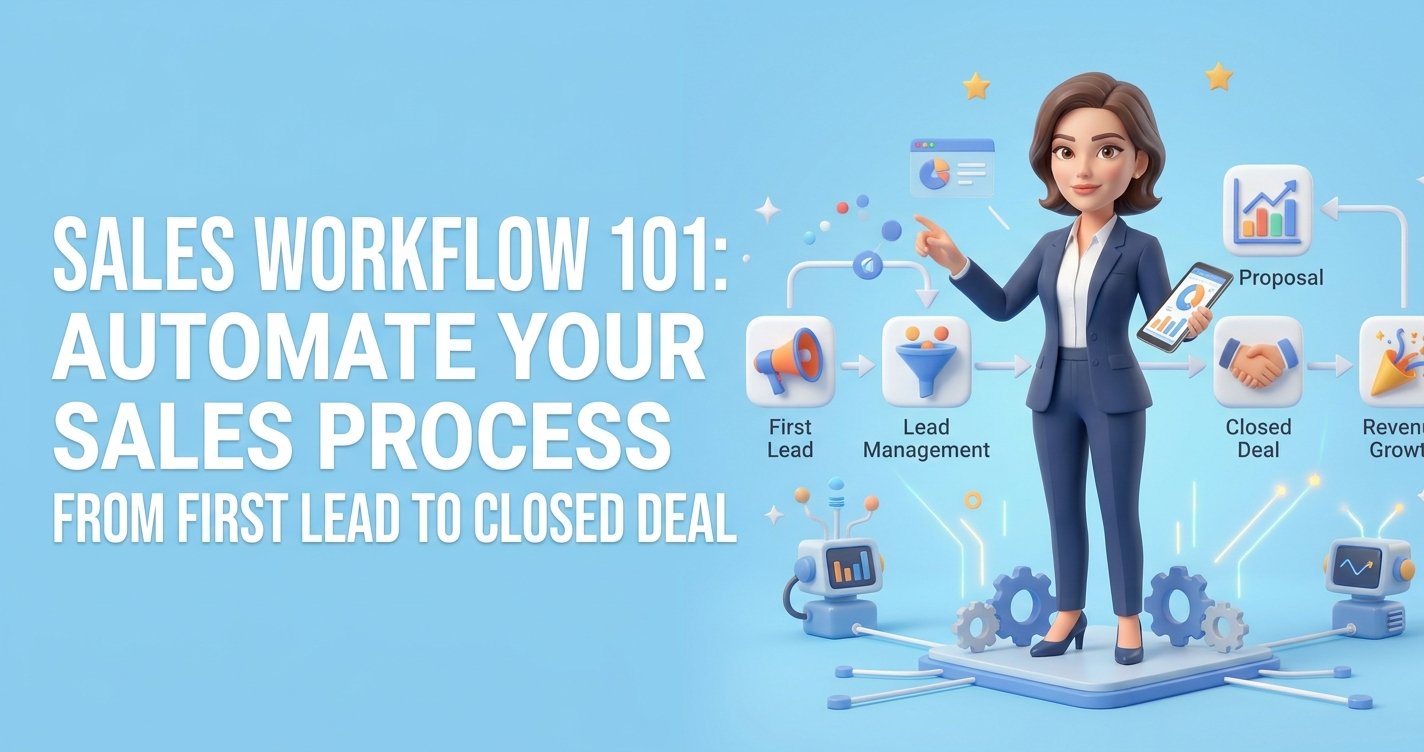
- A streamlined sales pipeline defines clear next actions for each lead stage, aiding decision-making and improving follow-up consistency.
- Regular reviews of lead progress and response times help maintain sales productivity and identify areas for improvement.
Introduction
A prospect fills out a form at 9:15 a.m. By noon, they have called two competitors, booked an estimate with one, and forgotten your business name. That is not a lead-generation problem. It is a sales productivity problem.
For a small business, sales productivity is not about asking people to work harder or making every conversation feel scripted. It is about removing the delays, manual tasks, and disconnected tools that keep good leads from becoming paying customers. When your team can respond faster, see the next step clearly, and follow up without relying on memory, revenue becomes easier to grow.
What Sales Productivity Actually Measures
Sales productivity is the amount of sales progress your business creates from the time and effort it invests. The most useful measure is not how many calls were made or how many emails were sent. It is whether leads move forward and become customers without unnecessary friction.
A productive sales process helps you answer simple questions at any moment: Where did this lead come from? Have we responded? What do they need? What is the next step? Who owns it? When should we follow up?
If those answers live across text messages, inboxes, sticky notes, spreadsheets, and separate apps, your business is probably losing opportunities. The issue is rarely effort. It is usually that the process asks people to do too much administrative work around the actual selling.
For a local service business, this might mean a missed callback after an estimate request. For a consultant, it may be a proposal that goes quiet because no follow-up was scheduled. For an agency, it can be leads sitting in different inboxes while the team assumes someone else replied.
Find the Bottleneck Before Buying Another Tool
More software does not automatically create more output. In fact, another standalone tool can make the problem worse when it adds another login, another data source, and another step for your team to remember.
Start by tracing one lead from first contact to closed sale. Do this with a recent real example, not an ideal version of the process. Look for the point where momentum slows down.
Common bottlenecks include:
- Leads waiting too long for a first response
- Contact details being copied manually between systems
- Appointments booked without reminders or confirmation messages
- Salespeople lacking a clear view of open opportunities
- Follow-up depending on personal memory instead of a defined process
- Quotes or proposals sent without a next action attached
You do not need to fix everything at once. Pick the bottleneck closest to lost revenue. For most small businesses, that is response time or inconsistent follow-up.
A useful rule is this: automate the handoff, not the relationship. Customers still want helpful, human conversations when they are deciding whom to hire. But no one benefits when a team member spends an hour moving contact information between a form, calendar, CRM, and email platform.
Want to know how you could improve your business?
Our team is available for a free consultation.
Improve Sales Productivity With Faster Follow-Up
Speed matters most when a prospect has shown clear intent. Someone requesting a quote, scheduling a consultation, or asking about availability is actively evaluating options. A fast, relevant reply tells them your business is organized and ready to help.
That does not mean every lead needs a personal phone call within 60 seconds. The right response depends on the service, lead value, and buying cycle. A roofing estimate, real estate inquiry, and coaching application may require different steps. Still, every serious inquiry should receive an immediate acknowledgment and a clear path forward.
Set up a simple response sequence. When a lead submits a form, they should receive a confirmation message that sets expectations. The right person should be notified. The lead should enter a visible pipeline stage, such as New Inquiry or Contacted. If no conversation happens, a follow-up should be scheduled automatically.
This approach prevents the most expensive kind of delay: the one nobody notices.
Keep first messages short and useful. Confirm what the prospect asked for, offer the next action, and make it easy to respond. For example, a home service company could confirm the requested service, offer a booking link, and let the customer reply with their preferred time. The goal is not to overwhelm them with marketing copy. It is to keep the conversation moving.
Build a Pipeline That Shows the Next Best Action
A sales pipeline is not a reporting dashboard for the end of the month. It is a daily decision tool. Every open opportunity should have a stage, an owner, and a next action.
Simple pipelines often work best for small businesses. You might use New Lead, Contacted, Appointment Set, Proposal Sent, Decision Pending, Won, and Lost. The exact labels matter less than consistency. Each stage should describe a real customer action or decision point, not a vague feeling that a lead is “warm.”
The key is defining what happens next at each stage. When an appointment is set, send reminders that reduce no-shows. When a proposal is sent, schedule a check-in before the prospect has time to drift away. When a customer says they need to think about it, record the reason and set a specific follow-up date.
A pipeline also exposes patterns you can improve. If plenty of leads become appointments but few accept proposals, your issue may be pricing clarity, proposal speed, or how the offer is presented. If leads rarely make it to an appointment, focus on your first response and booking experience first.
Do not judge salespeople or your own performance on activity alone. A packed calendar and a full inbox can look productive while masking slow lead movement. Watch conversion between stages, average time to first response, appointment show rate, and the number of opportunities with no scheduled next step.
Remove Manual Work That Does Not Win Deals
Small business owners often become the backup system for everything. They answer new inquiries, update records, send reminders, chase documents, reschedule meetings, and remember who needs a follow-up. That may work when leads are few. It breaks when growth creates more volume.
Automation should take care of repeatable actions that happen the same way every time. Good candidates include lead assignment, confirmation messages, appointment reminders, missed-call text responses, follow-up tasks, review requests, and re-engagement messages for old leads. The quickest productivity gain is to automate your sales process and stop repeating the same manual steps.
The trade-off is relevance. A poorly timed automated message can feel impersonal or confusing. Avoid building long, complicated sequences before you understand your customers’ buying process. Begin with one or two moments where consistency has a direct impact on revenue.
For example, if your business loses leads after consultations, create a follow-up process that sends a thank-you message the same day, prompts the salesperson to make a personal check-in, and sends a final reminder a few days later. If a prospect responds, automation should stop or adjust. The system should support the conversation, not talk over it.
Consolidate the Tools Around the Customer Journey
Fragmented software stacks create hidden costs. The subscription fees are obvious, but the larger cost is often the time spent switching tabs, finding information, repairing broken handoffs, and training people on separate systems.
When your CRM, forms, email, SMS, calendar, pipeline, and automation work independently, the customer journey becomes harder to manage. A lead may book an appointment in one tool, receive emails from another, and never appear correctly in the sales pipeline. That makes follow-up inconsistent and reporting unreliable.
A connected platform can improve sales productivity because each action triggers the next one without manual copying. A website inquiry can become a contact, create an opportunity, notify the right person, and begin a relevant follow-up sequence. That is not complexity for its own sake. It is fewer chances for a ready-to-buy customer to fall through the cracks.
TwiLead is built around this practical advantage: one place to capture leads, manage conversations, book appointments, track deals, and automate routine follow-up. For a small business comparing multiple subscriptions, consolidation can improve results while reducing both software costs and daily busywork.
Make Productivity a Weekly Sales Habit
Sales processes do not stay efficient on their own. New services, seasonal demand, and changing customer behavior can create new gaps. A short weekly review keeps the system useful without turning it into a major management project.
Review new leads, response times, appointments, stalled deals, and closed sales. Then ask one direct question: where did customers wait longer than they should have? The answer usually points to the next improvement.
Also review lost opportunities without blame. Some prospects will choose a competitor, postpone the purchase, or decide the service is not right for them. That is normal. What matters is separating unavoidable losses from preventable ones, such as no reply, no follow-up, unclear pricing, or an appointment that was never confirmed.
Better sales productivity is built through small operational improvements that compound. Respond a little faster. Make the next step clearer. Remove one repetitive task. Keep every lead visible. Those changes give a small business something more valuable than a busier sales process: more time for the conversations that earn trust and win the work.