Key Takeaways
- Workflow automation should save time and prevent missed leads.
- Find the work that slows revenue and start with one high-impact workflow.
- Build workflows around clear triggers and decisions.
- Automate the moments customers notice and keep sales follow-up visible.
Introduction
A new lead fills out a form at 8:30 p.m. By the next morning, they have already contacted two competitors. That is not a marketing problem. It is a follow-up problem. This small business workflow automation guide focuses on the work that protects revenue: responding to leads quickly, moving deals forward, reminding customers, and keeping your team from spending every day on manual admin.
Automation is not about making your business feel impersonal. Done well, it gives people a faster, more consistent experience while giving you more time for the conversations that actually close sales.
What Workflow Automation Should Do for a Small Business
A workflow is simply a repeatable sequence of actions triggered by something that happens. A prospect submits a form, books an appointment, replies to a text, pays an invoice, or goes quiet after receiving a proposal. Automation makes sure the next useful step happens without someone having to remember it.
For a growing business, the strongest workflows usually improve one of four outcomes: more leads reached, more opportunities converted, more customers retained, or fewer hours lost to repetitive work.
The mistake is automating tasks because they are easy to automate. Start with tasks that have a visible cost. If leads wait hours for a reply, appointments go unconfirmed, or salespeople chase the same information across email, spreadsheets, and calendars, there is money and time leaking from the business.
Find the Work That Is Slowing Revenue
Before choosing software or building automations, trace one customer journey from first inquiry to repeat purchase. Write down what happens, who does it, and where it breaks down. Keep it practical. You do not need a complicated process map.
For example, a local home services company might receive a website inquiry, manually copy details into a spreadsheet, call the prospect, send an estimate, schedule a visit, and then try to follow up if the estimate is ignored. Every handoff creates a chance to delay, forget, or lose context.
Look for these common bottlenecks:
- New leads are not contacted within minutes or hours.
- Prospects receive inconsistent follow-up after an inquiry, call, or estimate.
- Appointment reminders are sent manually, if they are sent at all.
- Customer details live across inboxes, spreadsheets, calendars, and separate apps.
- Staff repeatedly answer the same basic questions.
- Past customers are never contacted again unless they reach out first.
Not every task deserves automation. A high-value proposal, a sensitive complaint, or a complex sales conversation still needs a real person. The goal is to automate the predictable steps around human judgment, not replace judgment itself.
Start With One High-Impact Workflow
A practical small business workflow automation guide should not tell you to automate your entire operation at once. Start with one workflow that is frequent, measurable, and tied closely to revenue.
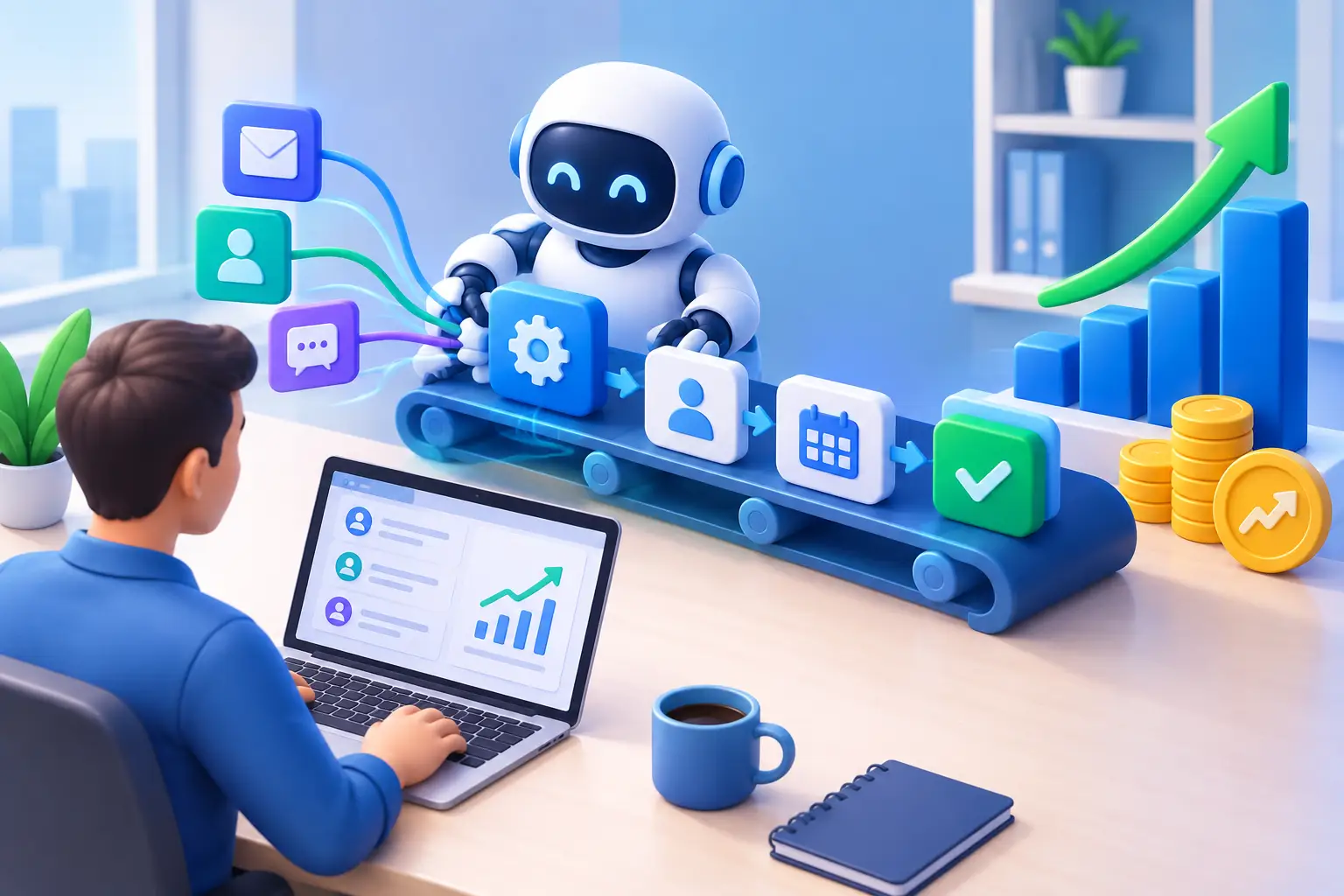
For many businesses, that is lead response. When someone requests information, schedule an immediate confirmation email or text, assign the lead to the right person, create a follow-up task, and place the opportunity in a visible sales pipeline. If there is no response after a set period, send a polite second message and notify the owner or sales rep.
This workflow works because it solves a costly problem fast: interested people stop waiting. It also creates accountability. You can see whether a lead was contacted, what happened next, and where the sale stalled.
A consultant might automate a different sequence. When a prospect books a discovery call, they receive confirmation, a short pre-call questionnaire, and reminders before the meeting. After the call, the consultant gets a task to send the proposal. If the prospect has not responded within several days, a thoughtful follow-up goes out automatically.
The best first workflow depends on where your business loses the most momentum. A business with plenty of leads should prioritize conversion and follow-up. A business with a full pipeline but frequent no-shows should prioritize booking and reminder workflows. A business with inconsistent repeat sales should begin with customer reactivation. If you only automate one process first, make it your sales workflow, where missed follow-ups cost the most.
Build Workflows Around Clear Triggers and Decisions
Every useful automation has four simple parts: a trigger, an action, a timing rule, and a decision point.
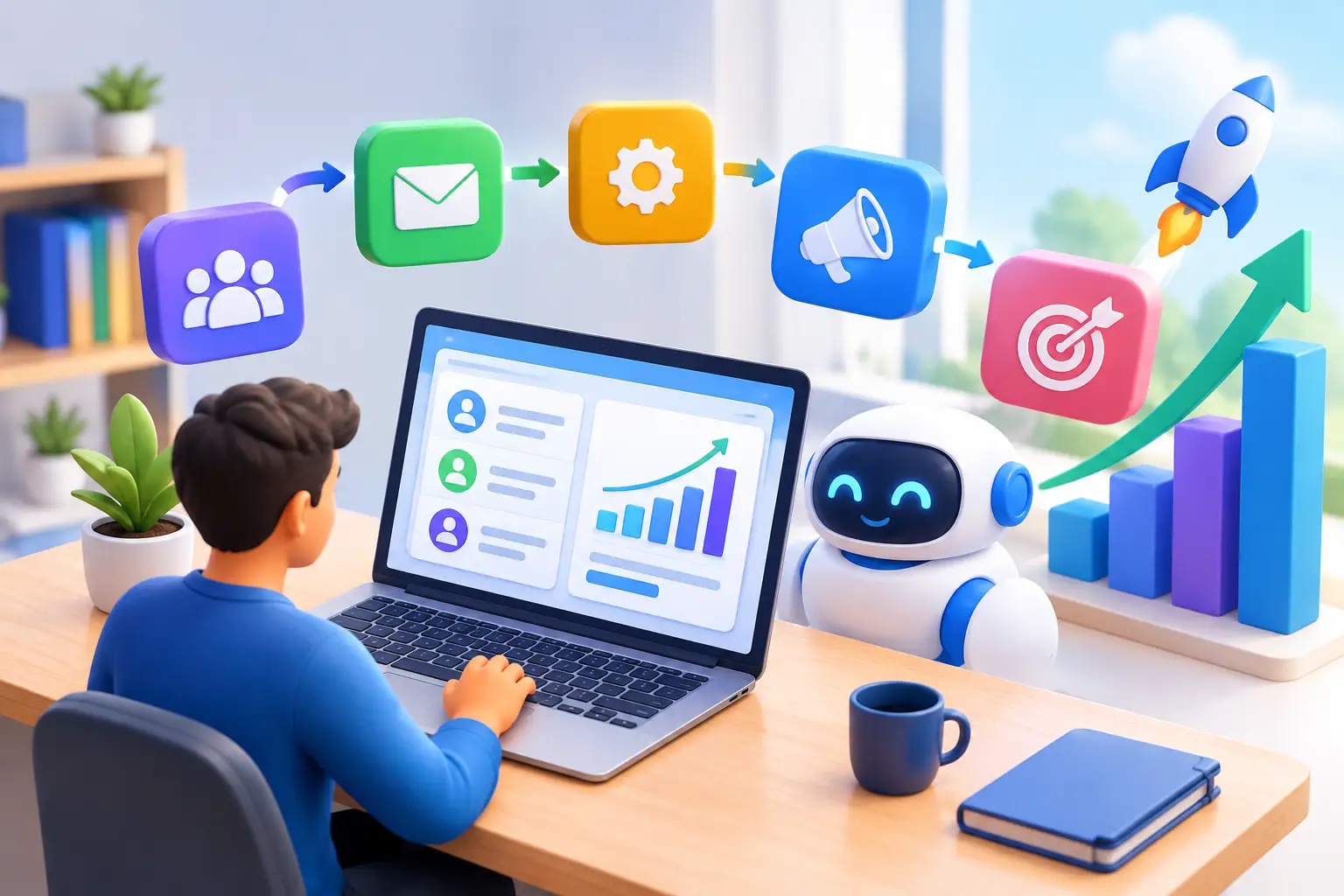
The trigger is the event that starts the workflow, such as a form submission or a booked appointment. The action is what happens next, such as sending a text or creating a deal record. The timing rule determines when it happens. The decision point changes the next step based on behavior, such as whether the prospect replied, clicked, booked, or paid.
Keep the first version simple. A lead inquiry does not need a 17-message campaign. It may need an immediate acknowledgement, a helpful answer to the most common question, and a clear invitation to book or call. If they respond, stop the generic reminders and let the conversation become personal.
That last point matters. Bad automation keeps sending messages after a customer has taken action. Good automation recognizes progress and adjusts. Make sure your workflows remove people from reminder sequences when they book, buy, reply, or ask not to be contacted.
Automate the Moments Customers Notice
Customers rarely care whether you use automation. They care whether you respond quickly, show up prepared, and make the next step easy.
Start with the moments that affect their experience directly. Appointment confirmations and reminders reduce no-shows. Post-service messages can ask for feedback or reviews while the experience is fresh. A short follow-up after a missed call can capture opportunities that would otherwise disappear. Renewal or rebooking reminders can bring customers back before they begin shopping around.
Use email for details, documents, and longer education. Use text messages for time-sensitive reminders and short updates, especially for local service businesses. The right channel depends on your customers and the urgency of the message. A text at the wrong time can feel intrusive, while an email may be too easy to miss before a scheduled visit.
Make automated messages sound like your business, not a machine. Use a real sender name, plain language, and one clear next step. “Thanks for reaching out. We received your request and will contact you shortly. Need a faster answer? Reply to this text.” is more useful than a long, generic welcome message.
Keep Sales Follow-Up Visible
Automation does not fix a sales process that nobody can see. Every active lead should have a current stage, an owner, and a defined next action. A pipeline gives you that view, whether you sell consulting packages, real estate services, marketing retainers, or home repairs.
Set automations to move opportunities into the appropriate stage when a prospect books, receives a proposal, makes a payment, or becomes a customer. Then create tasks for the actions that need a human touch, such as calling after an estimate is viewed or checking in after a discovery meeting.
Avoid using automation as an excuse to send endless follow-ups. A few timely, relevant messages are usually better than a long sequence that feels desperate. If a deal is high value, use automation to remind the salesperson to reach out personally with context.
Reduce Tool Sprawl Before It Reduces Your Margin
Many small businesses build automation by adding one more subscription at a time: a form tool, an email platform, a calendar, a CRM, a texting app, and a connector to pass data between them. It can work, but it often creates duplicate contacts, broken handoffs, and monthly costs that grow faster than revenue.
Before adding another tool, ask whether your existing system can manage the full workflow from lead capture through follow-up, booking, payment, and retention. Consolidation is not just about a lower software bill. It means fewer places to check, fewer data gaps, and fewer automations that fail silently.
Platforms such as TwiLead are built around this practical need: bringing lead capture, CRM, sales pipelines, email and SMS follow-up, booking, payments, and workflow automation into one place. For a small business, that can be easier to manage than stitching together multiple subscriptions and hoping each connection stays intact.
Measure Results, Then Improve One Step at a Time
You do not need a dashboard full of vanity metrics. Track the numbers that tell you whether the workflow is producing business value: response time to new leads, appointment show rate, proposal-to-sale conversion, average time in each pipeline stage, repeat booking rate, and hours saved on manual follow-up.
Review the workflow after two to four weeks. If response speed improved but booked calls did not, your first message may need a stronger call to action. If reminders reduce no-shows but generate opt-outs, the timing or frequency may be wrong. Test one change at a time so you know what made the difference.
The strongest automation is rarely the most complicated. It is the one your business actually uses every day, your customers find helpful, and your team can trust. Start where delays are costing you sales, make the next step automatic, and let your people spend more time winning and serving customers.
Want to know how you could improve your business?
Our team is available for a free consultation.