Key Takeaways
- Automating appointment reminders helps reduce no-shows and improves customer experience.
- Build a reminder sequence that includes immediate confirmation, a reminder 24-48 hours prior, and a final SMS 2-3 hours before the appointment.
- Use SMS for urgent reminders and emails for detailed information, ensuring clarity in communication.
- Make it easy for customers to confirm or reschedule their appointments to minimize friction.
- Continuously test, measure, and refine your reminder workflow to improve results and maximize booking efficiency.
Introduction
A missed appointment is more than an empty slot on the calendar. For a local service business, coach, consultant, or real estate professional, it can mean lost revenue, wasted preparation time, and a customer who may never rebook. Learning how to automate appointment reminders is one of the simplest ways to protect the revenue you have already worked to earn.
The goal is not to send more messages for the sake of it. It is to give customers the right information at the right time, make confirming or rescheduling easy, and free your team from chasing people manually. Done well, automated reminders create a better customer experience while keeping your schedule more reliable.
Start With the Outcome: Fewer No-Shows, More Kept Appointments
Before choosing reminder timing or writing message copy, decide what problem you are solving. Most small businesses want to reduce no-shows. Some need clients to complete paperwork, bring documents, or arrive prepared. Others need more notice when someone cannot attend so the slot can be offered to another prospect.
That distinction matters. A simple confirmation reminder may be enough for a barber shop or fitness studio. A mortgage broker, medical-adjacent provider, or consultant may need a sequence that includes preparation instructions and a clear rescheduling path.
Track three numbers before and after you turn on automation: your no-show rate, cancellation notice time, and completed appointments per week. Those numbers show whether reminders are helping the business, not just adding activity.
Build a Reminder Sequence Around Customer Behavior
The best reminder schedule depends on how far in advance customers book and how much preparation the appointment requires. Still, most small businesses get strong results from a short sequence rather than a single message.
Start with an immediate booking confirmation. This message should confirm the date, time, location or meeting link, and the service booked. It reassures the customer that the appointment is set and gives them a chance to spot an error early.
Next, send a reminder 24 to 48 hours before the appointment. This is usually the most valuable message because it arrives early enough for the customer to reschedule if needed. Include a direct option to confirm, cancel, or select a new time.
For appointments that are easy to forget, add a final SMS reminder two to three hours beforehand. Keep it short. The purpose is not to sell anything. It is to make showing up effortless.
A practical sequence may look like this:
- Immediately after booking: email or text confirmation with appointment details
- Two days before: reminder with a confirm or reschedule option
- Two hours before: short SMS with the time, location, or meeting link
- After a missed appointment: polite rebooking message sent automatically
Avoid overdoing it. A customer who books an appointment tomorrow probably does not need four reminders. More messages are not always better. The right cadence is the one that prevents missed appointments without making people feel chased.
Want to know how you could improve your business?
Our team is available for a free consultation.
Use SMS for Urgency and Email for Details
Text messages are hard to ignore, which makes SMS especially effective for day-of reminders, confirmations, and last-minute schedule changes. Keep those messages brief and practical. State the appointment time, identify your business, and provide one clear action.
For example: “Hi Jamie, this is Bright Path Coaching. Your session is tomorrow at 2:00 PM. Reply C to confirm or use your reschedule link if you need a different time.”
Email works better when customers need more context. Use it for appointment preparation, parking details, intake forms, estimates, video meeting instructions, or a list of what to bring. A long text message is easy to skim past. An email gives customers a place to reference the full details.
For high-value appointments, use both channels. Email delivers the information, while SMS makes sure the customer sees the essential reminder. If a customer has clearly chosen one communication preference, respect it. Convenience builds trust; unwanted messages do not.
Make Confirming and Rescheduling Friction-Free
A reminder only reduces no-shows if the customer can take action quickly. Asking someone to call during business hours, leave a voicemail, and wait for a callback adds friction. Many people will simply do nothing until the appointment has passed.
Every reminder should answer a simple question: what should the customer do next? For most businesses, that means offering a one-click confirmation or an easy rescheduling option. If the customer cancels, your system should update the calendar, notify the right person, and trigger an opportunity to fill the open slot.
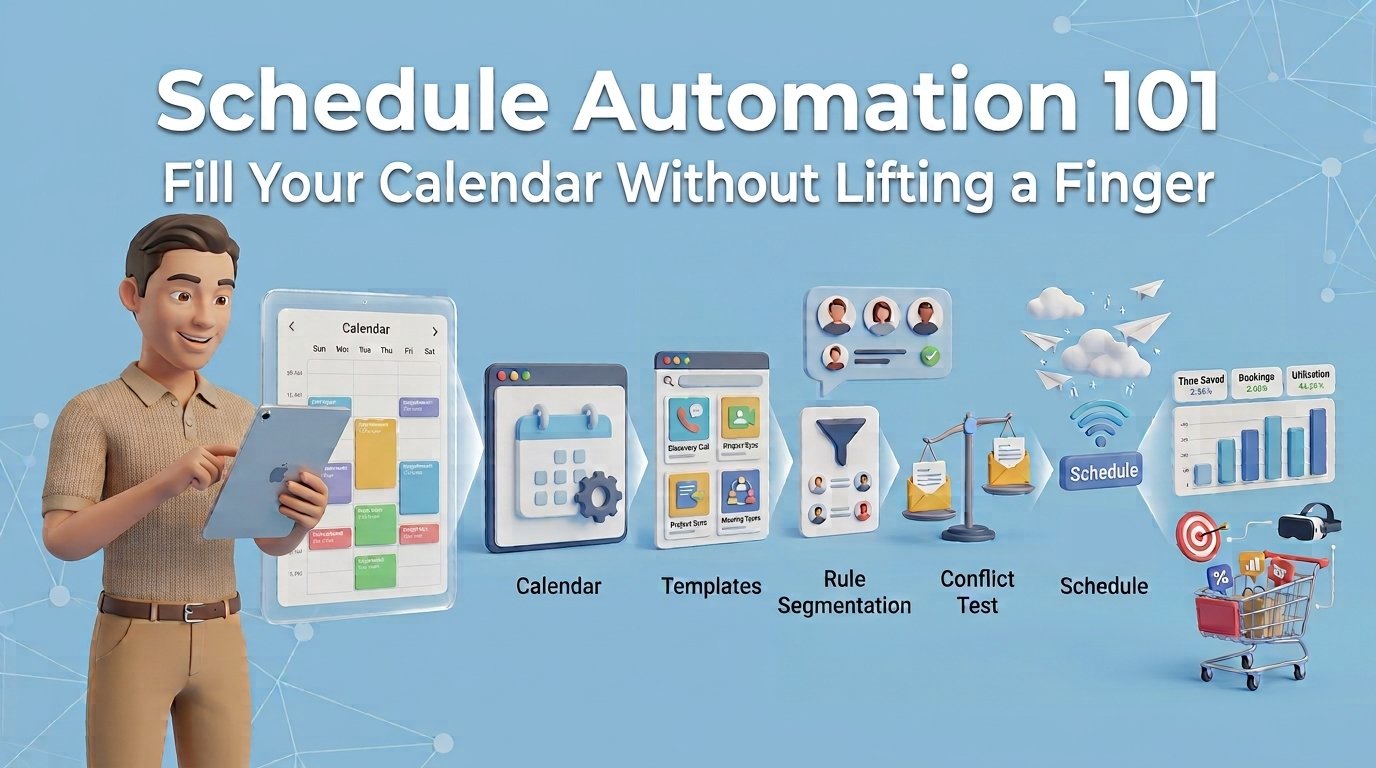
This is where automation becomes a revenue tool rather than an administrative convenience. When a cancellation creates an immediate opening, you can send a message to waitlisted clients, recent leads, or customers who asked for earlier availability. A saved appointment is useful. A refilled appointment is even better. Reminders are one piece of schedule automation; discover how to fill your calendar without lifting a finger.
Automate the Follow-Up for No-Shows
No-shows should not disappear into a spreadsheet. A customer who missed an appointment may have forgotten, had an emergency, or simply needed a better time. Treat the follow-up as a chance to recover revenue, not as a punishment.
Send a polite message shortly after the missed appointment: “We missed you today. If you would still like to book, choose a new time that works for you.” Keep the tone helpful and avoid making assumptions.
For a sales consultation, add a second follow-up one or two days later. The message can restate the value of the conversation and invite the prospect to book again. This is especially useful for agencies, consultants, coaches, and real estate professionals, where one recovered conversation can turn into significant revenue.
If someone repeatedly fails to attend, adjust the workflow. You may require a confirmation before the next appointment or ask them to book closer to the desired time. The right policy depends on your service, capacity, and the value of each time slot.
Connect Reminders to Your CRM and Booking Calendar
Automation breaks down when customer data lives in separate systems. If your booking calendar, CRM, email tool, and text messaging platform do not communicate, staff end up updating records by hand. That creates missed messages, duplicate contacts, and confusion about who is responsible for following up.
A connected system should automatically capture the booking, create or update the contact record, send the reminder sequence, record confirmations, and flag cancellations or no-shows. It should also show the appointment history inside the customer record, so anyone on your team can see what happened without searching through multiple apps.
For small businesses, this is often where software costs start to climb. One tool handles booking, another sends texts, a third sends emails, and a fourth tracks leads. TwiLead brings these functions into one platform, helping businesses automate booking and follow-up without paying for a pile of disconnected subscriptions.
The point is not to buy more technology. It is to remove the manual handoffs that cost time and let good leads slip away.
Write Reminder Messages That People Actually Read
Clear messages outperform clever ones. Customers should immediately know who the message is from, when the appointment is, and what action they can take. Use plain language and avoid stuffing reminders with promotions.
Your message should include the business name, appointment date and time, relevant location or meeting information, and a direct confirmation or rescheduling action. If there is something customers need to prepare, mention it once and link it to the appointment outcome. For example, “Please bring your vehicle registration so we can complete your estimate during the visit.”
Personalization helps, but keep it useful. Using a first name, service type, and assigned professional can make a reminder feel relevant. Sending a generic message with the wrong details does the opposite, so review your booking fields before automating at scale.
Test, Measure, and Improve the Workflow
Set up the first version quickly, then refine it based on actual results. Test whether a 48-hour reminder performs better than a 24-hour reminder. Compare SMS-only reminders with email plus SMS. Watch whether customers confirm more often when the message offers a rescheduling option.
Do not judge success by open rates alone. The business result is what matters: fewer empty slots, more completed appointments, faster rebooking, and less staff time spent sending manual messages.
Appointment reminders are a small workflow with a large effect. When customers receive clear, timely communication and an easy way to act, your calendar becomes more dependable, your team gets time back, and more of the leads you generate turn into real conversations and revenue.