Key Takeaways
- Leads go cold within hours, so the fastest businesses make sure every inquiry has an owner and a clear next action.
- Set a response-time standard your team can keep, and route each lead to the right next step as soon as it arrives.
- Automate the first minute of the relationship, not the whole relationship, and use AI only for simple questions and intake.
- A pipeline that shows the next action, one connected system and a short weekly review keep follow-up from slipping.
Introduction
A lead who fills out your form at 10:15 a.m. and hears back tomorrow is not a warm lead anymore. They have searched for other options, called a competitor, or simply moved on. If you want to know how to manage leads faster, start by treating speed as part of your sales process, not an administrative task you get to when the day slows down.
For a small business, lead management is often spread across inboxes, text messages, spreadsheets, calendars, and sticky notes. That creates delays at every handoff. The answer is not hiring a bigger team or adding another subscription. It is building a simple system that tells you who the lead is, what they need, and what happens next.
Fast Lead Management Starts With Fewer Handoffs
Most leads are not lost because a business lacks interest. They are lost because nobody owns the next action.
A prospect submits a website form. The notification goes to a shared inbox. Someone sees it between appointments, forwards it to a salesperson, and assumes the salesperson will follow up. Meanwhile, the prospect receives no confirmation and starts looking elsewhere. Each extra step creates another opportunity for delay.
Your goal is to shorten the path from inquiry to conversation. That means every new lead should enter one central place, be assigned an owner, receive an immediate response, and move to a defined next step. For a contractor, that next step may be a quote request. For a coach, it may be a discovery call. For a real estate professional, it may be a property consultation.
Speed matters, but relevance matters too. A fast generic reply can feel automated in the worst way. The strongest process combines instant acknowledgment with a prompt, personal follow-up from the right person.
How to Manage Leads Faster With a Clear Intake Process
Start by mapping every way a lead can contact your business. This usually includes website forms, phone calls, social messages, online booking, referrals, paid ads, and walk-ins. If leads arrive through five channels but are tracked in five different places, you do not have a lead management process. You have five separate chances to lose revenue.
Bring those inquiries into one shared pipeline. Every new record should capture the basics: name, contact details, source, service interest, location if relevant, and the best next action. Do not overload your form with ten questions just because you can. Long forms can reduce submissions, especially on mobile devices.
Ask only what your team needs to respond intelligently. A local roofer might ask for ZIP code, property type, and repair or replacement. A marketing consultant might ask about business type, current goal, and approximate monthly budget. The details can come later, after the conversation begins.
Set a response-time standard your team can keep
Decide what “fast” means for your business. For high-intent leads, such as a call request or an online booking inquiry, aim to respond within minutes during business hours. For less urgent inquiries, a same-day response may be realistic.
The key is consistency. If one lead gets a reply in five minutes and another waits two days, your conversion rate becomes dependent on luck and workload. Set a clear standard, then make it visible. A lead should never sit in a “new” stage without an owner and a due follow-up task.
If you are a solo operator, your standard may need to account for time spent serving customers. That is fine. Use an automatic acknowledgment to set expectations, then schedule blocks during the day to return calls and messages. A reliable process beats an unrealistic promise.
Route each lead to the right next step
Not every inquiry needs the same response. A first-time prospect asking for pricing needs different treatment than a past customer requesting another service. A lead outside your service area may need a polite decline rather than a sales sequence.
Use simple routing rules based on the information you collect. New inquiries can go to the sales pipeline. Existing customers can go to a retention or support pipeline. High-value requests can trigger an immediate notification to the owner. Booking requests can receive a calendar link or available appointment options.
This is where many businesses waste time. They manually read every message, decide where it belongs, and then remember to follow up. Rules handle the repeatable decisions so people can focus on conversations that move deals forward.
Want to know how you could improve your business?
Our team is available for a free consultation.
Automate the First Minute, Not the Entire Relationship
Automation is most valuable when it removes waiting. Send an immediate confirmation after a form submission, missed call, or online inquiry. Let the prospect know their request was received and tell them what happens next.
A useful message is brief and specific: “Thanks for reaching out about a kitchen remodel. We received your request and will contact you today to discuss your project and schedule an estimate.” That message reassures the prospect without pretending a human has already reviewed every detail.
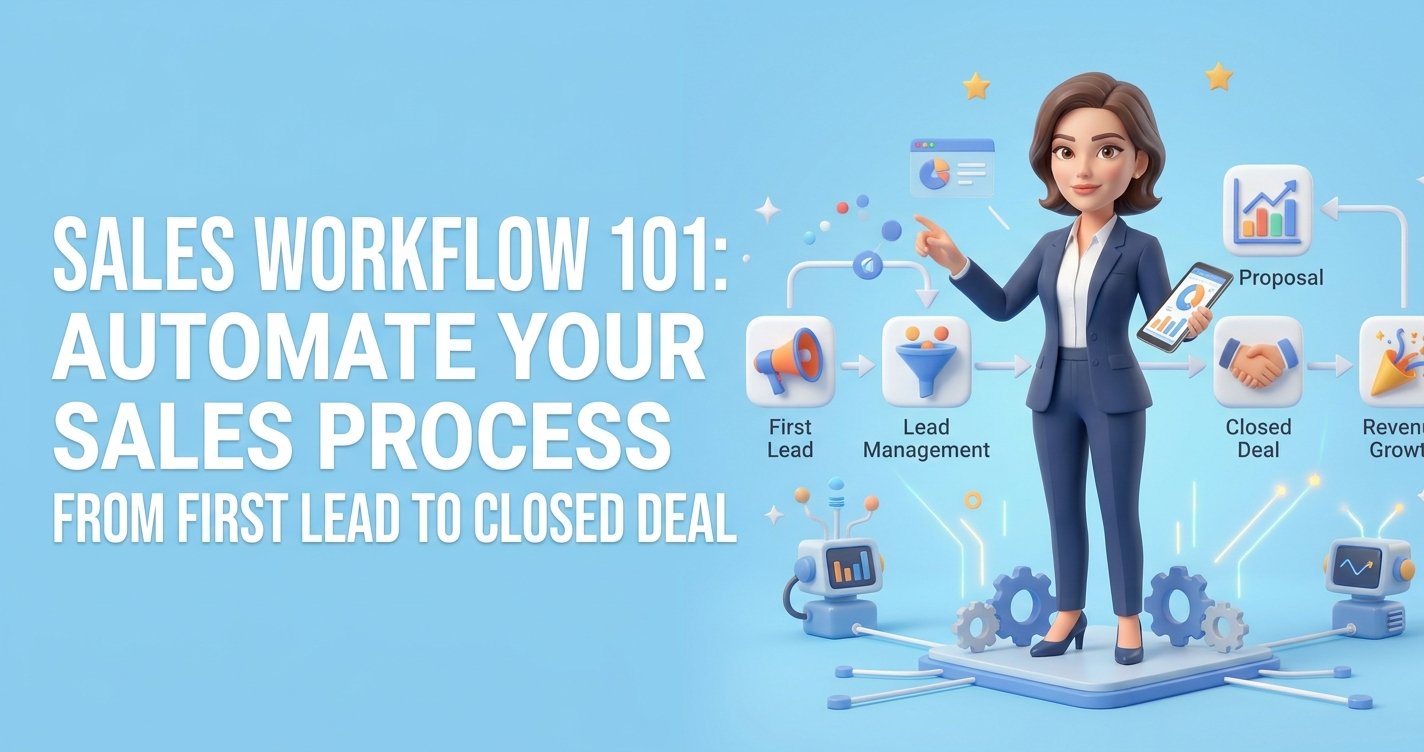
You can also automate reminders for appointments, follow-up tasks after estimates, and check-ins when a prospect has gone quiet. These messages protect opportunities that would otherwise disappear during a busy week. Faster lead handling is easiest when you automate your sales process from the first inquiry to the closed deal.
There is a trade-off. Too many automated messages can make your business feel pushy or impersonal. Keep the workflow focused on helpful moments: confirming an inquiry, preparing for an appointment, answering common questions, and prompting a real person to follow up. Automation should create faster service, not noise.
Use AI to answer simple questions and capture intent
Many website visitors leave because they cannot get a quick answer. They may want to know whether you serve their area, what services you offer, or how soon they can book. An AI website assistant can answer approved common questions at any hour, collect contact information, and pass a qualified inquiry to your team.
This does not replace a sales conversation. It prevents interested visitors from leaving before one can happen. The best use is practical: answer routine questions, identify what the visitor needs, and offer a clear next step.
For businesses that receive a high volume of similar questions, this can reduce response pressure without adding staff. For more complex services, make it easy for the visitor to request a call rather than forcing them through a long automated exchange.
Make Your Pipeline Show the Next Action
A pipeline should not be a digital filing cabinet full of names. It should tell you what needs attention today.
Use stages that match how customers actually buy from you. A service business might use New Lead, Contacted, Consultation Scheduled, Estimate Sent, Follow-Up, Won, and Lost. An agency might replace Estimate Sent with Proposal Sent. Keep the stages limited and meaningful. If your team cannot agree where a lead belongs, the pipeline is too complicated.
Every active lead needs three things: an owner, a next action, and a date for that action. Without those fields, leads sit in vague stages such as “contacted” for weeks. That makes your pipeline look active while your sales process stalls.
Review the pipeline daily for overdue tasks and leads with no next step. This takes far less time than rebuilding a lost opportunity later. It also gives you a clearer picture of where deals slow down. If many leads reach the estimate stage but few convert, your issue may be pricing, proposal clarity, or follow-up timing rather than lead volume.
Stop Letting Software Fragment Your Follow-Up
Small businesses often create slow lead management by adding tools one problem at a time. One platform handles forms, another sends email, another manages appointments, another stores contacts, and another creates reminders. The monthly bills add up, but the bigger cost is the time spent moving information between systems.
A connected platform reduces those gaps. When a form submission, text conversation, appointment, and sales record live together, your team spends less time updating software and more time responding to buyers. TwiLead is built around that outcome: helping small businesses manage leads, automate follow-up, and track sales activity without stitching together a stack of disconnected tools.
The right setup depends on your sales cycle. A business closing same-day jobs needs immediate call alerts and fast booking. A consultant with a longer sales cycle may need thoughtful email follow-up and proposal reminders. In both cases, the principle is the same: the customer should never have to repeat themselves because your tools do not communicate.
Review Lost Speed Every Week
Once a week, look at the leads that did not move forward. Do not focus only on closed sales. Look for the delays.
How long did it take to make first contact? How many leads received no reply? Which sources produced the fastest appointments? Where did prospects stop responding? These questions turn lead management from a vague feeling of being busy into a process you can improve.
You do not need a complicated report. Even a short weekly review can reveal patterns, such as missed calls after 4 p.m., quote follow-ups that happen too late, or website inquiries that never reach the right person. Fix one bottleneck at a time, then measure the impact.
The fastest businesses are not the ones that rush every conversation. They are the ones that make it easy for a ready buyer to get an answer, book a next step, and feel confident they chose a business that pays attention. Build that experience into your process, and faster lead management becomes a reliable source of more sales.