A new lead is most valuable in the minutes after they raise their hand. Yet many small businesses still let website inquiries sit in an inbox, rely on memory for follow-up, or manually copy contact details between tools. Marketing automation software fixes that gap. It gives every lead a faster, more consistent next step without requiring you to spend all day chasing messages.
For a local service business, consultant, real estate professional, or growing agency, that can mean more booked appointments, fewer missed opportunities, and a sales process that keeps moving when you are busy serving customers.
What marketing automation software should do for a small business
Marketing automation is not about sending more emails just because you can. It is about building practical systems that move prospects from interest to action, then help customers stay engaged after the sale.
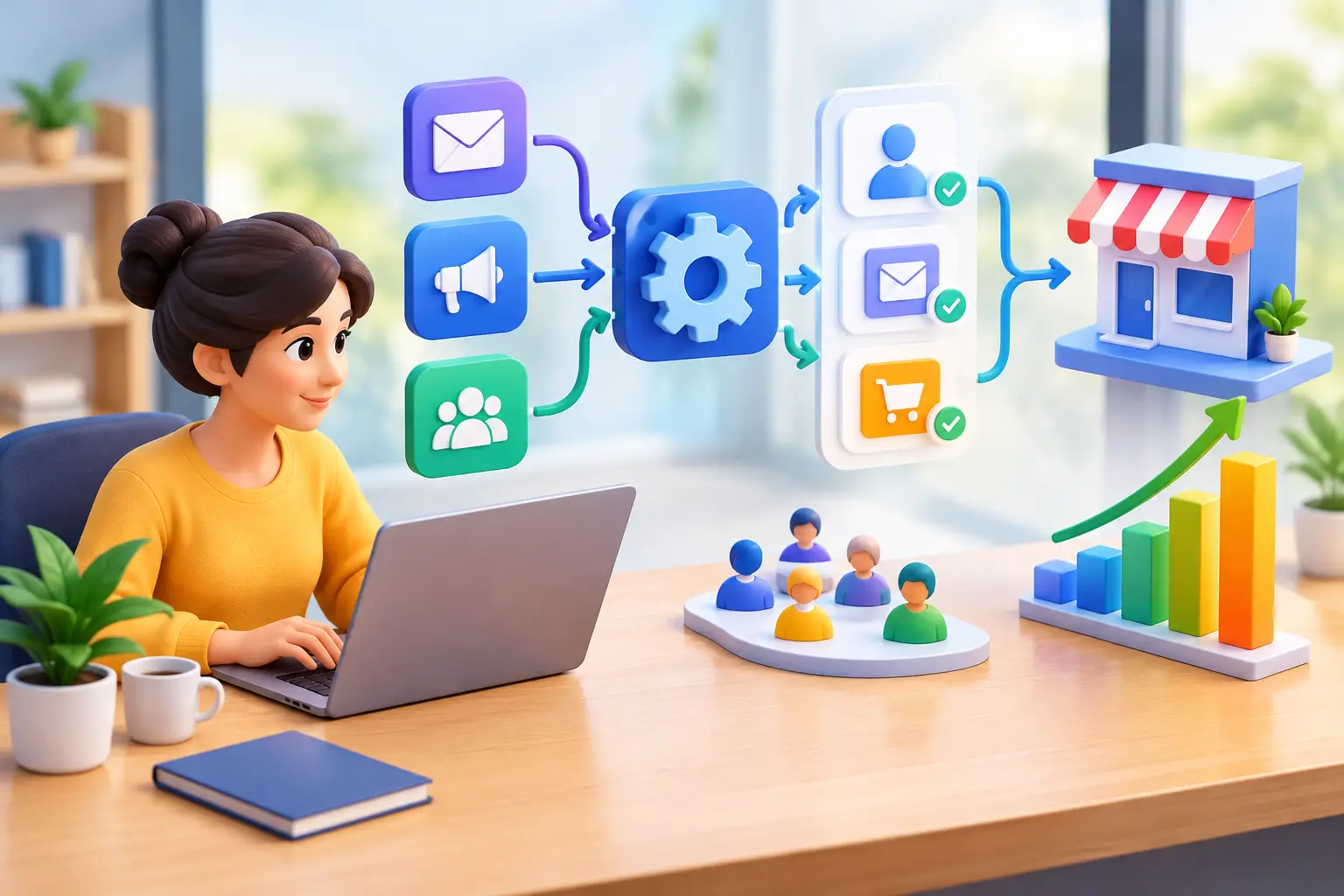
The right system should capture a lead, respond quickly, track the conversation, prompt the next sales action, and keep the customer informed. When those steps are connected, your business stops depending on spreadsheets, sticky notes, and whoever happens to check the inbox first.
Consider a homeowner who requests a quote from a landscaping company at 8:30 p.m. An effective automated process can send a quick confirmation, answer common questions, offer a booking link, and notify the owner to follow up the next morning. The lead gets a timely response. The business looks organized. No one needs to manually run that sequence after hours.
That is the real value: better customer experience and better sales discipline at the same time.
The revenue problems automation can solve
Small business owners rarely need more technology for its own sake. They need fewer leaks in the path from lead to revenue. Marketing automation software is most useful when it solves a specific leak.
Slow lead response
Speed matters because prospects often contact several businesses before choosing one. A prompt text or email does not replace a real conversation, but it reassures the prospect that their request was received and tells them what happens next.
For high-intent leads, use automation to acknowledge the inquiry immediately, collect any missing details, and create a clear follow-up task. The goal is not to sound robotic. The goal is to make sure no interested buyer hears silence.
Inconsistent follow-up
Most lost deals are not dramatic failures. They are ordinary conversations that went cold because no one followed up a second or third time. A simple sequence can send a helpful reminder, share a relevant answer, or invite the prospect to schedule a call.
The sequence should stop as soon as someone replies, books, or becomes a customer. Automation should support personal selling, not trap people in irrelevant messages.
No-show appointments
Appointment reminders are one of the clearest wins for service businesses, coaches, and consultants. Confirmation messages, calendar reminders, and easy rescheduling options reduce friction for customers and protect time on your calendar.
A good workflow can also send a short pre-appointment message explaining what to prepare. That improves the quality of the meeting, not just attendance.
Customers who disappear after the first purchase
Retention deserves as much attention as lead generation. A customer who had a positive experience is more likely to buy again, leave a review, or refer someone if you stay in touch at the right moments.
Automated post-purchase check-ins, service reminders, review requests, and reactivation messages can create that consistency. Timing depends on the business. A cleaning company may follow up after each visit, while a real estate professional may use a longer-term relationship plan.
Start with the customer journey, not the software
The most common automation mistake is buying a platform first and trying to invent a use for it later. Start with the actions a prospect or customer takes before, during, and after doing business with you.
Map one important journey on a single page. For example: a visitor fills out a form, receives an immediate response, books a consultation, gets reminders, receives a proposal, and gets a follow-up if they do not decide. Once they become a customer, they receive onboarding information and a request for feedback at the appropriate time.
Then ask where the process slows down, relies on manual work, or regularly breaks. Those are your first automation opportunities.
Do not try to automate every scenario at once. Begin with one journey that has a direct revenue impact, such as new lead follow-up or appointment reminders. Once it works reliably, add the next one.
A practical setup plan for marketing automation software
A useful setup does not need to be complicated. Focus on the few building blocks that help your team respond faster and see what is happening.
First, make sure every lead enters one central contact record. Whether the lead comes from a website form, phone call, social message, ad, or referral, the contact details and conversation history should live in the same place. If information is scattered across email, a scheduling app, and a separate CRM, follow-up will eventually slip.
Second, define the stages in your sales process. Keep them simple and meaningful: new lead, contacted, appointment booked, proposal sent, won, or lost. These stages tell you which message or task should happen next and show where deals are stalling.
Third, create immediate-response workflows for your highest-value lead sources. A website inquiry might receive a text confirmation and an email with booking options. A missed call might trigger a text asking how the business can help. A downloaded guide might begin a short educational sequence. Each workflow needs one clear purpose.
Fourth, add human checkpoints. Automation can send reminders and organize details, but an owner or sales rep should know when a personal call is needed. Use tasks and notifications for leads that meet your definition of qualified, such as a homeowner requesting an estimate or a prospect who has visited a pricing page more than once.
Finally, measure business outcomes. Track response time, booked appointments, show rates, proposal acceptance, repeat purchases, and revenue by lead source. Open rates can be useful, but they do not pay the bills. A workflow is working when it produces more conversations, sales, or retained customers.
Avoid the expensive stack problem
Many businesses build their marketing process one subscription at a time. They add an email tool, then a CRM, then a booking app, then a website platform, then an automation connector to make those systems communicate. Each tool may be good on its own. Together, they often create duplicate data, extra admin work, and a monthly bill that keeps growing.
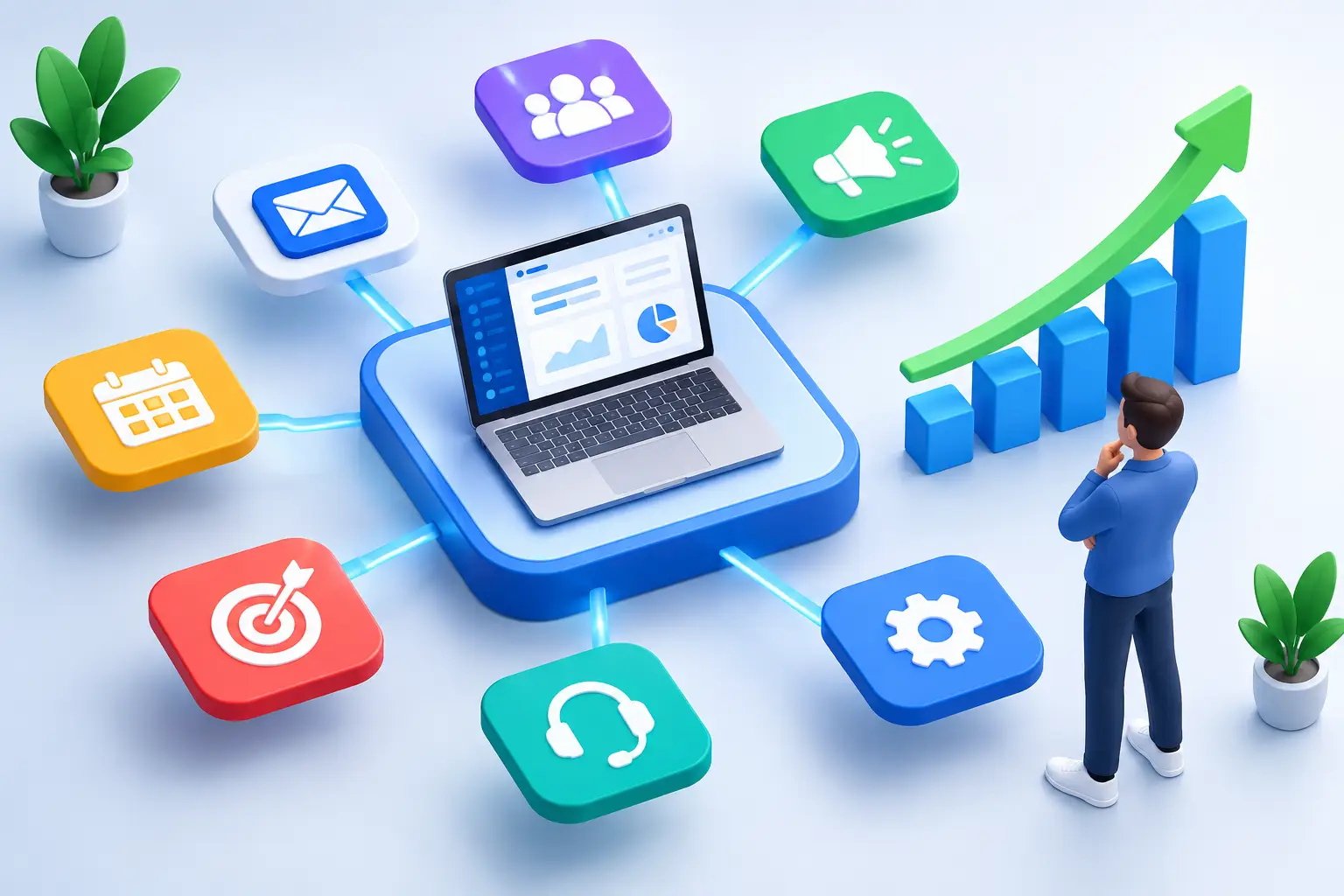
This is where simplicity becomes a competitive advantage. An all-in-one platform can connect lead capture, customer communication, scheduling, pipeline management, payments, and workflow automation in one place. That means fewer handoffs, fewer logins, and a clearer view of every opportunity.
There is a trade-off. A highly specialized tool may offer a niche feature that an all-in-one platform does not. If that feature directly drives meaningful revenue for your business, keeping it may be justified. But do not pay for complexity by default. For most small businesses, consistent execution across one connected system beats a pile of advanced tools that nobody has time to manage.
TwiLead is built around that practical approach: one platform for lead generation, sales follow-up, customer communication, and automation, with predictable pricing rather than a growing list of upgrades.
Keep automated messages useful and human
Customers can tell when a message was written for everyone and no one. The answer is not to avoid automation. It is to make each message relevant, short, and tied to a real next step.
Use the customer’s name, reference the action they took, and explain what happens next. Instead of sending a generic “just checking in” email, send a useful message: “You requested an estimate for weekly lawn care. Would you like to choose a time for a 15-minute call?” That gives the recipient context and an easy decision.
Also set sensible limits. Do not send three reminders in one day. Do not continue promotional messages after a customer has already booked. Review your workflows regularly for outdated offers, broken links, or messages that no longer match how your business operates.
The best automation feels less like a machine and more like a business that is attentive, organized, and easy to work with. Start by protecting the leads you already earn. Once every inquiry gets a timely response and every opportunity has a next step, growth becomes far more manageable.